This tag collects step-by-step guides for dealing with a phone or wearable that has become unresponsive, frozen, or stuck on a black screen. It is written for everyday users who need a quick, reliable way to force their device to restart when the normal power-off method isn’t working. Whether you’re dealing with a completely black iPhone or an Android device that won’t respond to touch, these articles focus on getting your hardware back to a working state.
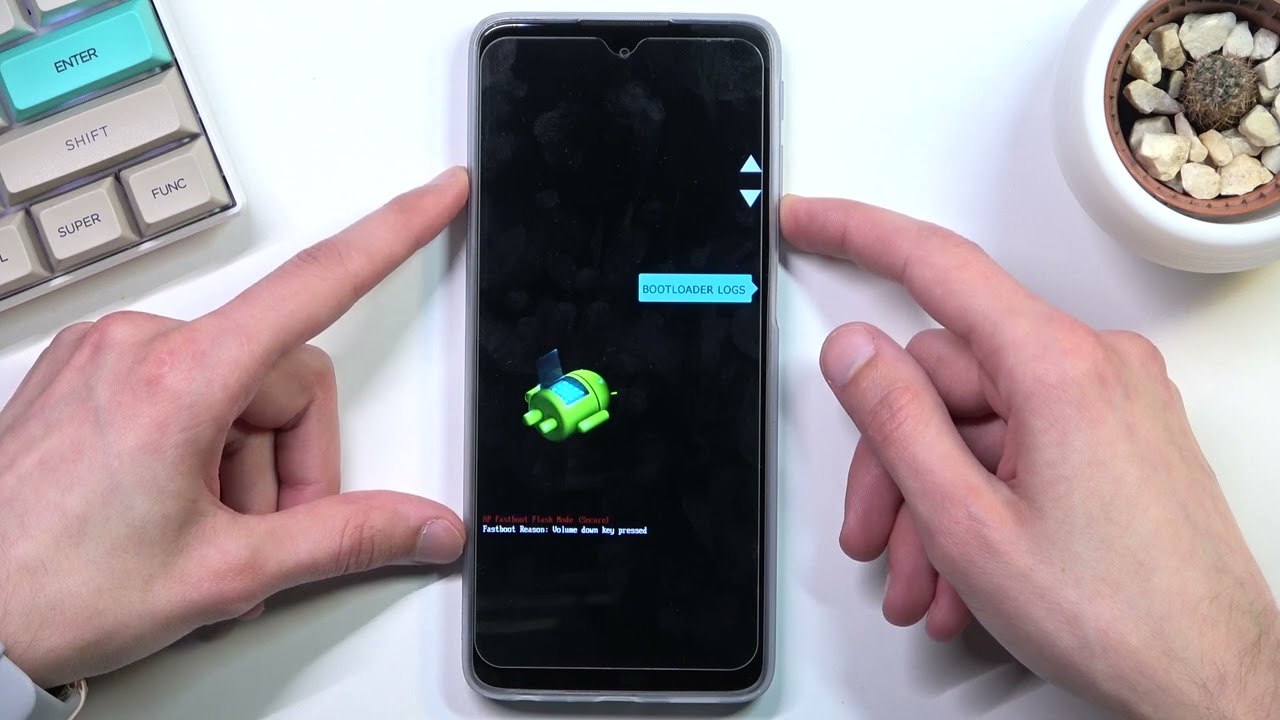
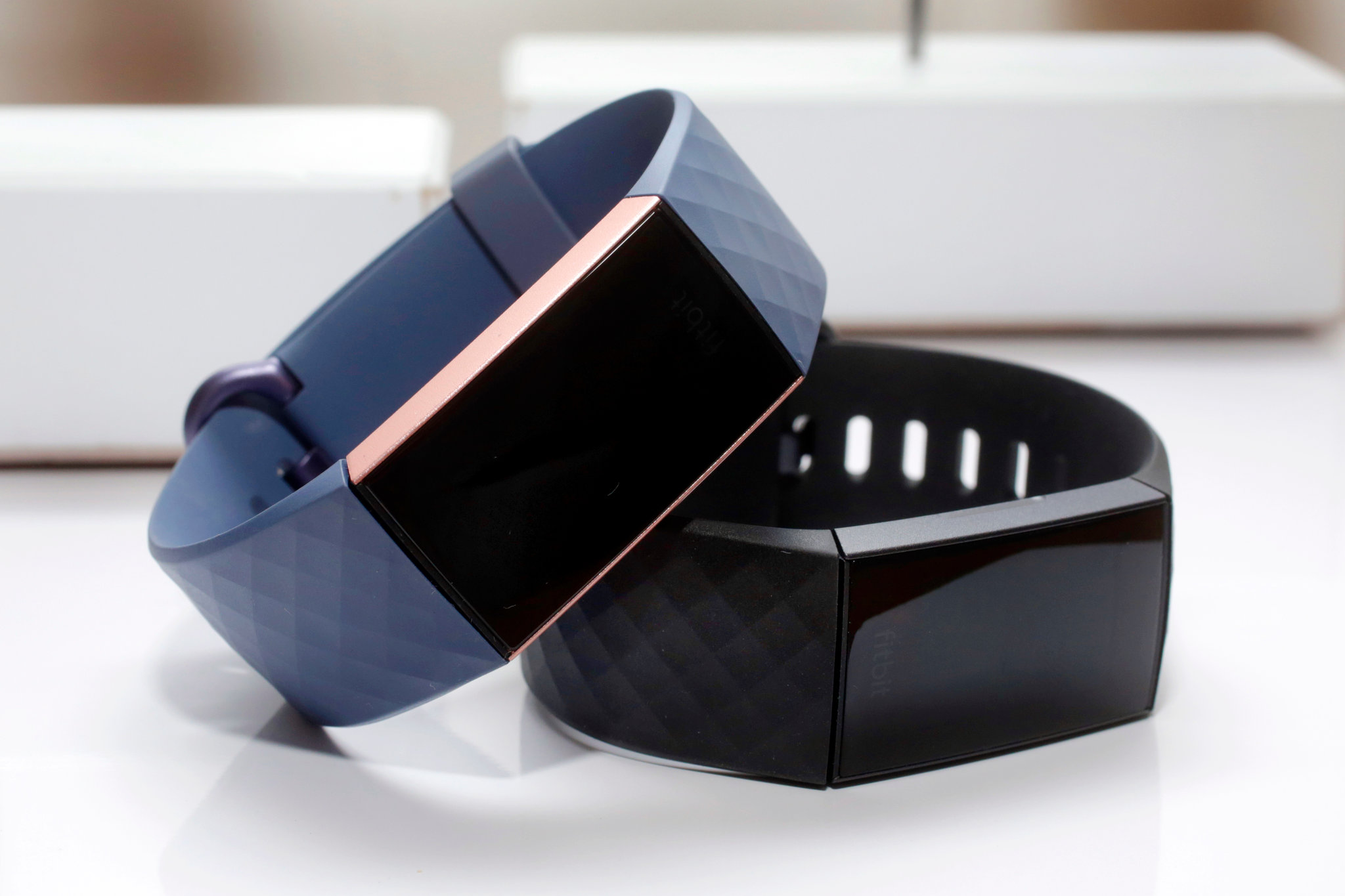
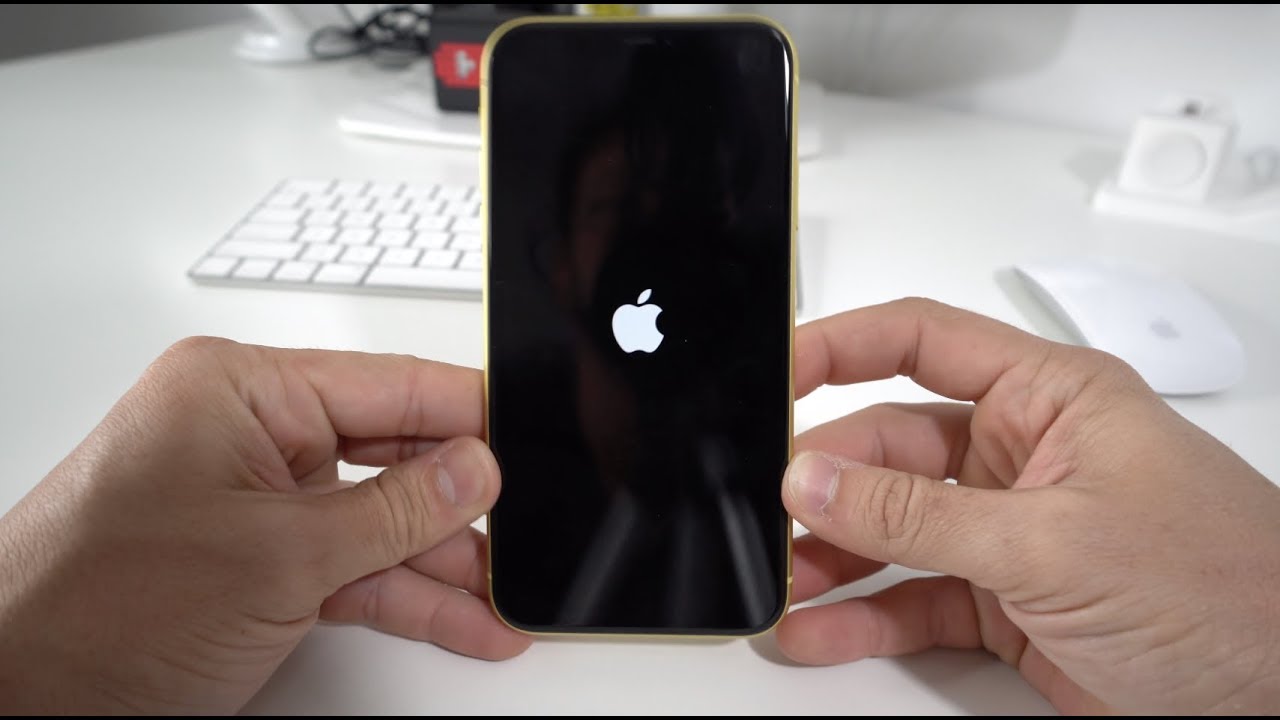
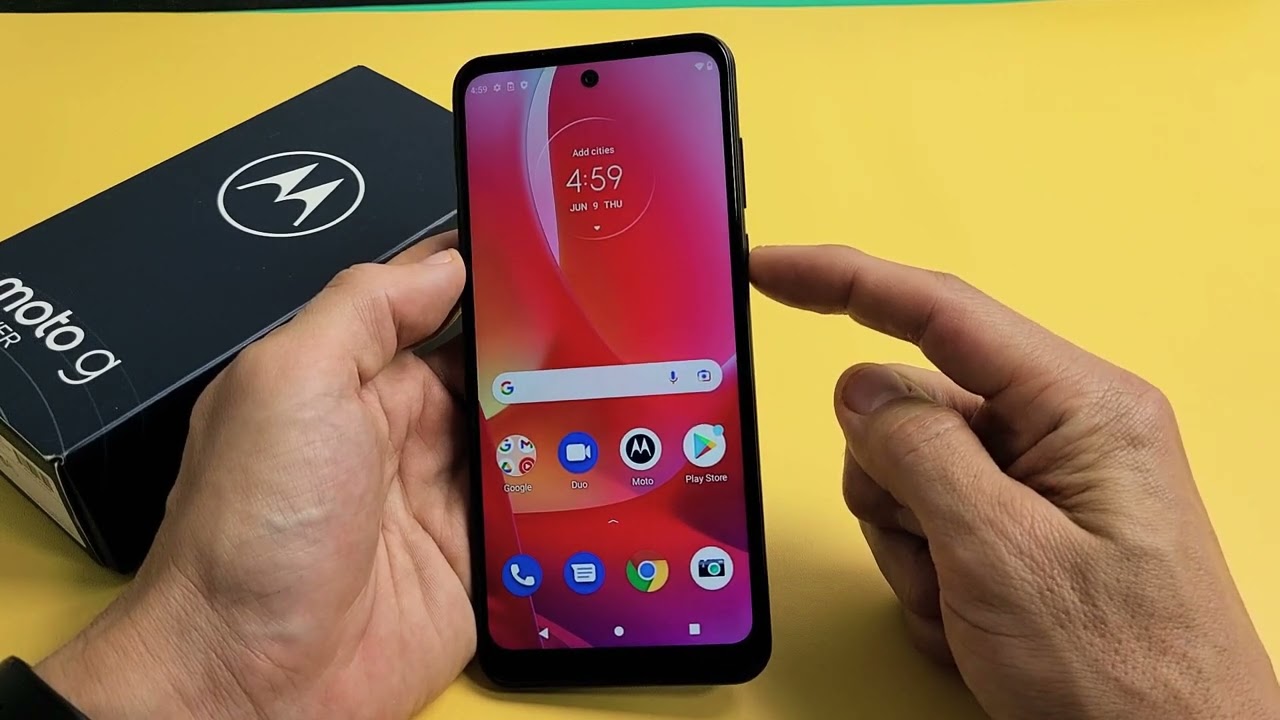
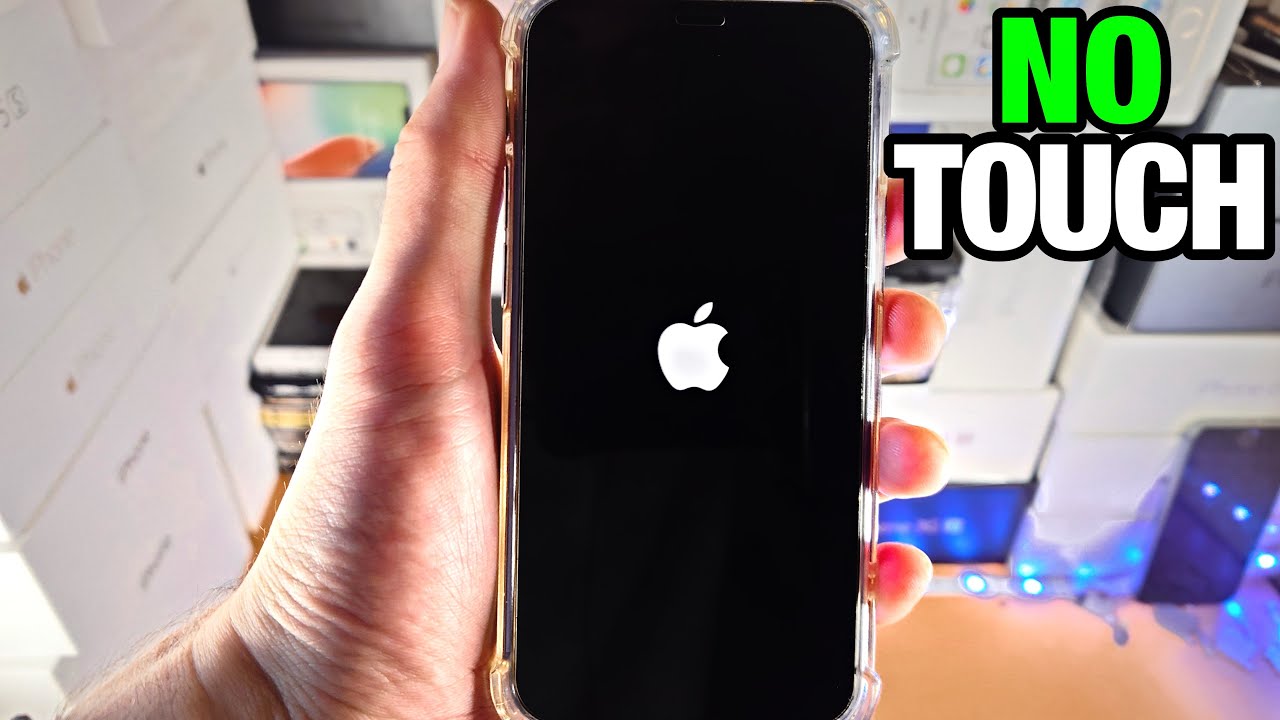
The articles address two main themes. The first is handling a completely frozen or black screen, where you cannot see anything or interact with the display. For example, guides like “How To Restart iPhone Without Touchscreen” and “How To Reset Fitbit Charge 3 When Screen Is Black” walk you through specific button combinations to force a reboot when the screen is dead. The second theme is unfreezing a device that is still on but not responding to taps, such as in “How To Unfreeze Phone Screen” and “How To Unfreeze An Android Phone.” Several articles also focus on Motorola devices, including “How To Unfreeze A Motorola Phone,” “What To Do If Moto G Freezes,” and “How To Turn Off Motorola Moto G Pure,” providing model-specific solutions for stuck screens or unresponsive software.
These articles help you perform a physical button sequence to force a restart, bypass a frozen touch interface, or turn off a device that won’t shut down normally. They do not cover data recovery, factory resets, or troubleshooting beyond the immediate goal of getting the screen to respond and the device to reboot.