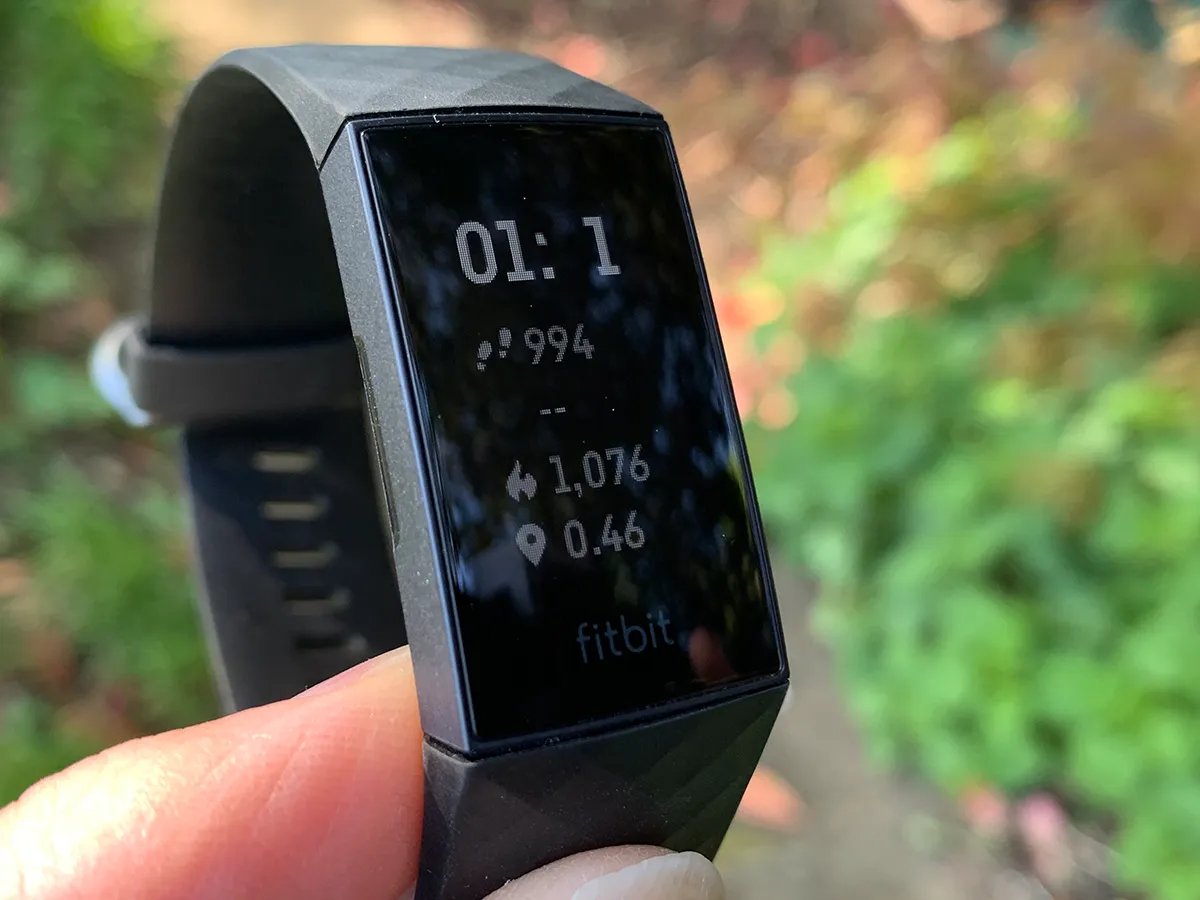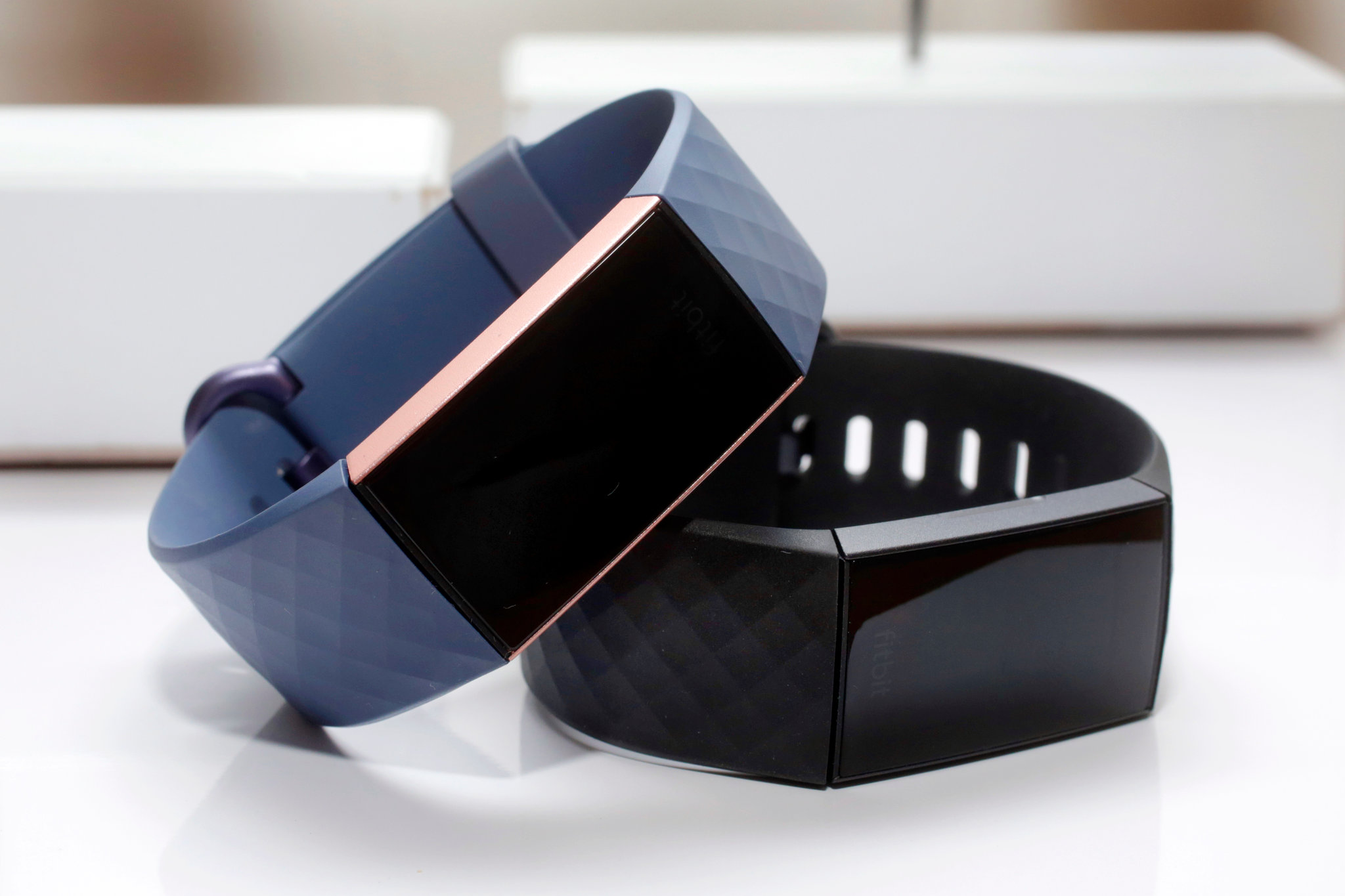
If your Fitbit Charge 3 screen is black and unresponsive, the fix is a force restart performed while the tracker is connected to its charging cable, not a factory reset. This reset Fitbit Charge 3 black screen procedure takes about eight seconds and will not delete any of your stored data.
How to reset your Fitbit Charge 3 when the screen is black
A black screen on the Charge 3 is usually a temporary freeze or software glitch, not a sign that your data is gone. Fitbit’s documented restart for this model reboots the device without wiping your stats, so you can try it safely before considering any other option. The Fitbit app is available from Apple App Store for iPhone and Google Play Store for Android phones.
Step 1: Connect your Charge 3 to the charging cable
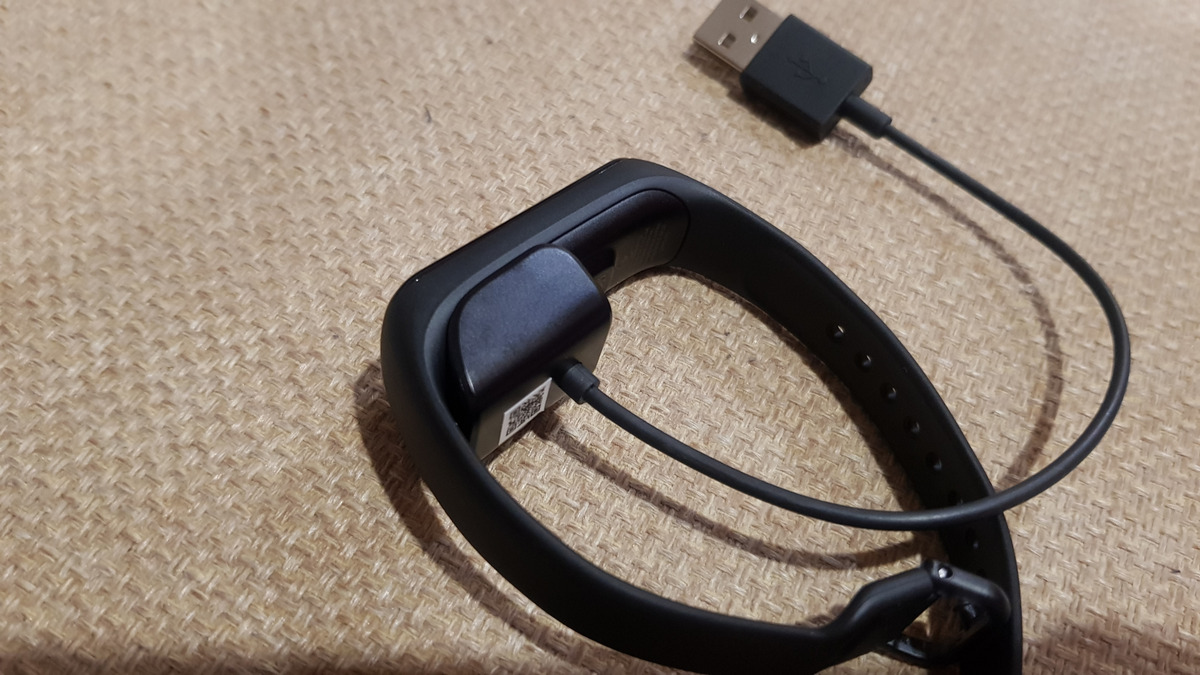
Fitbit’s restart procedure for the Charge 3 requires the tracker to be on its charger first. Attach the charging cable to the back of the device and plug it into a USB port, then confirm the connection is seated correctly. If the pins are not aligned, the restart will not work.
Step 2: Press and hold the button for 8 seconds
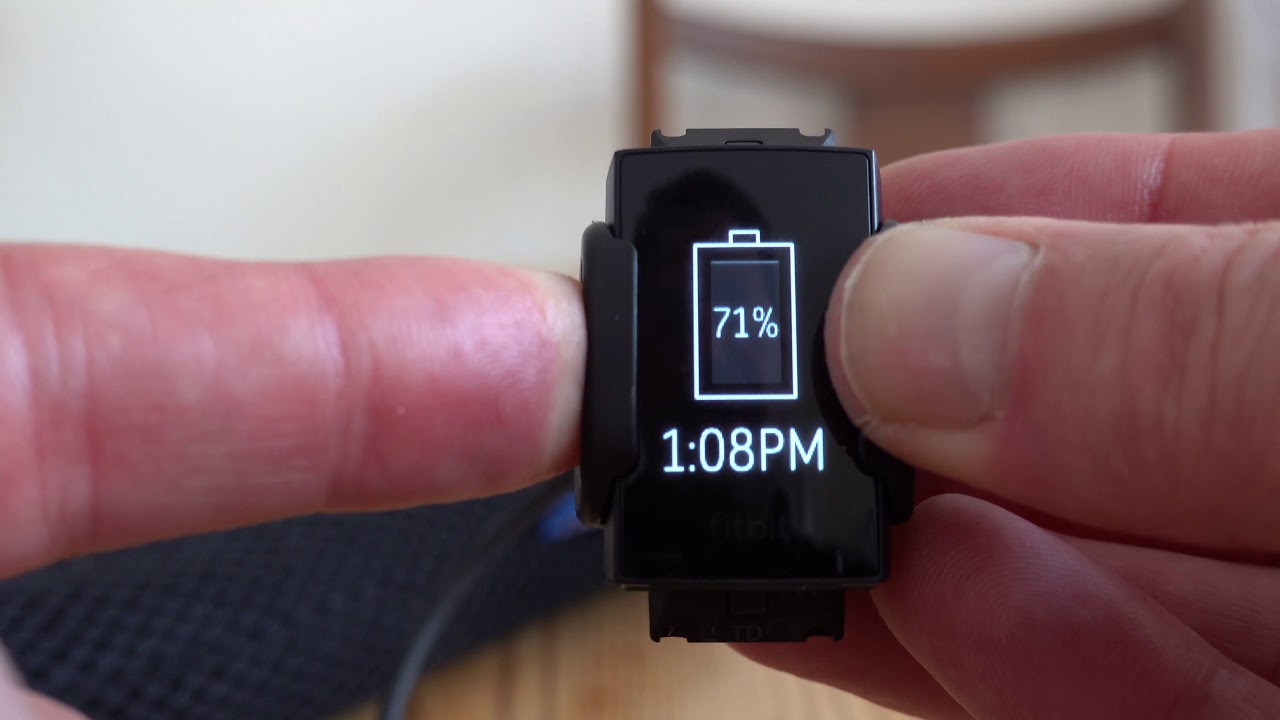
With the Charge 3 still connected to the charging cable, press and hold the button on the side of the tracker for 8 seconds. Release the button when you see a smiley face icon and the tracker vibrates. This indicates the restart has completed, and the screen should return to normal.
What to do if the screen stays black
If the display remains black after the first attempt, leave the device on the charger for a few minutes to ensure the battery has some charge, then repeat the charge-and-restart sequence. A factory reset path via device Settings > About > Factory Reset is sometimes mentioned as a last resort, though it contradicts verified facts that no such procedure is documented for Charge 3. If the tracker still will not respond after several attempts, Fitbit’s support pages direct you to contact Fitbit Support for further help.
Frequently Asked Questions
Why is my Fitbit Charge 3 screen black?
A black screen can be caused by a low battery, a software glitch, or a hardware issue.
Does the restart erase my data?
No. Fitbit states that restarting the Charge 3 reboots the device and does not delete any data, so your activity history and settings remain intact.
How long should I hold the button?
The documented restart time for the Charge 3 is 8 seconds. Hold the button for that full duration while the device is on the charger, then release when you see the smiley face and feel a vibration.
What if the screen stays black after the restart?
Charge the device again and repeat the restart process. If the screen remains unresponsive after multiple attempts, Fitbit’s support pages do not list a separate factory reset for the Charge 3, so contacting Fitbit Support is the next step.
Can I prevent the black screen issue on my Fitbit Charge 3?
Keep your firmware updated, avoid exposing the device to extreme temperatures or moisture, and keep it charged.
For the wider topic, see restart Fitbit.
Related reading: How Do I Reset My Fitbit Charge 4 and How Do You Charge Fitbit.