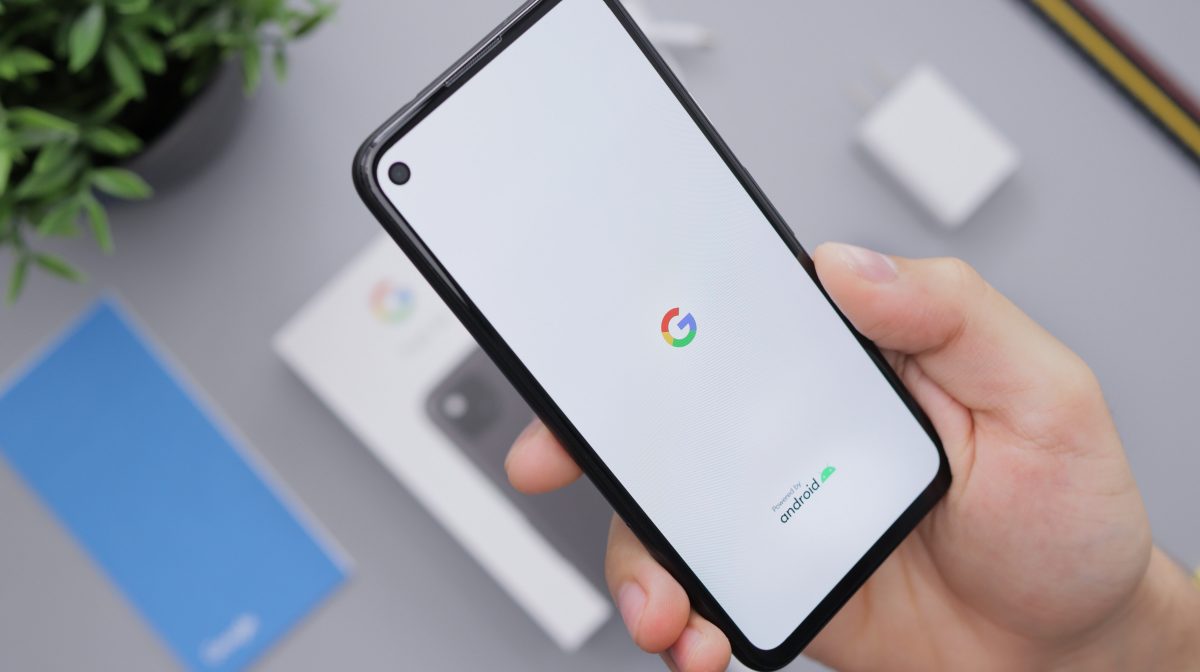
Practical guides focused on managing your Google identity and core Android device functions. This content is for anyone who owns a phone or tablet, whether you're setting up a new device, troubleshooting a lockout, or trying to sync your data across multiple gadgets. The articles here address real-world problems you encounter daily, from account recovery and sign-in issues to transferring files between phones.
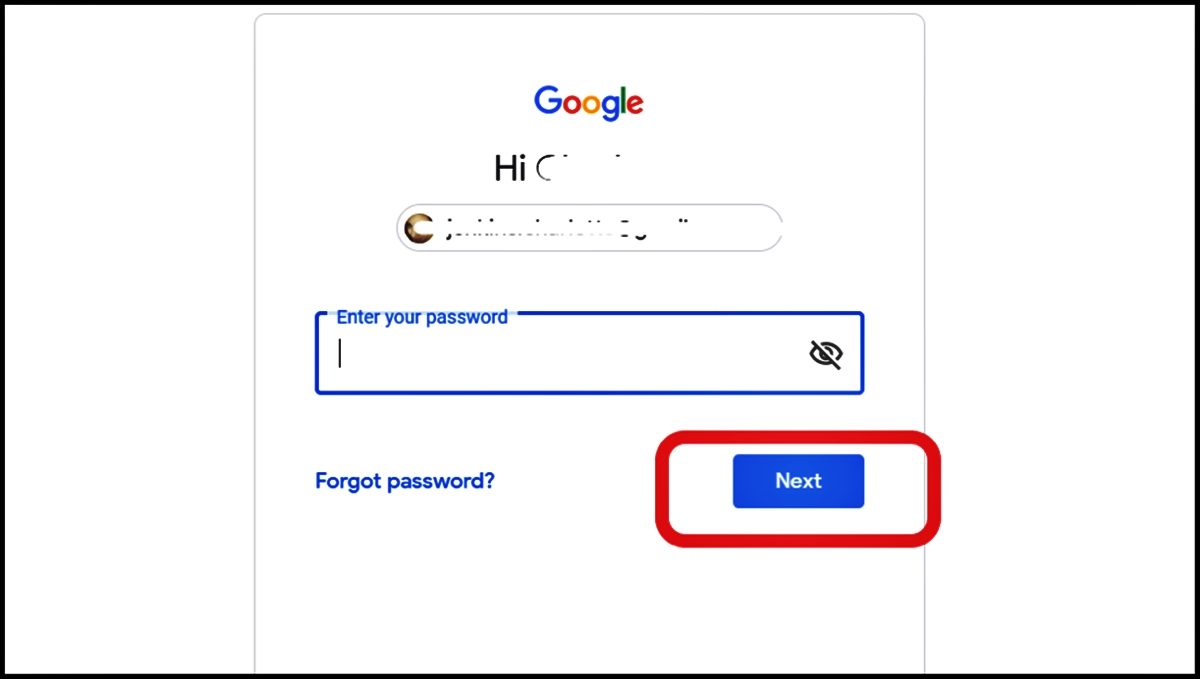
The guides fall into two main areas: account management and device access. For account management, you'll find help with tasks like changing your default Gmail account, removing a Google account from a Samsung phone, and recovering a Google account without a phone number or recovery email. There are also straightforward steps for signing out of your Google account on Android and deleting a YouTube account from your phone. On the device access side, the articles tackle common lockout scenarios, including how to unlock an Android phone when you forgot the password, how to bypass a phone lock code, and how to bypass FRP lock on a TCL phone.
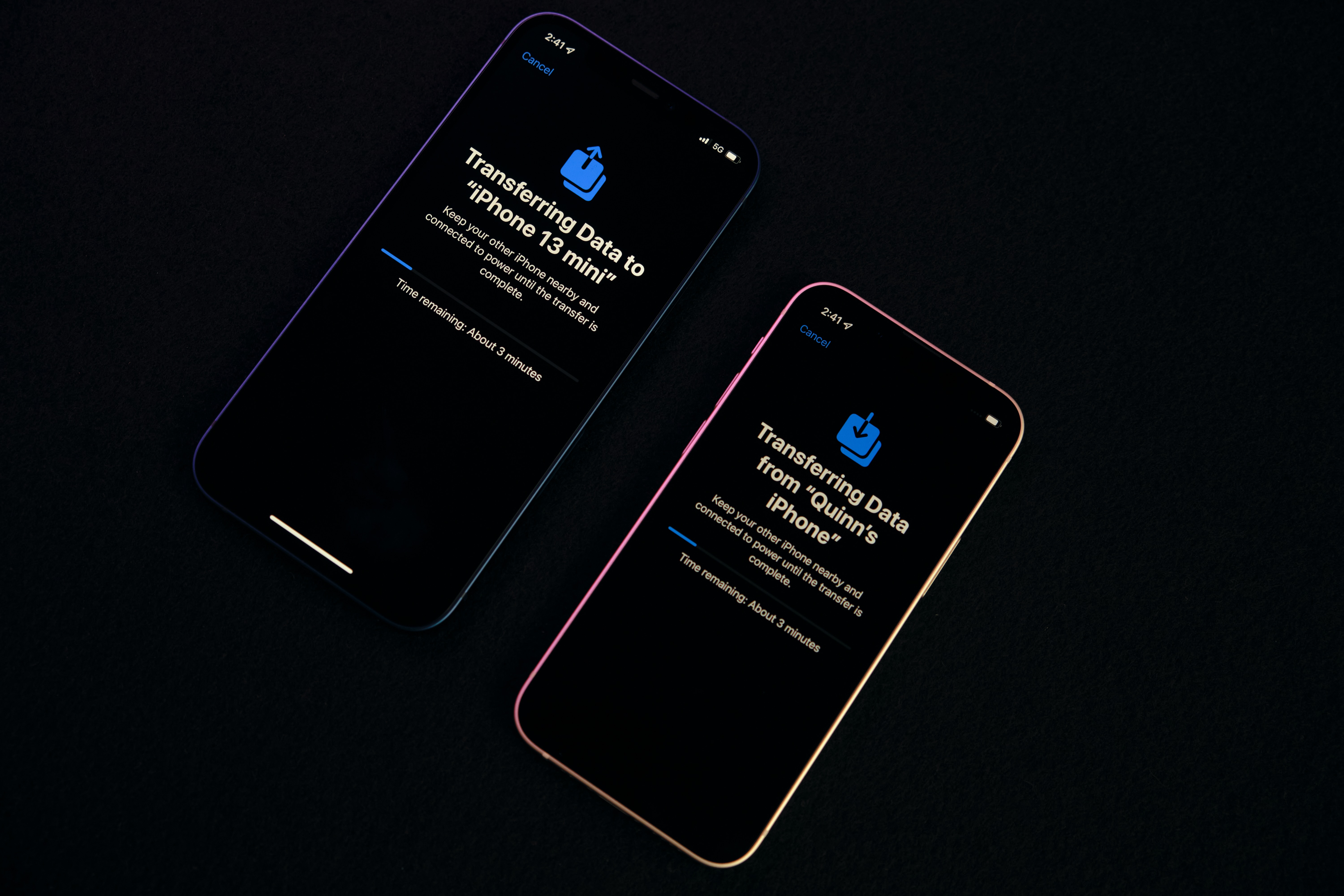
Several articles also cover data transfer and connectivity, such as how to transfer data from one Samsung phone to another, how to connect your phone to your Chromebook, and how to check if your phone is linked to another device. Whether you need to wipe your Android phone properly, track a ZTE phone, or understand why you didn't get your weekly Fitbit report, these guides provide clear, actionable steps for everyday phone management.