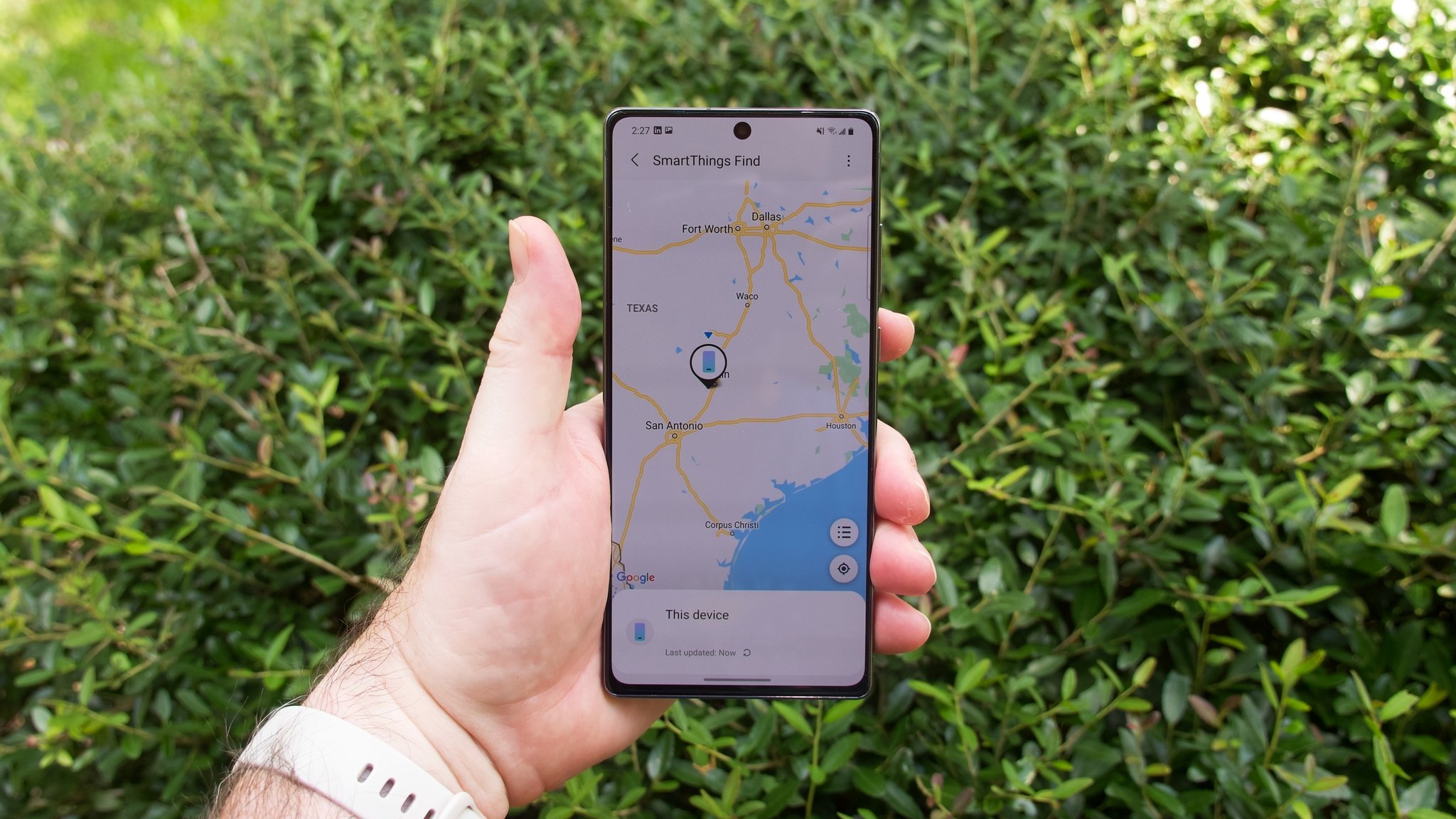
You can track a ZTE phone using Google's built-in Find My Device service, which is the official tracking solution for all ZTE Android devices. This service lets you locate your phone on a map, play a sound, lock it, or erase its data remotely, as long as the prerequisites are met.
How to track a ZTE phone with Find My Device
Google's Find My Device is the standard tracking tool pre-installed on every ZTE phone that runs Android. It is also known as Find Hub on some devices. This service can show your phone's location on a map, make it ring at full volume, lock the screen with a custom message, or permanently erase all data if recovery seems impossible.
Prerequisites for tracking your ZTE phone
Before you can track a ZTE phone, the following conditions must be met:
- A Google account must be logged in on the phone.
- The device must have power and be connected to mobile data or Wi-Fi.
- Location services must be turned on.
- The device must be visible on Google Play.
How to enable Find My Device on a ZTE phone
You must turn this feature on before the phone is lost. The path to enable Find My Device on a ZTE phone is Settings > Security > Find My Device (as stated by ZTE support). If you are using an older ZTE phone, the path may be Settings > Security & location > Find My Device.
How to locate your ZTE phone from a browser
- On any computer or tablet, open a web browser and go to android.com/find.
- Sign in with the same Google account that is linked to your ZTE phone.
- If you have multiple devices, select your ZTE phone from the list.
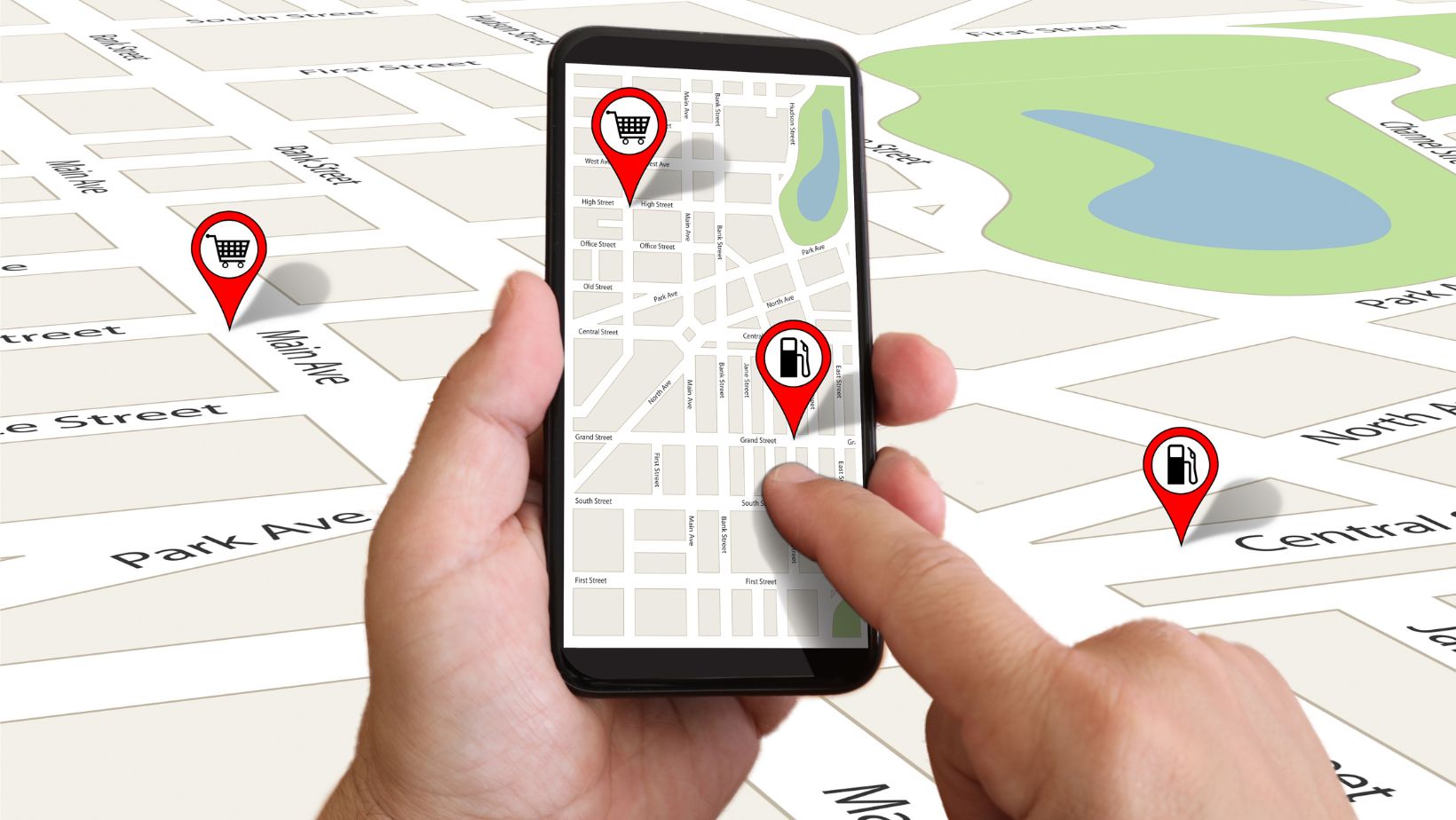
- The map will show the phone's estimated location. You can zoom in for a more detailed view.
How to locate your ZTE phone using the Find Hub app
If you do not have access to a computer, install the Find Hub app on another Android device. Open the app, sign in with the Google account linked to your lost ZTE phone, and you will see its location on the map. This method works exactly the same as the browser version.
Remote actions: ring, lock, and erase your ZTE phone
Once you have located your phone on the map, Find My Device offers three core actions:
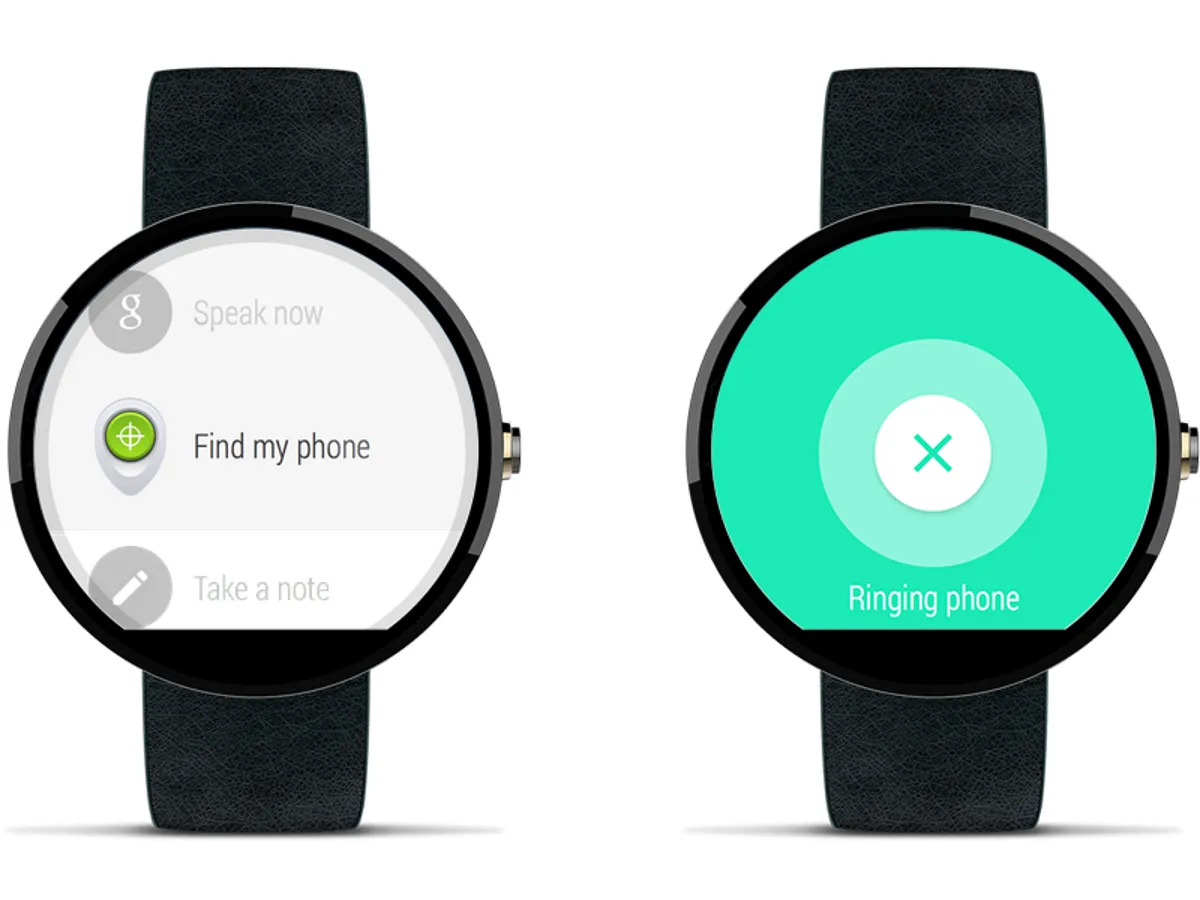
- Play sound: Makes the phone ring at maximum volume for five minutes, even if it is set to silent or vibrate.
- Secure device: Locks the phone with your Google account PIN or password and can display a message or phone number on the lock screen.
- Erase device: Permanently deletes all data on the phone. Use this only if you are certain you cannot recover the device.
What to do if your ZTE phone is off or the battery is dead
If the phone is turned off or has a dead battery, Find My Device can only show its last known location. ZTE phones store encrypted recent locations with Google and participate in the Find Hub network, a crowdsourced network of Android devices. This means other nearby Android devices can help report your phone's location even when it is offline, though the update is not guaranteed.
Understanding location accuracy on your ZTE phone
The accuracy of the location shown on the map is estimated from several sources. GPS provides the most precise fix when outdoors. Wi-Fi networks and mobile data triangulation help refine the location indoors or in dense urban areas. The map may show a circle rather than a pinpoint if the signal is weak.
Frequently Asked Questions
Do I need a PIN or a password to track a ZTE phone?
If your ZTE phone runs Android 9 or higher, you may need to provide the lock screen PIN of the device you want to locate. For Android 8 or lower, your Google account password may be prompted instead.
Is Find My Device compatible with all Android versions on ZTE phones?
The feature is built into the operating system, so no separate app download is required for most modern devices.
What should I do if tracking my ZTE phone fails?
If the phone does not appear on the map, confirm that it is powered on, connected to the internet, and has location services enabled. Check that the Google account used to sign in is the same one on the lost phone. If the device remains invisible, the last known location is the only information available.
Can I erase data from lost phone using IMEI?
No, Find My Device does not use the IMEI to erase data. The only way to remotely wipe a ZTE phone is through the Find My Device interface after signing in with the linked Google account. Contact your mobile carrier if you need to block the IMEI from network access.
How do I find an Android phone that is not my own?
Find My Device only works with the Google account that is signed into the target phone. You cannot track another person's ZTE phone without their account credentials or their explicit consent. For family tracking, consider using a dedicated family location-sharing app that each member agrees to use.
What is the difference between tracking a phone location with Find My Device and a third-party app?
Find My Device is free, requires no installation, and is built into every ZTE Android phone. Third-party apps may offer extra features like geofencing or call monitoring, but they require manual setup and often a subscription. The built-in solution is the most reliable for basic recovery needs.