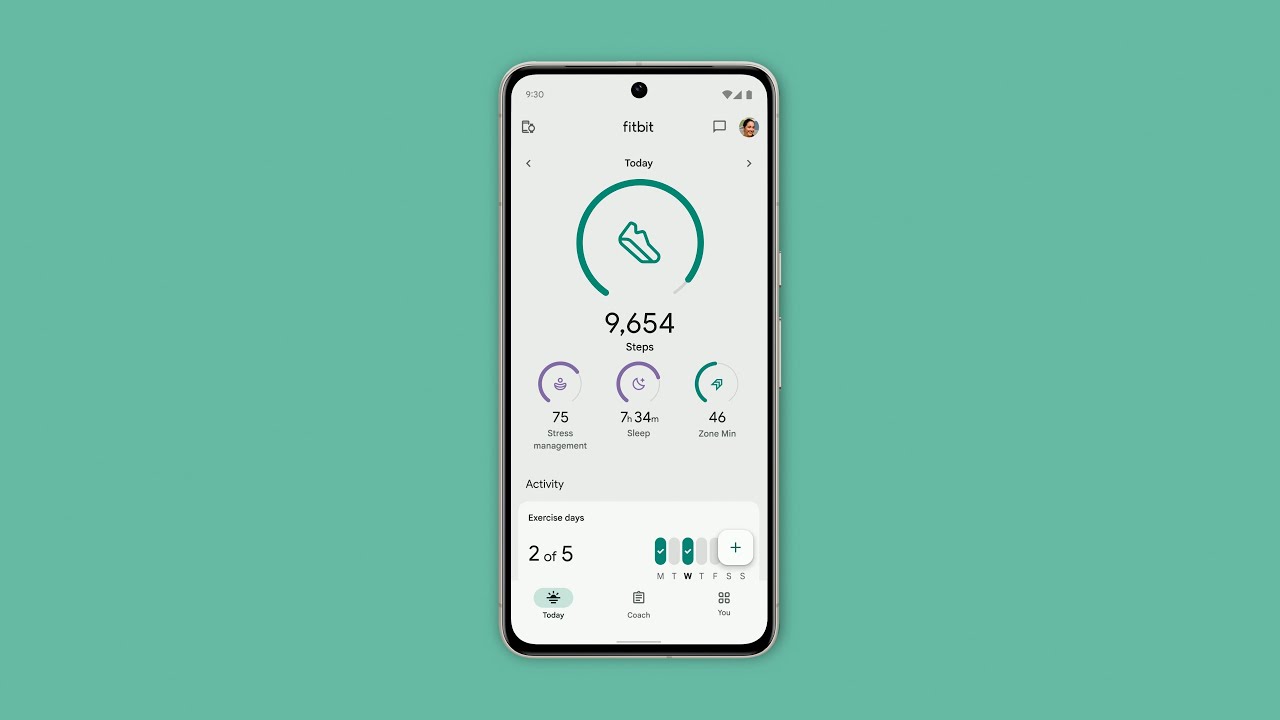
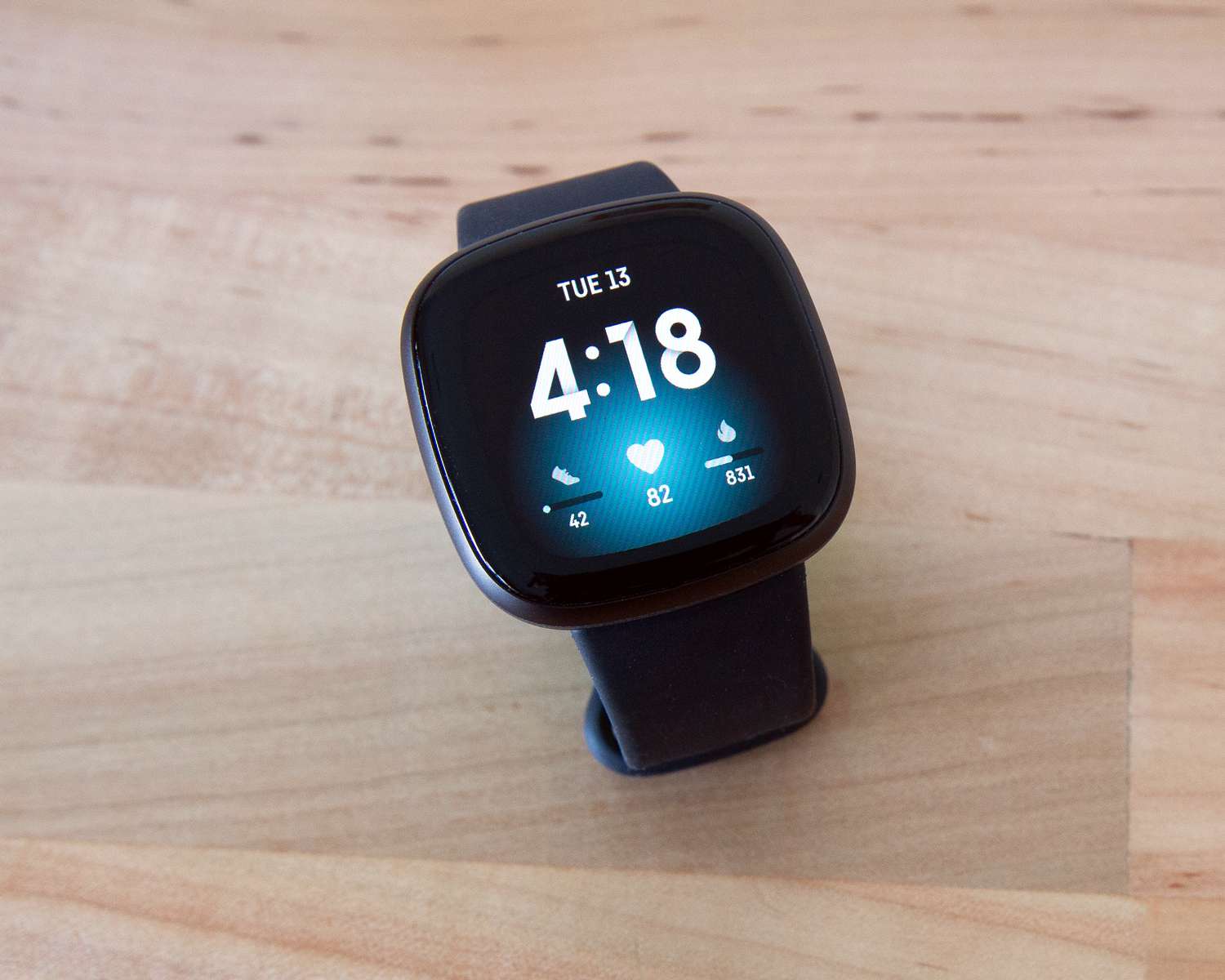
Welcome to the Google Health tag on CellularNews. This page collects our guides and news about Fitbit, the wearable platform now part of Google’s health ecosystem. Whether you are setting up your first tracker, troubleshooting a syncing issue, or just keeping your device’s software current, you will find practical, step-by-step help here.
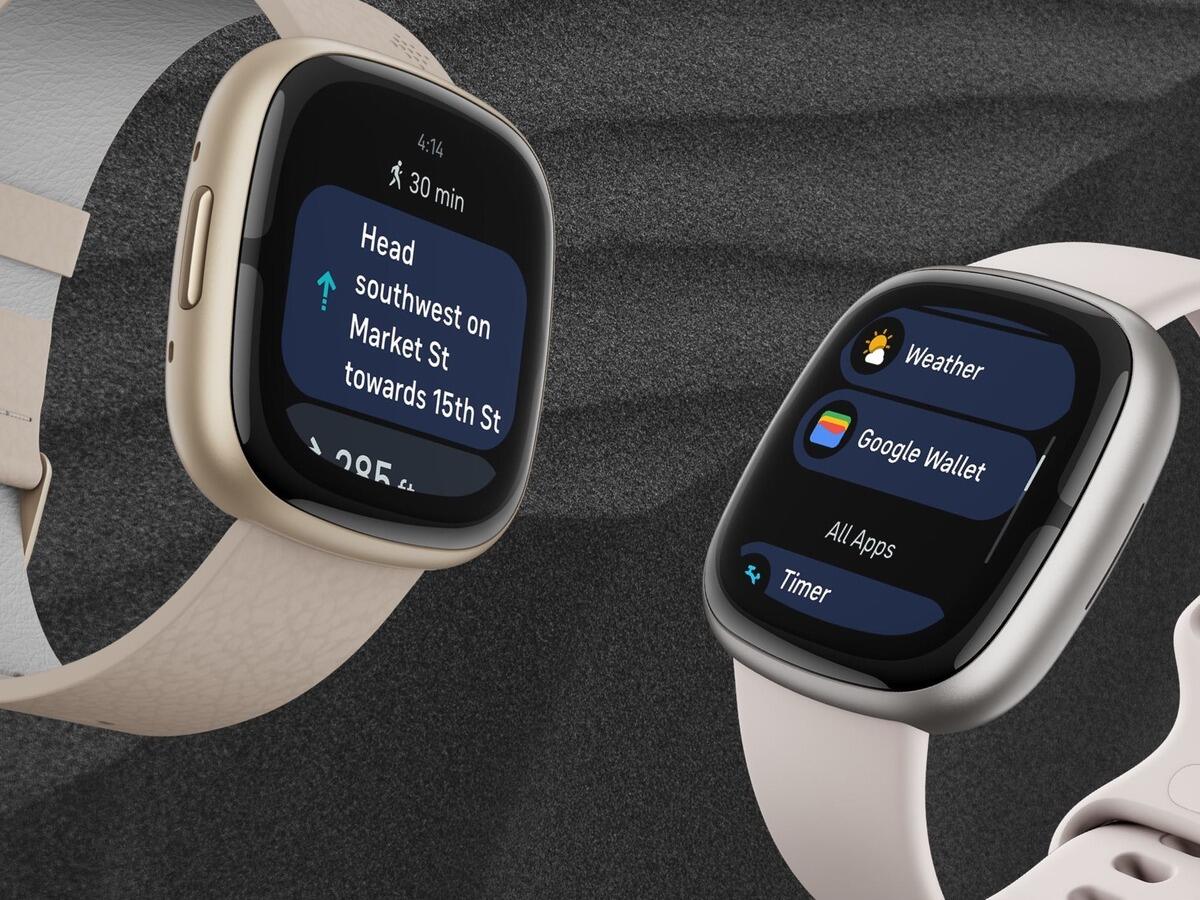
The articles you see below solve three common types of problems. First, they help you get started and stay connected: you can learn how to set up a Fitbit from scratch and how to link it to apps like Strava so your workout data flows automatically. Second, they cover software and feature updates, for example, a detailed look at the big Fitbit app redesign and clear instructions on how to update your device’s firmware. Finally, several guides tackle everyday utility, such as getting live weather forecasts on your Fitbit Sense or troubleshooting a missing data sync.
In short, this tag is for anyone who owns a Fitbit and wants to make it work better with their phone and their life. From linking accounts to installing updates, each article focuses on a specific task you can complete right now.