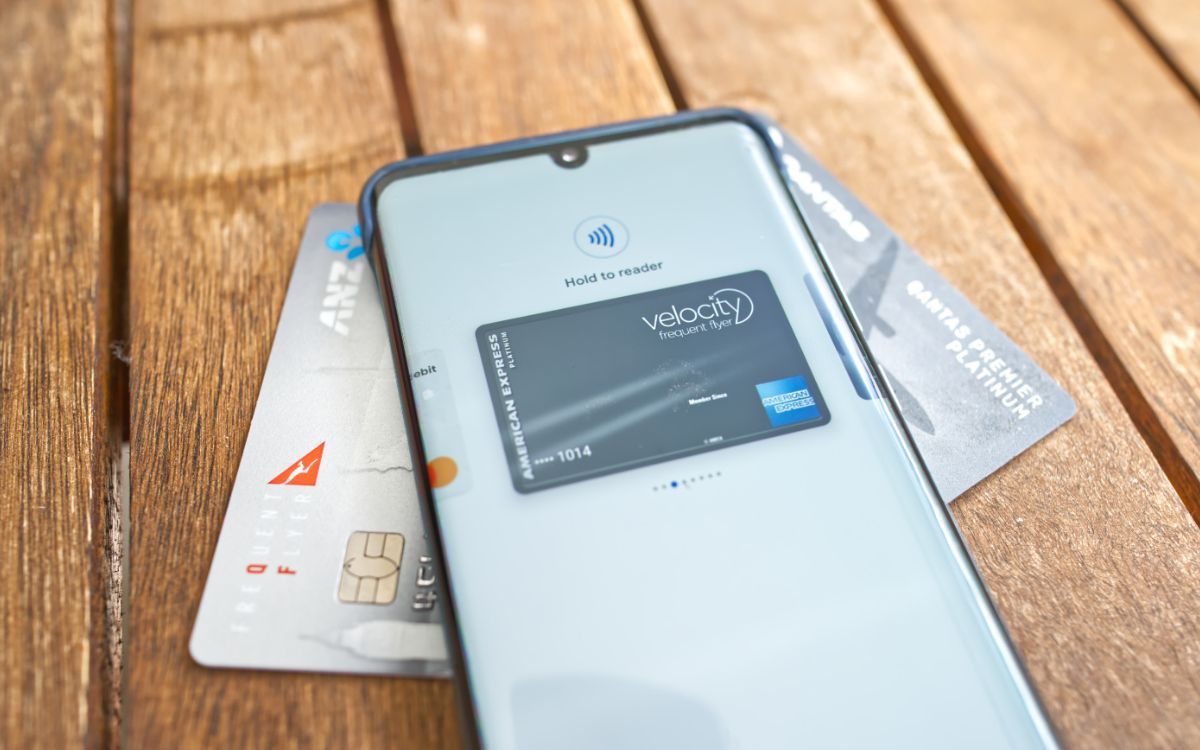
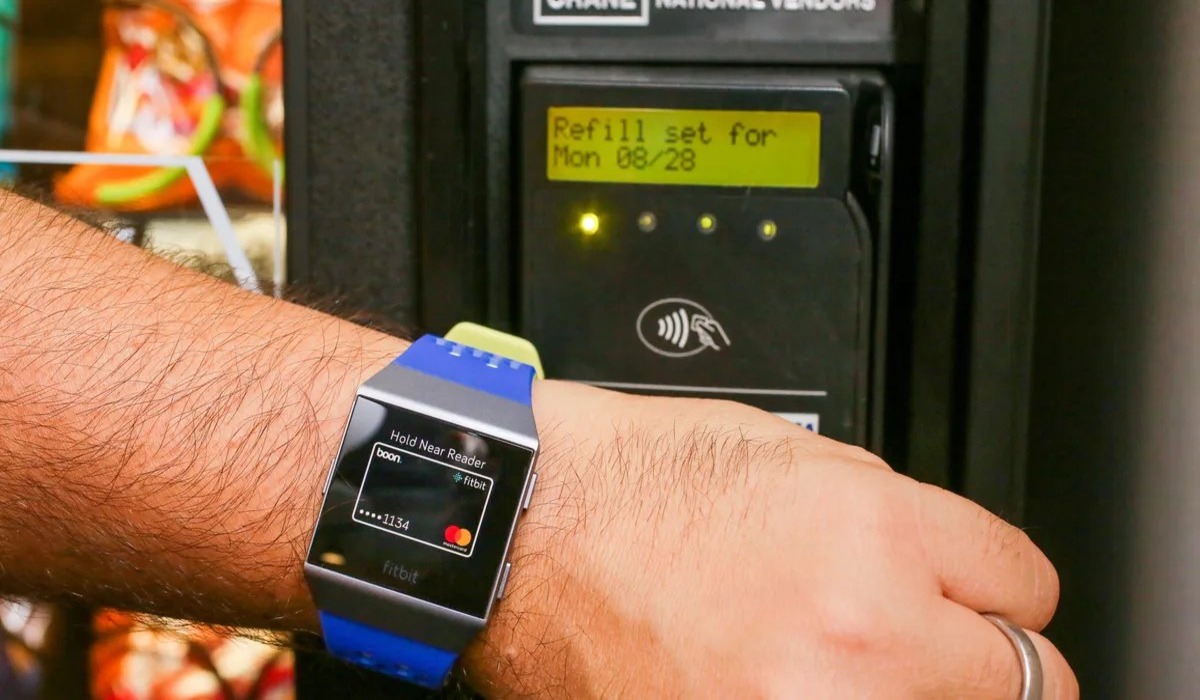
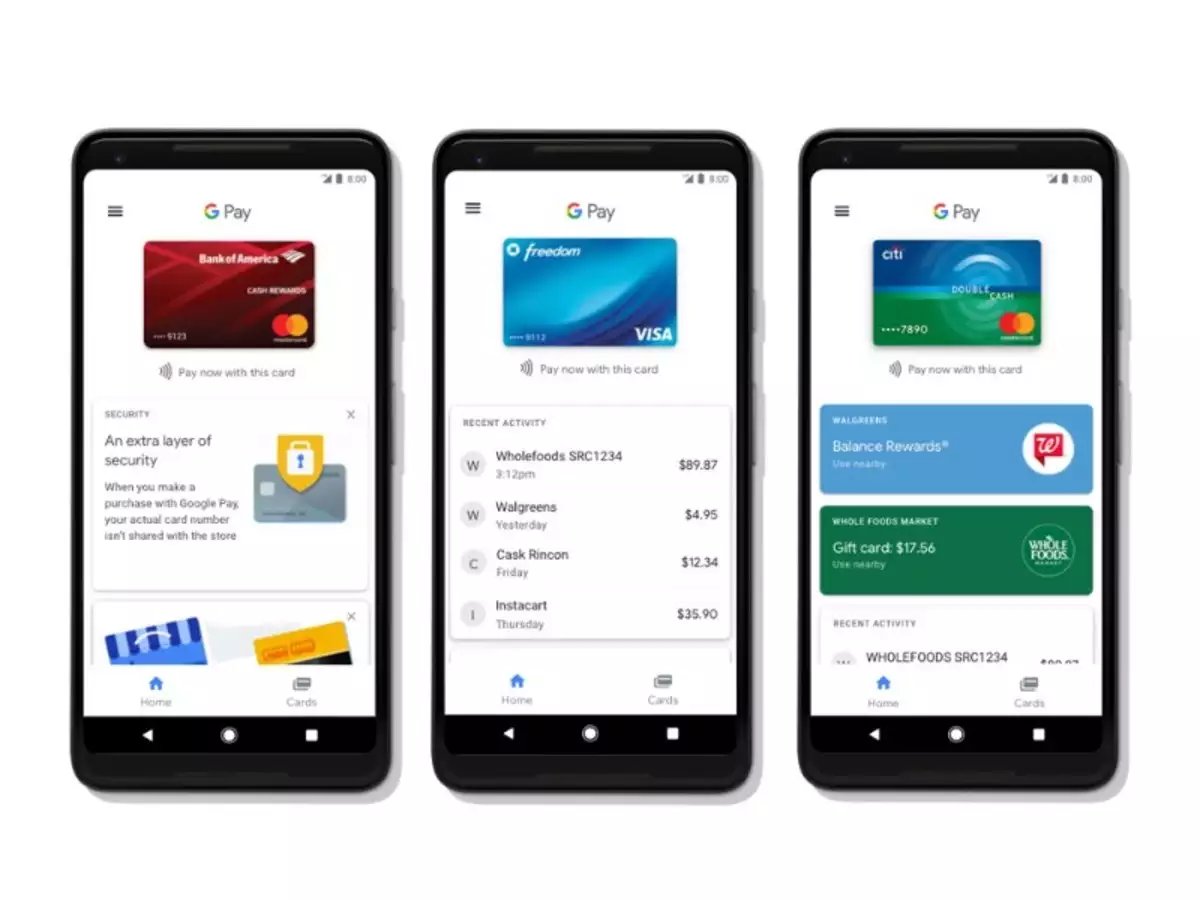
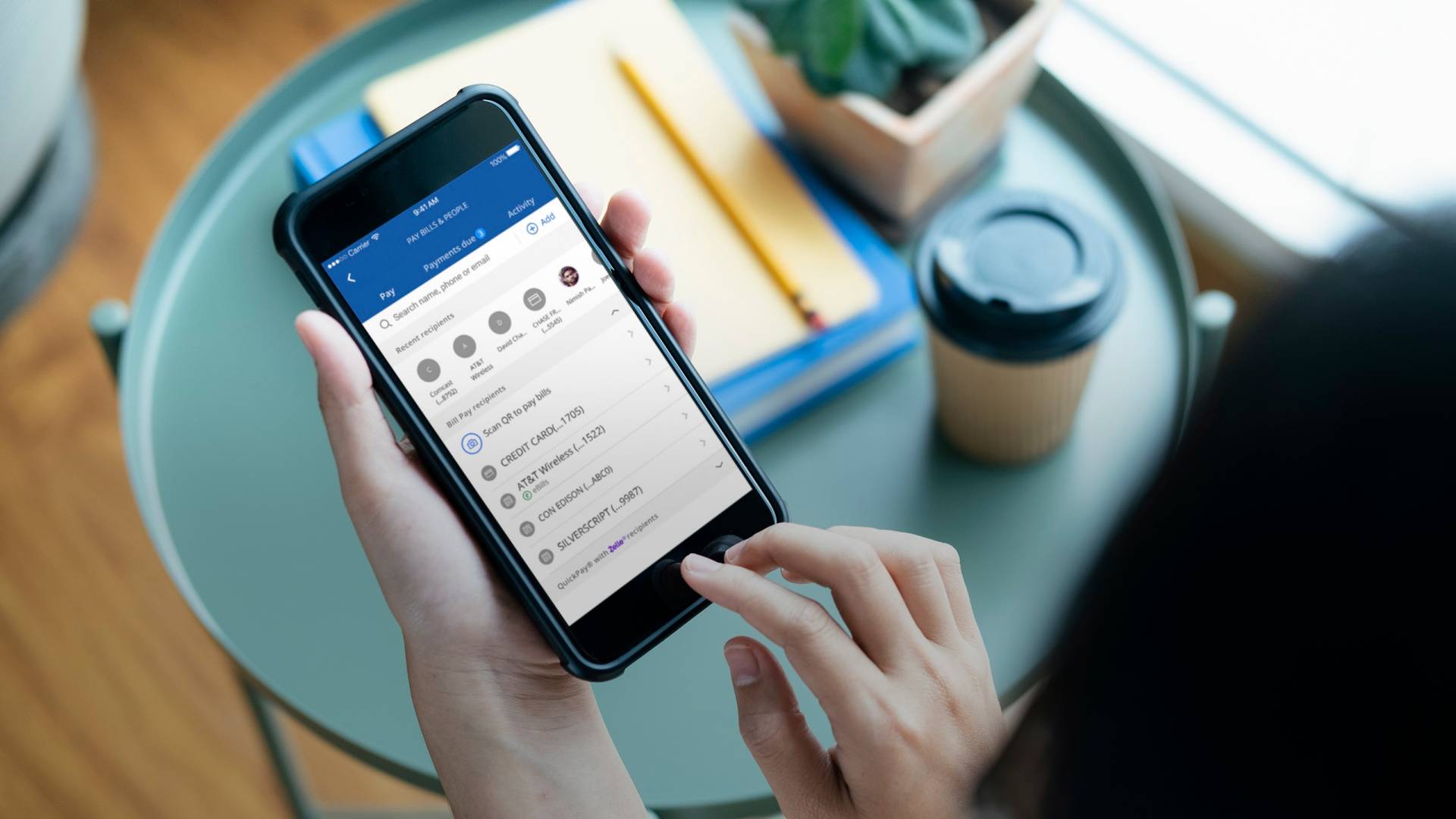
This tag page collects all of CellularNews’s articles about digital wallets and mobile payments. It is for anyone who uses an Android phone, a Fitbit, or a payment app like Google Pay or Cash App, and needs practical help making those tools work in real situations, whether at a store, an ATM, or a theme park entrance.
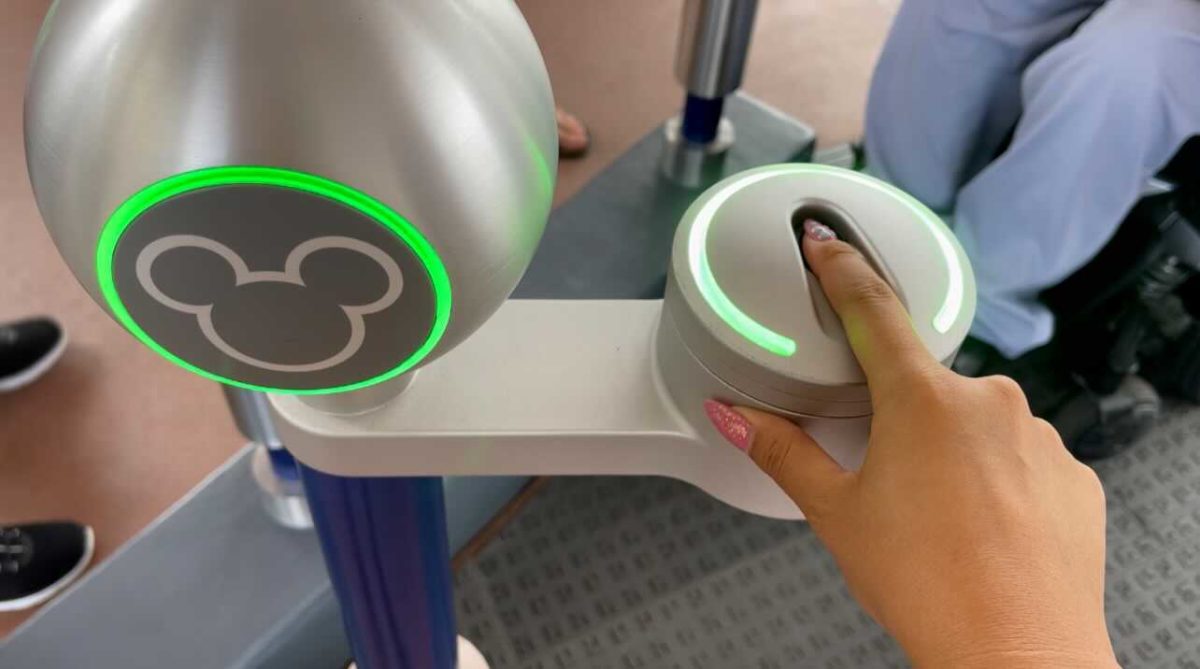
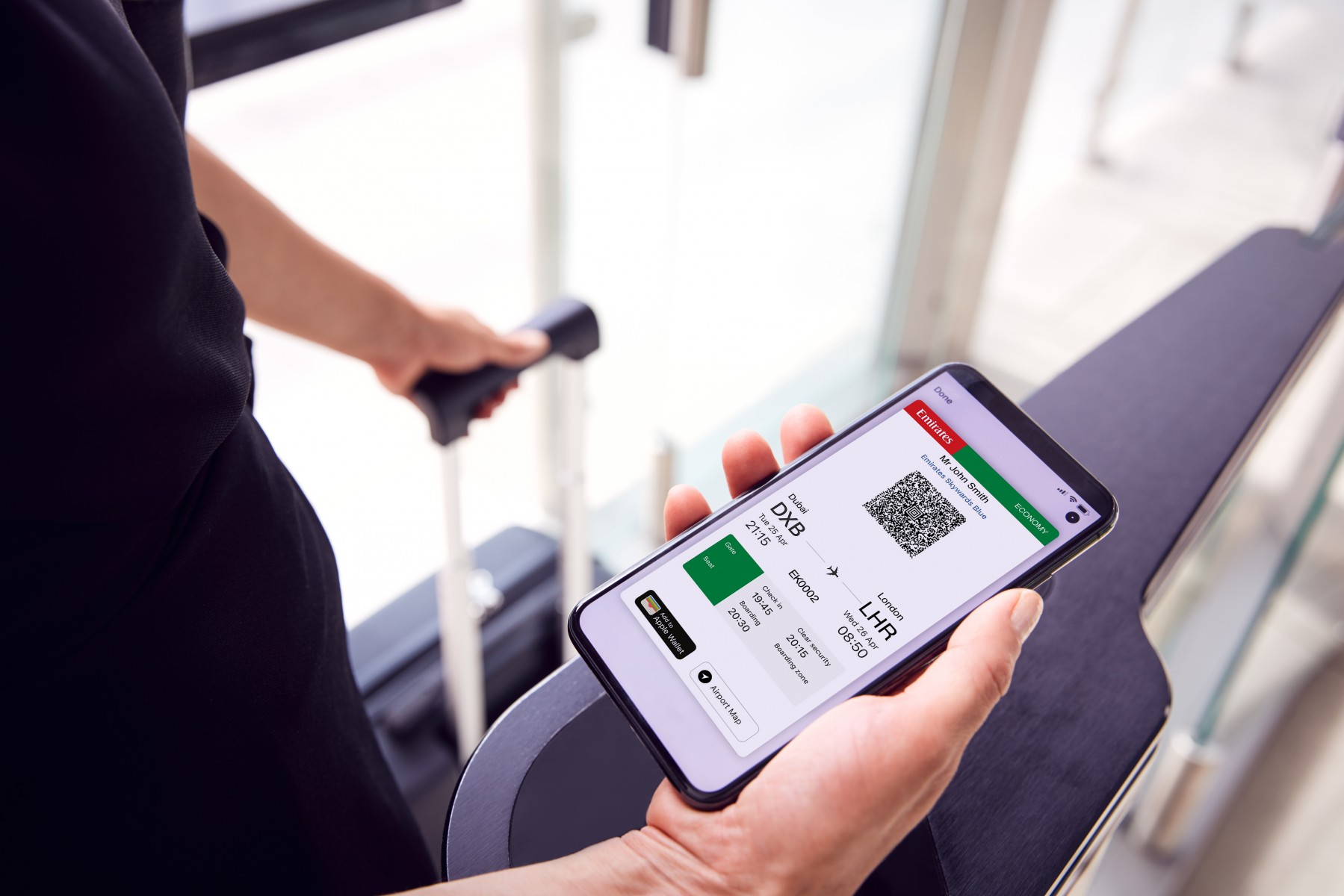
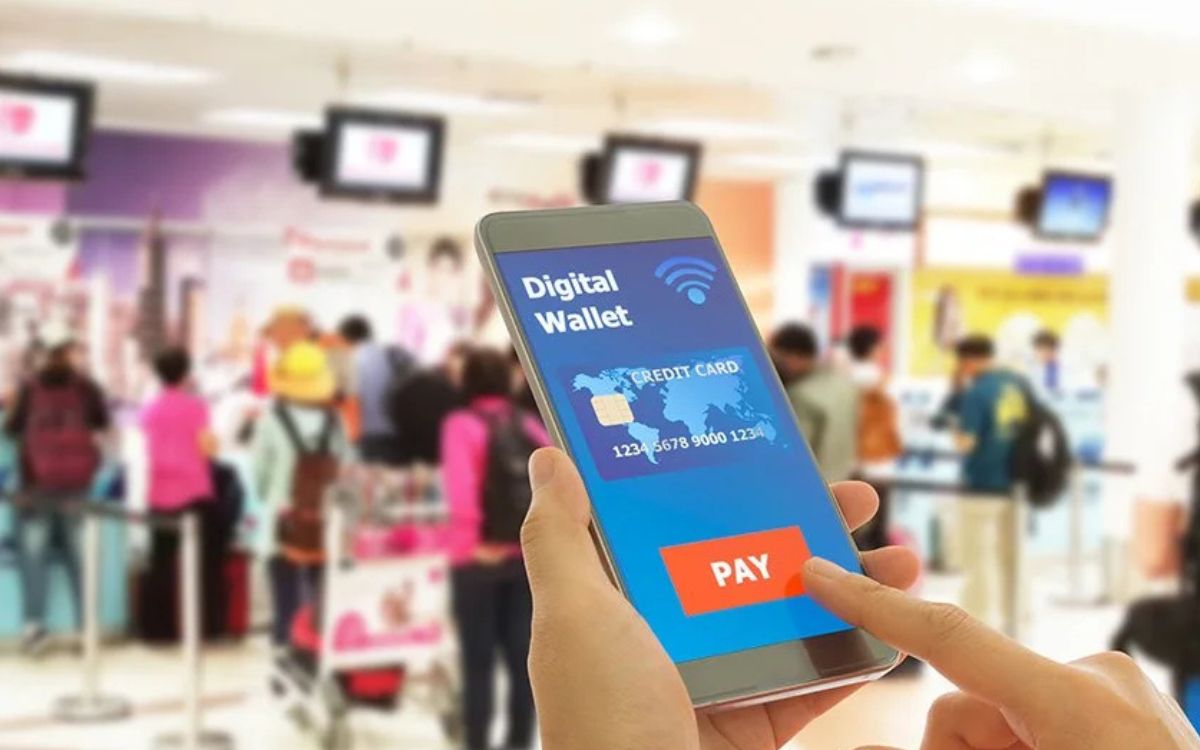
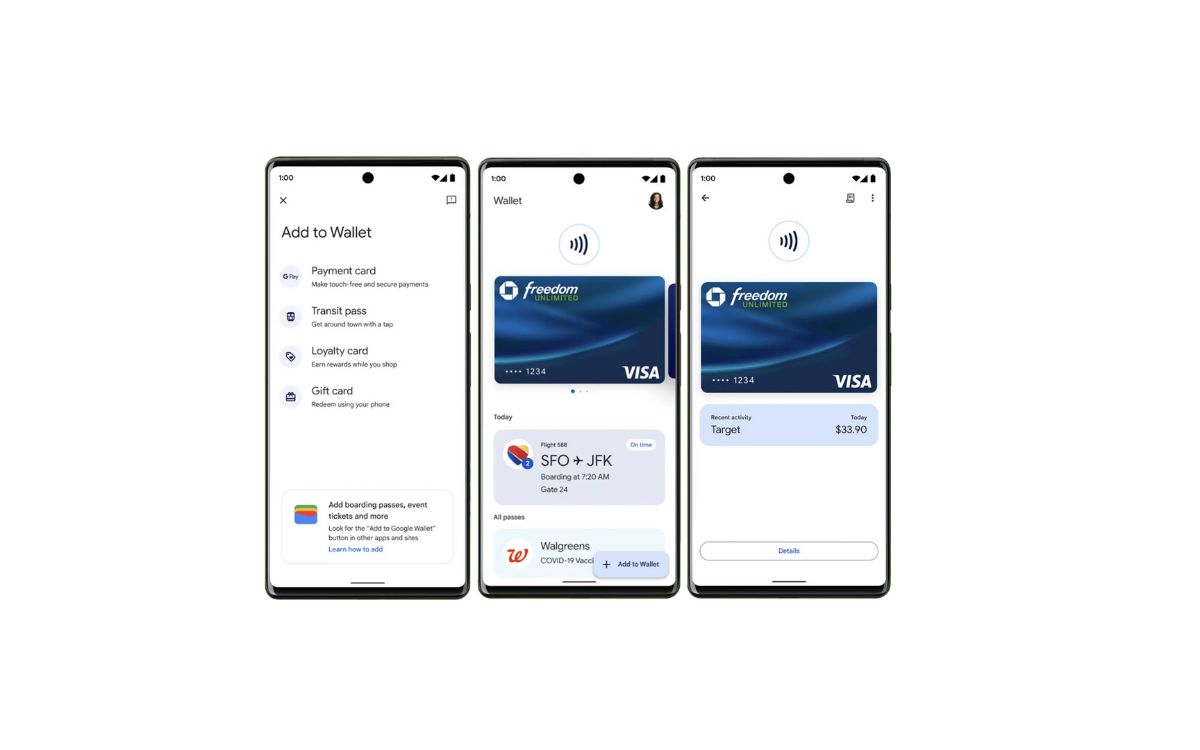
The articles here solve two main kinds of problems. First, they answer basic setup and location questions: how to find your digital wallet on your phone, what the Wallet app actually does, and how to set it up in a Fitbit. Second, they tackle specific real-world tasks, like using your phone at a Chase ATM, paying with Cash App when you don’t have your card, or using a mobile boarding pass. A few articles also explain broader concepts, such as what mobile payment (M-payment) is and how the Disney Magic Mobile Pass works.
These guides help you do things like tap your phone at a register, load a boarding pass onto your device, and manage your payment methods without fumbling for a physical wallet. Whether you are trying Google Pay for the first time or just want to understand where your digital wallet is stored, the articles give clear, step-by-step instructions for the tasks listed above.