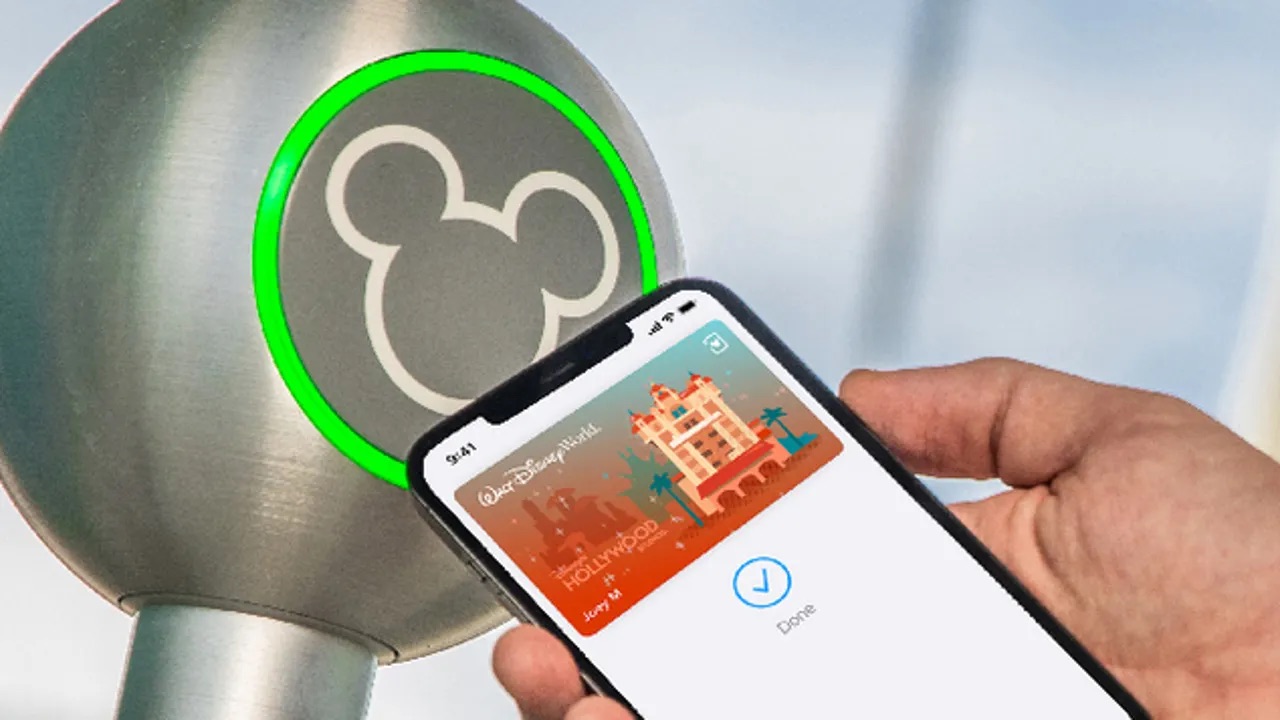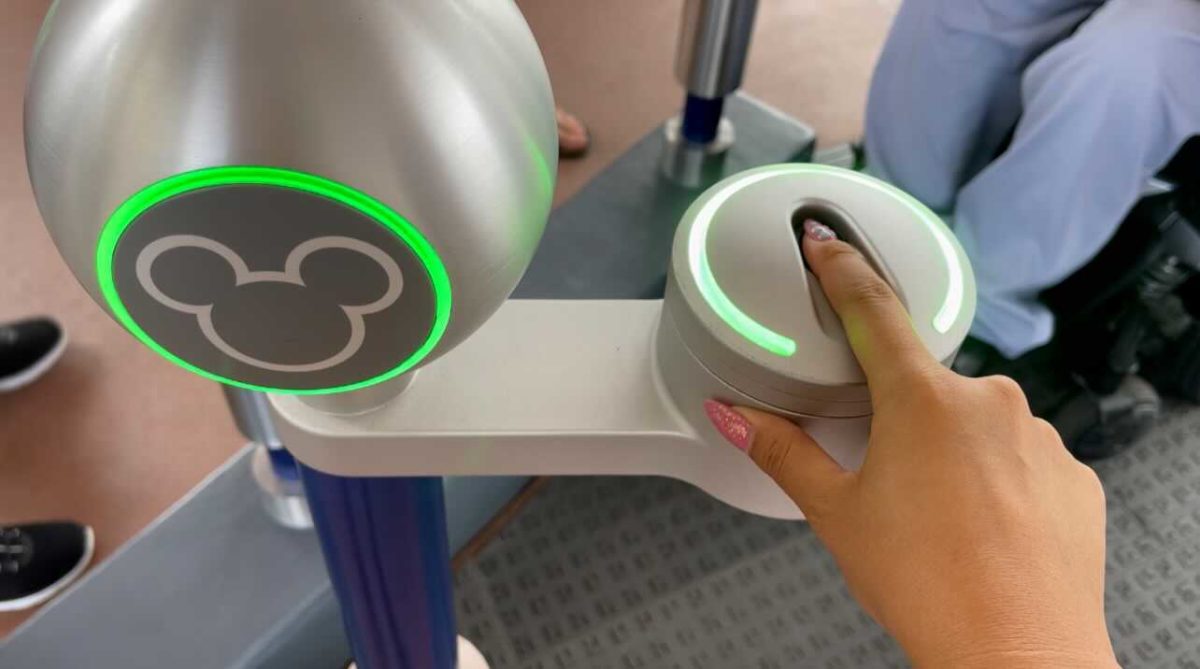
The Disney MagicMobile pass is a digital feature in the My Disney Experience app that lets you use an eligible iPhone, Apple Watch, or Android phone for park entry and select resort amenities through Apple Wallet or Google Wallet. Instead of carrying a physical ticket or MagicBand, you tap your device at supported touch points to enter theme parks, connect PhotoPass images, redeem virtual queues and Lightning Lane selections, and charge purchases to your Disney Resort hotel folio.
What is the Disney MagicMobile pass?
The Disney MagicMobile pass is a feature of the My Disney Experience app that replaces a physical ticket for select park and resort access. It stores your valid admission and linked entitlements digitally in your device's wallet, allowing you to tap and go at Walt Disney World. Think of it as a digital key that works like a MagicBand but lives on your smartphone or smartwatch, making it a convenient alternative that feels less like fumbling with paper and more like using mobile game cheat codes to skip unnecessary steps.
How the Disney MagicMobile pass works
Once set up, the pass works by tapping your device near a touch point at park entrances, PhotoPass locations, Lightning Lane entrances, virtual queue return points, and Disney Resort hotel folio terminals. It performs these functions without needing to open the app each time, as long as Bluetooth is enabled and the pass is active in your digital wallet. The pass does not replace the My Disney Experience app entirely, you still use the app for booking dining, modifying reservations, and viewing maps, but it does handle the core entry and redemption tasks with a single tap.
Supported devices and requirements
To use the Disney MagicMobile pass, you need an eligible device that is compatible with Apple Wallet or Google Wallet. Supported devices include iPhone (iOS 14.4 or later), Apple Watch (watchOS 7.3 or later), and Android phones or smart devices (Android 8.0 or later). Bluetooth technology must be enabled for the My Disney Experience app to communicate with the touch points. The pass itself lives in your device's digital wallet, not in the app, so your phone or watch must support Apple Wallet or Google Wallet respectively.
How to set up the Disney MagicMobile pass
Setting up the pass takes just a few minutes. Follow these steps in the My Disney Experience app:
- Open the My Disney Experience app on your eligible device.
- Select the menu icon (☰) or the Disney MagicMobile tile on the home screen.
- Choose "Set Up Your Pass" or "Set up MagicMobile Entry." If you already have a pass, use the settings icon in the top-right corner to set up another one.
- Select the guest names for whom you want a pass. You can create passes for members of your party who have valid park admission or a Disney Resort hotel reservation linked to your account.
- The pass style can be changed during setup by selecting 'Change Pass Style' for each pass.
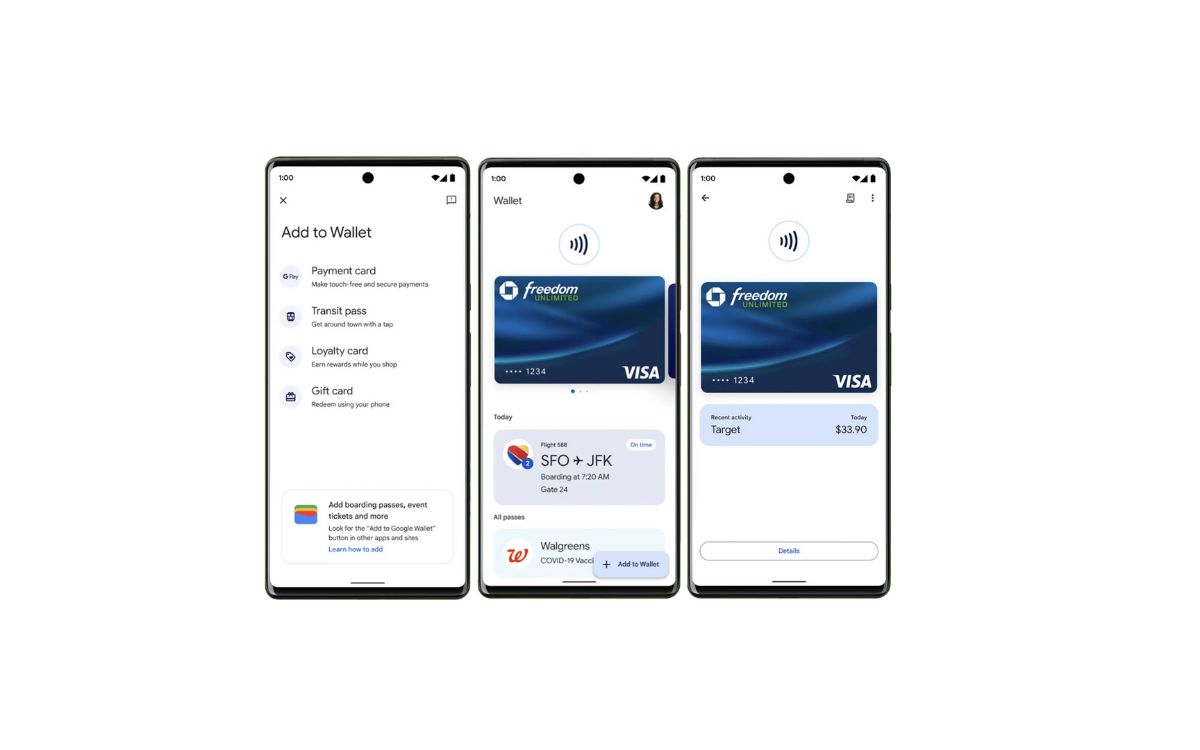
- On iPhone, select "Add to Apple Wallet," then choose "Add" to confirm. After adding to Apple Wallet, you must choose the pass you want for Express Pass use and select 'Done'. On Android, select "G Pay | Save to phone" or "Add to Google Wallet," then select "View in Wallet" to view the passes.
That's it. The pass is now stored in your digital wallet and ready to use at supported touch points.
Frequently asked questions
Is the Disney MagicMobile pass secure?
Yes. The pass uses tokenization and device-specific encryption similar to contactless payment cards. Your device must be unlocked to use the pass at touch points, and the digital wallet generates a unique code for each transaction, preventing unauthorized copying.
Can I use the Disney MagicMobile pass for all park activities?
The pass handles park entry, PhotoPass linking, virtual queue and Lightning Lane redemption, and resort folio charging. It does not replace the My Disney Experience app for dining reservations, mobile food ordering, or viewing wait times, those functions remain in the app.
Do I need valid admission to create a pass?
Yes. The pass itself is a digital representation of that entitlement; it does not grant access without the underlying ticket or reservation.
Can I set up passes for my entire travel party?
Yes. During setup, you can select multiple guest names from your Family & Friends list. Each person needs their own valid admission or resort reservation linked to your account to receive a pass.
What happens if my device battery dies?
You can still enter the parks using a physical ticket or MagicBand linked to your account. The Disney MagicMobile pass is an alternative, not the only way to access the parks, so carry a backup if you are concerned about battery life.
Related reading: How To Use Mobile Boarding Pass and Where Is My Digital Wallet On My Phone?.