This tag collects our guides for setting up hands-free calling in your vehicle, specifically focused on connecting your phone to a car’s audio system. It is for anyone who drives an older car without built-in Bluetooth, owns a newer model with a finicky infotainment system, or simply wants to make and receive calls safely while on the road. Whether you are dealing with a factory stereo or an aftermarket accessory, these articles walk you through the actual connection process.
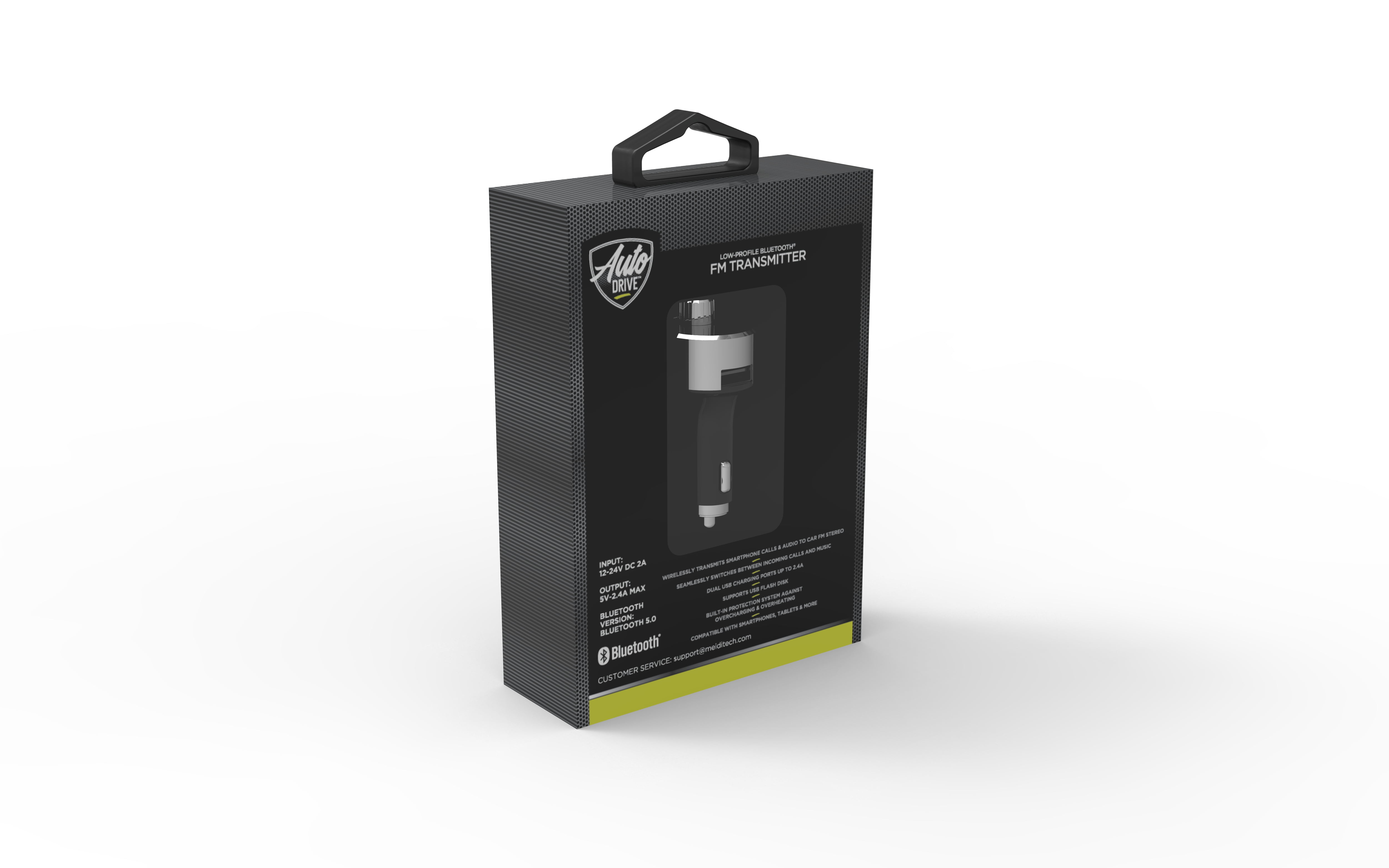
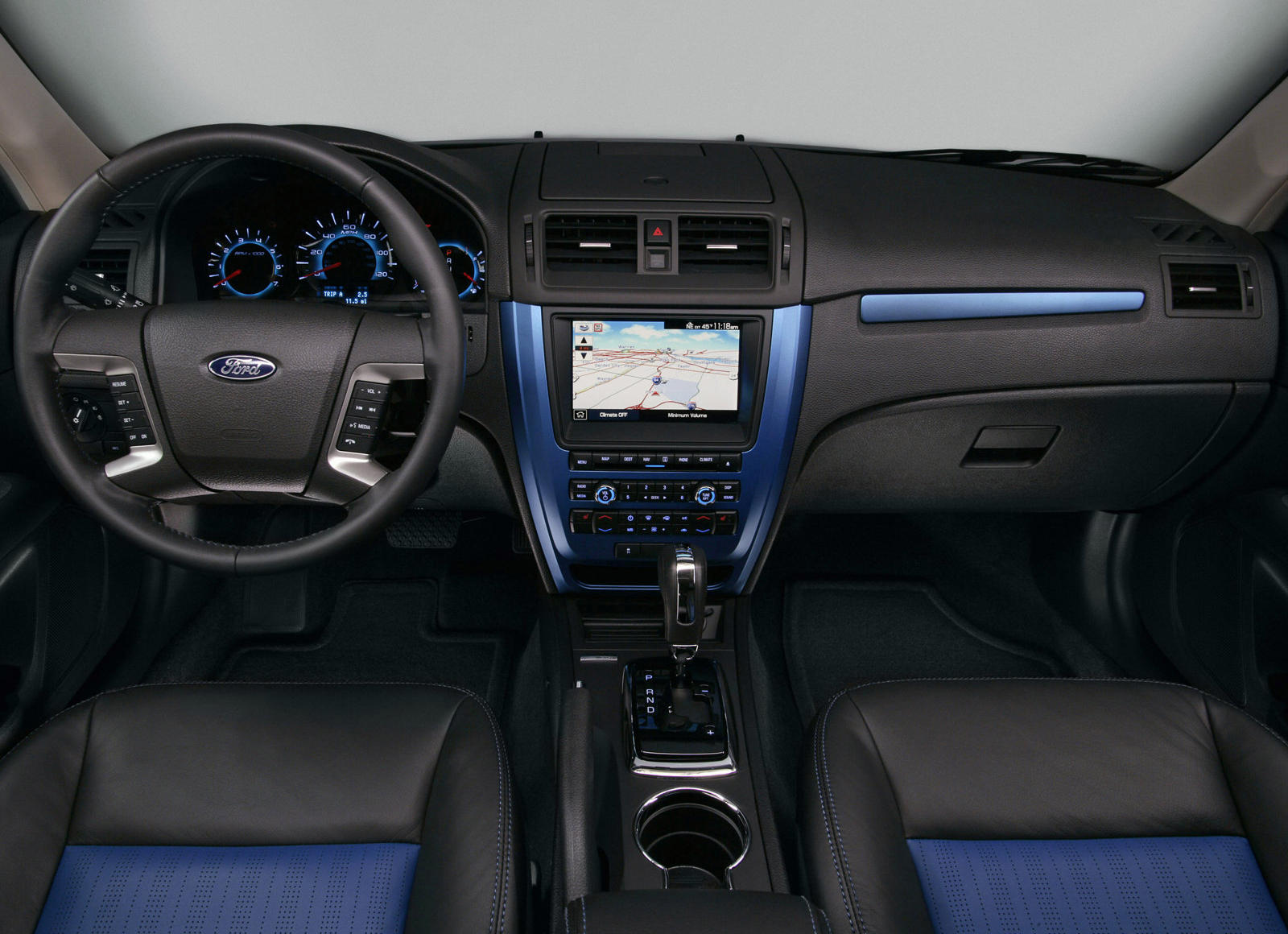
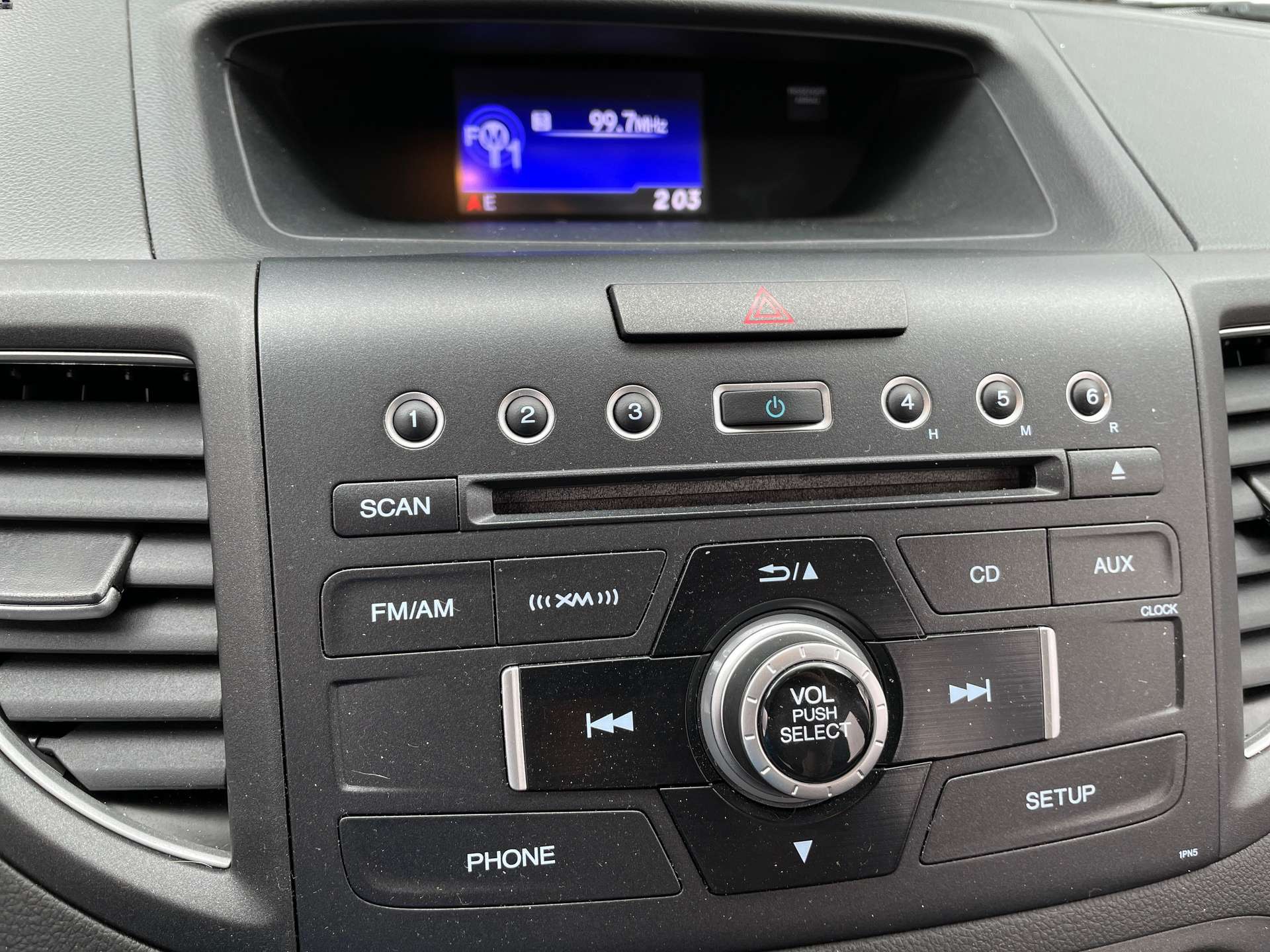
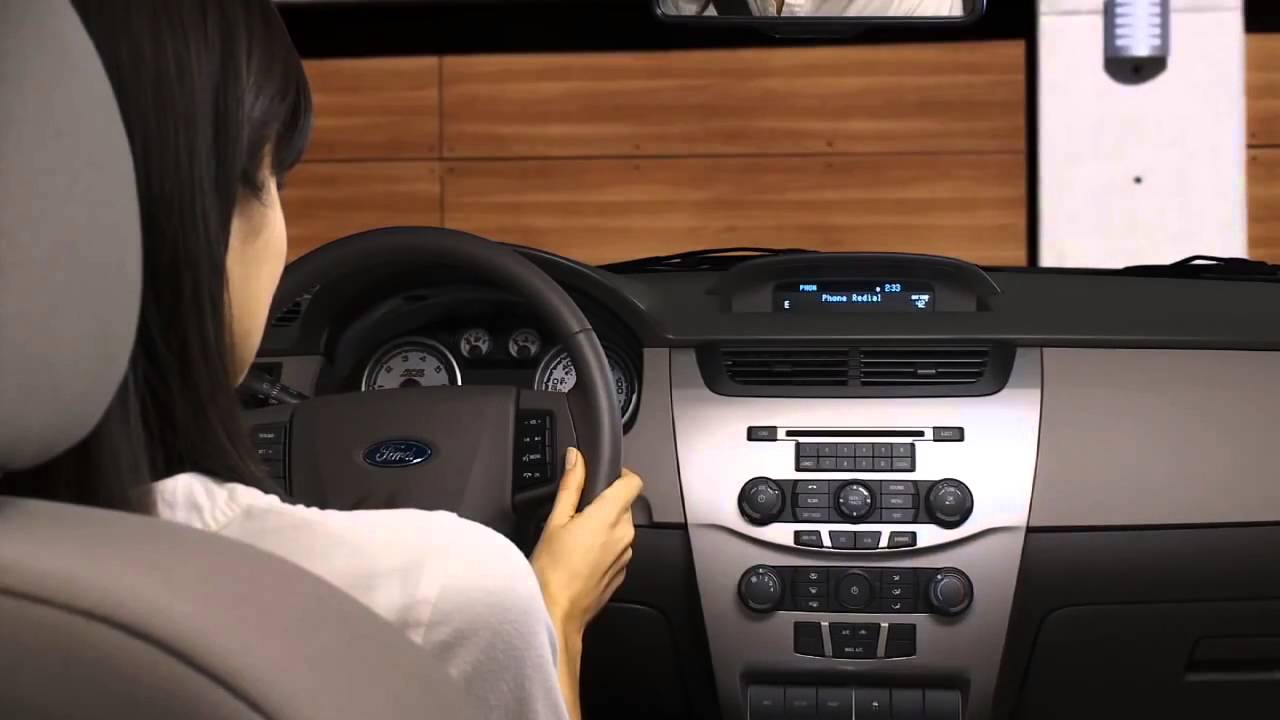
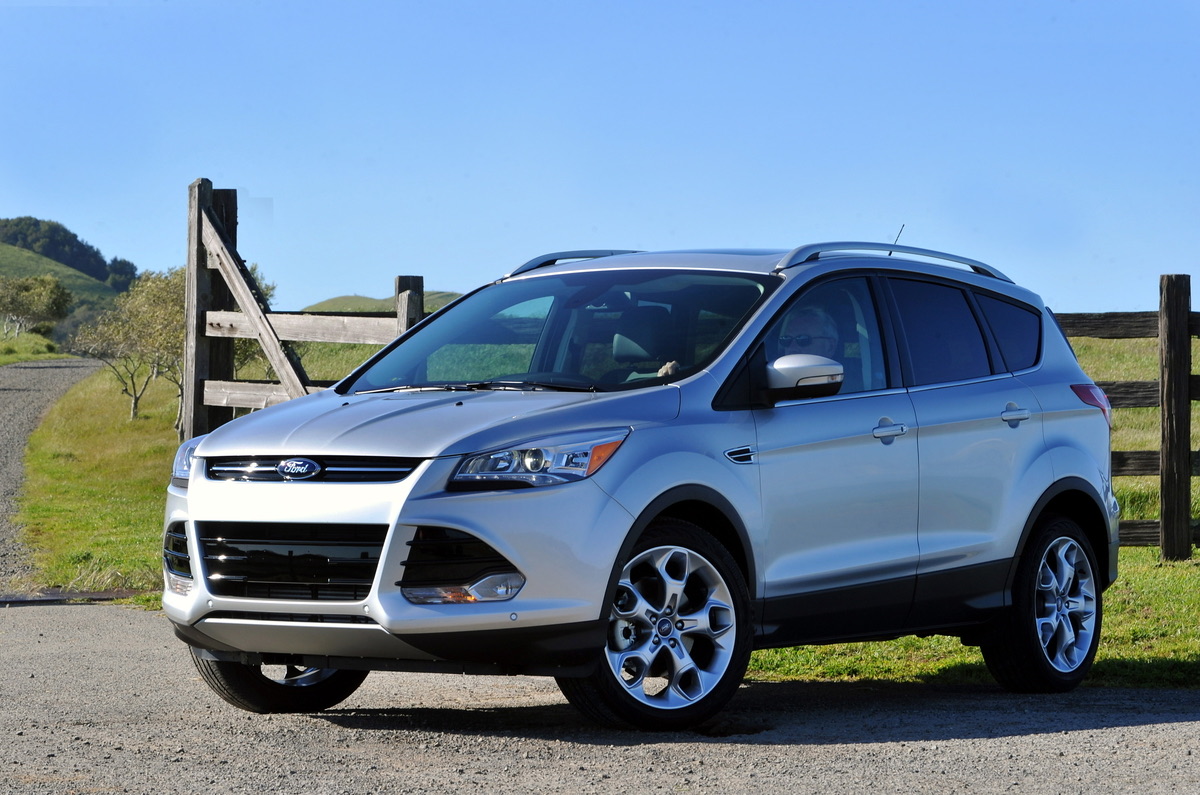
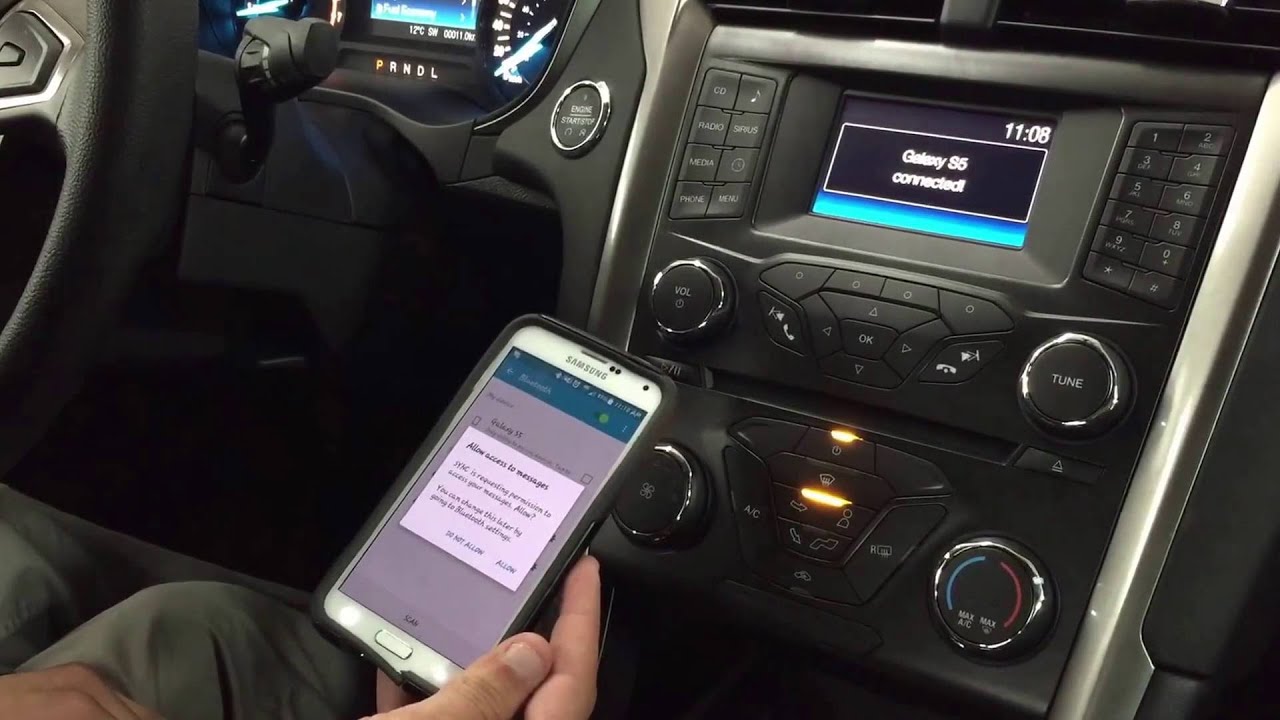
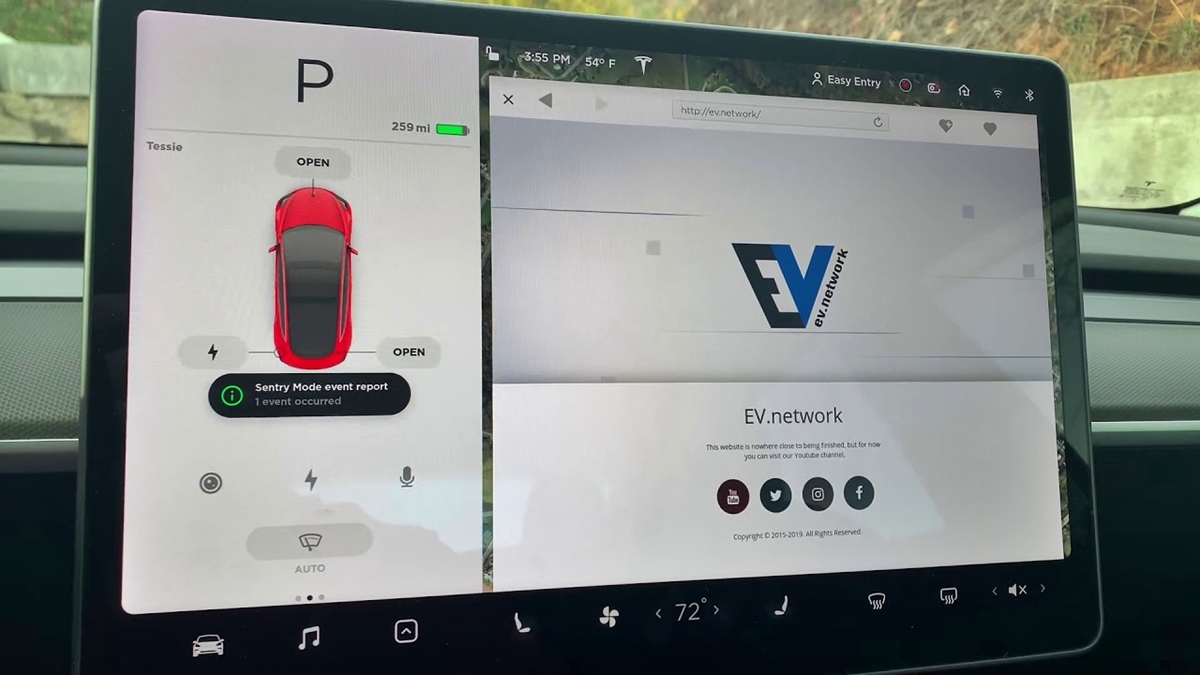
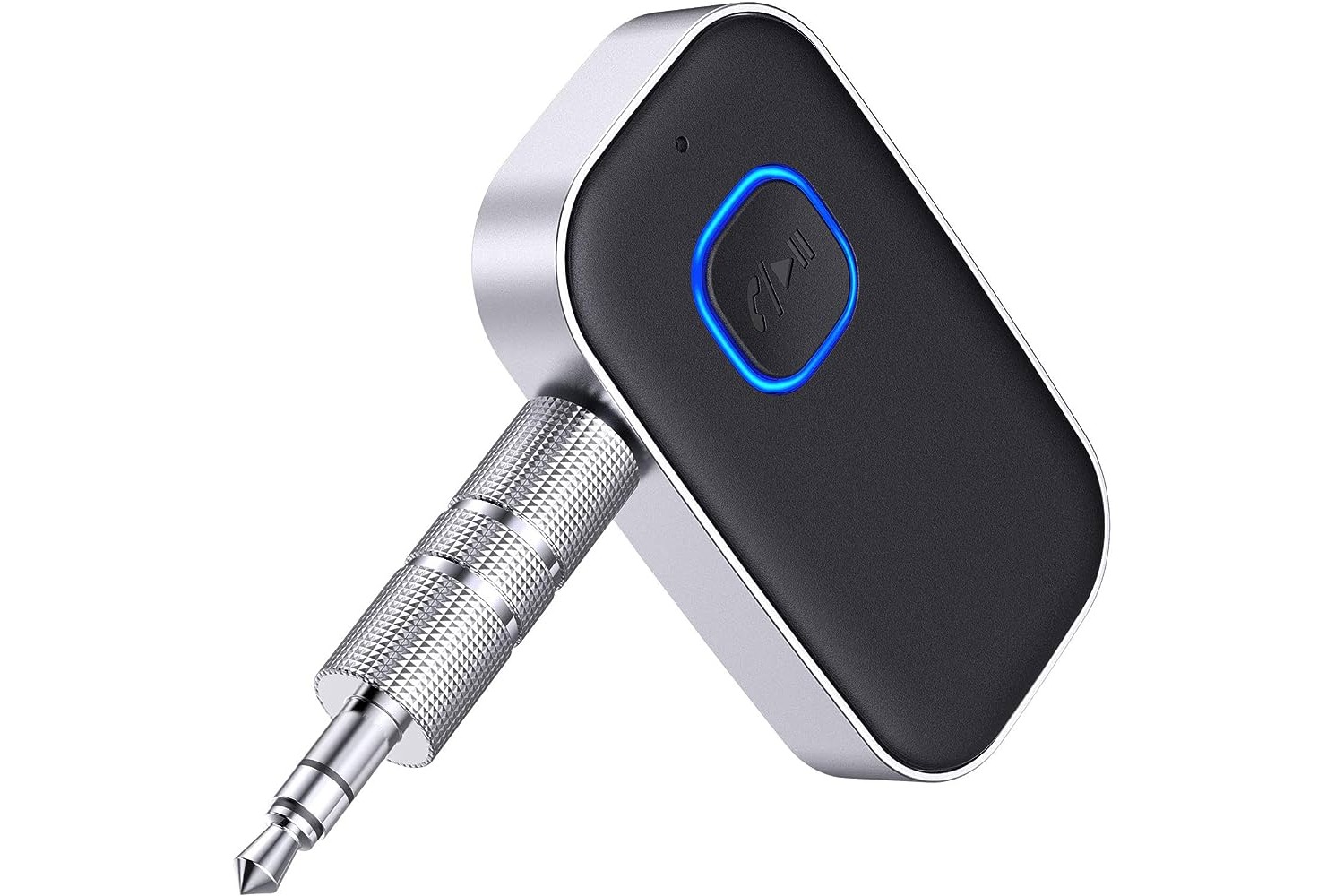
The articles here solve two main kinds of connection problems. First, they address cars with no native Bluetooth at all, showing you how to bridge the gap with hardware like a Bluetooth dongle or an FM transmitter. For example, the guide on how to connect an Auto Drive Bluetooth FM transmitter helps you turn any old radio into a hands-free device. Second, they tackle the specific pairing procedures for popular car models, which can vary wildly by year and brand. You will find step-by-step instructions for connecting your phone to a Tesla, a 2013 Honda CR-V, and several Ford models from the early 2010s, including the 2010 and 2011 Ford Fusion and the 2014 Ford Escape.
Ultimately, these articles help you get your phone’s audio and call functions working through your car’s speakers without fumbling with cables or complicated menus. They focus on the practical steps, from initial pairing to troubleshooting a failed connection, so you can get back to driving with your hands on the wheel and your calls coming through clearly.