This tag page collects our guides for the HP Smart app, specifically focused on setting up and troubleshooting wireless printing with HP printers. It is designed for anyone who owns an HP printer, whether it is an older model like the Deskjet 3051A or a newer wireless unit, and needs to get it connected to their home network, a laptop, or a mobile phone. The articles here are practical, step-by-step resources for common tasks that often cause frustration.
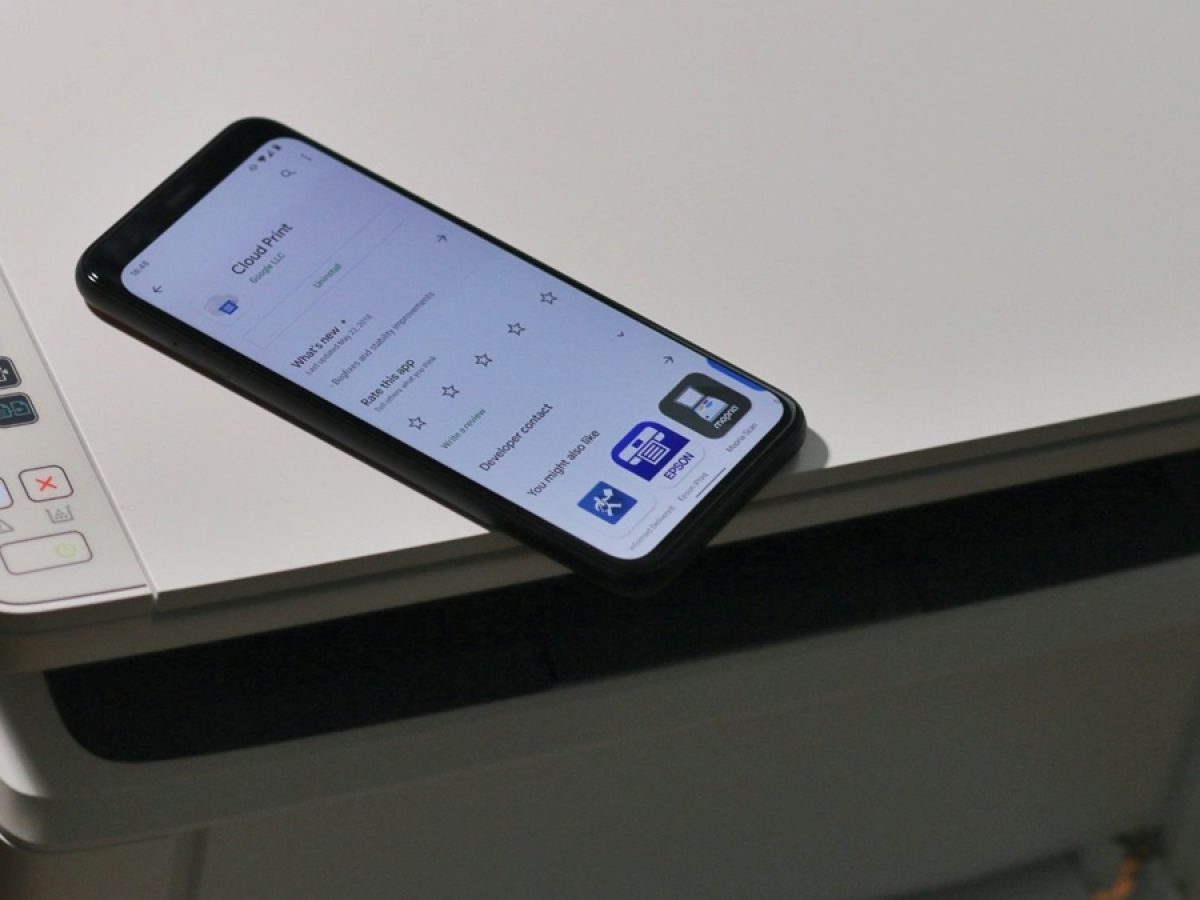
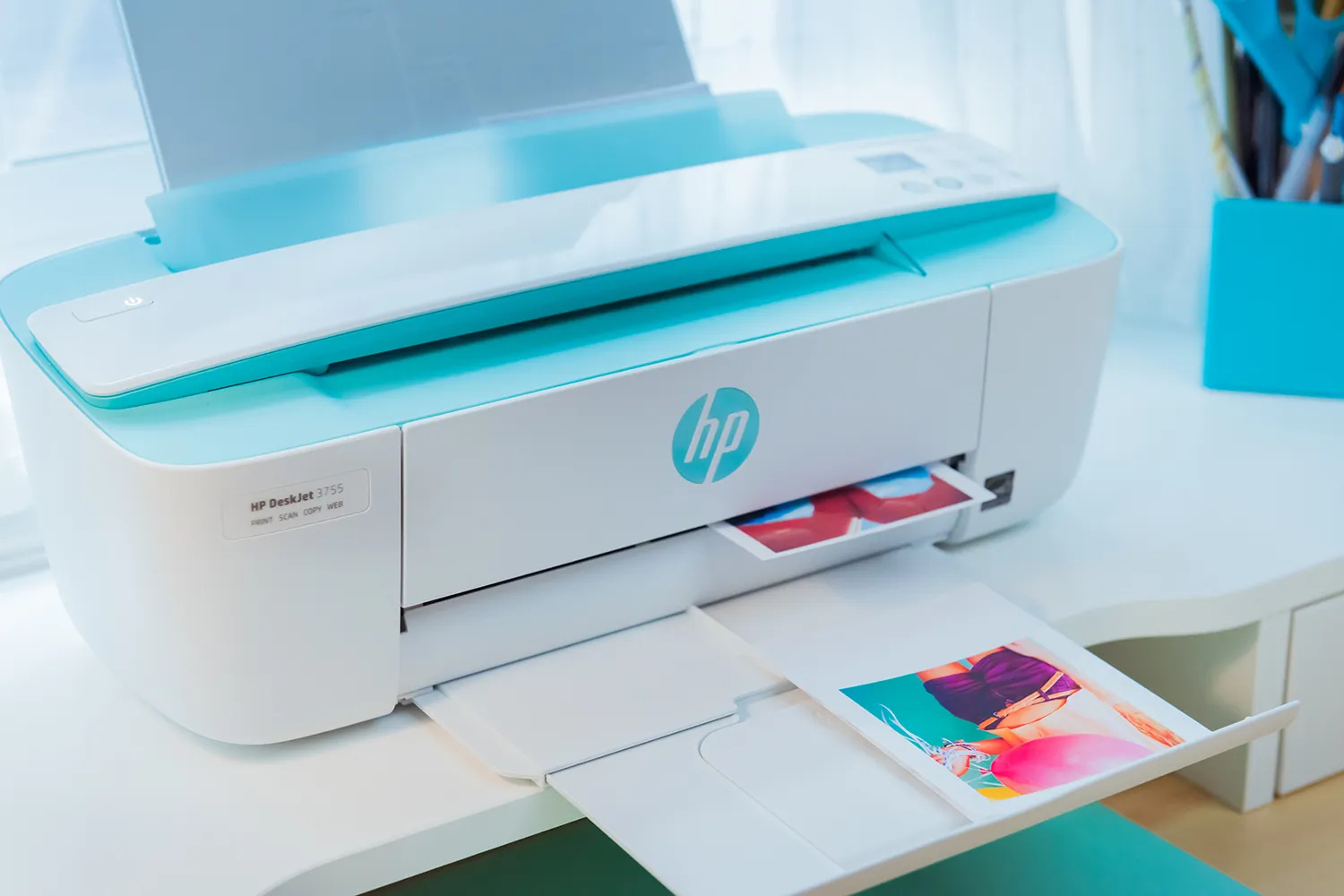
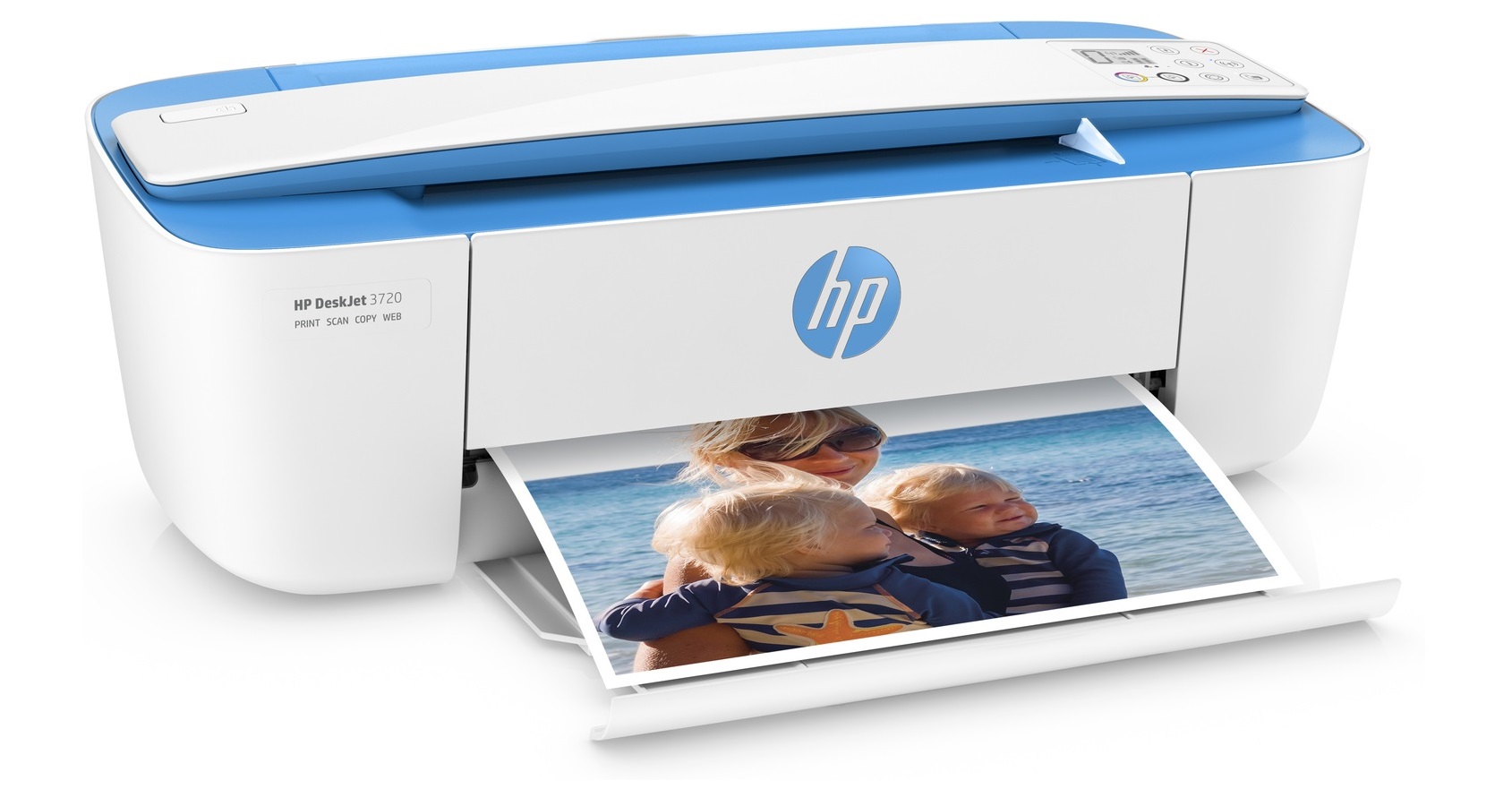
The content addresses two main themes. First, several articles tackle the initial setup and connection process, helping you bridge your printer with a wireless router or a specific computer. For example, you can learn how to set up an HP 3700 Wireless Printer or how to connect an HP Deskjet 3051A to a wireless router. Second, a group of guides focuses on using the printer after it is connected, covering everyday actions like scanning documents and printing directly from a phone. The guide on how to scan on an HP wireless printer and the one detailing how to print from my phone to my HP printer fall into this category.
Overall, these articles help you do the essential tasks of installing your printer, connecting it to your network, and performing basic operations like scanning and mobile printing. Whether you are setting up a new device on a Dell laptop or just trying to get any wireless printer to work, the instructions are written to solve the specific connection and functionality problems that HP printer users encounter.