This tag collects articles about connecting and controlling your LG TV, specifically aimed at smartphone users who want to get the most out of their home entertainment setup. Whether you are setting up a new television for the first time or trying to solve a specific connection issue, these guides are written for the average phone owner, not a home theater expert.
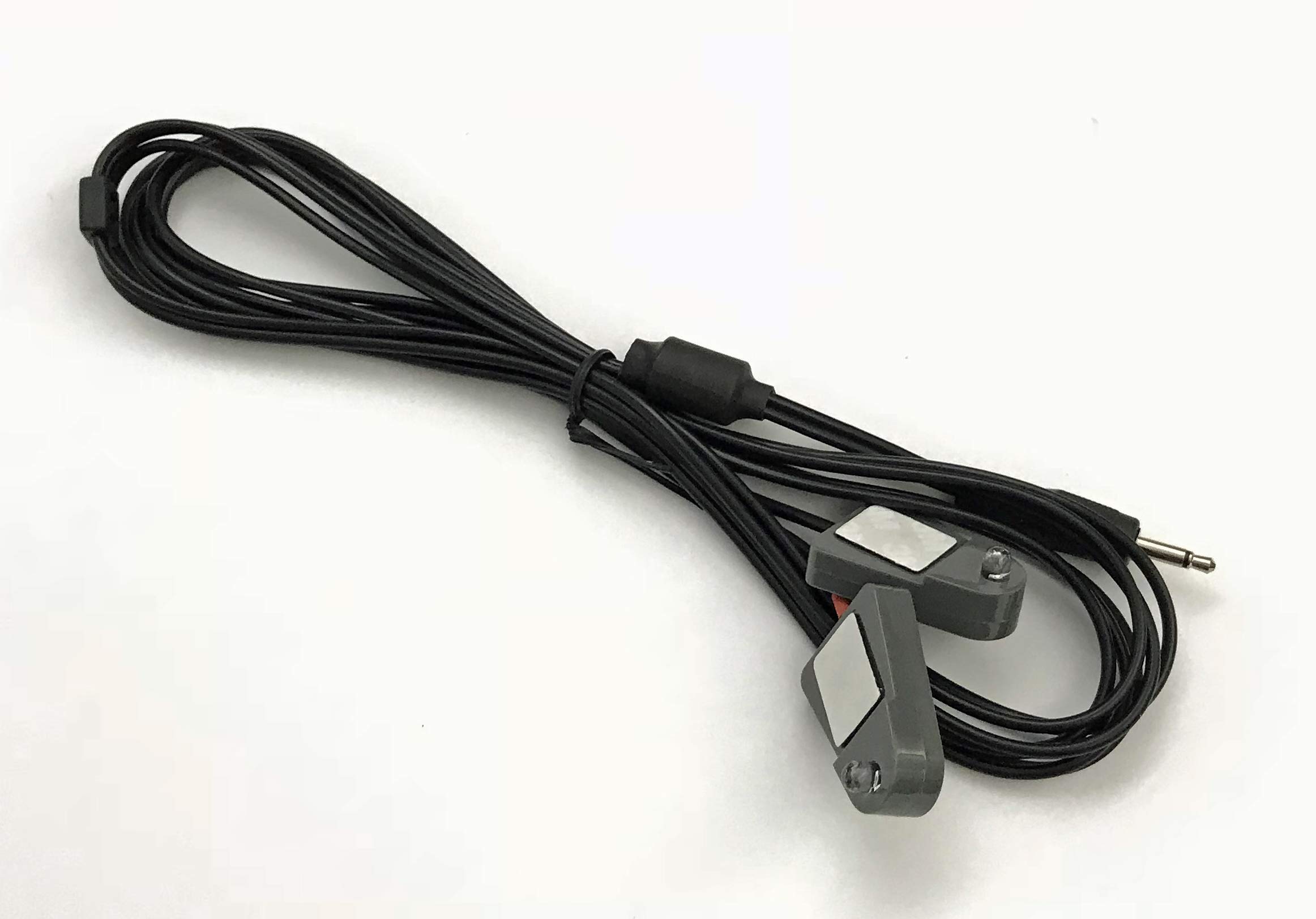
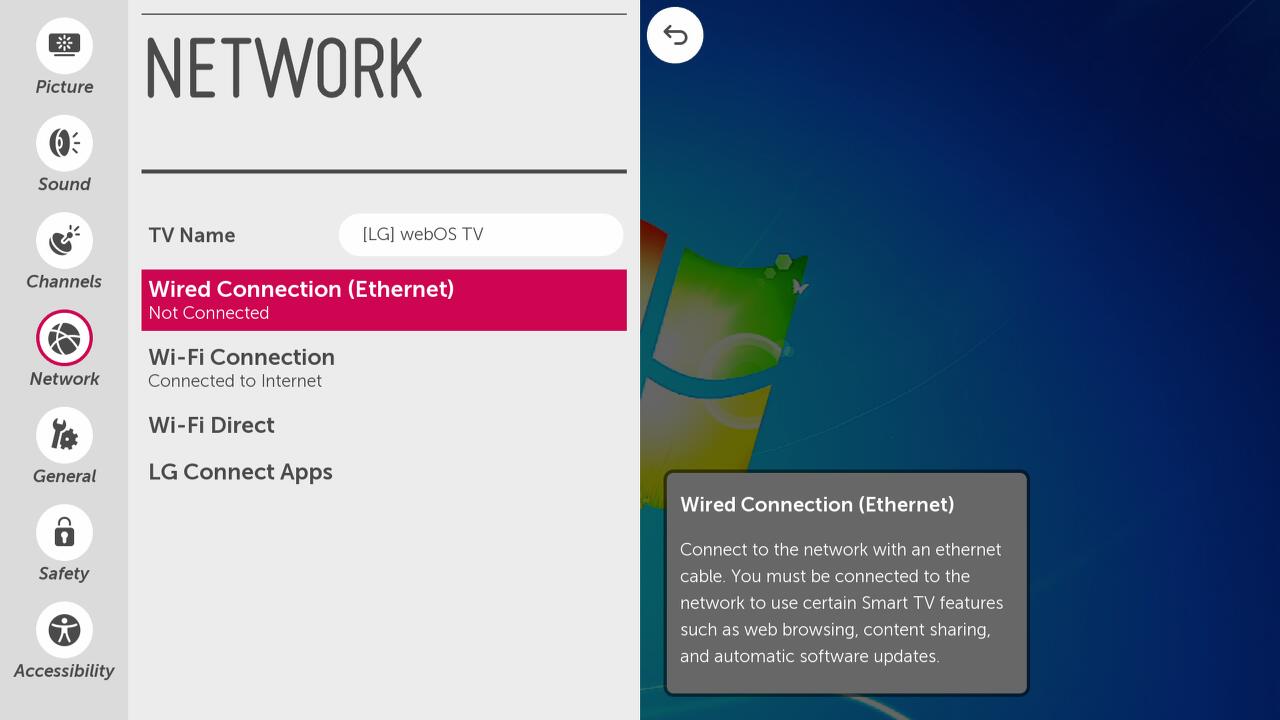
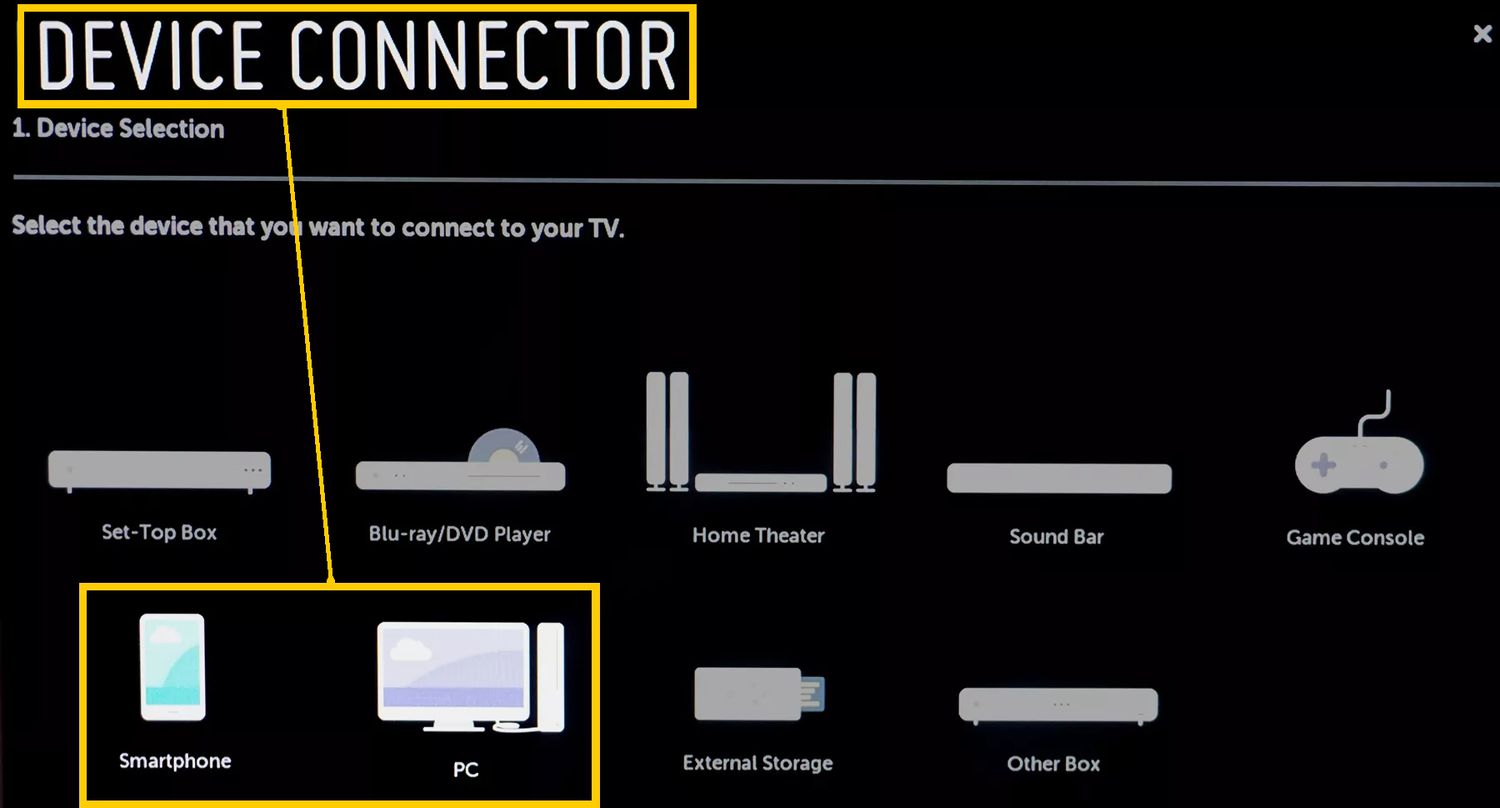
The articles here tackle two main themes: wireless connectivity and device pairing. For wireless setup, you can learn how to get your LG TV onto your home network and how to connect wireless audio devices like headphones or a soundbar. For device pairing, the guides focus on the most common phone-to-TV tasks, such as mirroring your phone’s screen or simply connecting a phone to the TV for playback. Specific topics covered include finding the Device Connector on your LG TV, understanding what an IR Blaster does, and troubleshooting how to mirror your phone to the screen.
These articles help you perform concrete actions: they show you how to set up a wireless network on your TV, how to connect your phone for screen mirroring, and how to pair wireless headphones for private listening. Each guide walks you through the settings and steps needed to make your LG TV work seamlessly with your mobile devices and accessories.