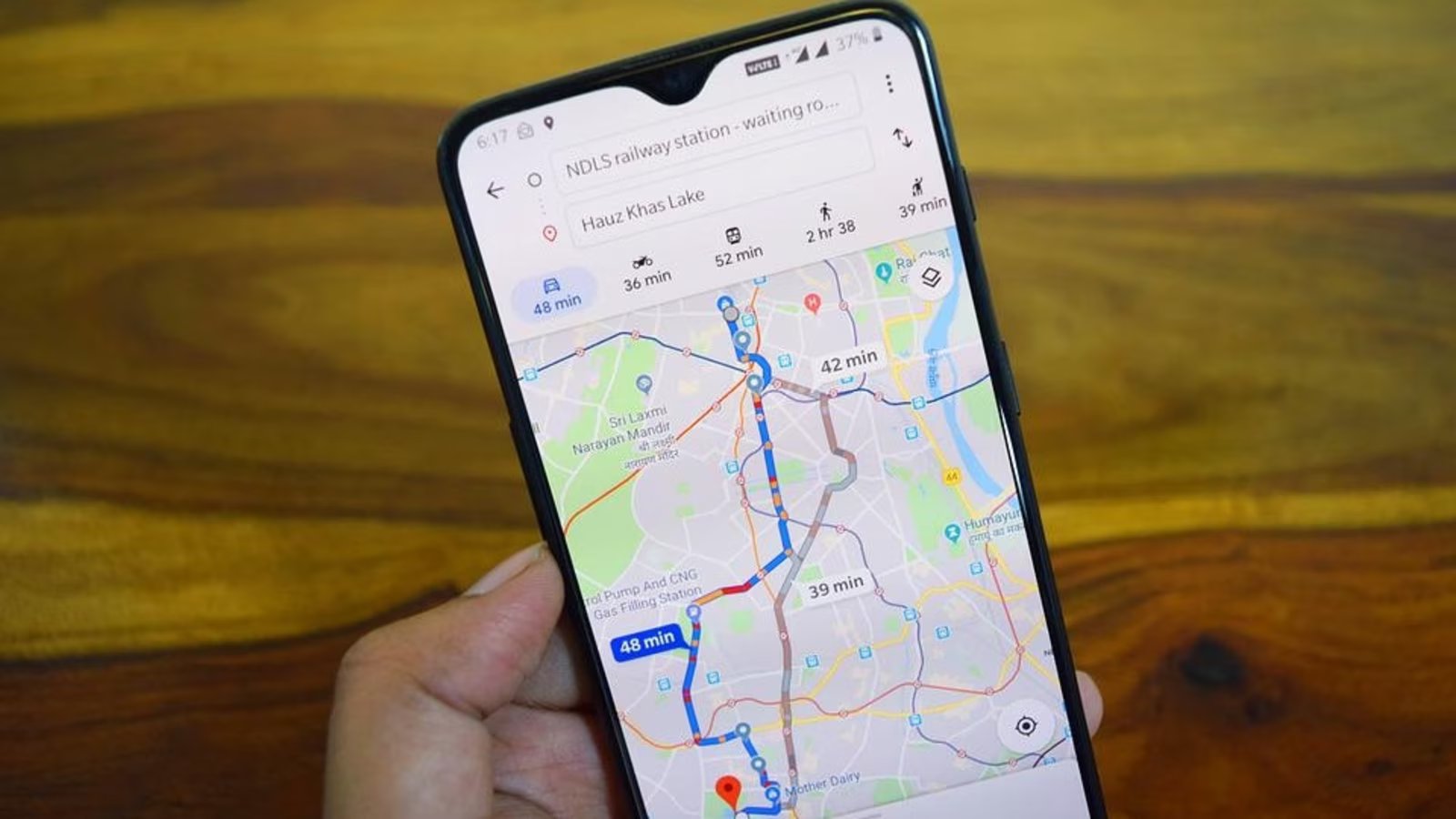
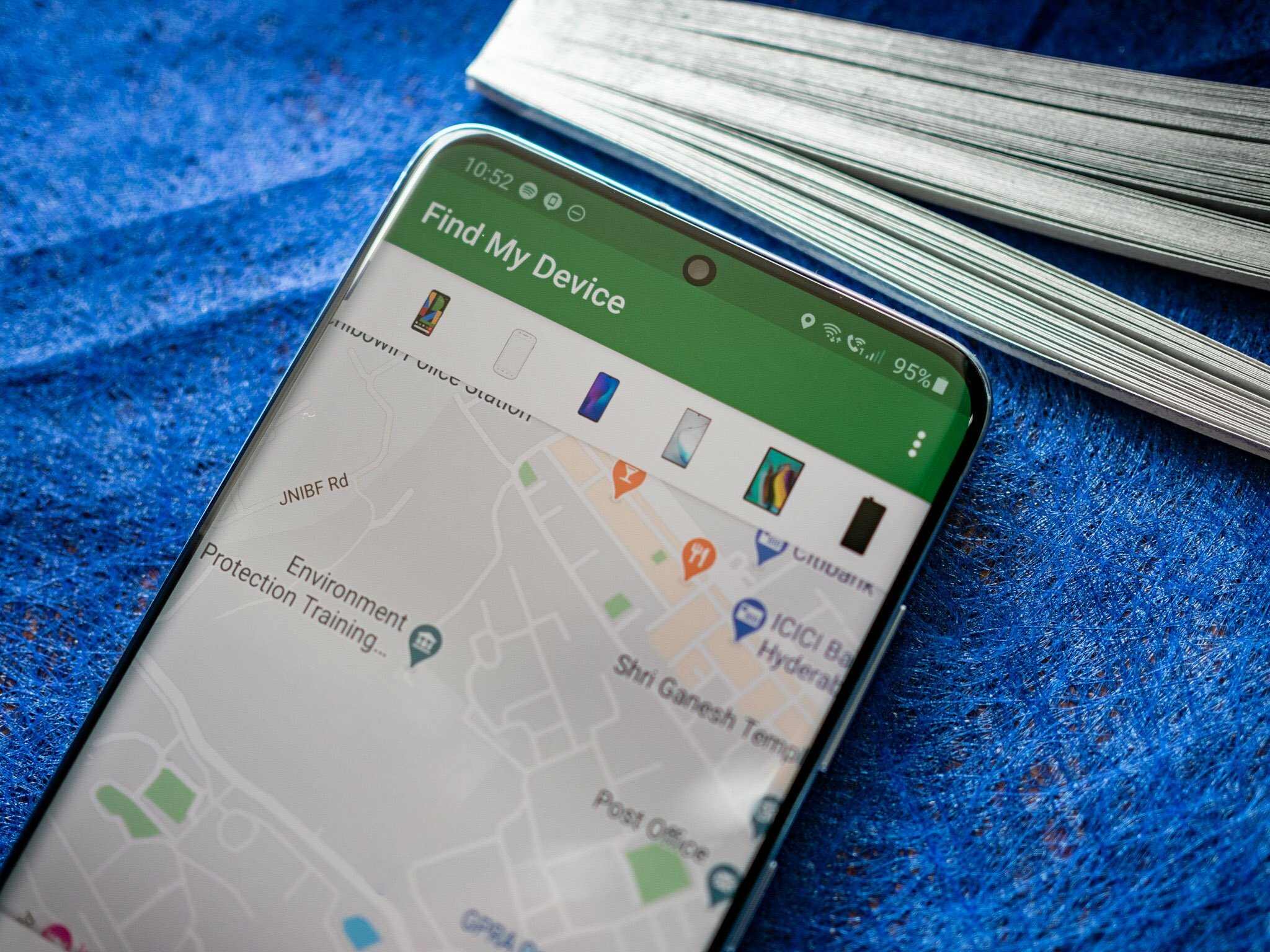
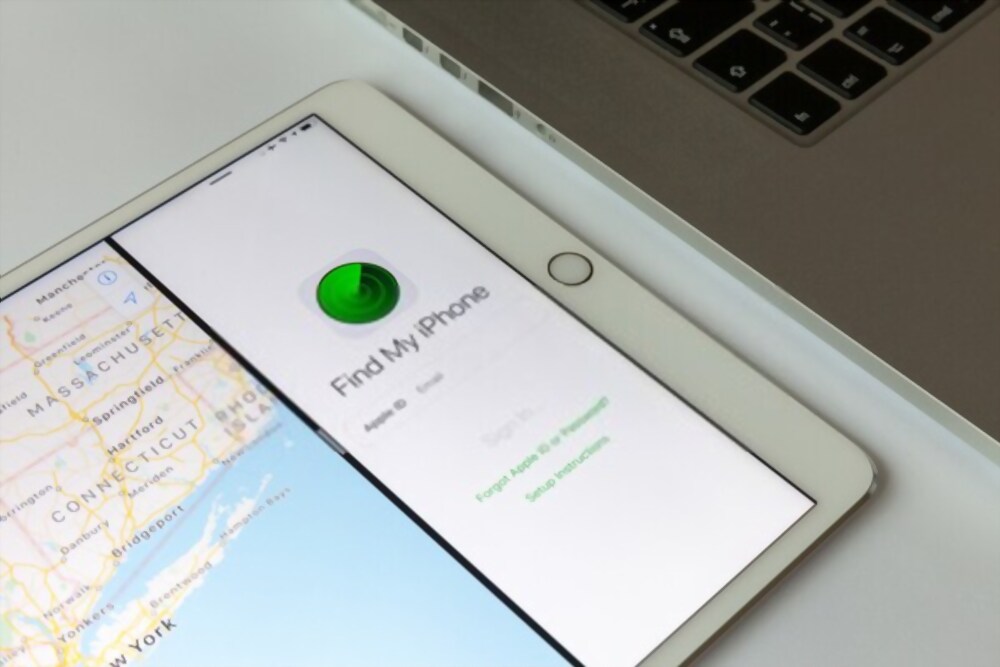
Guides and tutorials focused on the practical ways people use their phones to share, find, or control location data. This content is for anyone who needs to coordinate meetups with friends, keep tabs on family members, or troubleshoot why a location isn't updating correctly on their device.
The articles here solve two main kinds of problems. First, they help you actively send or receive a location, covering cross-platform hurdles like how to share location from Android to iPhone. Second, they address privacy and verification concerns, such as how to tell if someone is faking their location on Find My Phone or how to pause location on Find My iPhone. A few specific topics include the easy guide for finding someone's location by cell phone number and instructions on how to send a location pin on Android.
For those on carrier-specific plans, the tag also covers how to sync T-Mobile phones on the same plan for GPS-free tracking. And for more serious situations, it explains how police can trace a phone number. Whether you are trying to find someone's location on Android or simply manage your own settings, these articles provide straightforward steps for common location-sharing tasks.