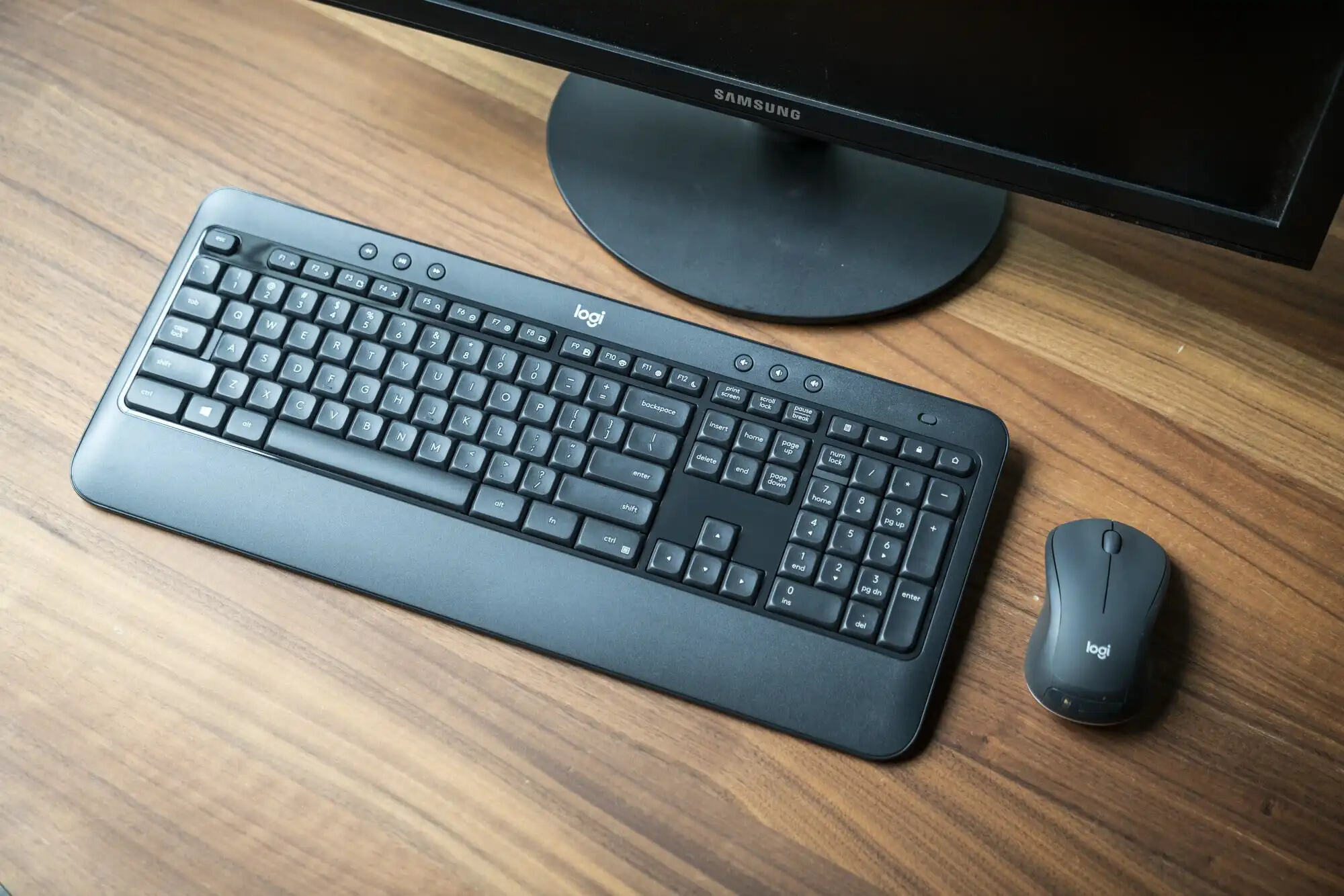
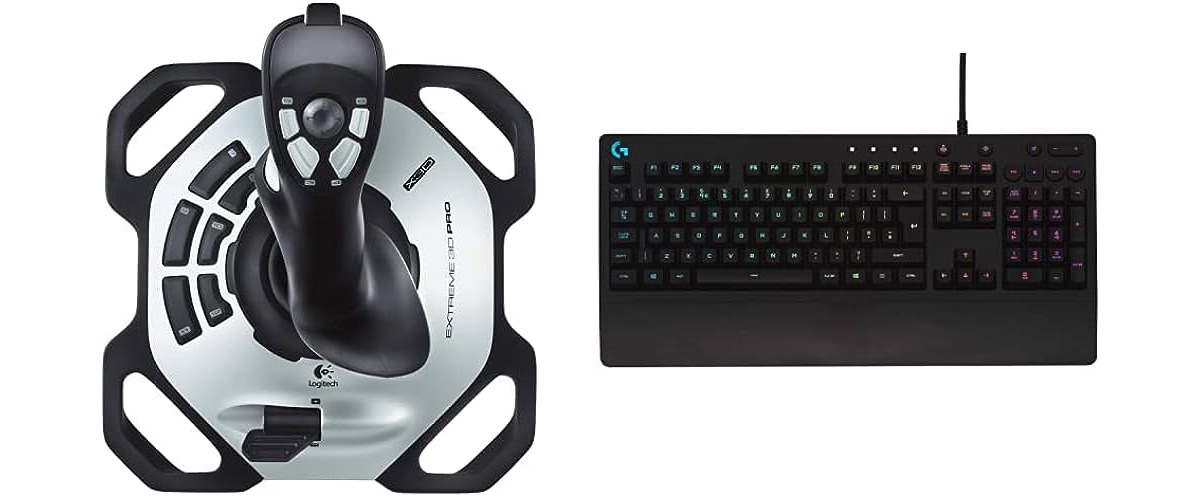
This tag collects all of CellularNews’s guides and how-tos related to Logitech wireless peripherals, specifically keyboards, mice, and headsets. It is designed for anyone who owns Logitech gear and needs practical, step-by-step help with setup, connection issues, or everyday adjustments, not for advanced customization or software development.
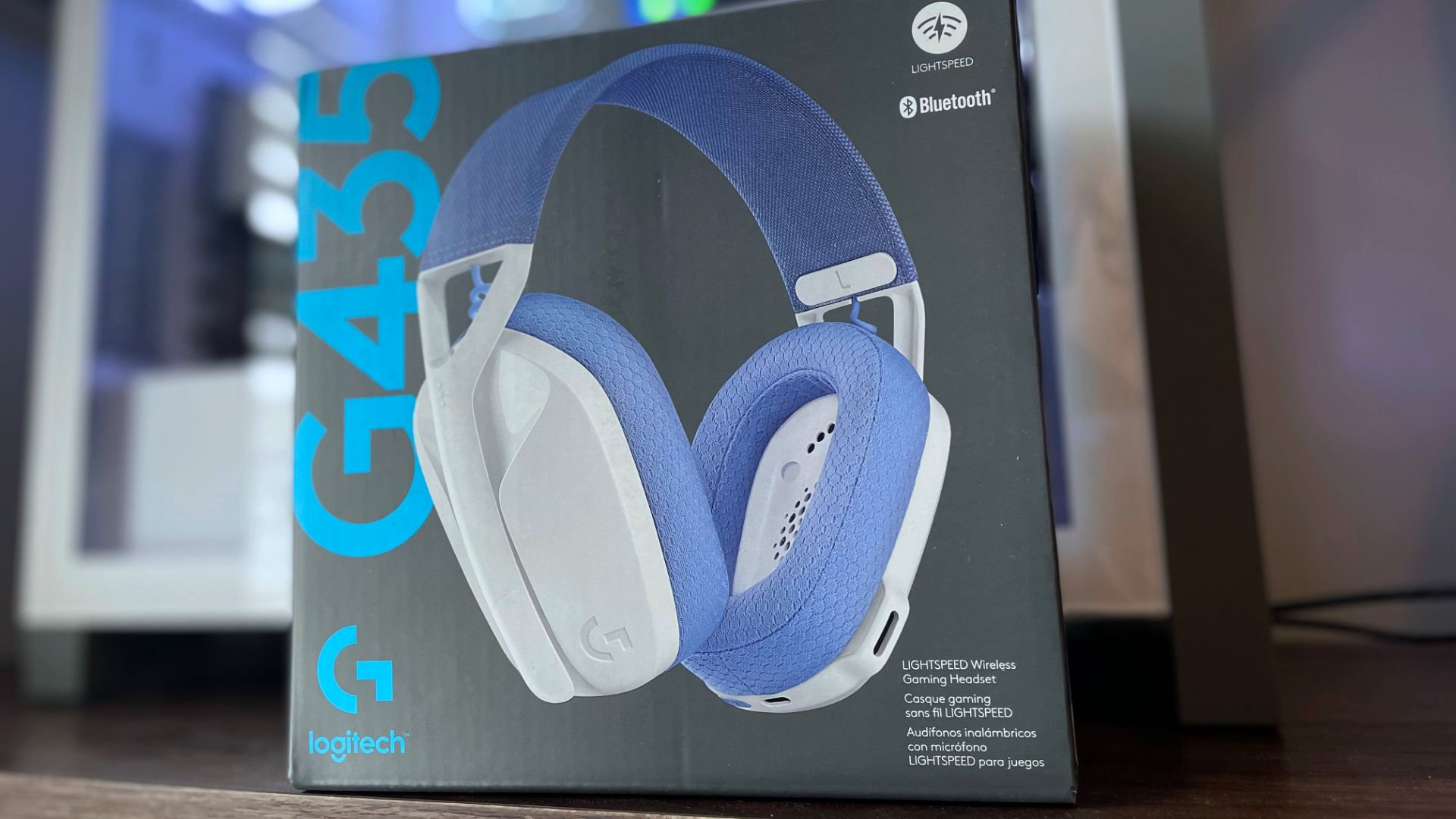
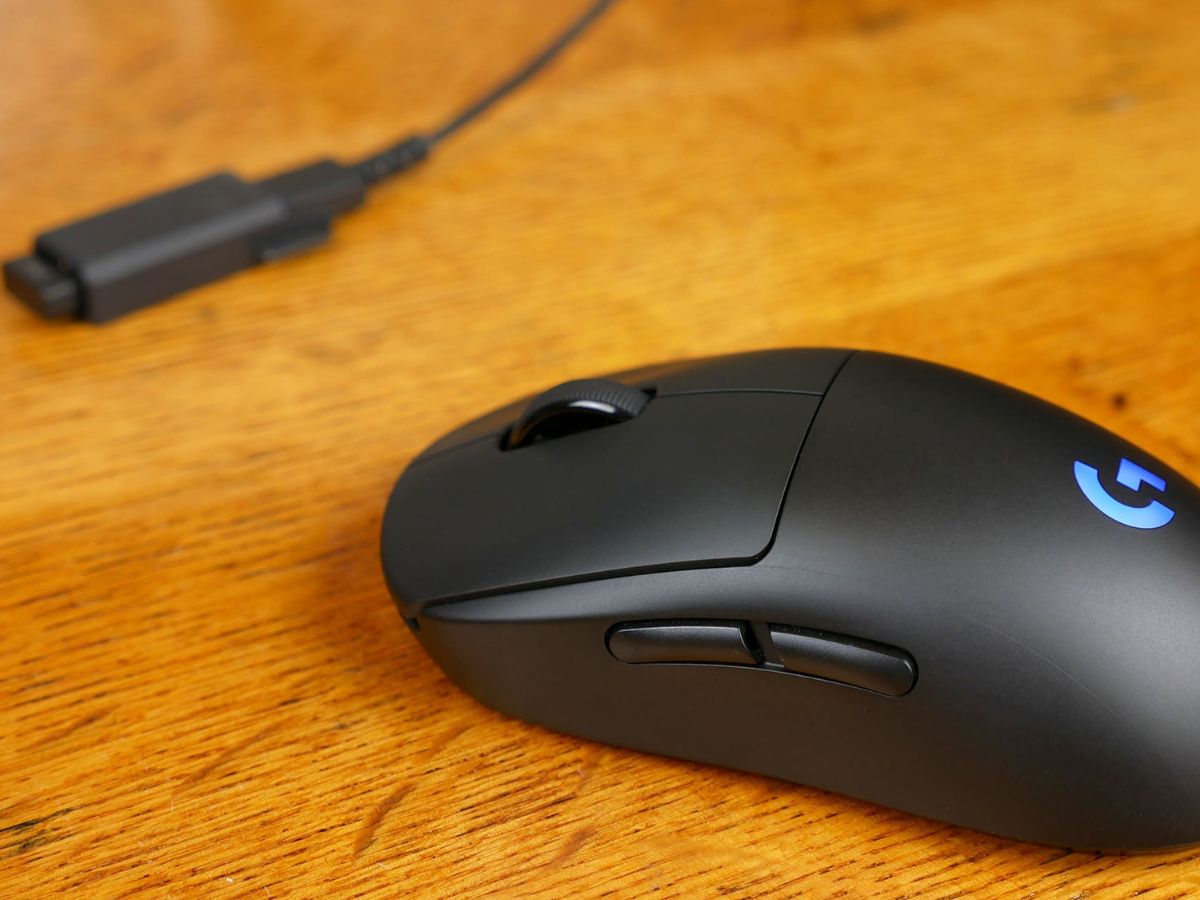
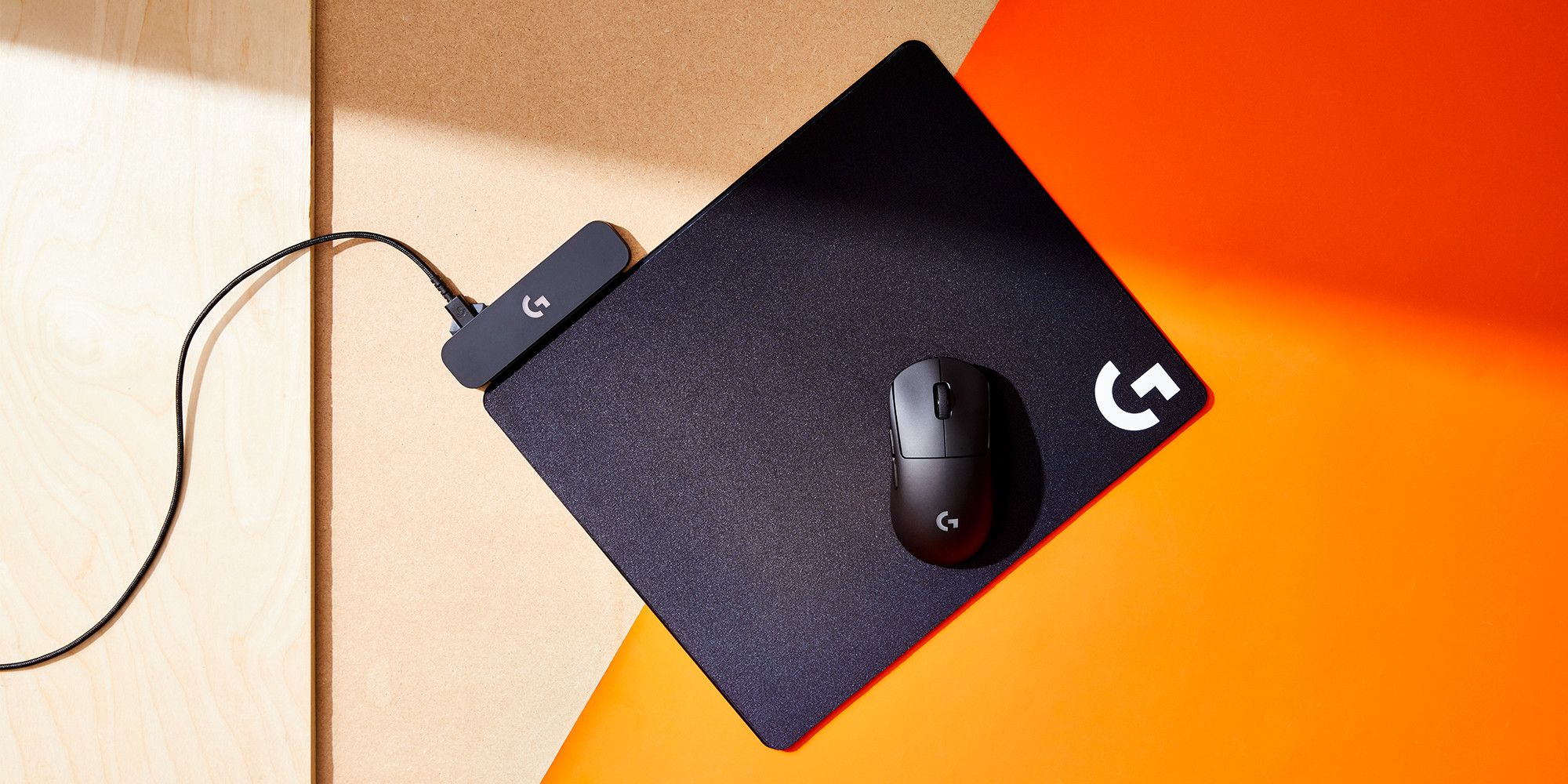
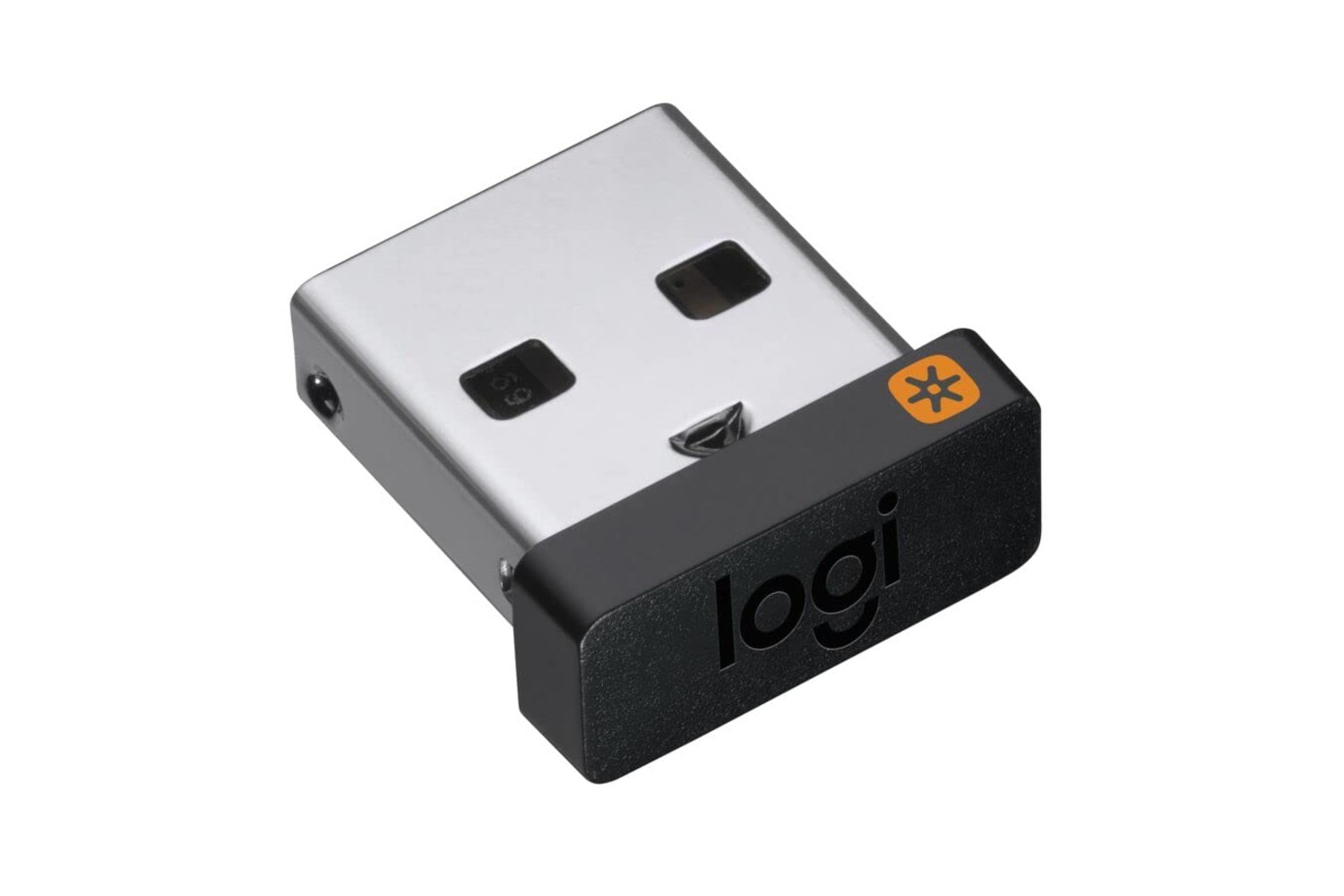
The articles here solve two main kinds of problems. First, they address pairing and re-pairing: you will find clear instructions for connecting a Logitech wireless keyboard to a Unifying receiver, changing a wireless mouse receiver, and resetting a keyboard that has stopped responding. Second, they cover charging and configuration details, such as how to charge a Logitech wireless mouse, how long it takes to charge the G Pro Wireless, and how to change the DPI on the Logitech Pro Wireless. A few articles also tackle specific hardware quirks, like what the keyboard joystick button is for and why a G435 headset might be flashing blue.
Whether you need to reprogram a Logitech dongle, connect a K540 keyboard, or pair a wireless headset with an Xbox One, these articles give you the exact steps to make your device work the way you expect. No fluff, just the fixes you need.