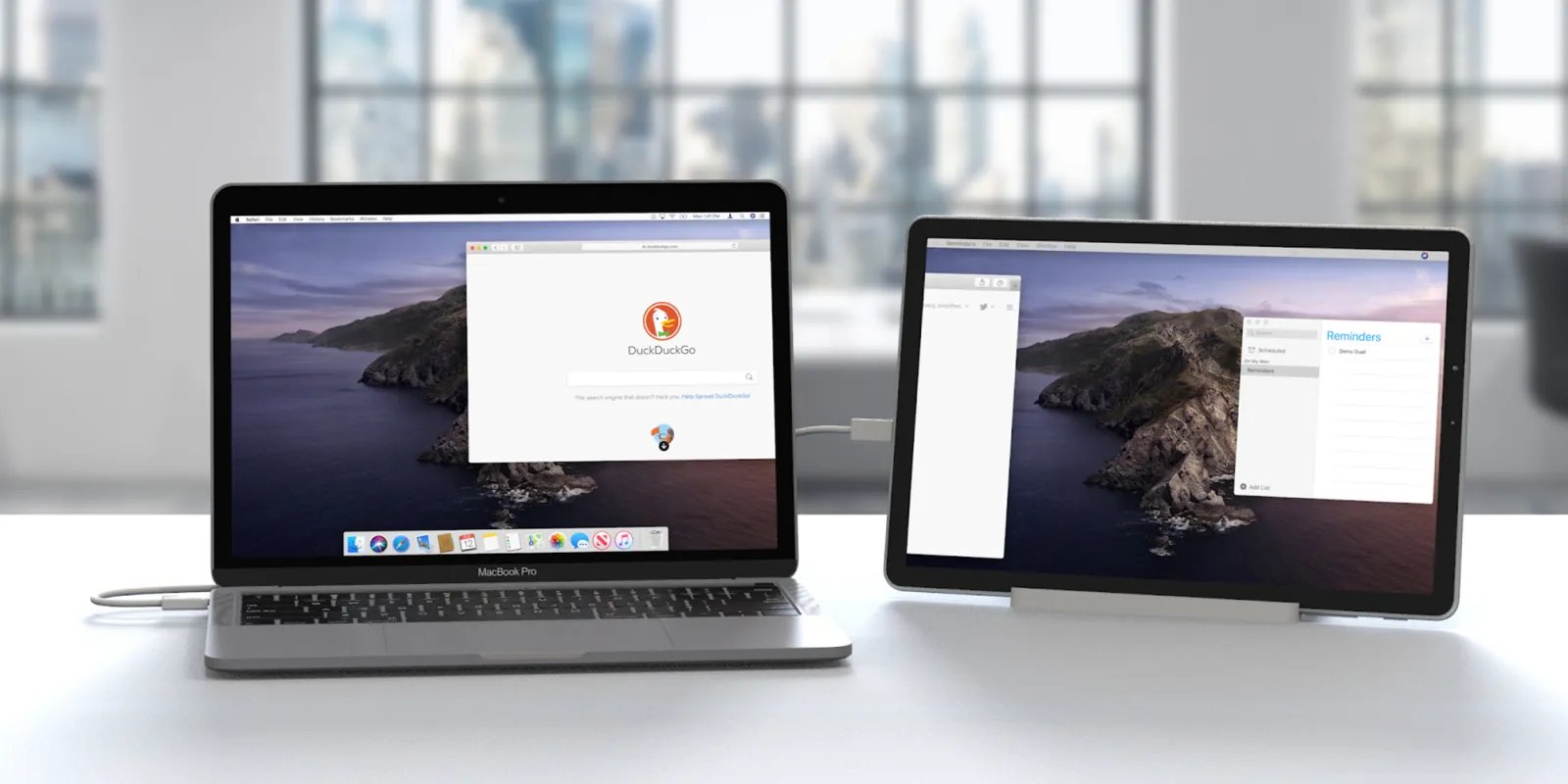
Articles that help you connect your Apple computer to the phones, accessories, and peripherals you use every day. It’s written for anyone who owns a Mac and wants to make it work seamlessly with other devices, whether that’s turning your phone into a second screen, fixing storage issues, or getting wireless gear up and running without frustration.
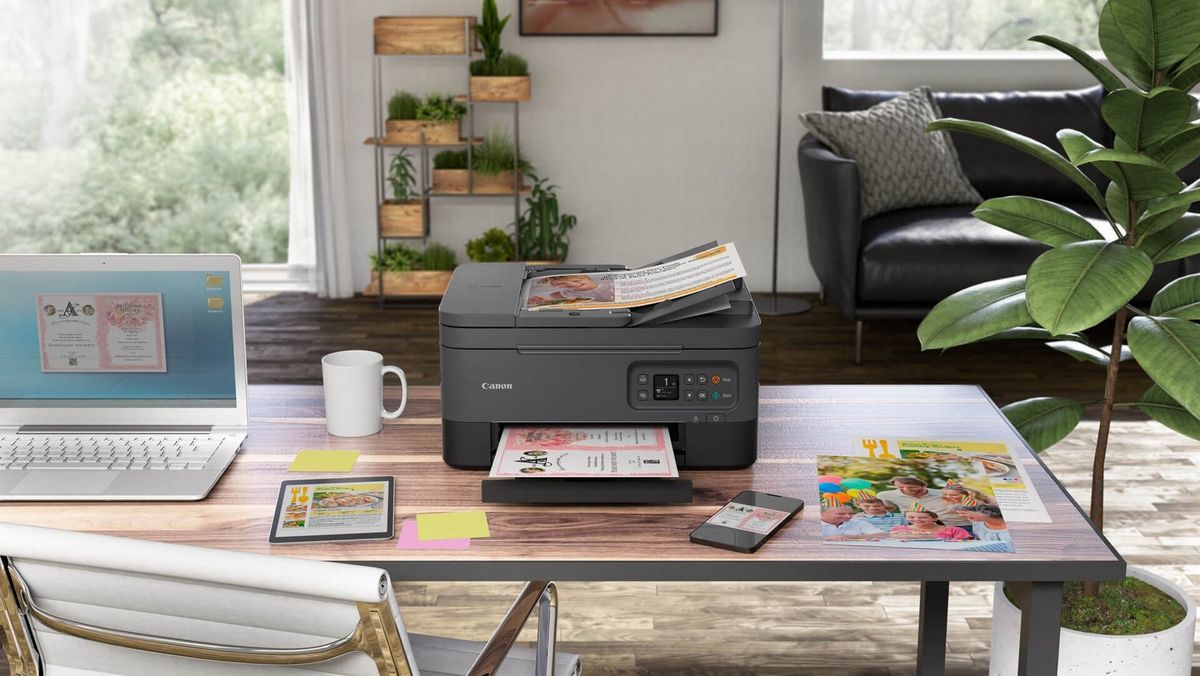
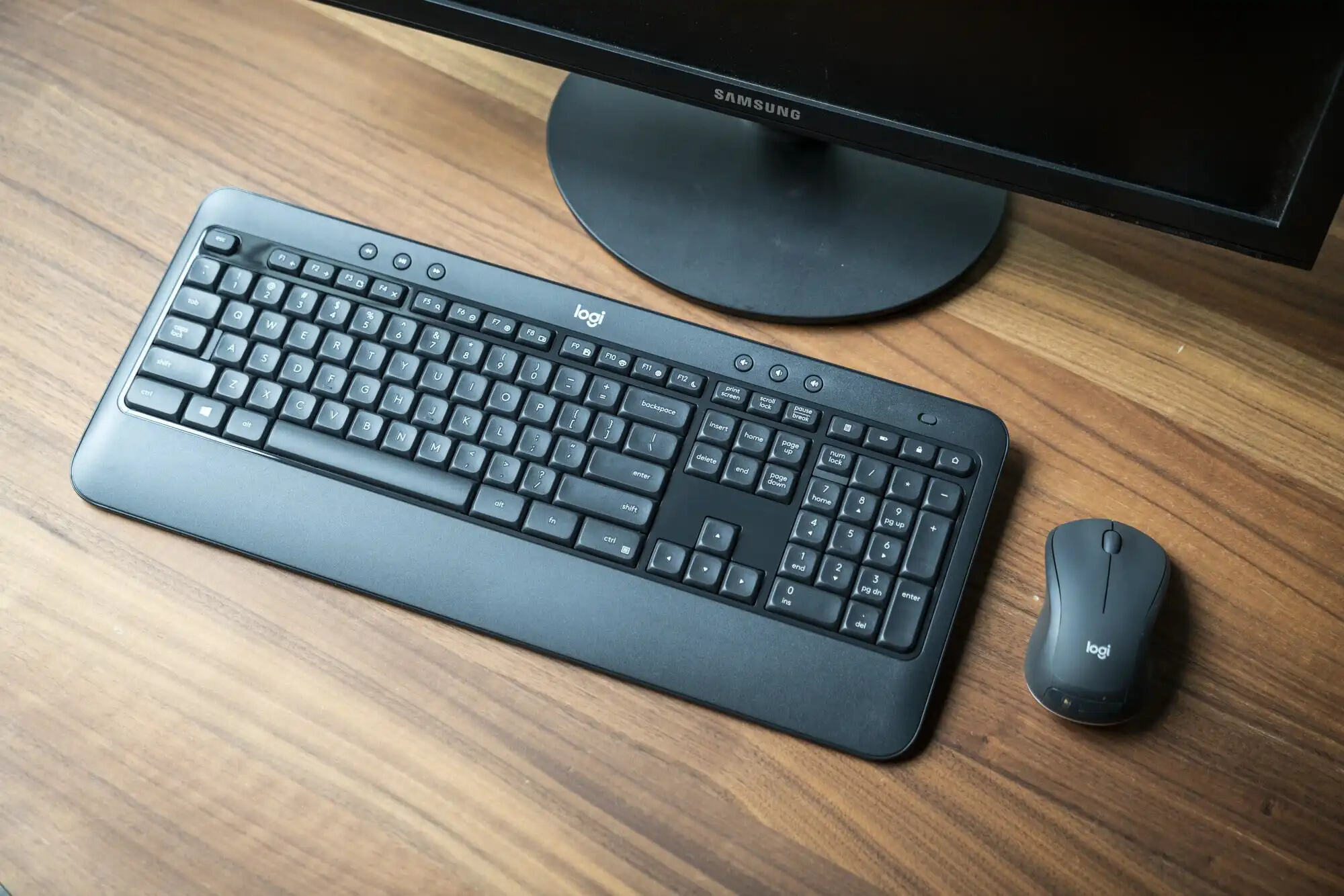
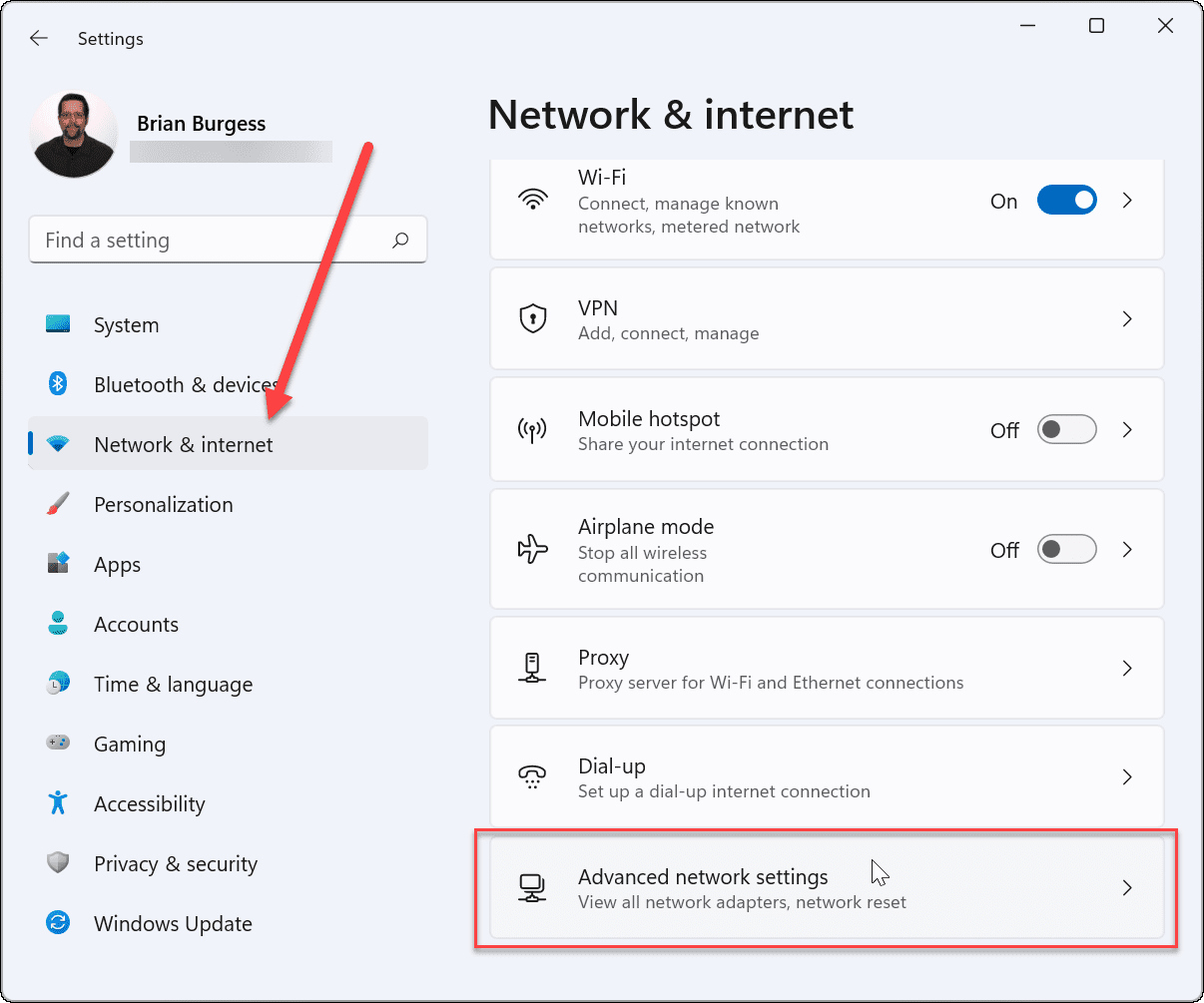
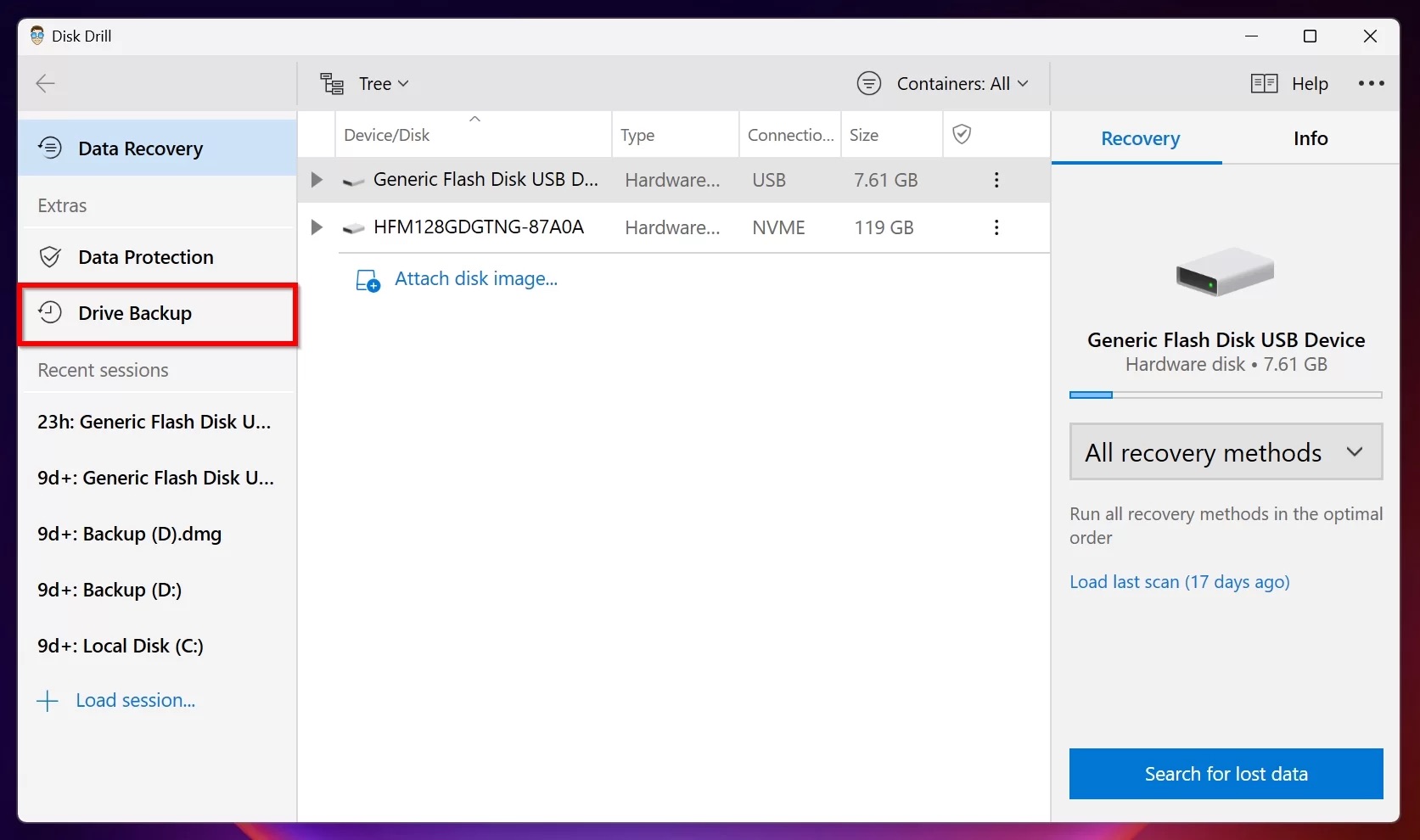
The articles here solve two main kinds of problems. First, they tackle connection and setup challenges: you’ll find practical steps for finding a wireless password, connecting a Logitech wireless keyboard to your Mac, and linking a laptop to a wireless Canon printer. Second, they address hardware and display troubleshooting, like how to fix a corrupted flash drive without losing data, or how to change the DPI on a Logitech Pro Wireless mouse for better precision. There’s also a guide on using Duet Display to turn your phone into a second screen, which is useful for extending your workspace on the go.
Each article focuses on what you can actually do: recover files from a broken drive, adjust mouse sensitivity, or pair a keyboard or printer with your Mac. No fluff, just clear fixes and settings adjustments for real-world macOS use.