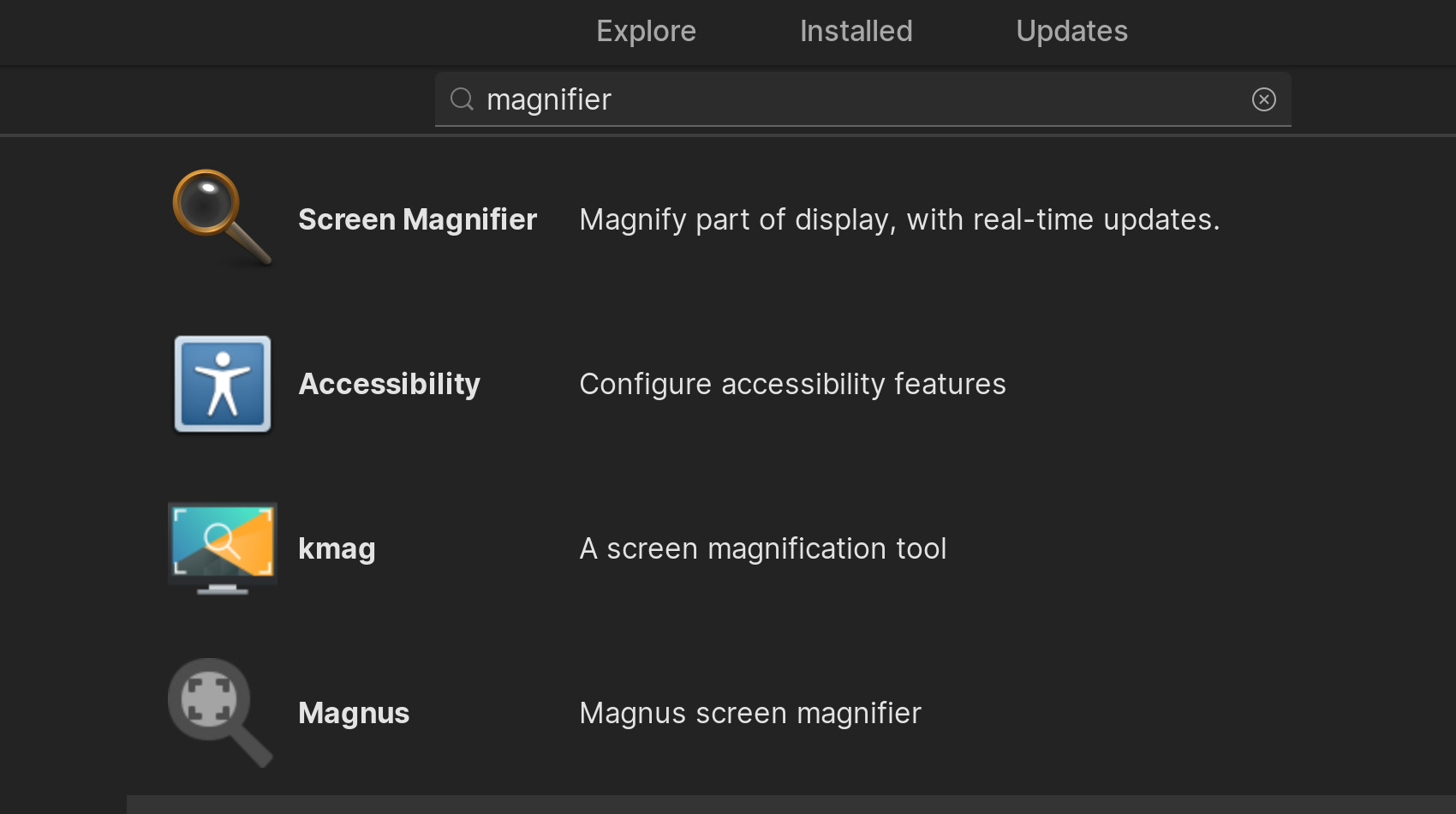
The screen magnification feature found across smartphones, gaming consoles, and accessories. This tag is for anyone who has accidentally enabled the magnifier on their device and needs to turn it off, or for users who want to learn how to use the tool effectively. It also serves shoppers looking for the best physical magnifier add-ons for their phone.
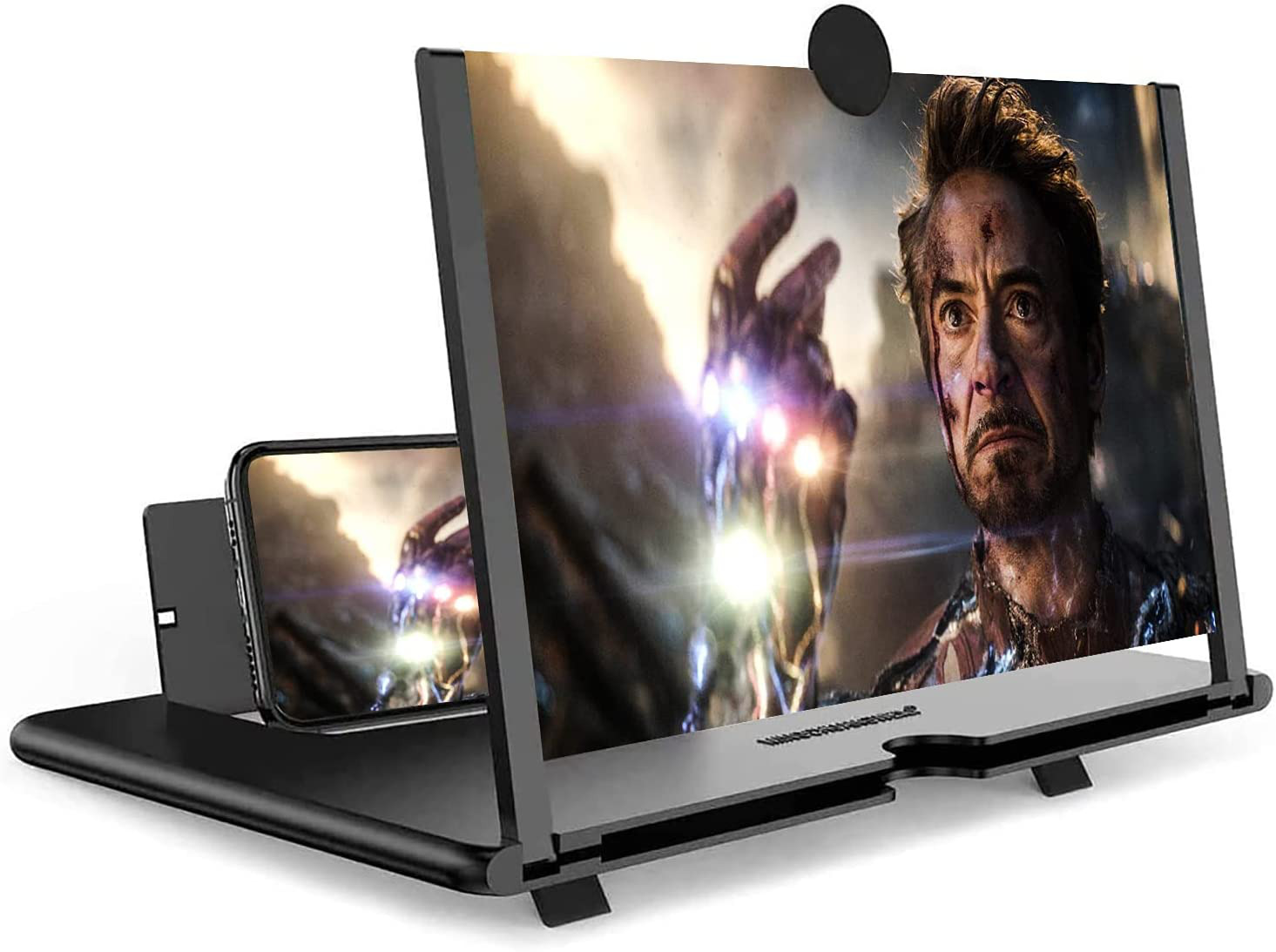
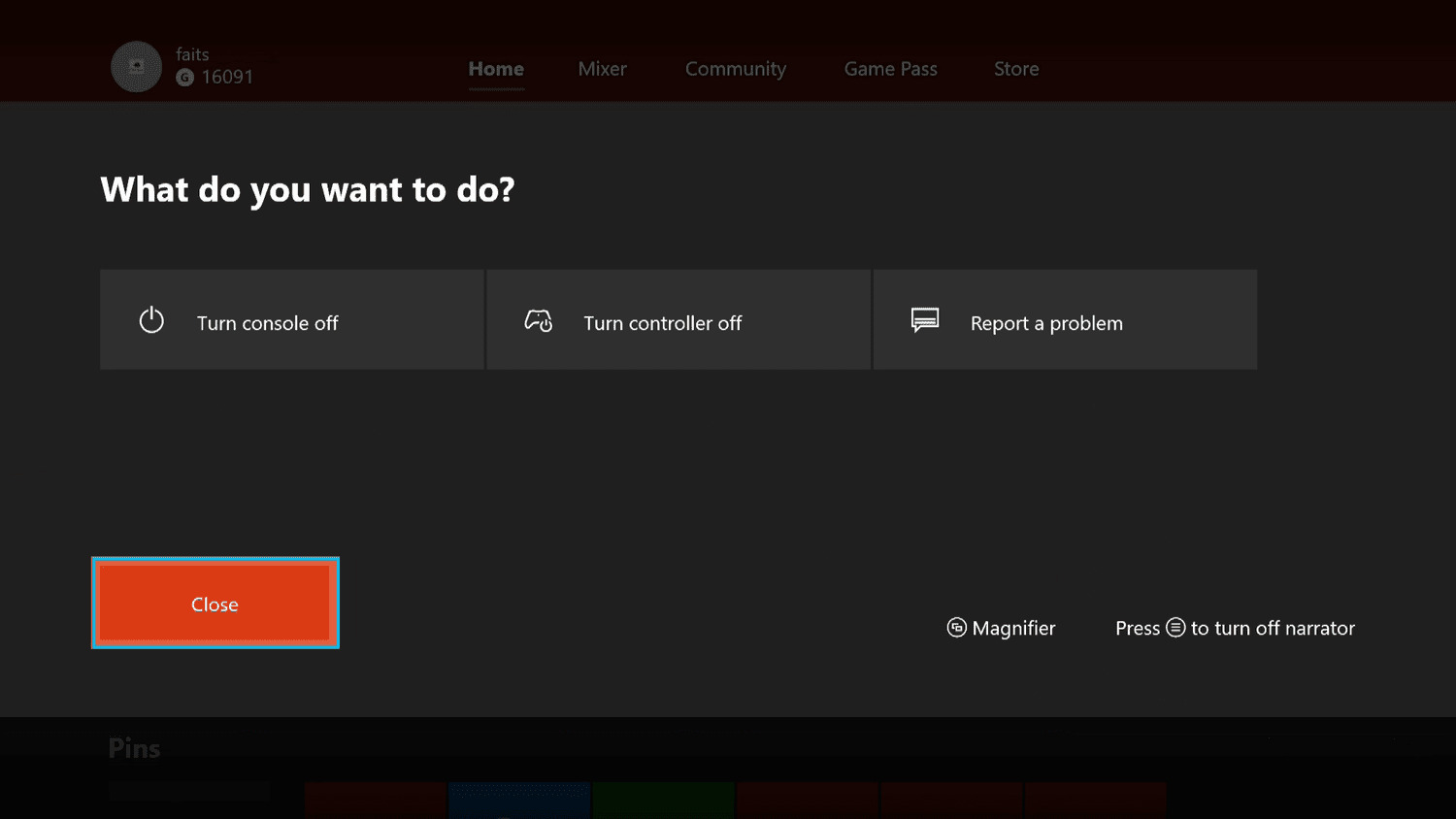
The articles here solve two main types of problems. The first is disabling an unwanted magnifier that has taken over the screen, which can be frustrating when you cannot see the full interface. Specific guides cover how to turn off the magnifier on Samsung devices, on other Android phones, and even on an Xbox console. The second theme is about using the magnifier properly or choosing the right hardware. One article explains how to use the magnifier feature step by step, while another lists the 13 best phone magnifiers for 2024 to help you pick a clip-on lens for reading small text or repairing tiny components.
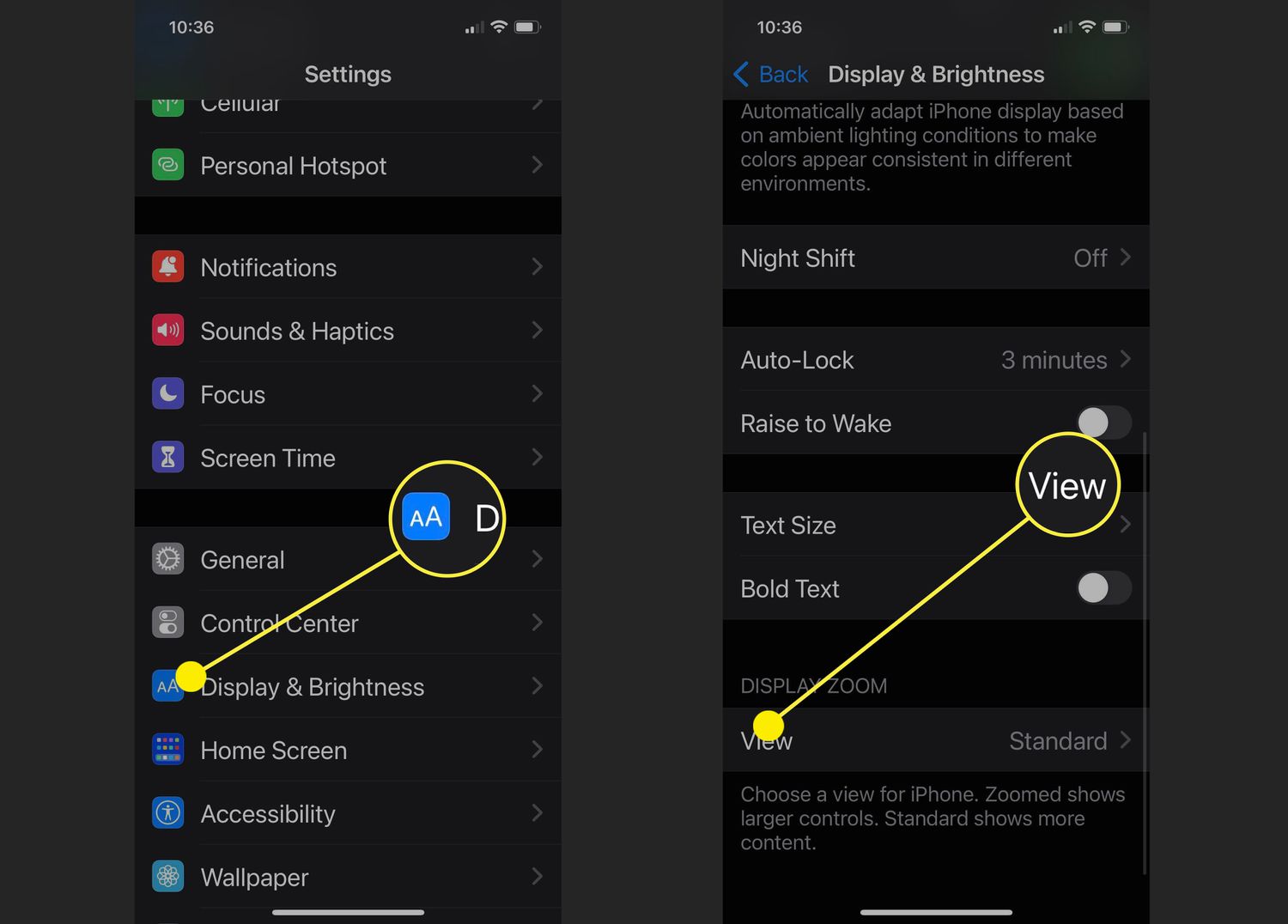
Whether you need to get the magnifier off your screen after a mistaken gesture, or you want to understand the settings that control it, these articles provide direct, actionable steps. They help you regain full control of your display or select a physical lens that suits your needs.