The Messaging Apps tag page on CellularNews collects articles focused on the software and features that let you communicate on your phone, from mainstream chat platforms to private messaging tools. This content is for anyone who wants to understand how their messaging apps work, fix common problems, or learn about new ways to stay in touch.

The articles here help you solve two main kinds of problems. One group covers practical fixes and settings, such as why your MMS is not working on Android, how to turn on MMS, or how to change your text message notification sound. Another group helps you manage privacy and control your conversations, with guides on how to read a message without triggering a read receipt, how to turn off read receipts on a Galaxy S21, and how to hide your phone number in Signal. You will also find explanations of basic concepts like what is chat, what is texting, and what is online, alongside reviews of specific apps such as KakaoTalk and Snapchat.

Whether you need to send a location pin on Android, make a group chat on a Gabb phone, or learn how to like a text on an Android phone, these articles give you clear, step-by-step instructions. They also cover broader topics like the best secret messaging apps for private conversations and how to live without a cell phone, all without promising anything beyond what the listed titles deliver.
Explain Yourself! Snapchat

Snapchat is a camera-first social app that lets you send disappearing Snaps, chat, post Stories, and share your location on Snap Map. This explain yourself Snapchat overview covers exactly what...

How To Turn On MMS On Android

To turn on MMS on Android, open your messaging app and look for the settings menu, usually accessed via the three-dot menu or a Menu button. The exact path varies...

How To Play Gamepigeon On Android

You cannot play GamePigeon on Android. GamePigeon is an iMessage-exclusive app for Apple devices, and no official Android version, Android setup path, or carrier-specific method has been documented. Can you...

How To Send A Location Pin On Android

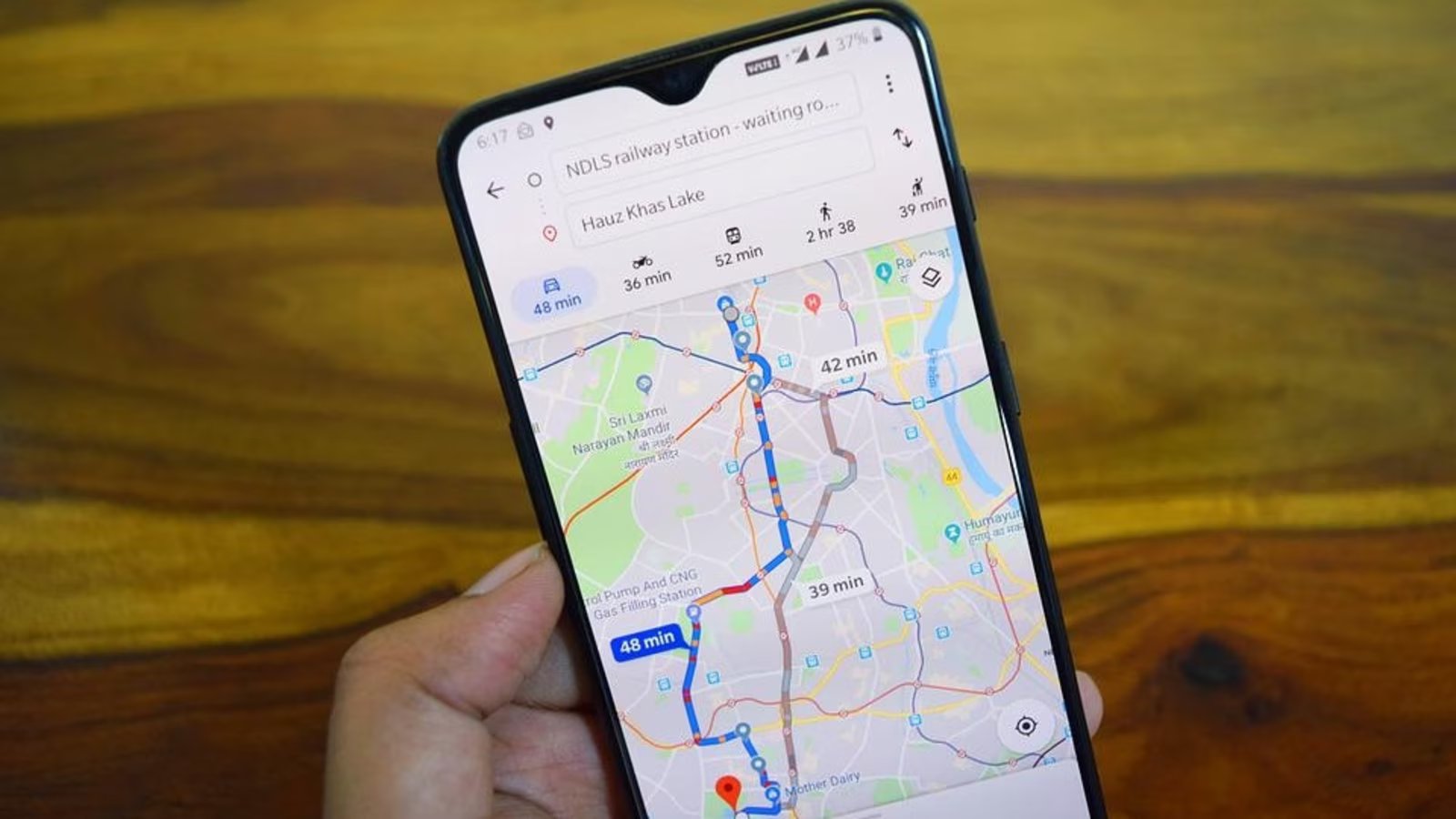
To send a location pin on Android, open Google Maps, touch and hold a spot on the map to drop a pin, tap the place's name or address at the...

How To Like A Text On An Android Phone

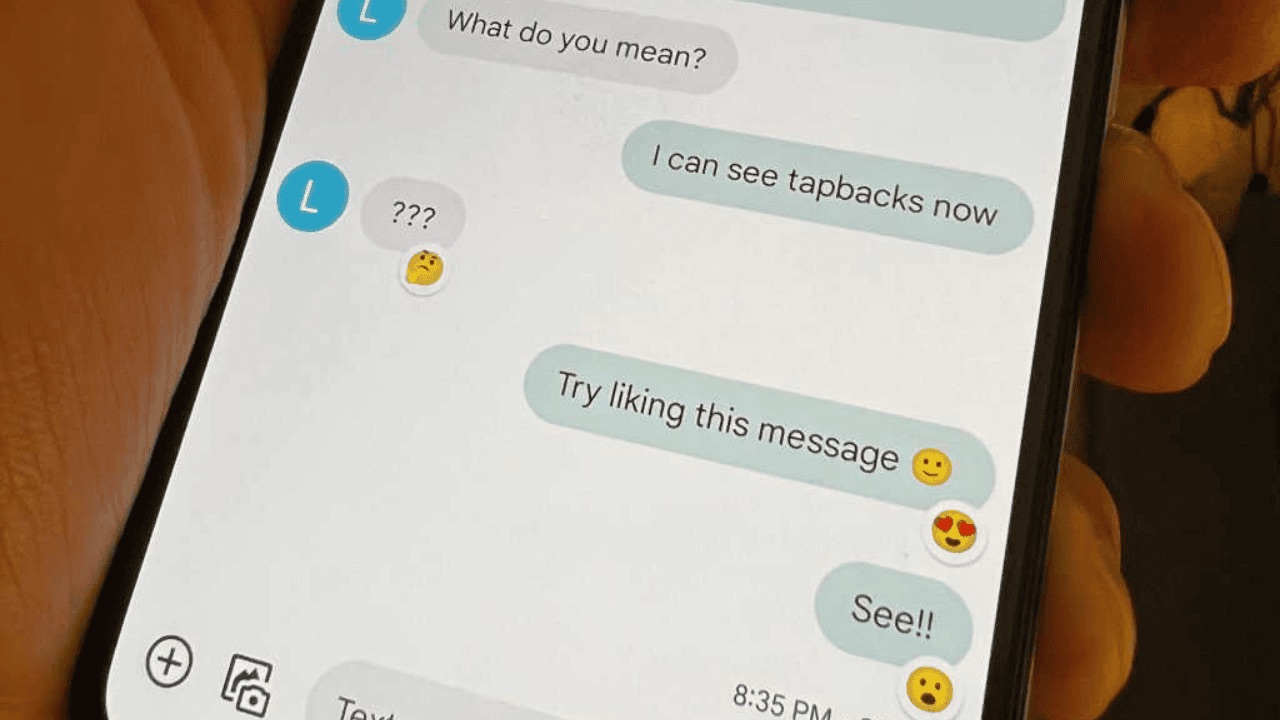
To react to a text on your Android phone, you use emoji reactions in the Google Messages app, there is no dedicated “like” button. This feature lets you quickly acknowledge...

How To Live Without A Cell Phone

Here’s how to live without a cell phone today: set up a smartphone to work on Wi‑Fi only, keeping access to apps, messaging, and calling without a cellular plan. How...

How To Make A Group Chat On A Gabb Phone

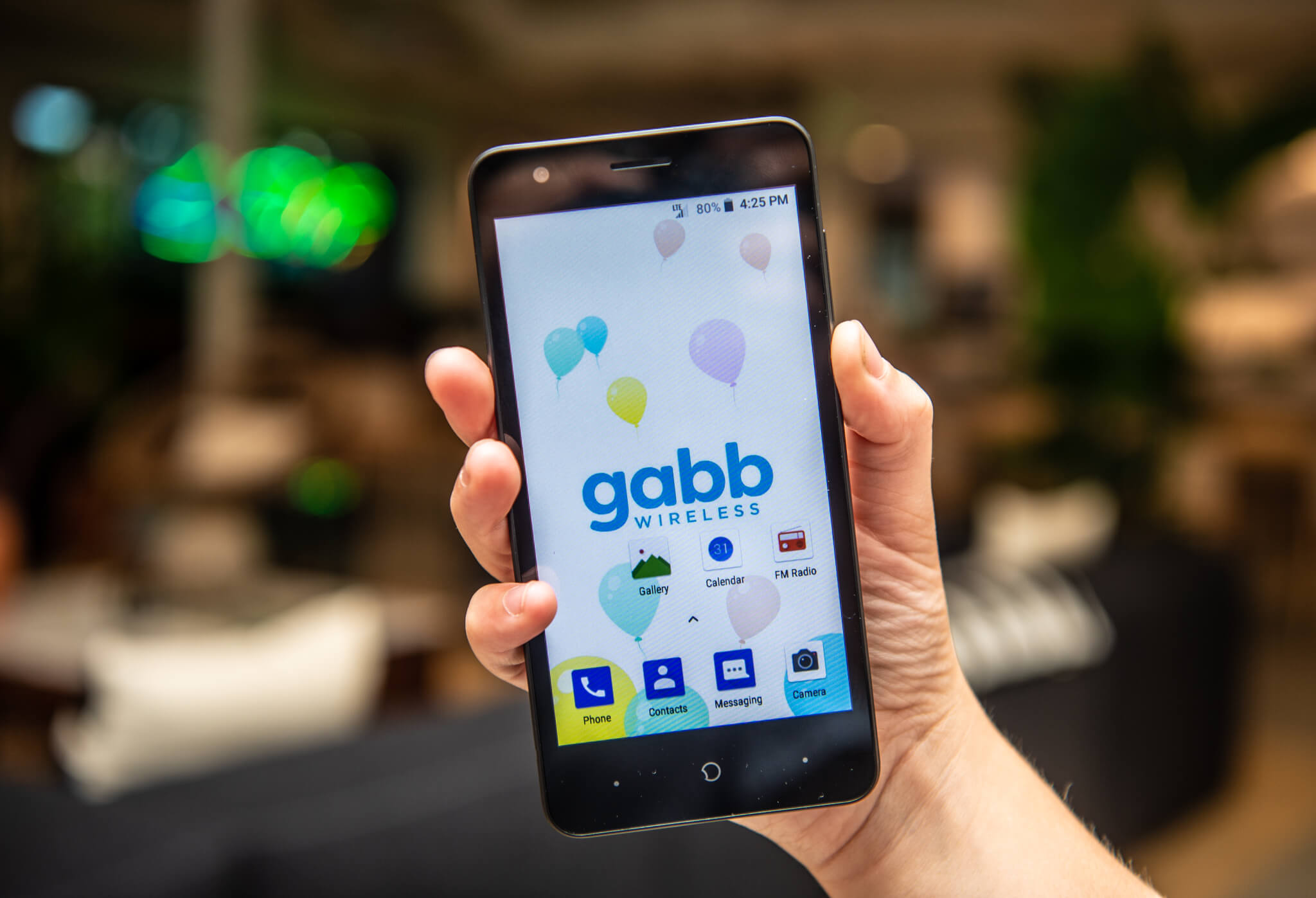
To make a gabb phone group chat, open Gabb Messenger, tap the compose icon, and enable the Group Chat toggle before selecting your contacts. This feature is available on Standard...