Here’s how to live without a cell phone today: set up a smartphone to work on Wi‑Fi only, keeping access to apps, messaging, and calling without a cellular plan.
How to live without a cell phone: the Wi‑Fi-only setup
Living without a cell phone in practice means repurposing an iPhone or Android as a Wi‑Fi-only device, not abandoning mobile technology entirely. The device still provides internet access, messaging, and calling through apps over Wi‑Fi, while the cellular radio is turned off or left without an active plan. This approach gives you the benefits of a phone, camera, maps, email, and communication apps, without the cost or distraction of a cellular line.
Check your cellular service status on iPhone
Before you drop service, verify what your iPhone reports about its cellular connection. Open Settings, tap Cellular, and review the line listed under Cellular Plans. If the line is missing, the device has no active service. If you see SOS, No Service, or Searching in the status bar, Apple documentation says to check Settings > Cellular, confirm the line is turned on, and contact your carrier if the line is missing or barred. If the iPhone has no cellular service, Apple still documents that you can check service by going to Settings > Cellular and reviewing the line status. These indicators mean the phone cannot connect to a cellular network, but Wi‑Fi features still work.
Turn off cellular and use Wi‑Fi only
To ensure the device works without a plan, disable the cellular line in Settings > Cellular by tapping the line and turning off Turn On This Line. For extra certainty, enable Airplane Mode and then manually turn Wi‑Fi back on. This prevents the phone from searching for a cellular signal while keeping Wi‑Fi active for apps, messaging, and calls. Apple notes that if you later want to reactivate the line, go to Settings > Cellular > [cellular line] > Turn On This Line.
Set up call forwarding before you drop service
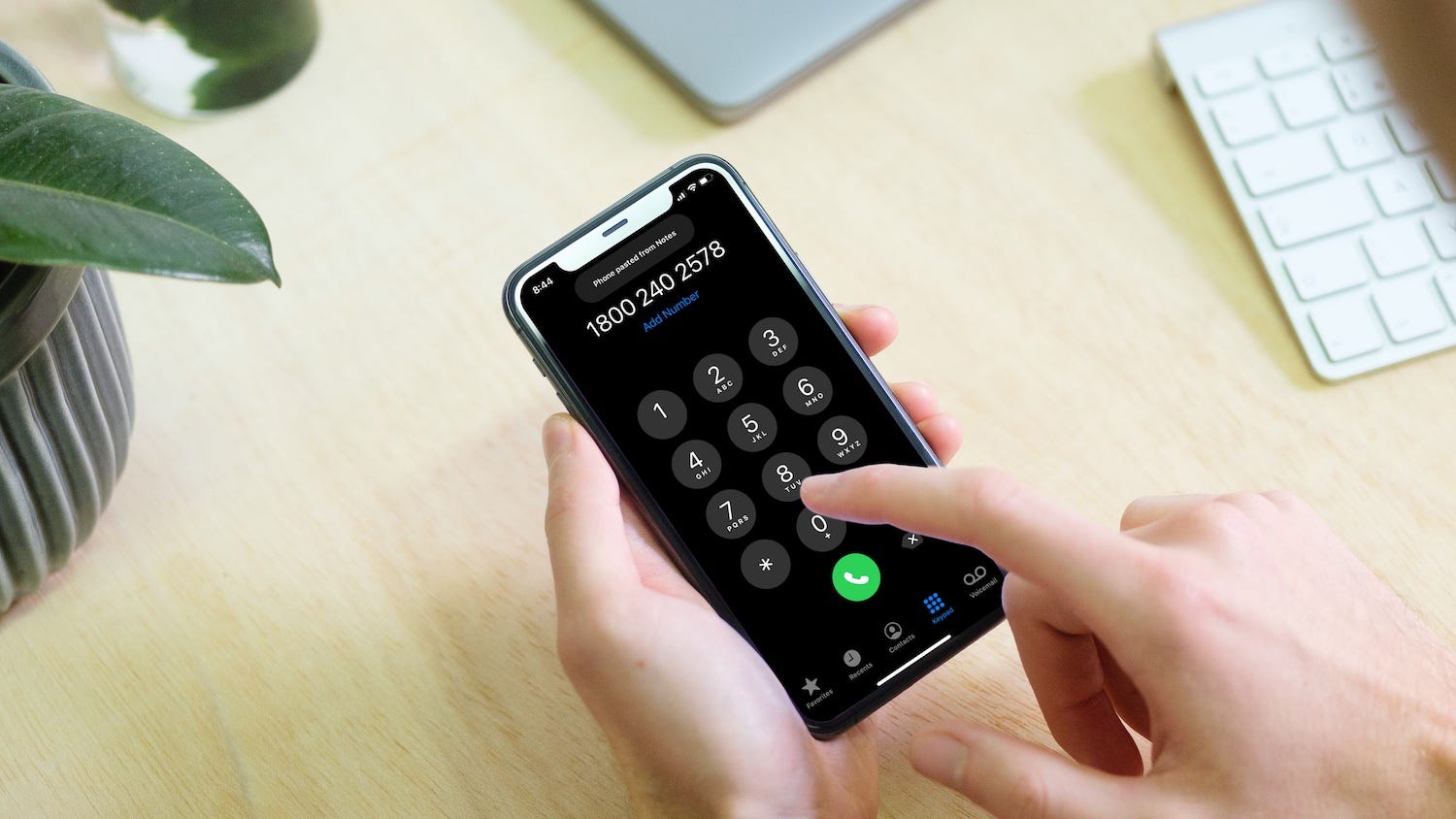
If you want calls from your old number to reach you on a Wi‑Fi-based app or landline, set up call forwarding while the cellular line is still active. On iPhone, the documented path is Settings > Apps > Phone > Call Forwarding. Turn it on and enter the forwarding number under Forward To. On iPhone with Dual SIM, Apple’s documented note is to choose the line before setting call forwarding. Android paths and carrier star codes vary by manufacturer and provider; no single universal setting exists. Some carriers use codes like *72 to enable and *73 to disable, while others manage forwarding through online settings. Check your carrier’s help page for the correct method.
Alternatives for calling and messaging on Wi‑Fi
Once your device is Wi‑Fi only, use apps that work over an internet connection. FaceTime, WhatsApp, and Google Voice replace traditional cellular calls and texts. Email remains a reliable option for longer messages. These apps require only a Wi‑Fi connection and an account, not a cellular plan. For emergency calls, keep a landline or a basic phone with a prepaid plan as a backup. If you need to receive calls forwarded from your old number, the forwarding setup above directs them to a landline or a VoIP number.
Frequently Asked Questions
Can an iPhone be used without cellular service?
Yes. Apple and Apple community documentation confirm that an iPhone works on Wi‑Fi for internet access and apps after cellular service is removed or turned off. The device’s cellular features depend on the line being active or turned off in Settings > Cellular. Apple community guidance says a SIM may be needed to activate a new iPhone, but not to keep using it afterward.
Where is call forwarding on iPhone?
Turn it on and enter the number under Forward To. This setting appears only when the carrier supports it and the line is active.
What if I don’t see Call Forwarding?
If the option is missing, the carrier may not support it, the device may need a cellular connection to display the setting, or the plan may require provider-side activation. Contact your carrier to confirm whether call forwarding is available and how to enable it.
How do I use a smartphone without a cell phone plan?
Turn off the cellular line in Settings > Cellular or enable Airplane Mode with Wi‑Fi turned on. The device then functions as a pocket computer, using Wi‑Fi for all communication and app needs. No cellular plan is required after the initial activation.
What are the best apps for calling and texting without cellular service?
FaceTime, WhatsApp, Google Voice, and standard email apps work over Wi‑Fi. Google Voice also provides a free phone number for calls and texts. These apps replace the traditional cellular call and text functions without needing a plan.
For the wider topic, see cell phone facts and usage.
Related reading: How To Share A Phone Number and How To Use Your Phone As A Webcam For Obs.