All of our guides about getting your internet hardware up and running. This page is for anyone who needs practical, step-by-step help connecting a modem, router, or landline phone, or switching between wired and wireless connections. Whether you are setting up a new device or troubleshooting an existing setup, these articles focus on the physical connections and basic configurations that keep your home network working.
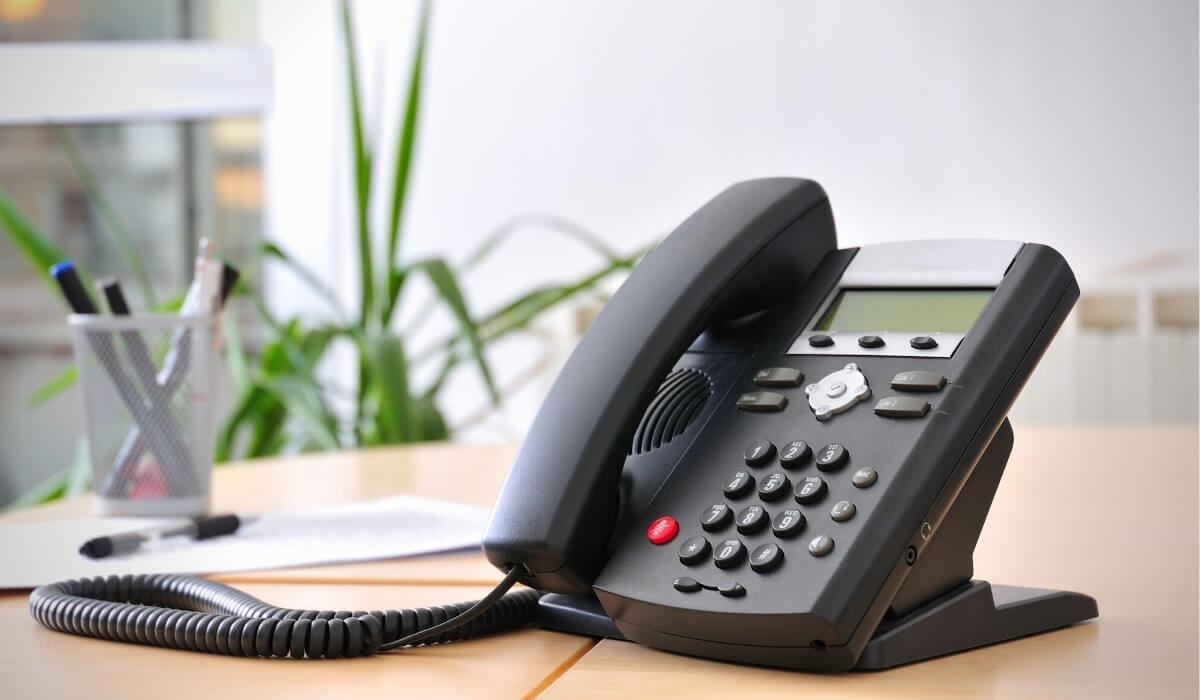
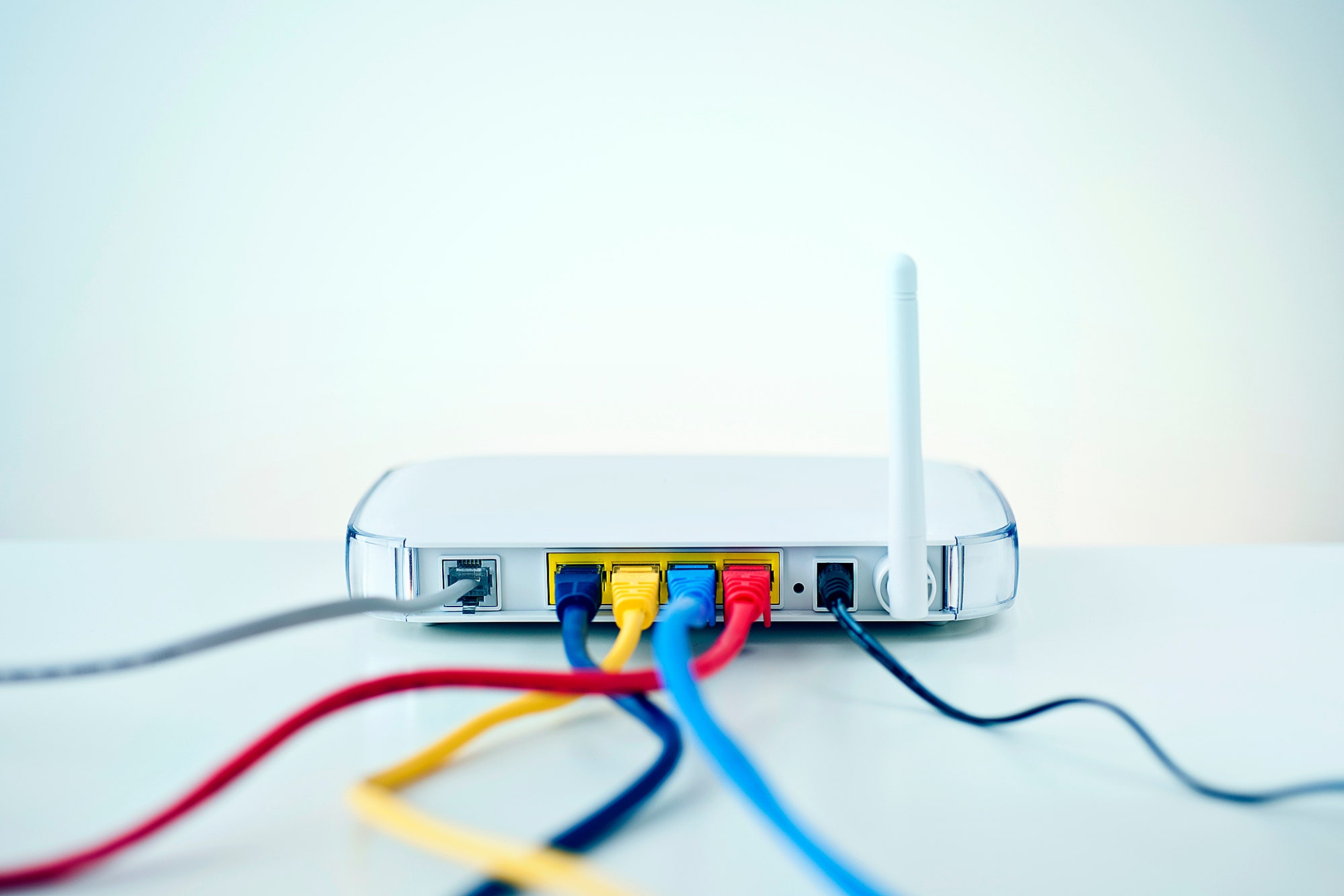
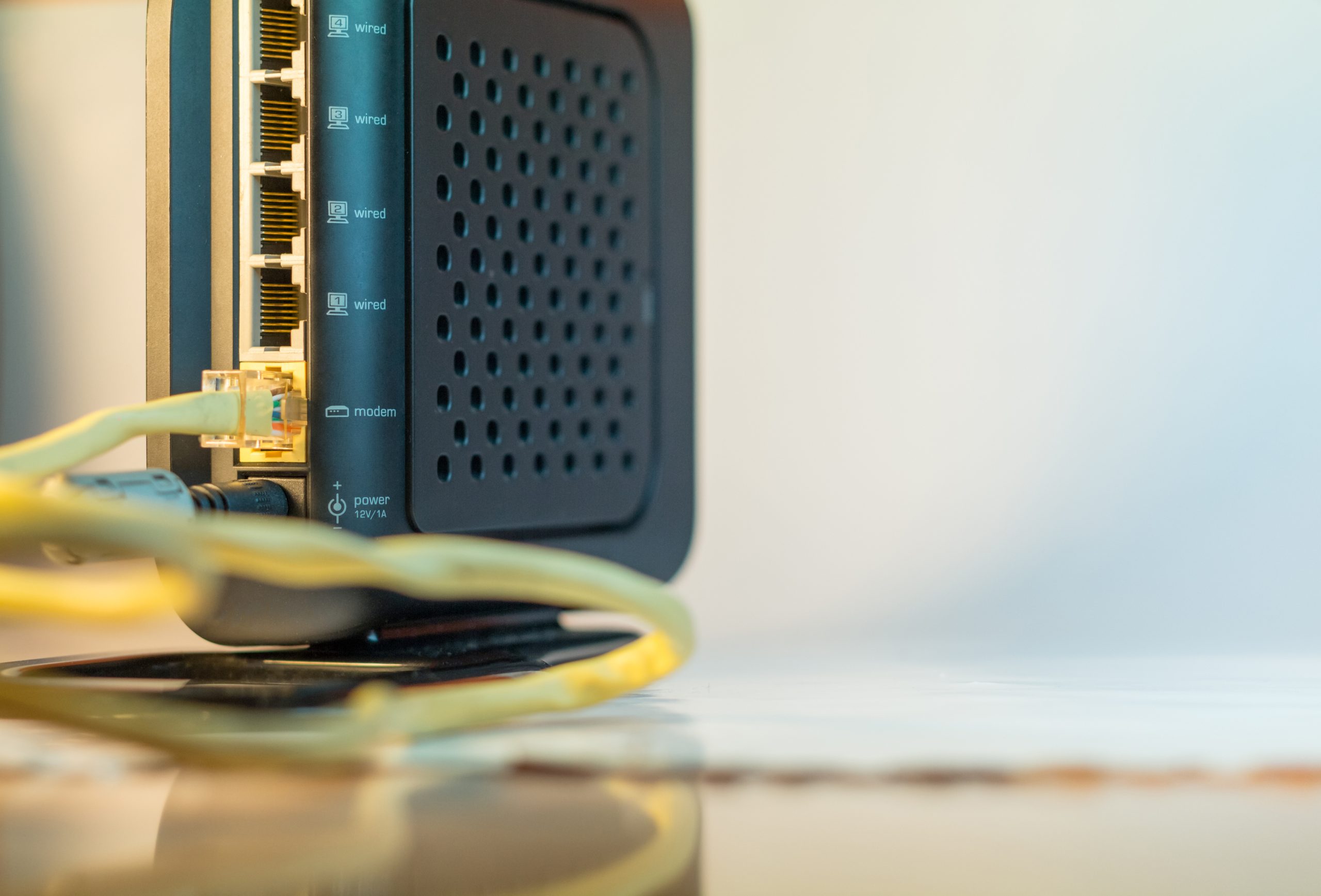
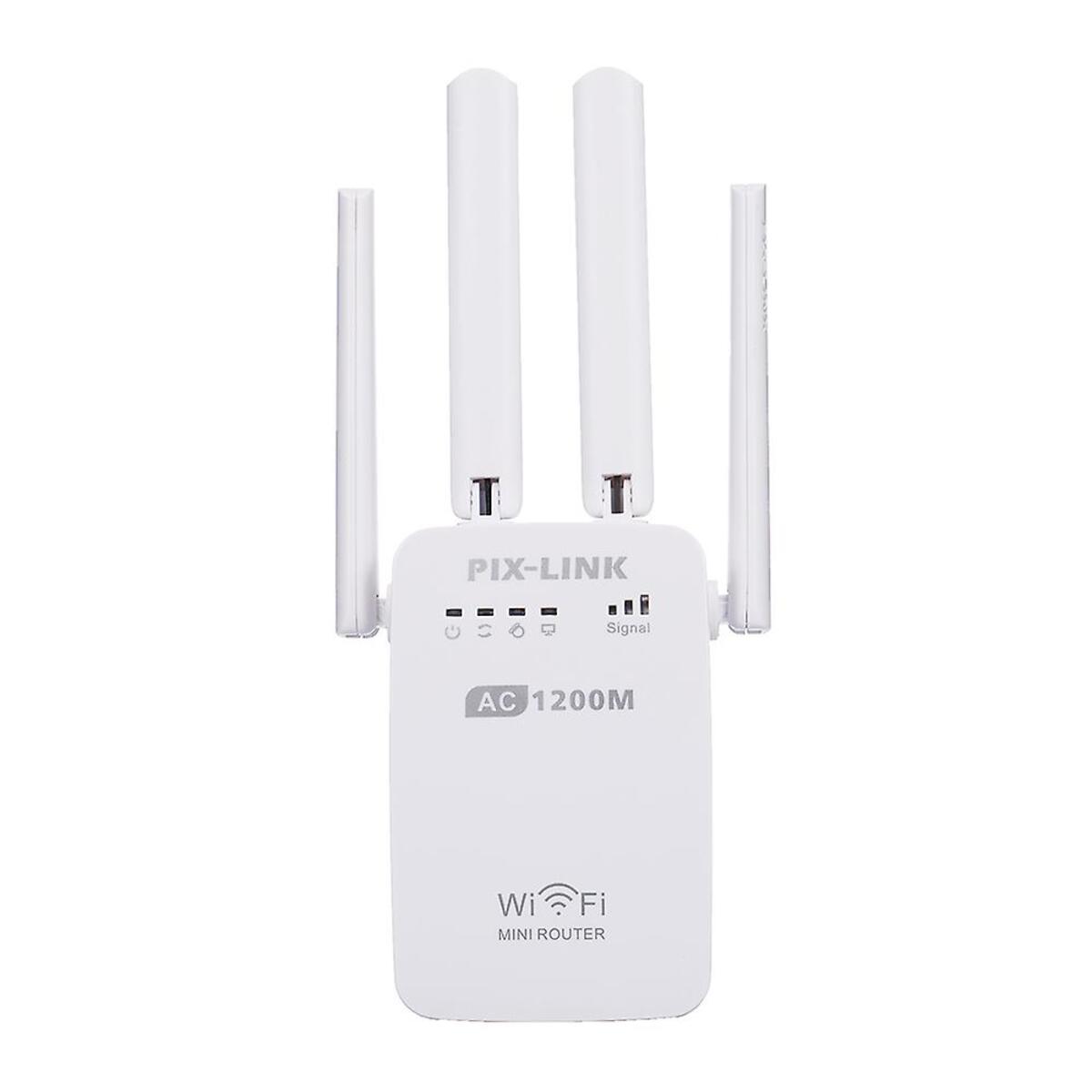
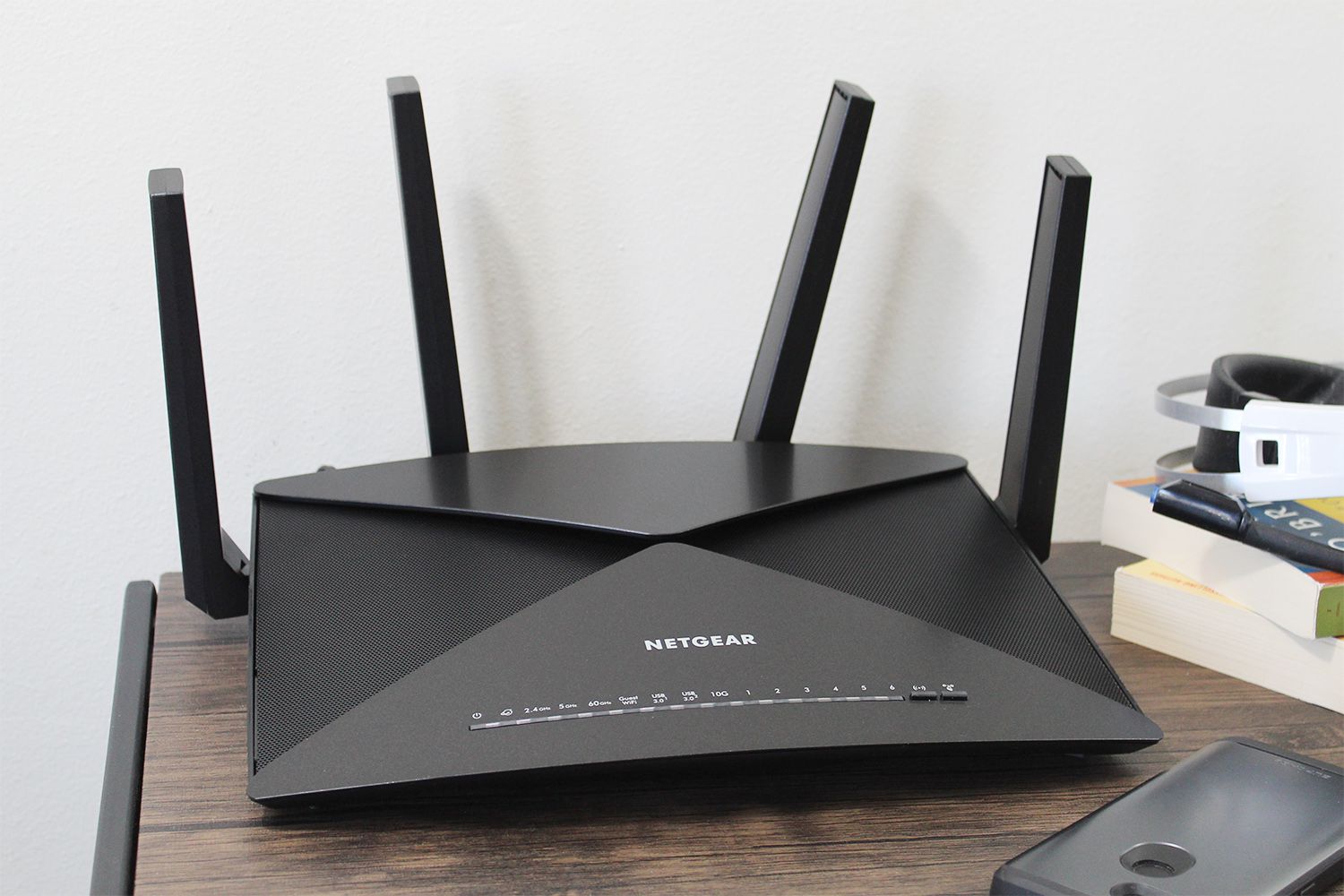
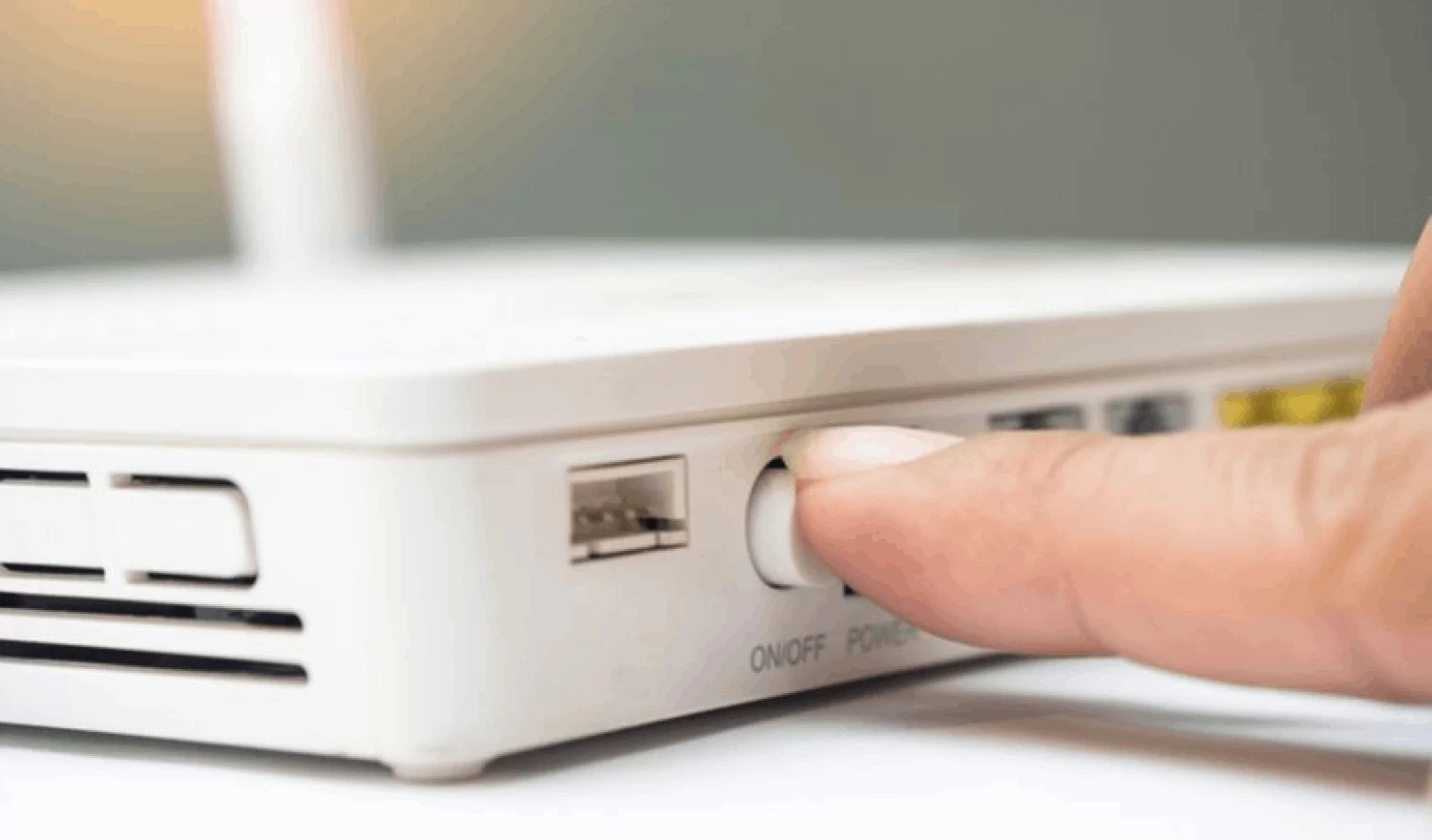
The articles here solve two main kinds of problems. First, they help with connecting devices to your modem. You will find guides explaining how to plug a telephone line into a modem using the correct connector, and several articles walk you through connecting a landline phone to an Xfinity modem or a standard modem. Second, they cover router and network setup tasks, such as how to restart a wireless router, how to set up a Netgear wireless router, and how to set up a wireless mini router. A third theme involves changing your network type, with articles like how to make an Ethernet connection wireless and how to change to a wired connection from wireless.
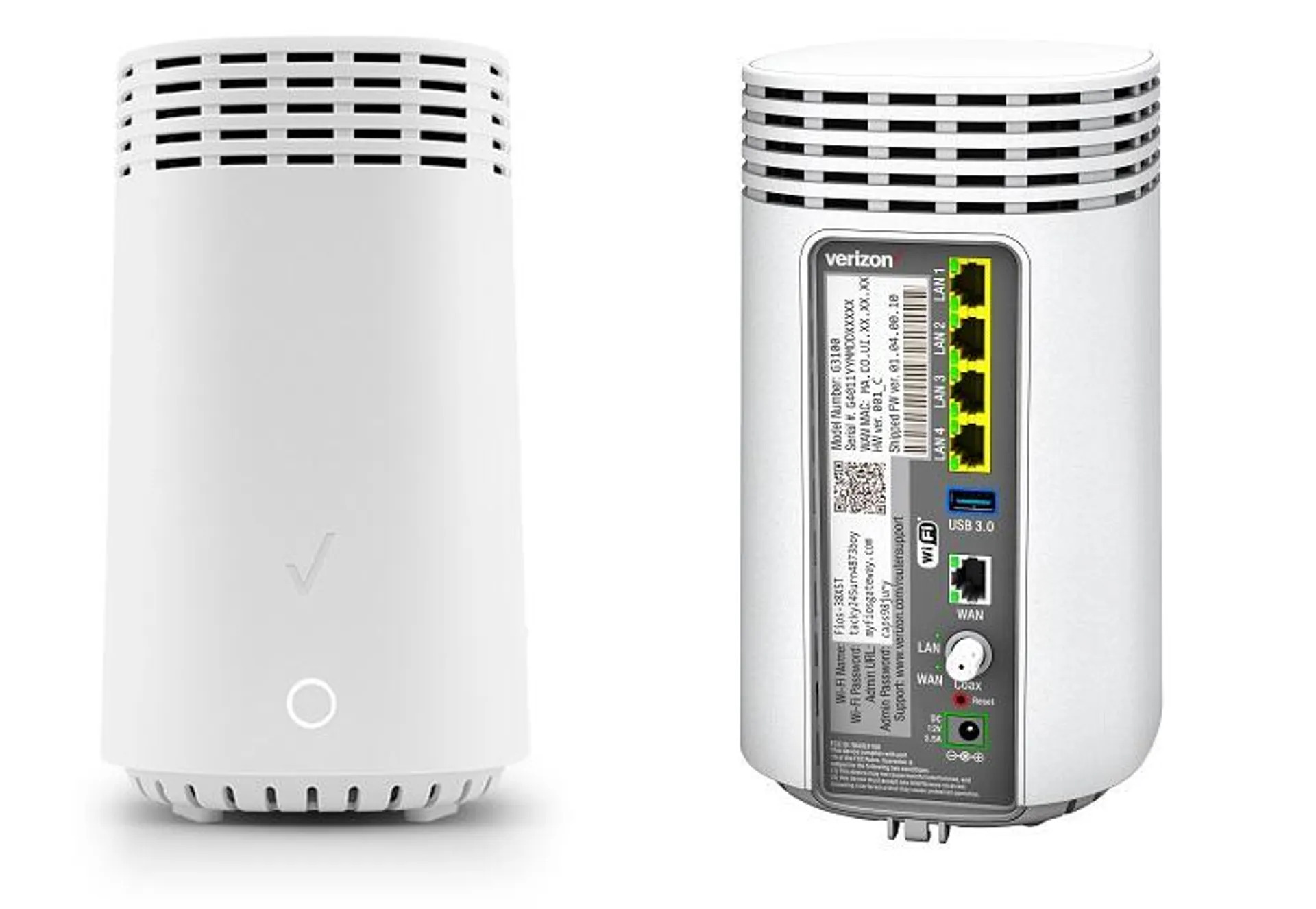
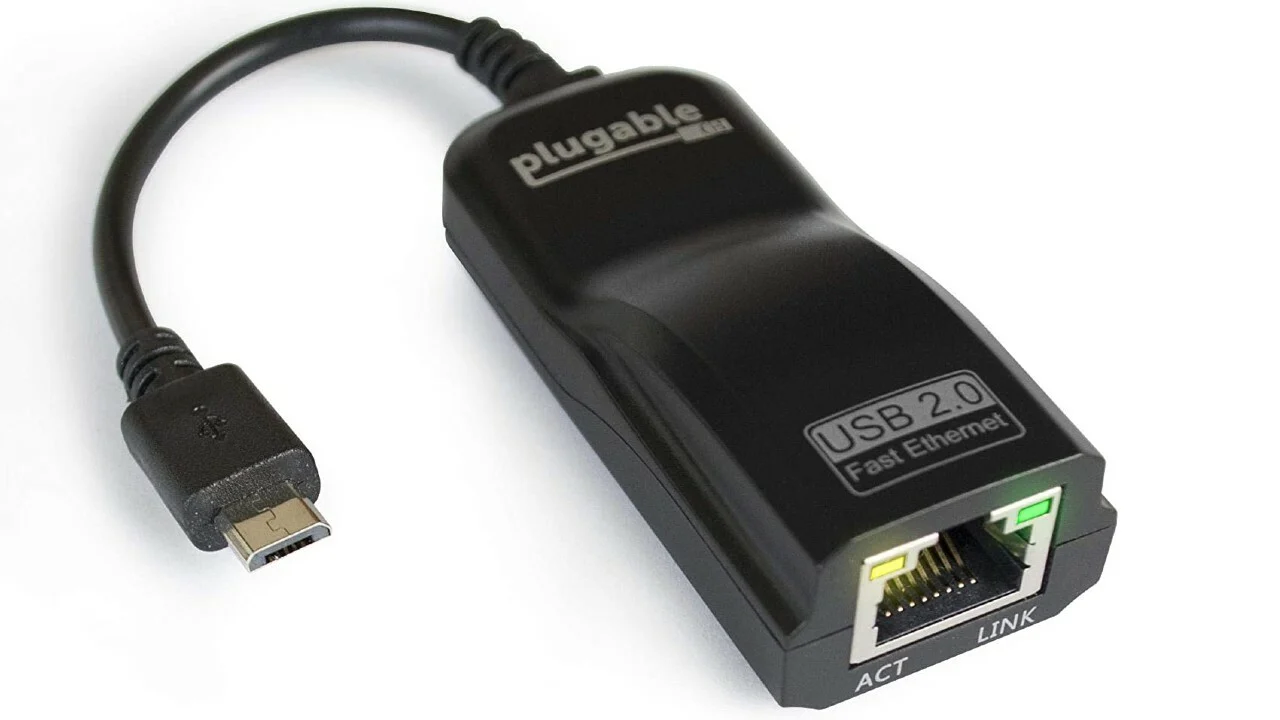
Specific topics include connecting a landline phone, setting up a Verizon Wireless modem, and making an Ethernet connection wireless. Each article helps you perform a defined task, like plugging in a cable, accessing a router’s settings page, or switching your device from Wi-Fi to a wired link. No advanced networking theory, just clear instructions for the hardware you already have.