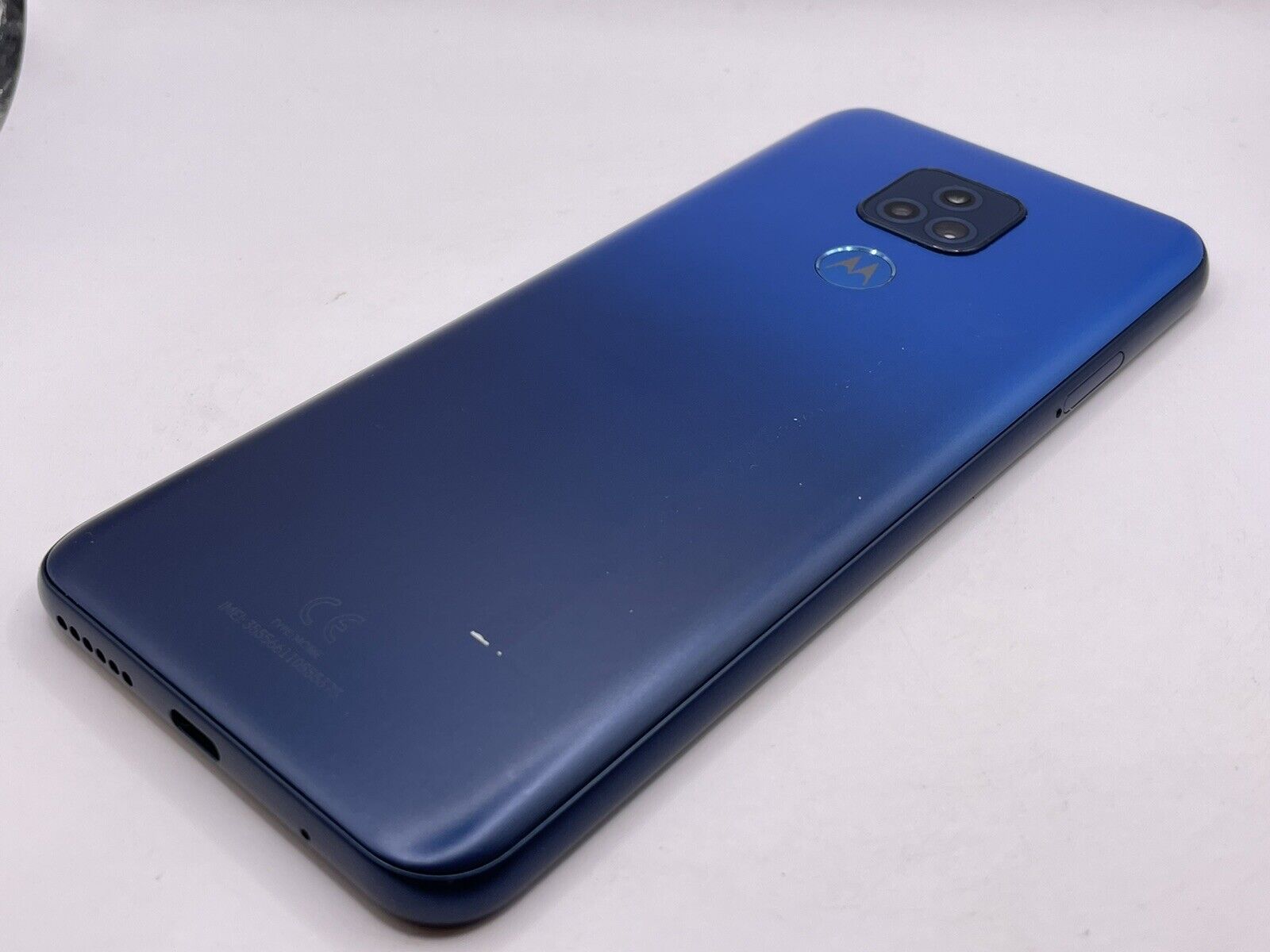
All of our guides, tips, and fixes specifically for Motorola’s popular Moto G series. Whether you own the standard model, the Moto G Play, or a similar variant, this page is for anyone looking for straightforward, practical help with their device. The articles collected here focus on the everyday issues and tasks that Moto G users actually run into, from basic operations to troubleshooting common glitches.
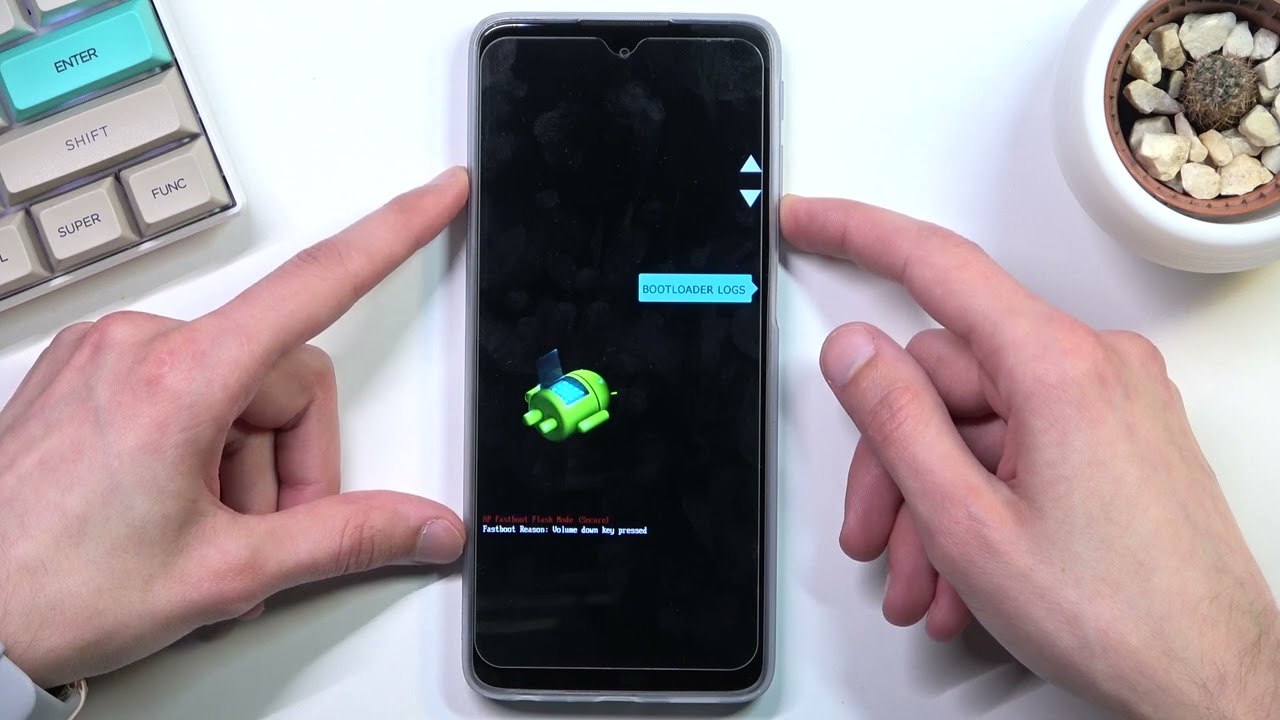
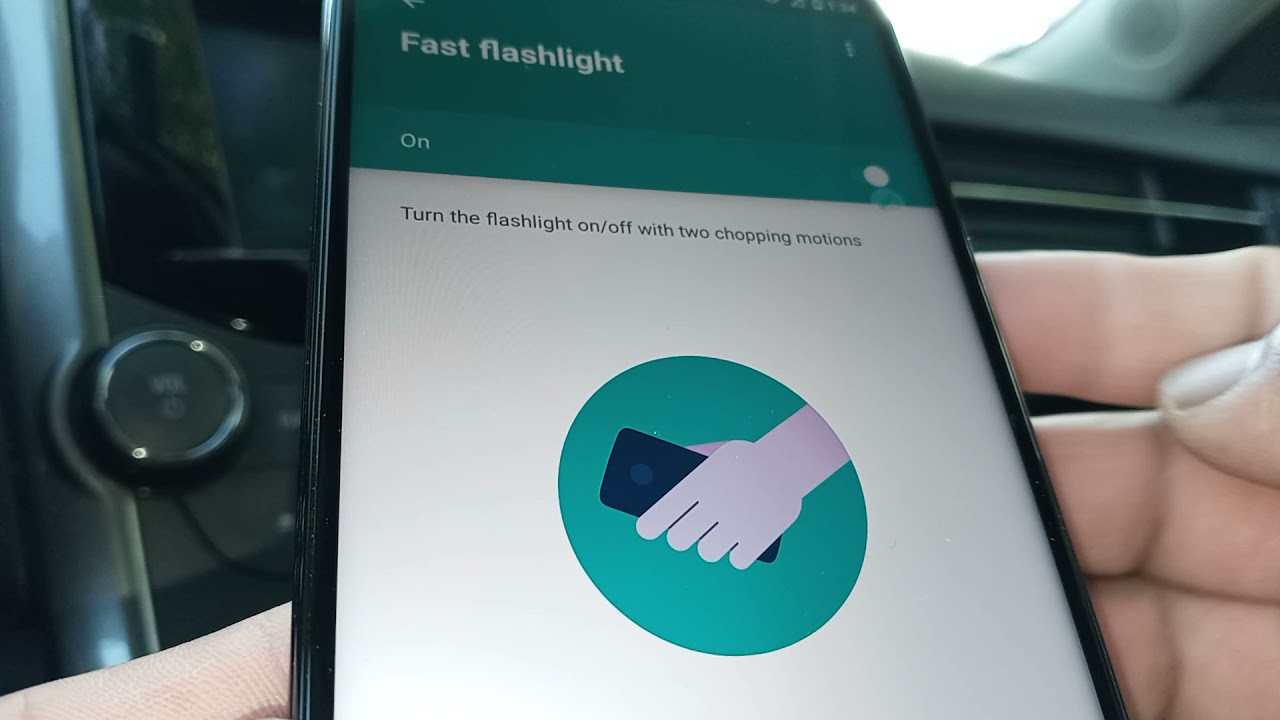
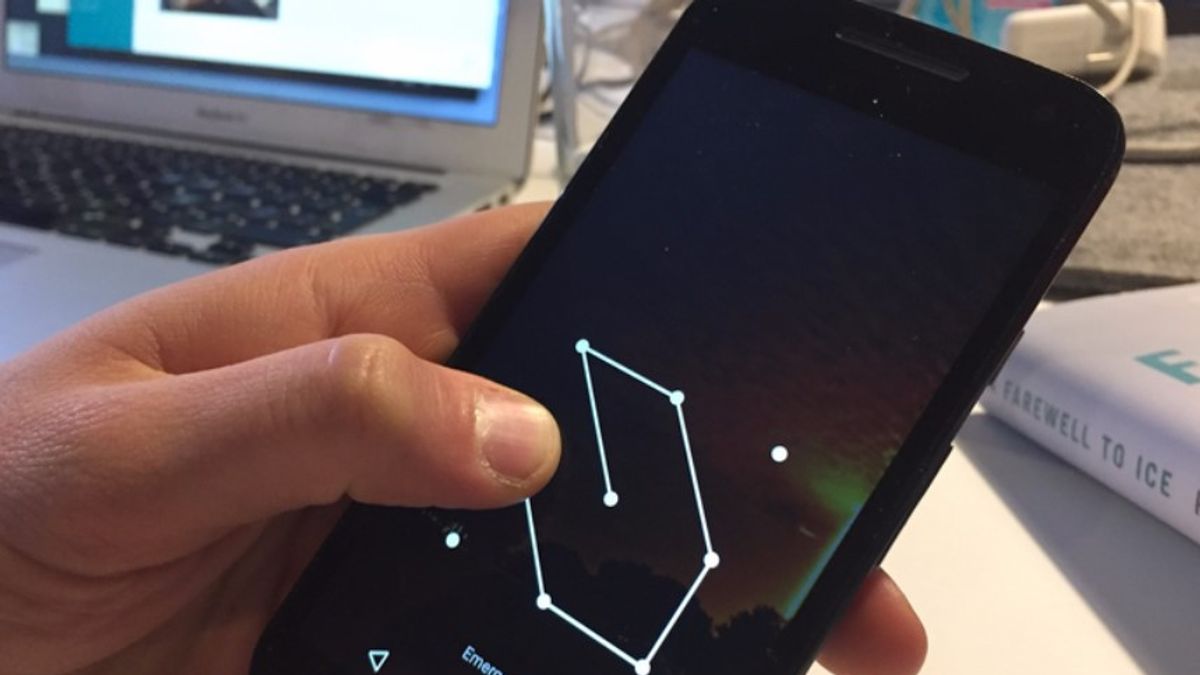
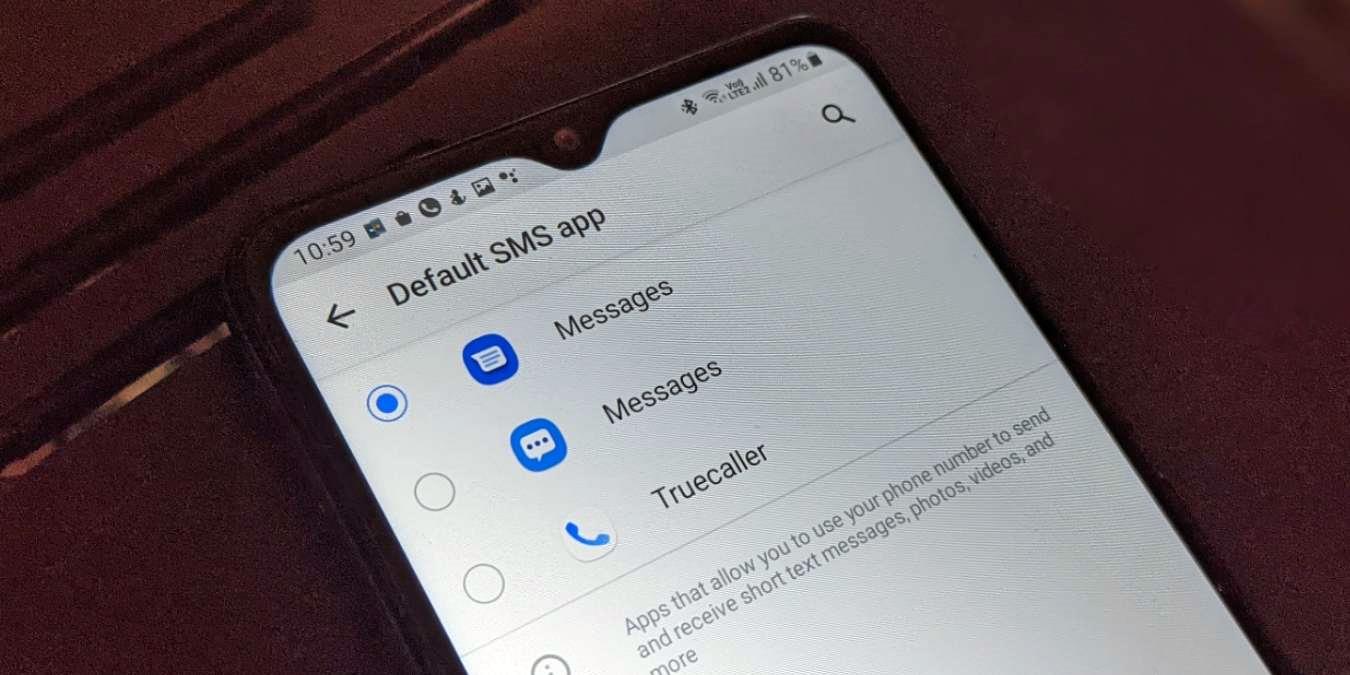
The content falls into a few clear themes. One major group helps you manage your device’s basic functions and settings. For example, you can learn how to send a text message on your Moto G or how to turn off the flashlight when you are done with it. Another set of articles tackles common problems and recovery steps. If your Moto G freezes, there is a guide on what to do, and you will also find clear instructions for resetting your password or performing a hard reset when needed. Finally, there is a practical comparison article that explains the difference between the Moto G and the Moto G Play, helping you understand which model you have or which one fits your needs.
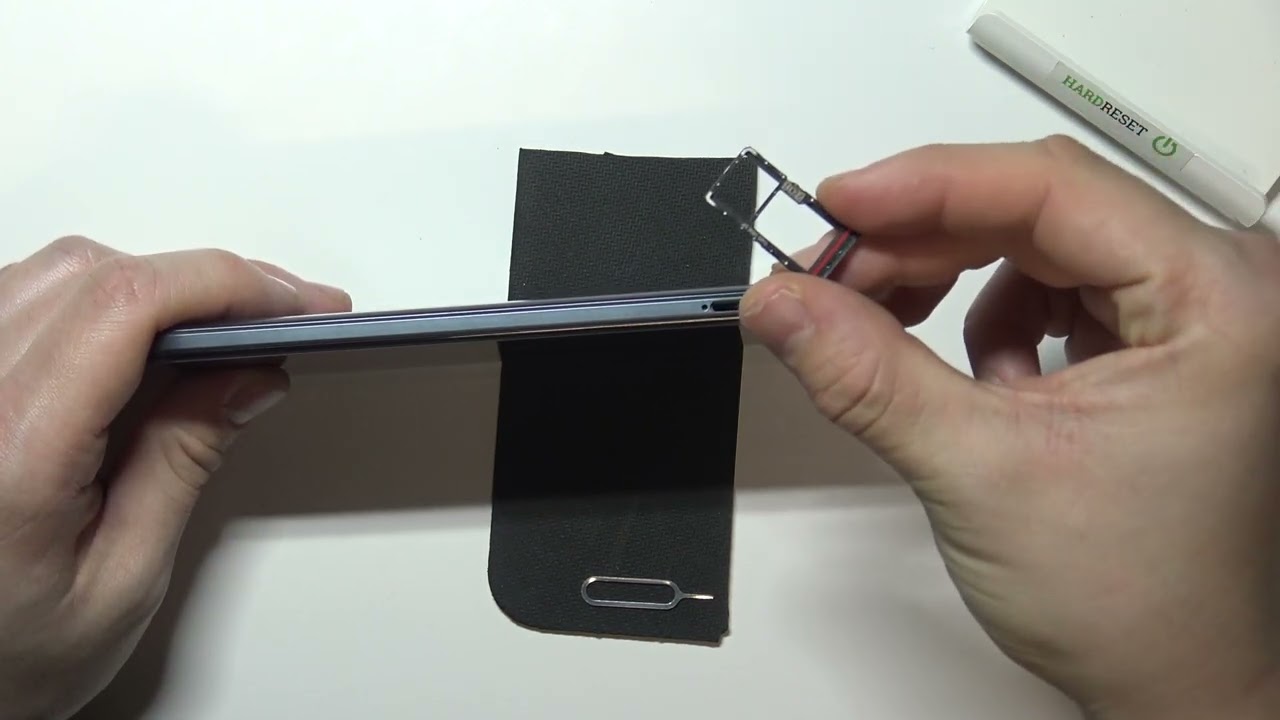
Each article is written to help you take a specific action, whether that is opening your phone, fixing a frozen screen, or understanding your device’s capabilities. No fluff, just the steps you need to get your Moto G working the way you want.