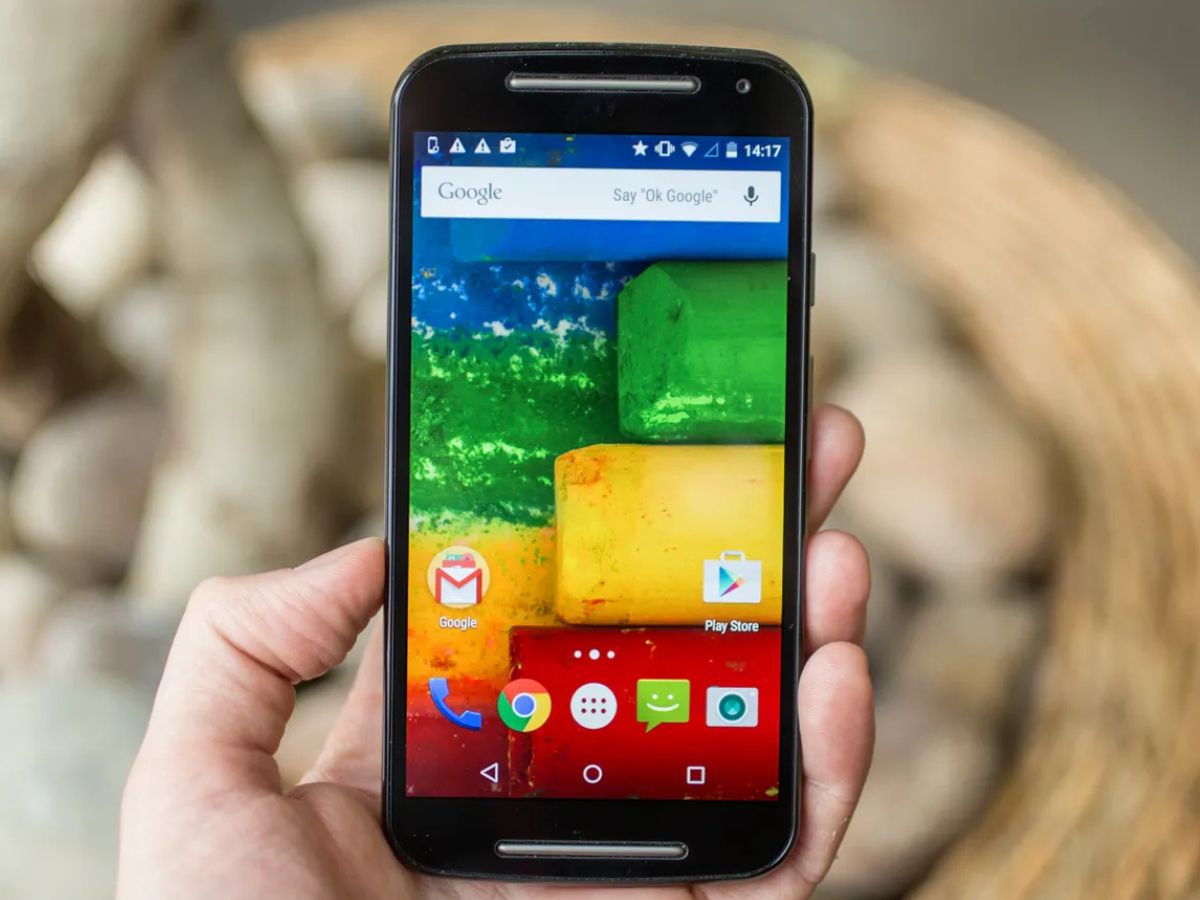
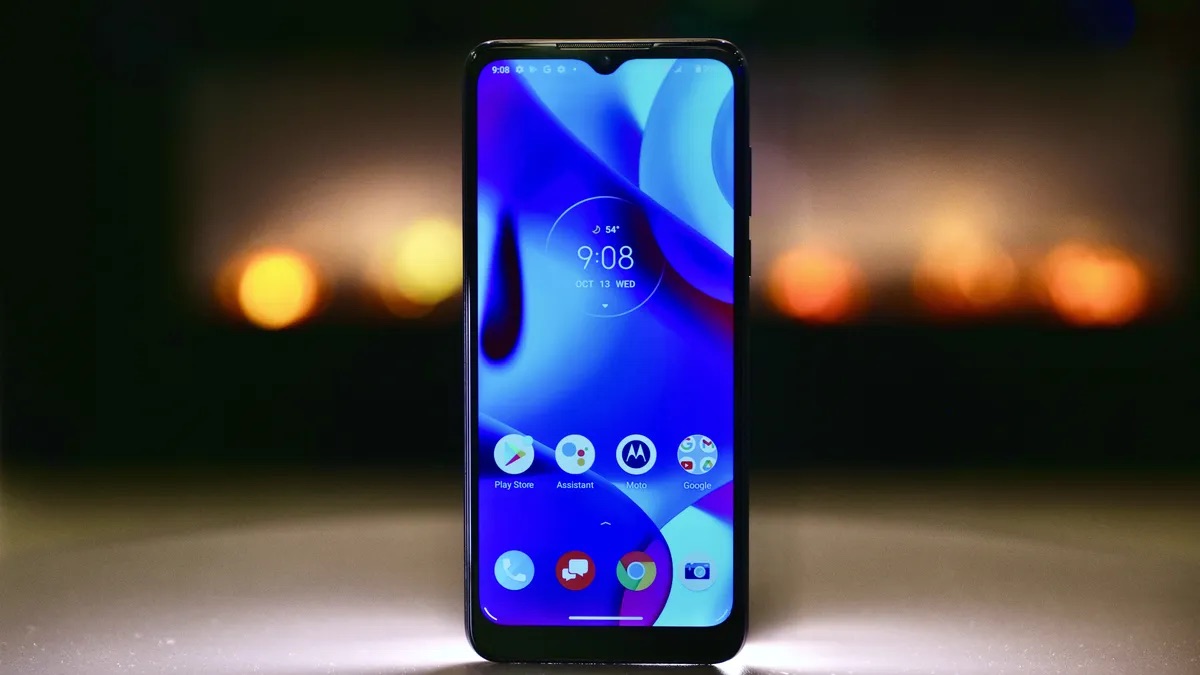
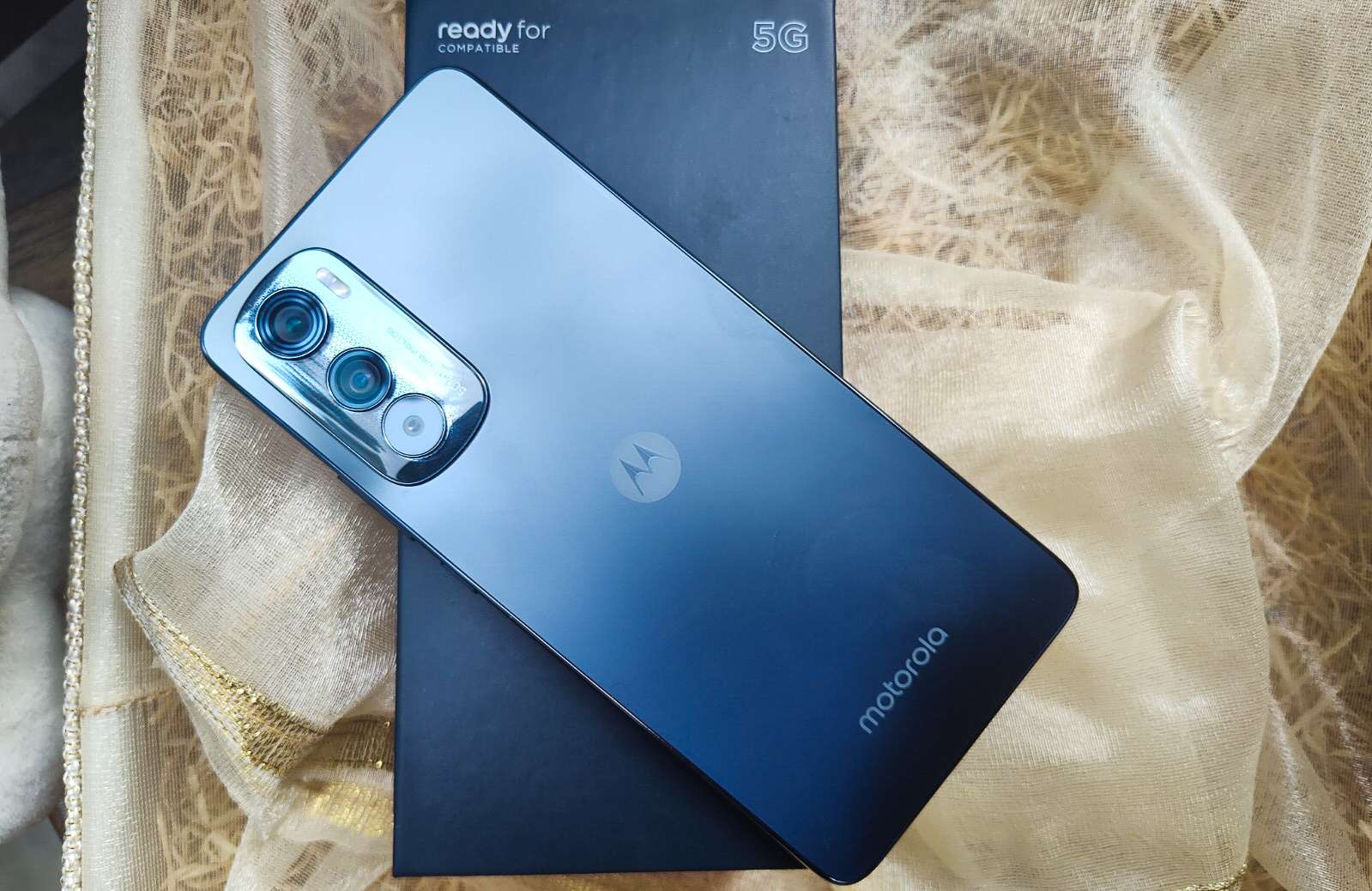
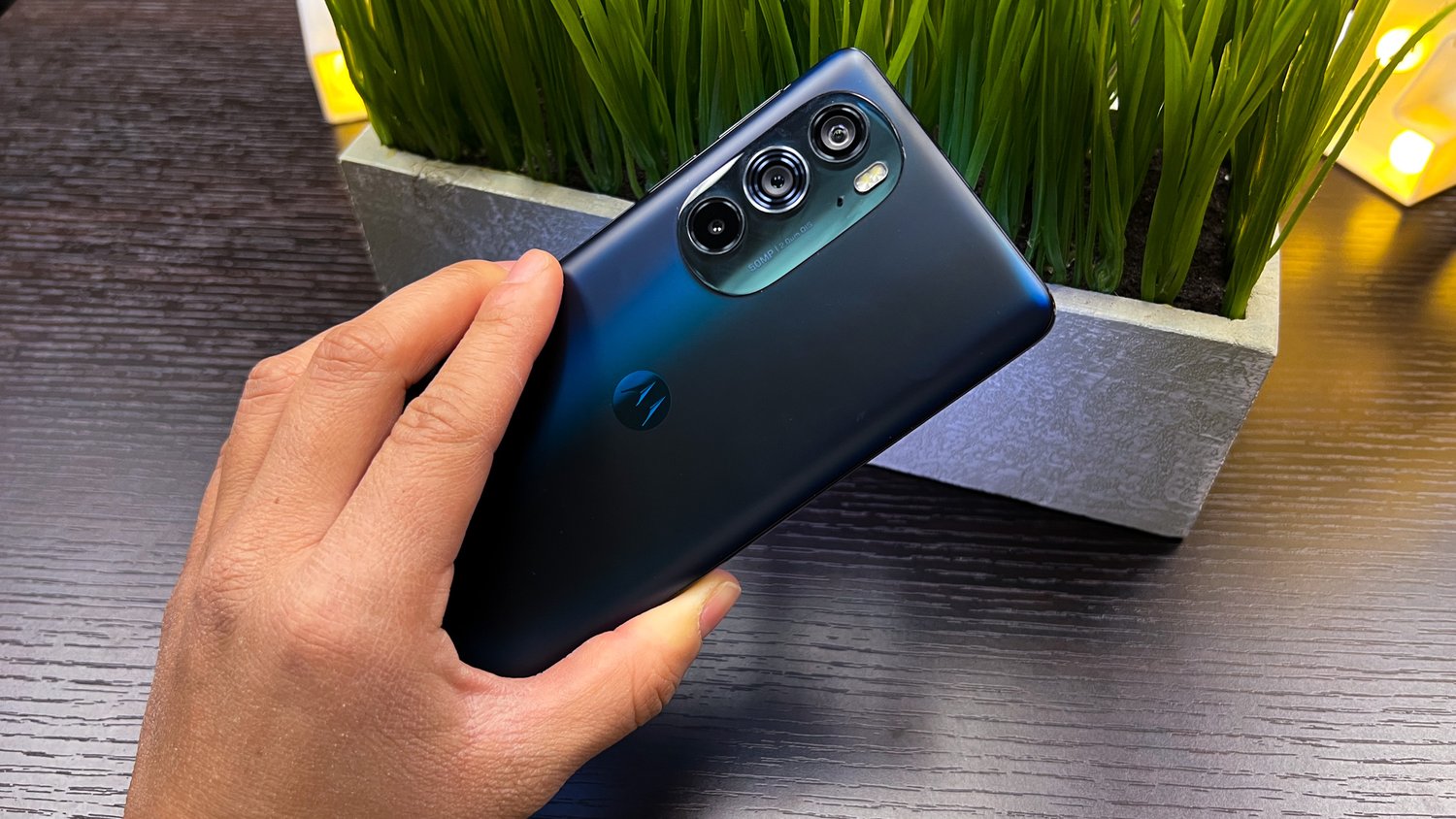
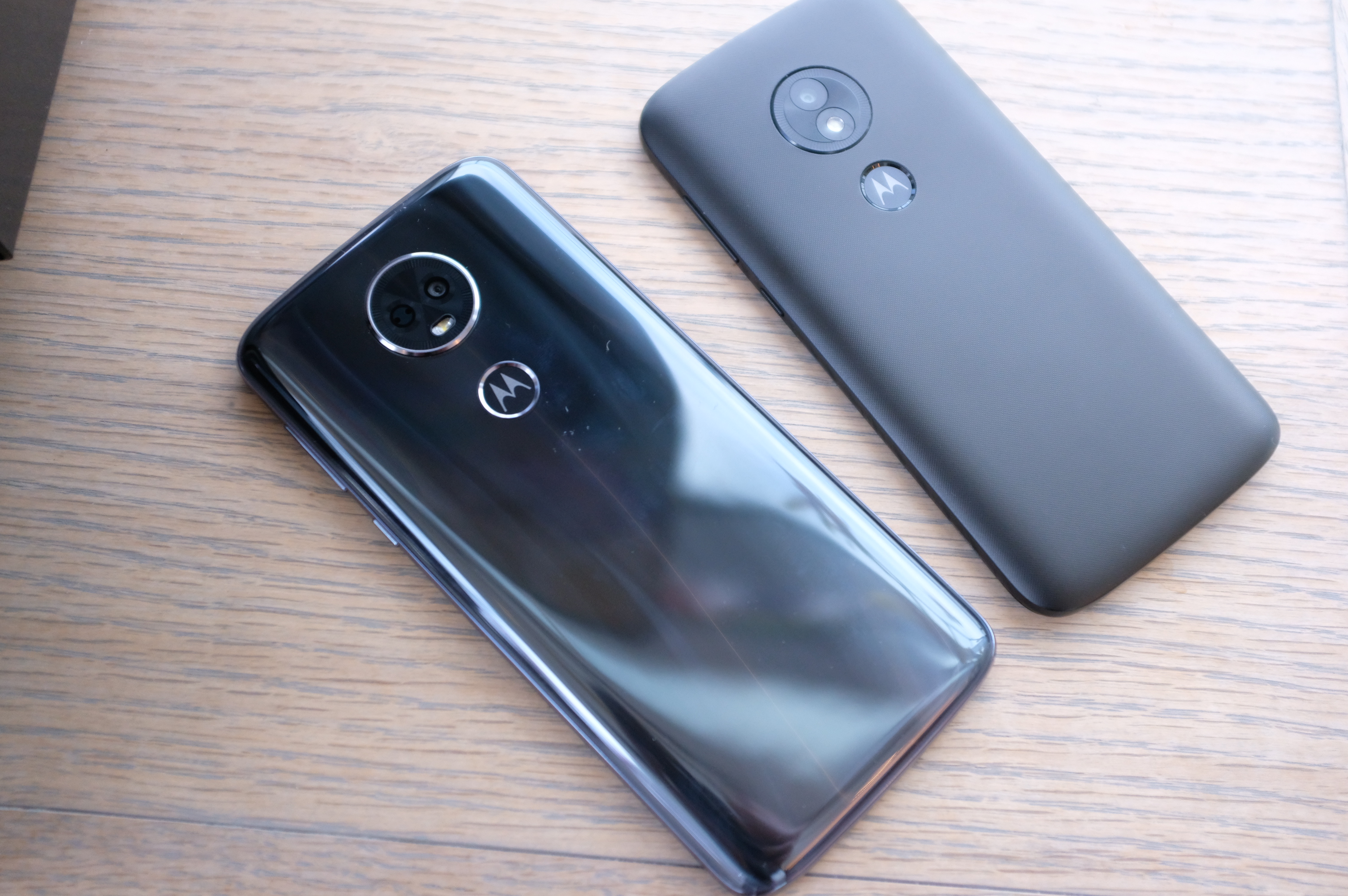
This tag collects all of CellularNews’s articles related to Motorola phones, from classic flip models to modern Android devices. It is intended for anyone who owns, is considering buying, or needs help troubleshooting a Motorola handset, as well as those curious about the brand’s role in mobile history.
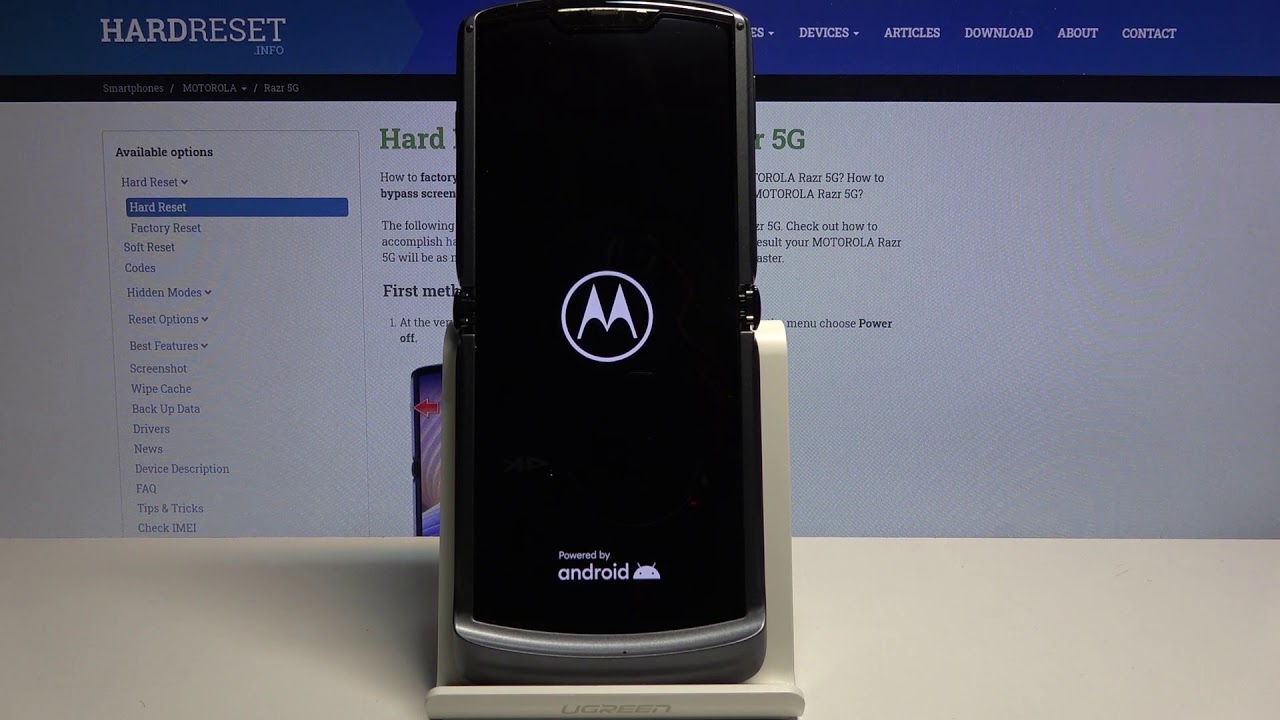
The articles solve practical problems grouped around three clear themes. First, there are guides for basic operation and everyday tasks: how to turn a Motorola phone on or off, how to type on a flip phone, and how to take a screenshot on an Android Motorola. Second, several articles address troubleshooting and recovery, such as how to unfreeze a Motorola phone, how to reset a locked device, and how to get a phone out of emergency mode. Third, a handful of pieces cover security and data management, including how to find hidden apps, how to bypass a password or Google lock, and how to back up or erase the phone entirely.
Specific topics you will find here include instructions for using wireless charging on compatible Motorola models, advice on which smartwatch works with your phone, and historical pieces like who created cell phones and when the first cell phone was invented. Whether you need to change your screensaver, remove a virus, or simply learn how to open the phone, these articles provide direct, step-by-step help.