Practical guides for anyone who uses a wireless or wired mouse with their phone, computer, or game console. Whether you are troubleshooting a connection issue, setting up a new peripheral, or simply maintaining your gear, these articles are designed to help you get the most out of your mouse without unnecessary complexity.
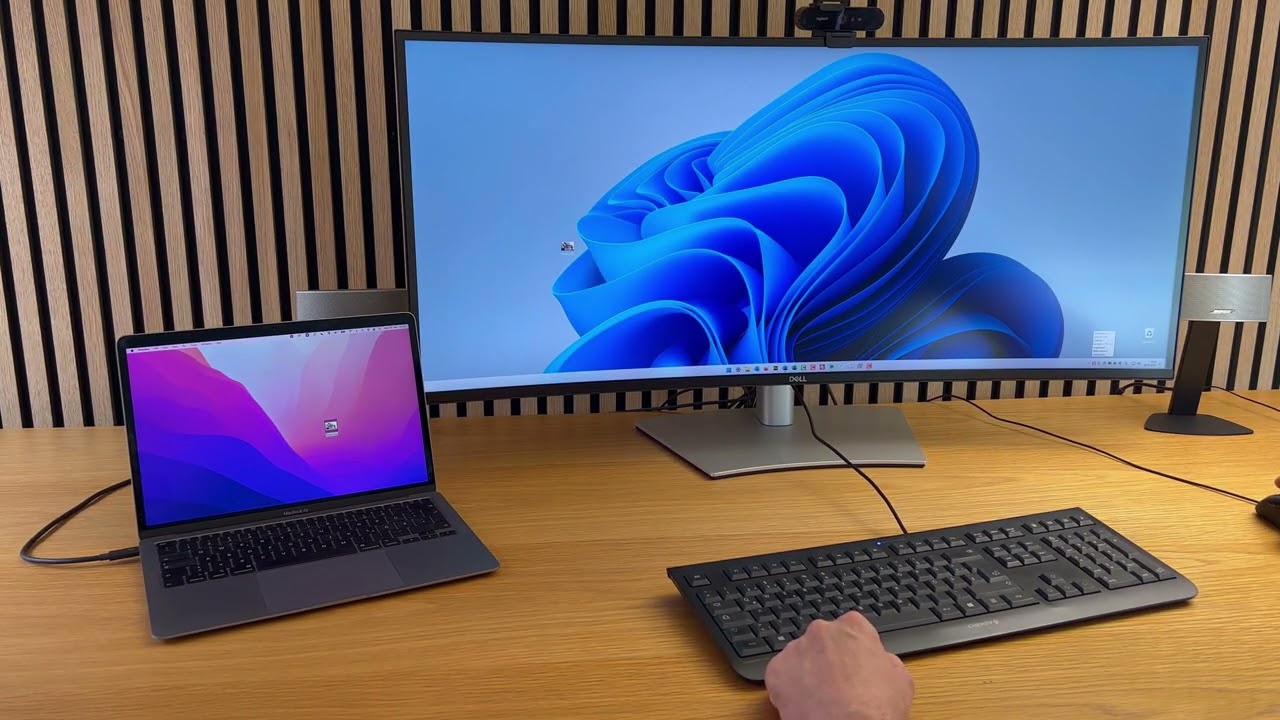
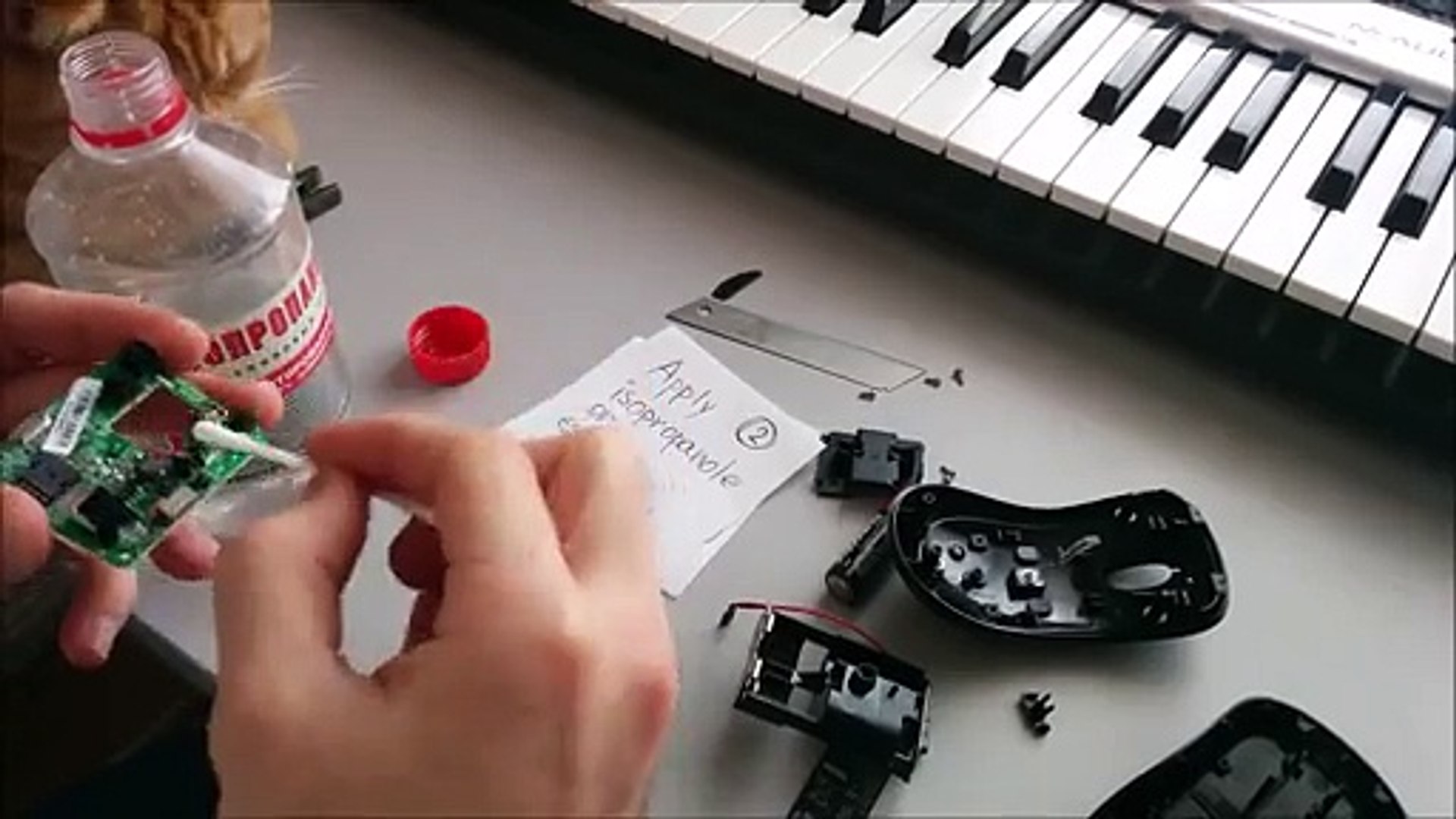
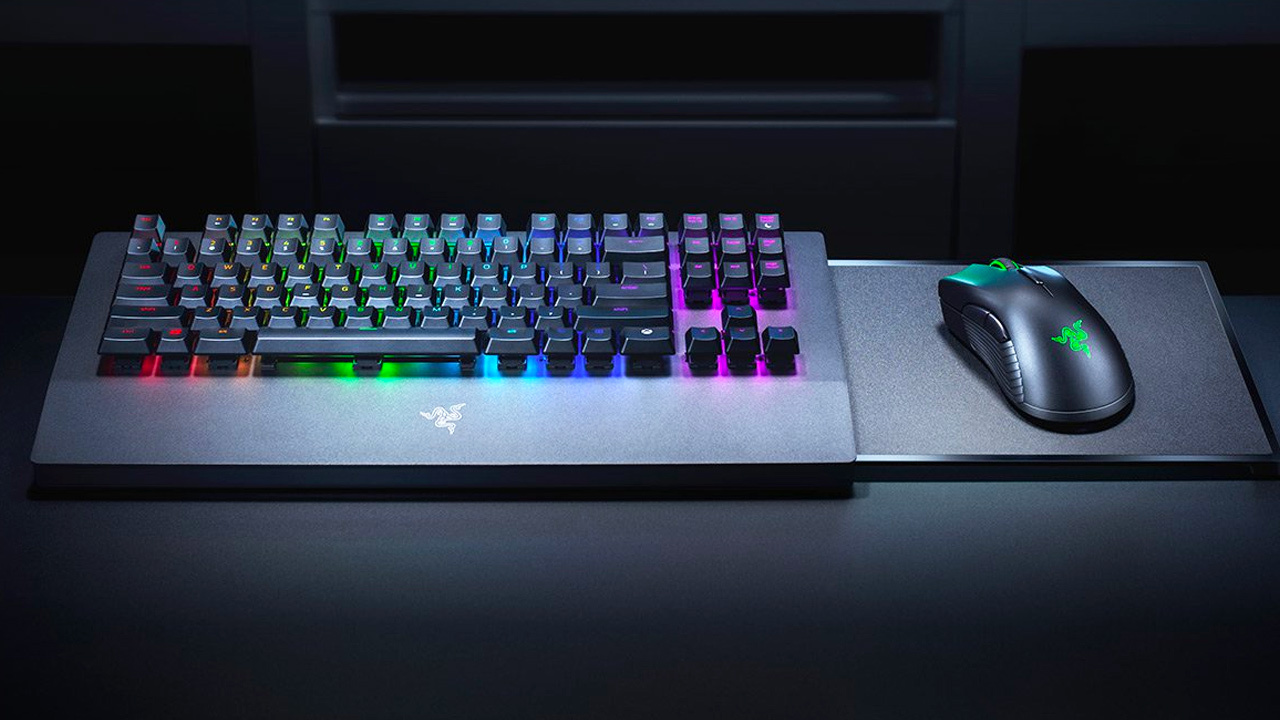
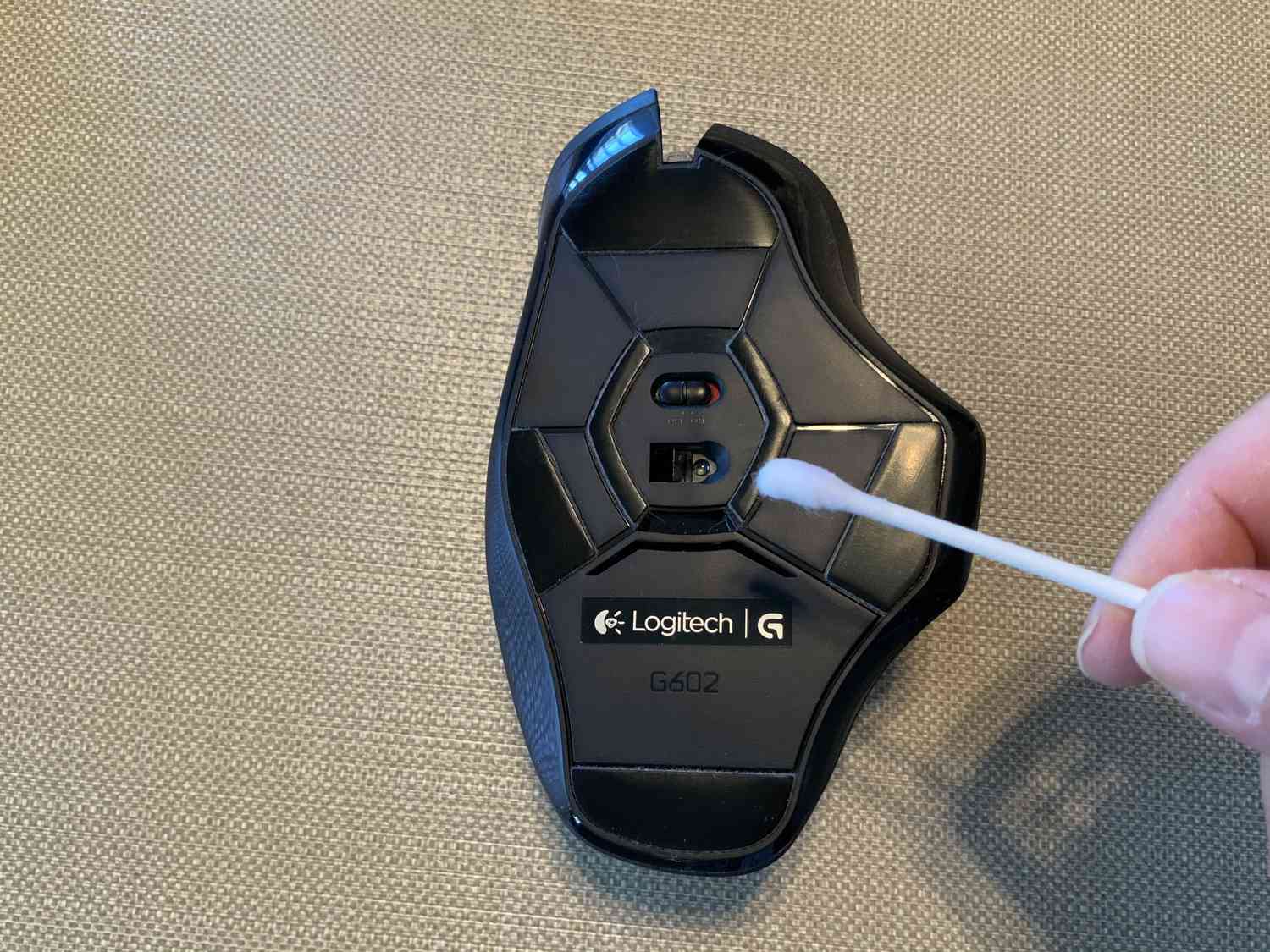
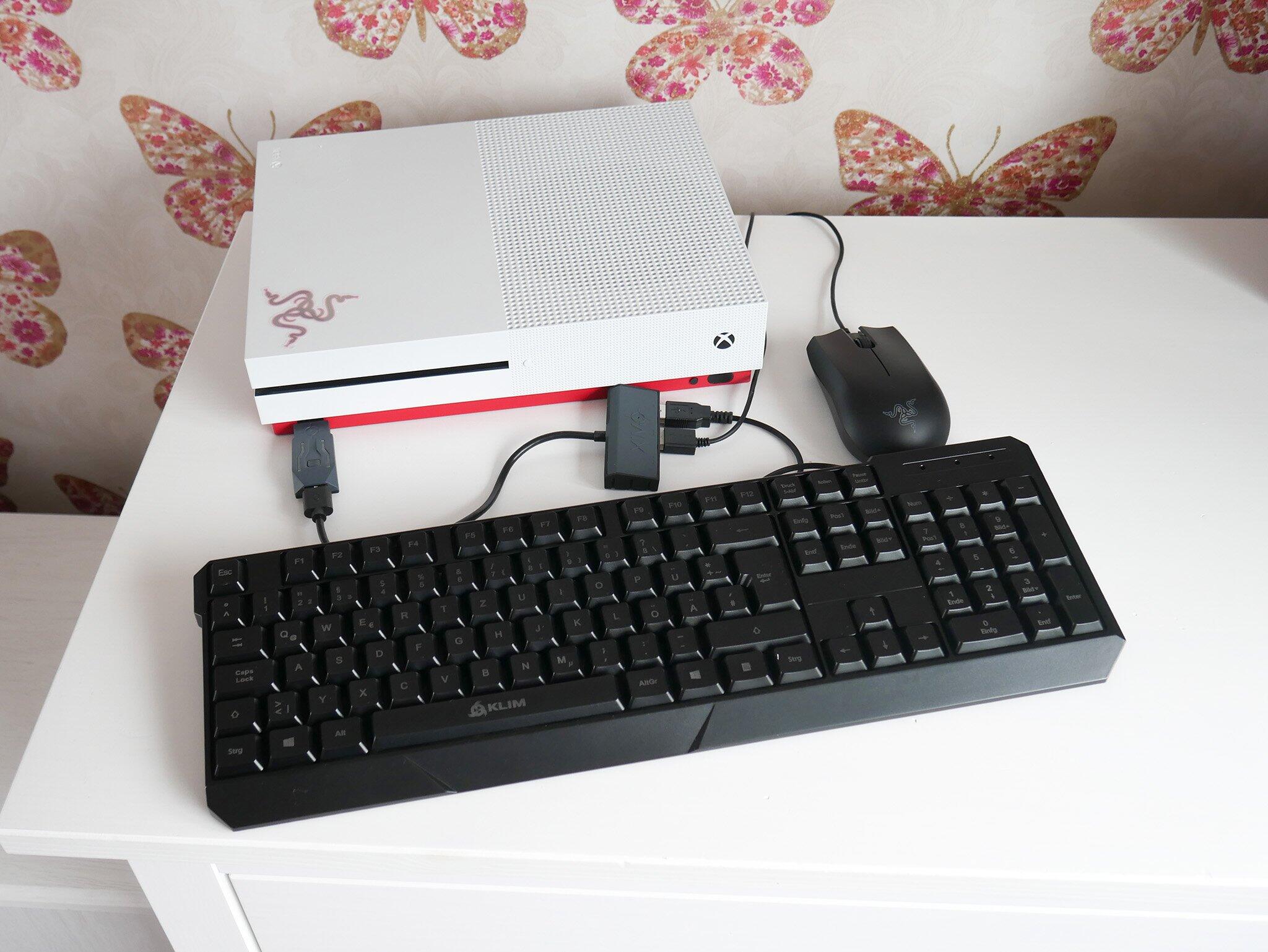
The articles here solve three main kinds of problems. First, connection and pairing issues: you will find clear steps for pairing a dongle with a mouse, reprogramming a Logitech dongle, and what to do if you lose your mouse dongle. Second, cross-platform use: the guides explain how to connect a wireless keyboard and mouse to an Xbox One, how to connect a wireless mouse to a PS4, and how to use one wireless mouse on two computers. Third, maintenance and adjustments: you can learn how to clean a wireless mouse, how long to charge a wireless mouse, and how to change the DPI on a Logitech Pro Wireless mouse. Other specific topics include how to use a mouse in Dolphin more like a joystick and how to take apart a Microsoft wireless mouse.
These articles help you do specific, actionable things: attach a mouse to a modern PC using the correct connector, change a wireless mouse receiver, and identify which connector is commonly used for keyboards and mice. Each guide focuses on a single task, so you can find exactly the help you need without extra fluff.