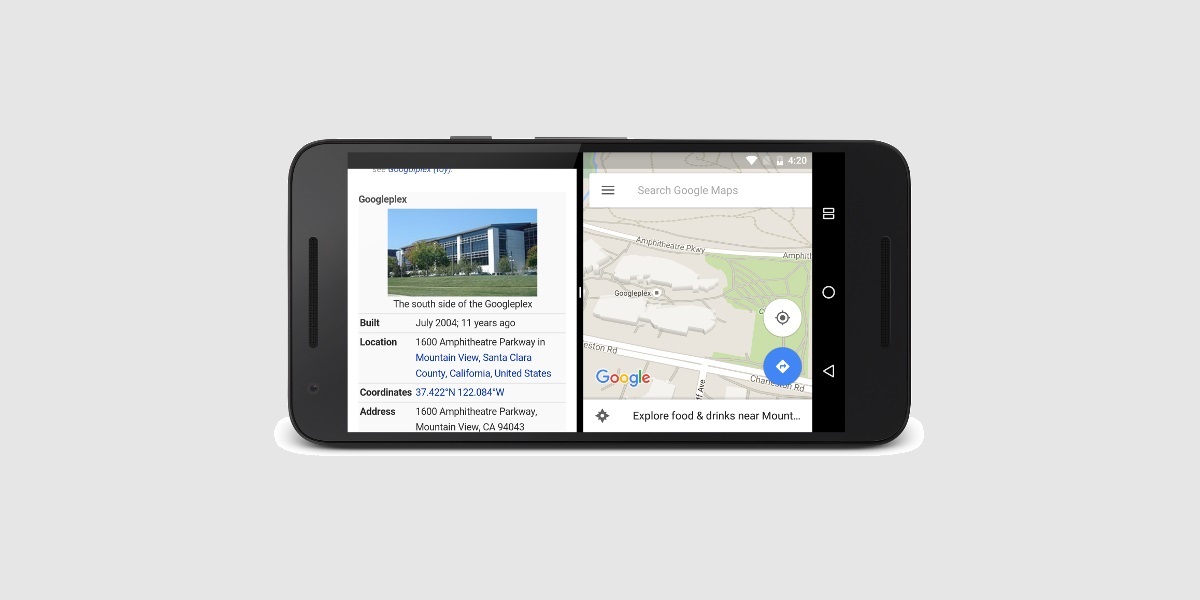
This tag collects articles for anyone who wants to get the most out of their phone’s multitasking features, whether you are a power user trying to juggle apps or someone just looking to tidy up your recent screen. It is designed for owners of both Android and iOS devices who need clear, step-by-step guidance on managing multiple applications at once.
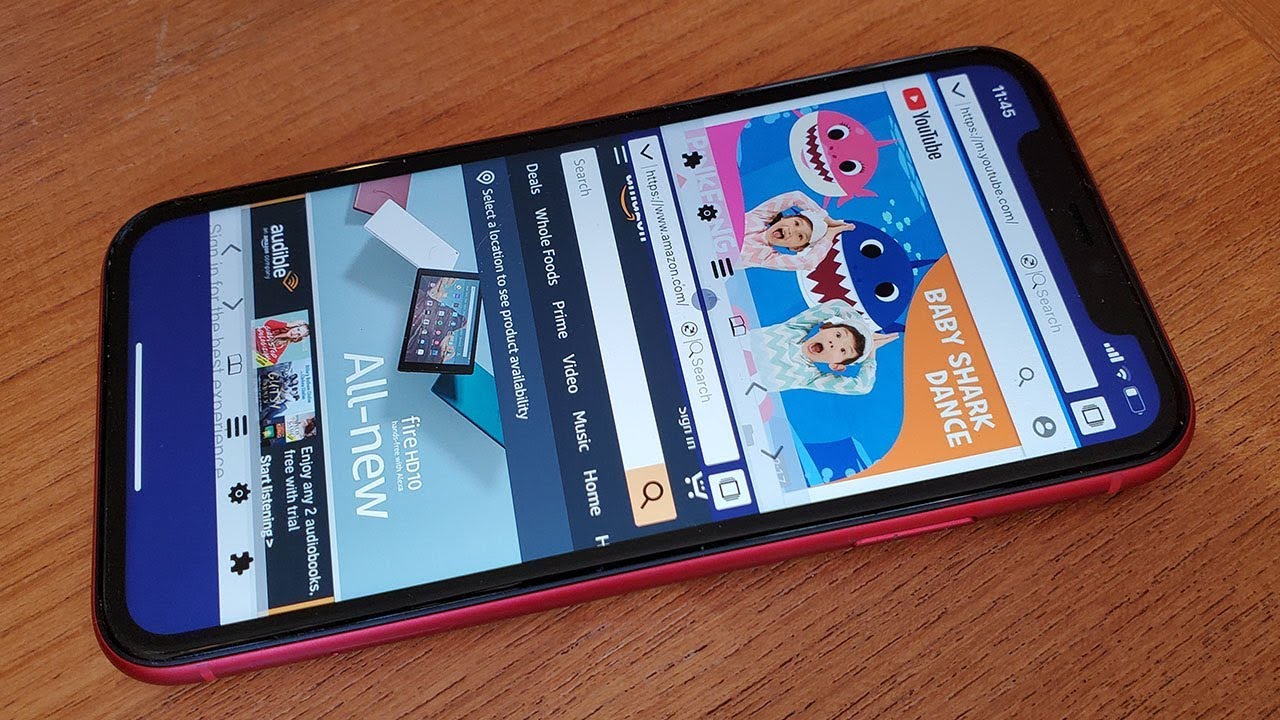
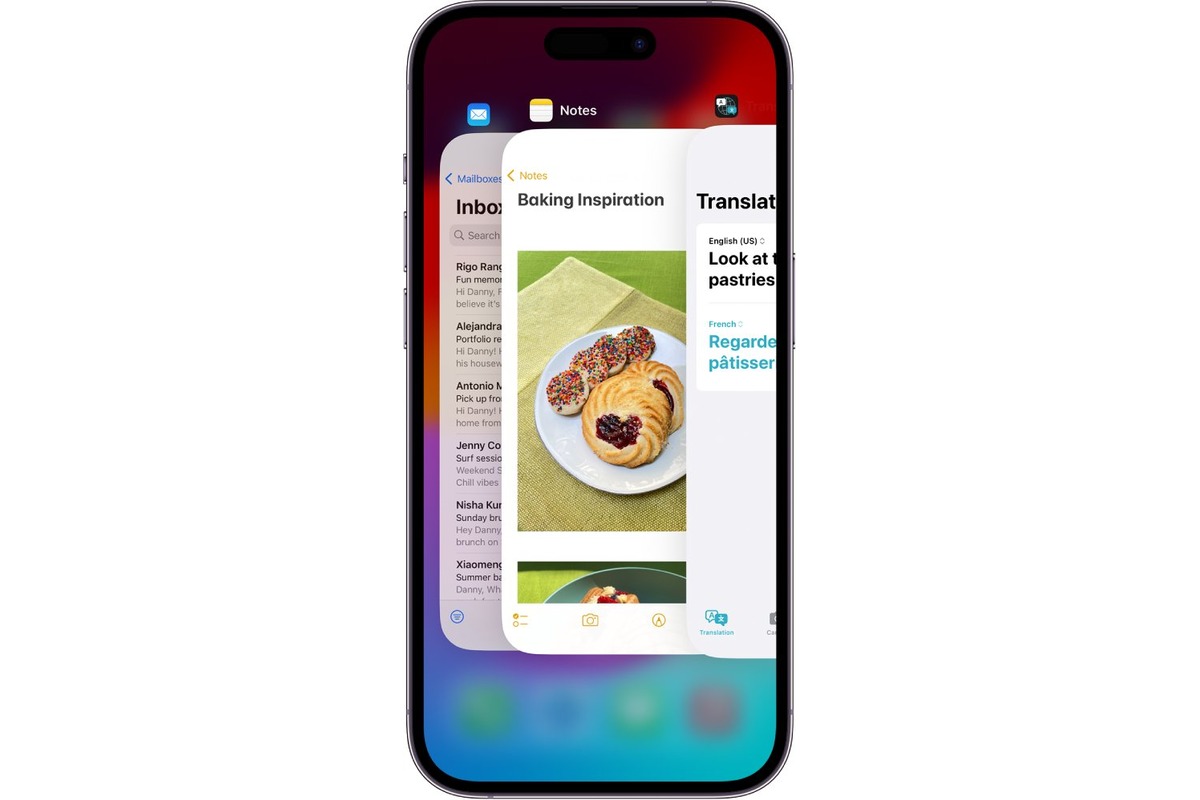
The articles here solve two main types of problems. First, they address how to view and run several apps simultaneously, with guides like “How to Split Screen on Android and iOS Devices” and specific walkthroughs for splitting the screen on iPhone 13 and iPhone 11. Second, they help you clear out background apps to improve performance, as seen in “How To Clear Open Apps On iPhone 14” and “How To See Open Apps iPhone 11.” These pieces focus on the practical actions you can take, such as enabling split-screen mode or closing unused applications, without any extra fluff.