Practical, step-by-step guides focused on one essential phone task: handling the physical SIM card. This collection is for anyone who needs to locate, insert, or remove a nano-SIM from a specific device, whether you are setting up a new phone, switching carriers, or troubleshooting a connectivity issue.
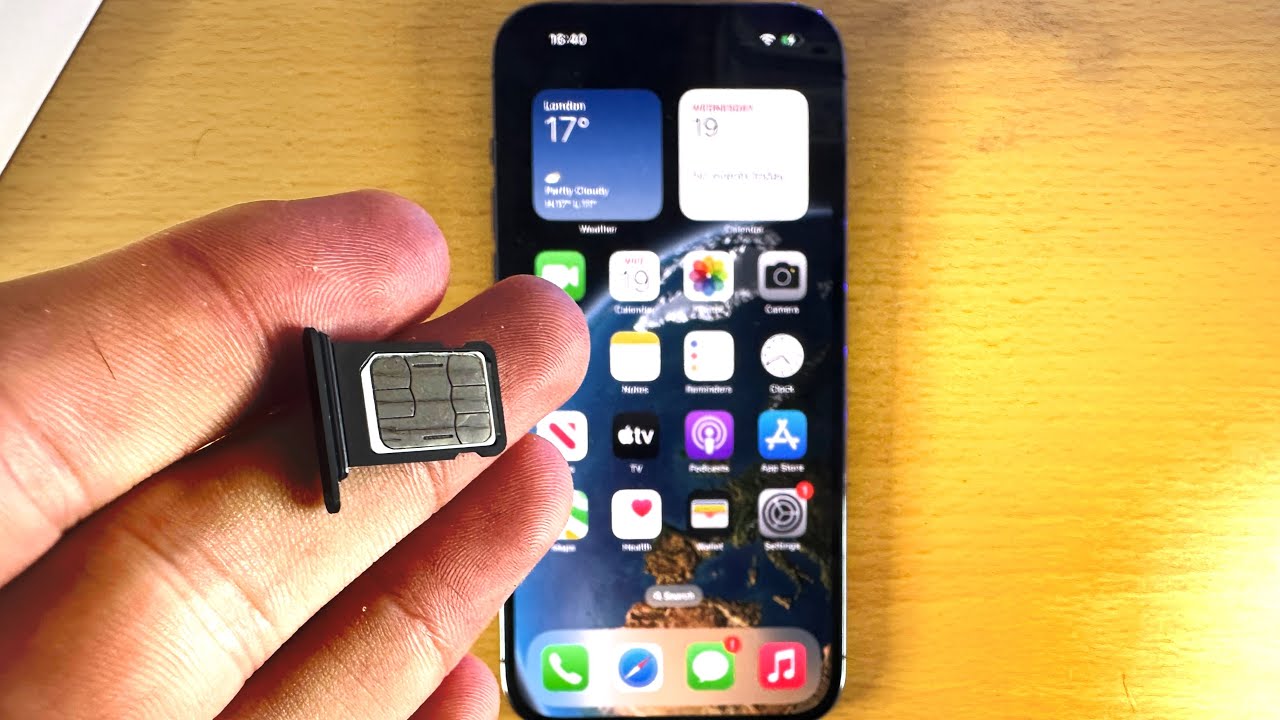
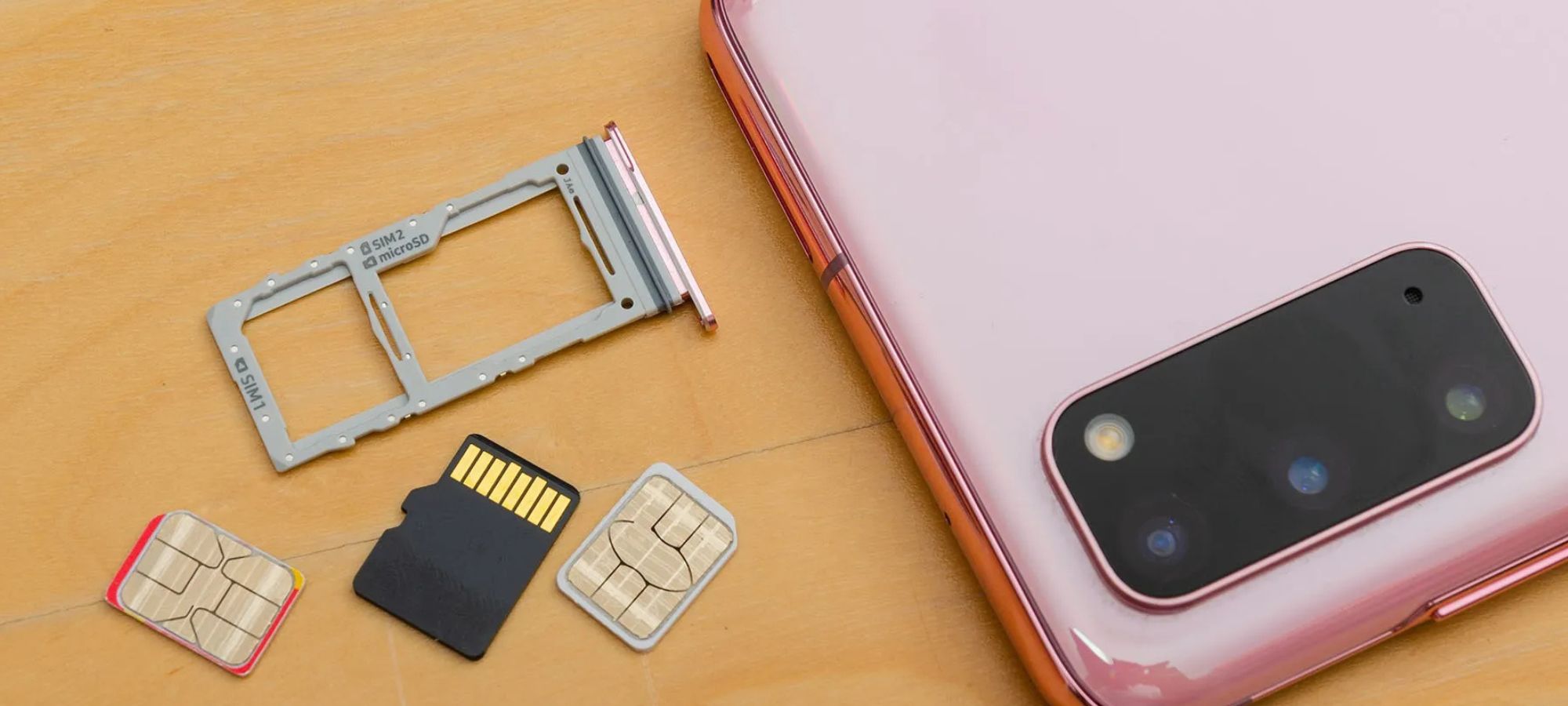
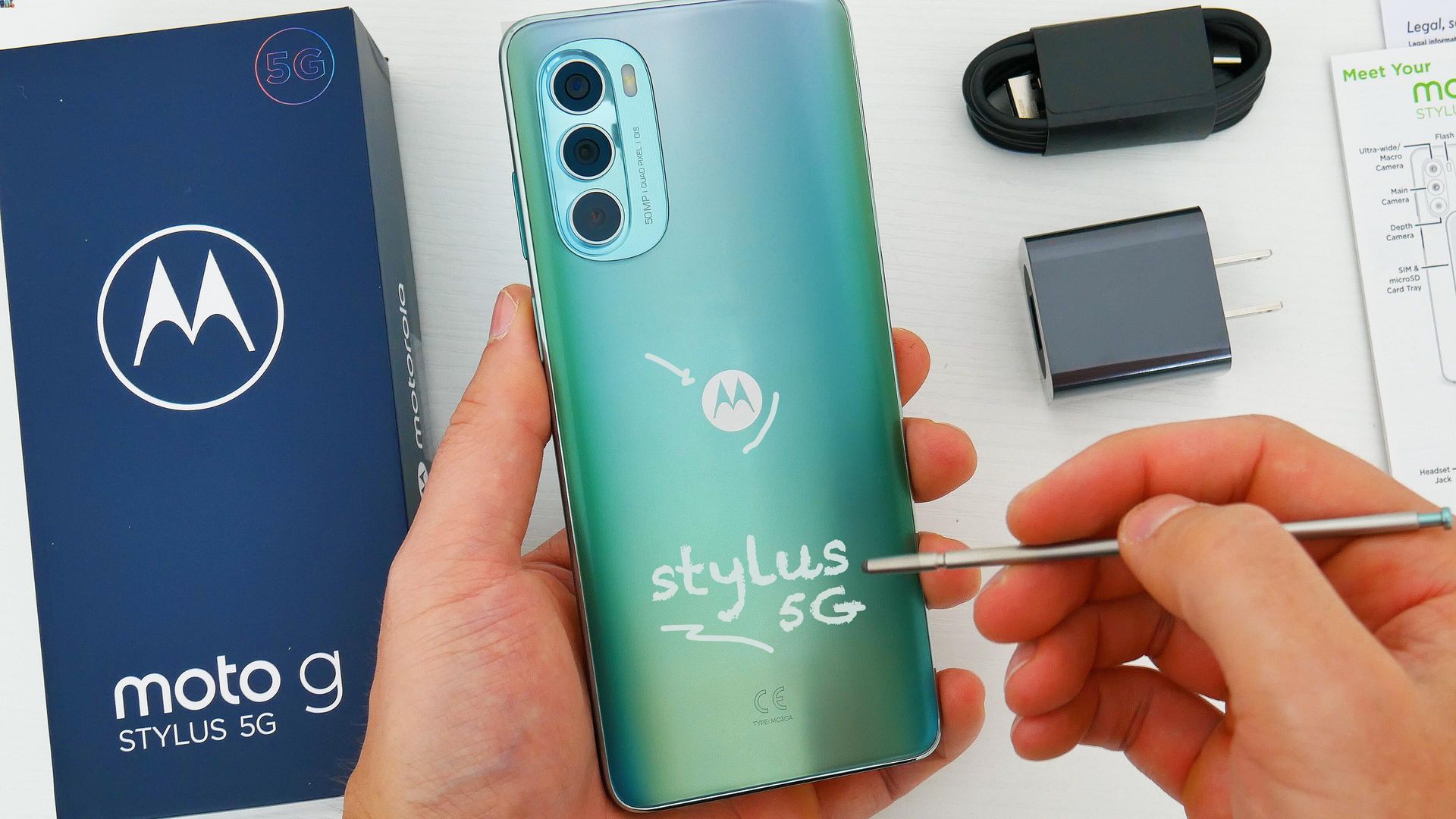
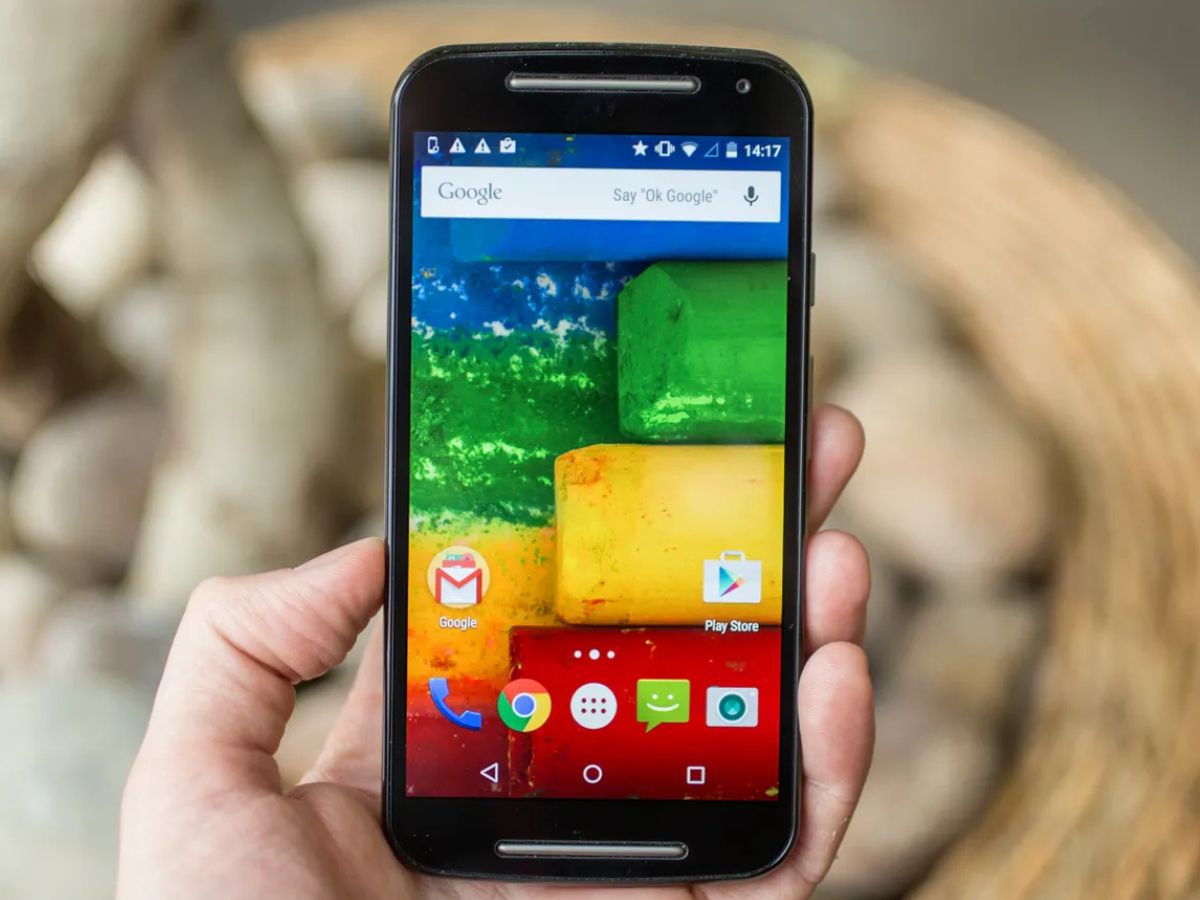
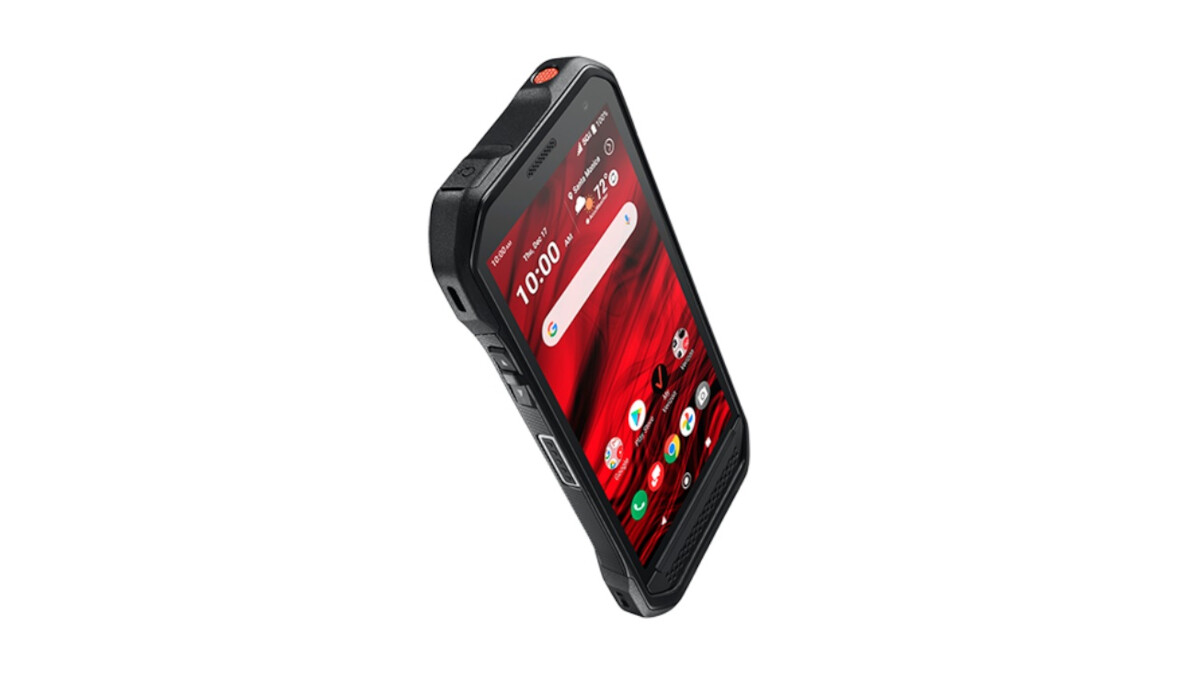
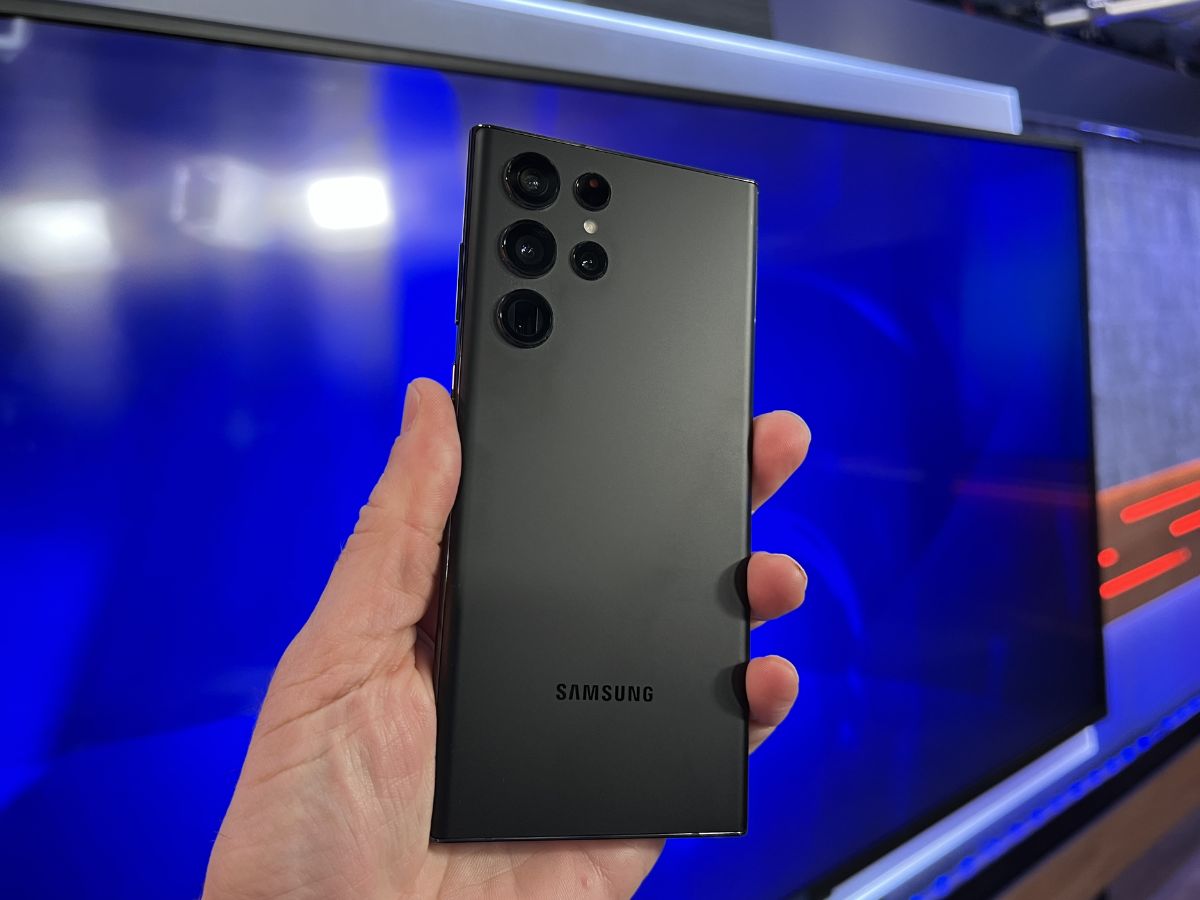
The articles here solve two main kinds of problems. First, they help you find where the SIM card tray is hidden on popular models like the Samsung Galaxy S20, iPhone 13, and iPhone 14 Pro Max, saving you from fumbling with cases or misreading the manual. Second, they walk you through the actual removal and insertion process for phones like the Samsung Galaxy S22 Ultra, the Motorola Moto G, and the Moto G Stylus 5G, including less common devices such as the Kyocera. Each guide is tailored to the phone’s specific tray design, ejection tool requirements, and orientation.
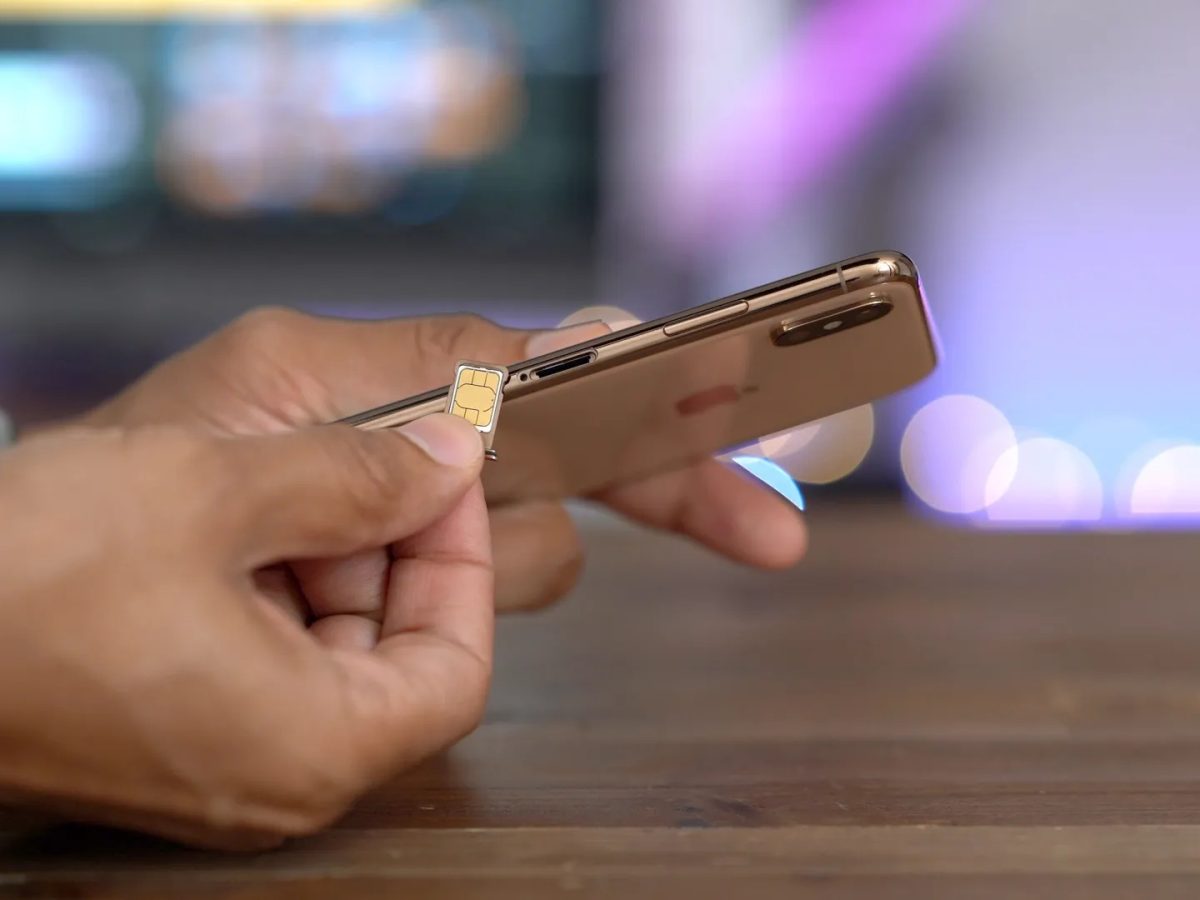
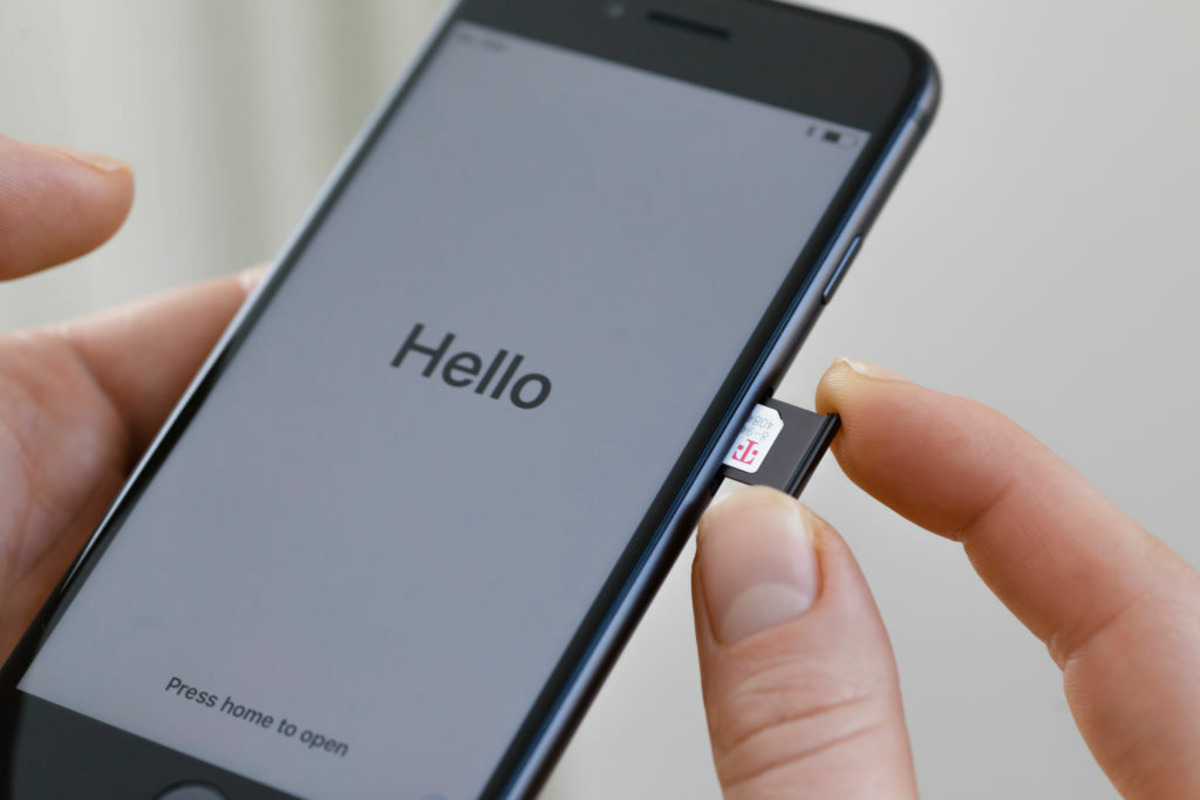
Whether you need to swap your SIM into a new iPhone or simply confirm where to put the card in an iPhone 14 Pro Max, these articles give you the exact steps to complete the job without bending pins or damaging the tray. They are written for real-world use, focusing on what to do and what to avoid.