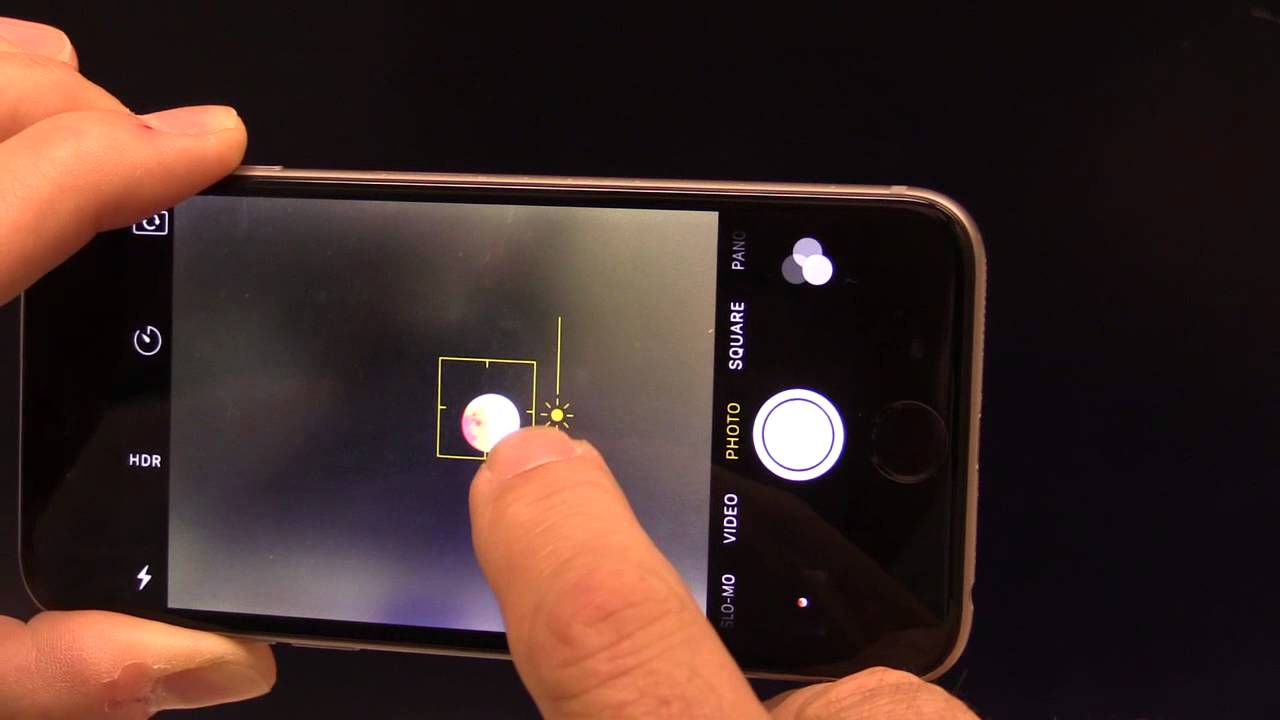
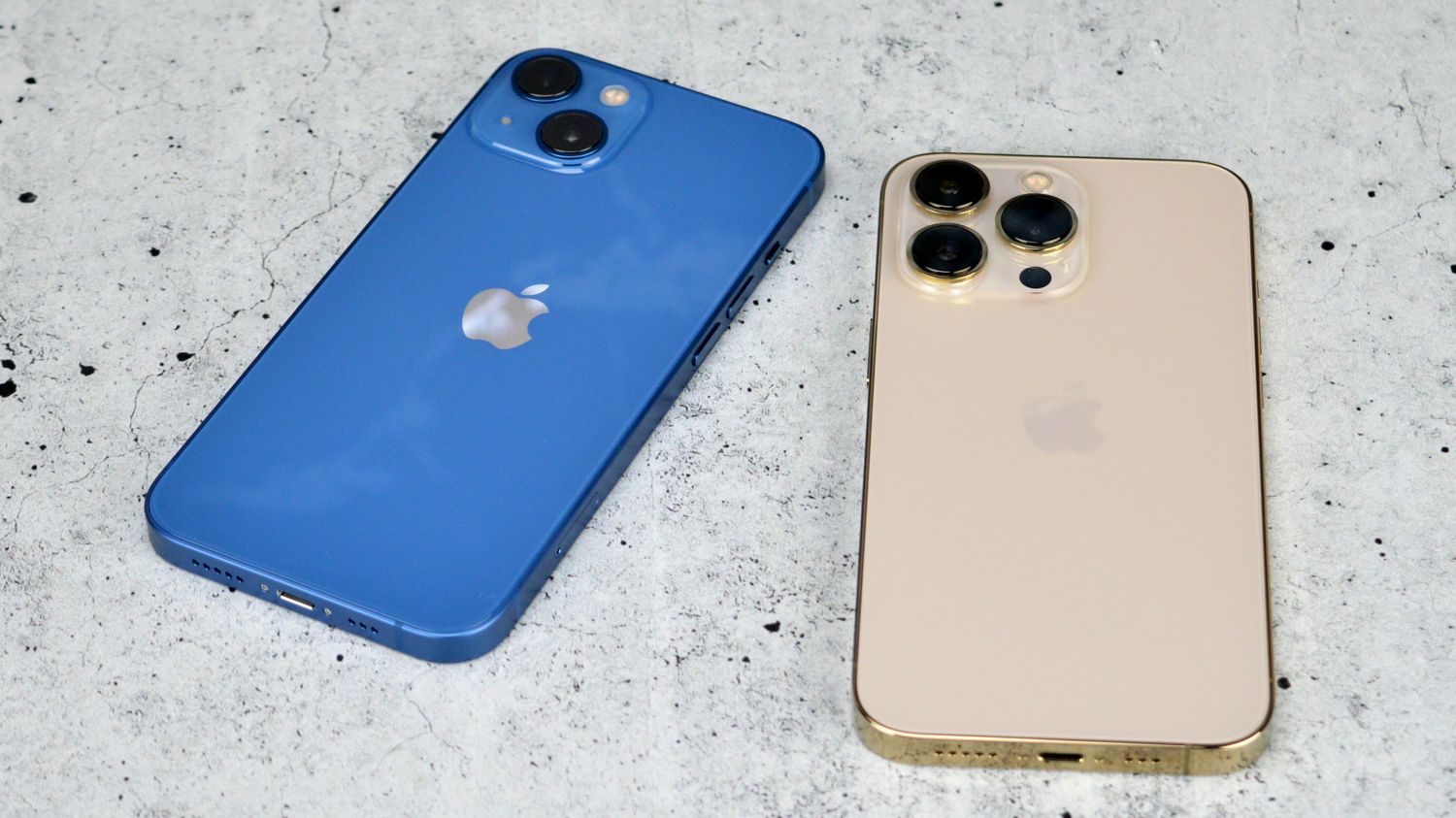
This tag collects articles focused on using your smartphone’s night mode capabilities, specifically for capturing celestial subjects like the moon and stars. It is written for iPhone users who want to move beyond basic point-and-shoot photography and learn how to leverage their device’s low-light camera settings for astrophotography.
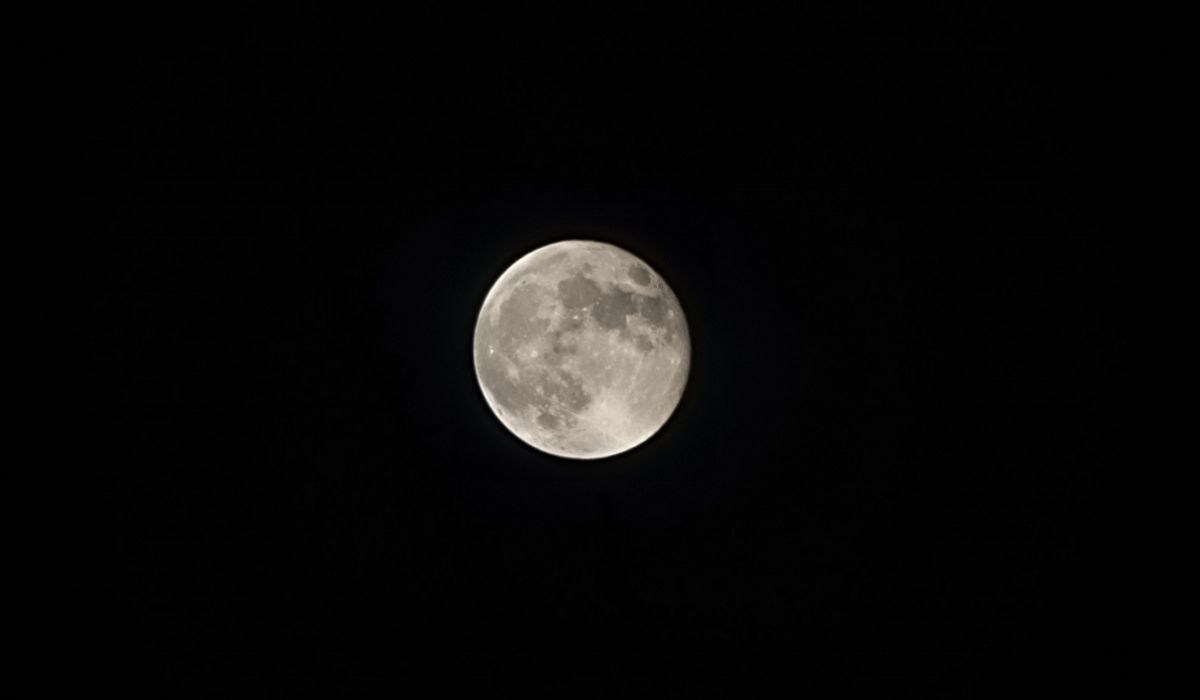
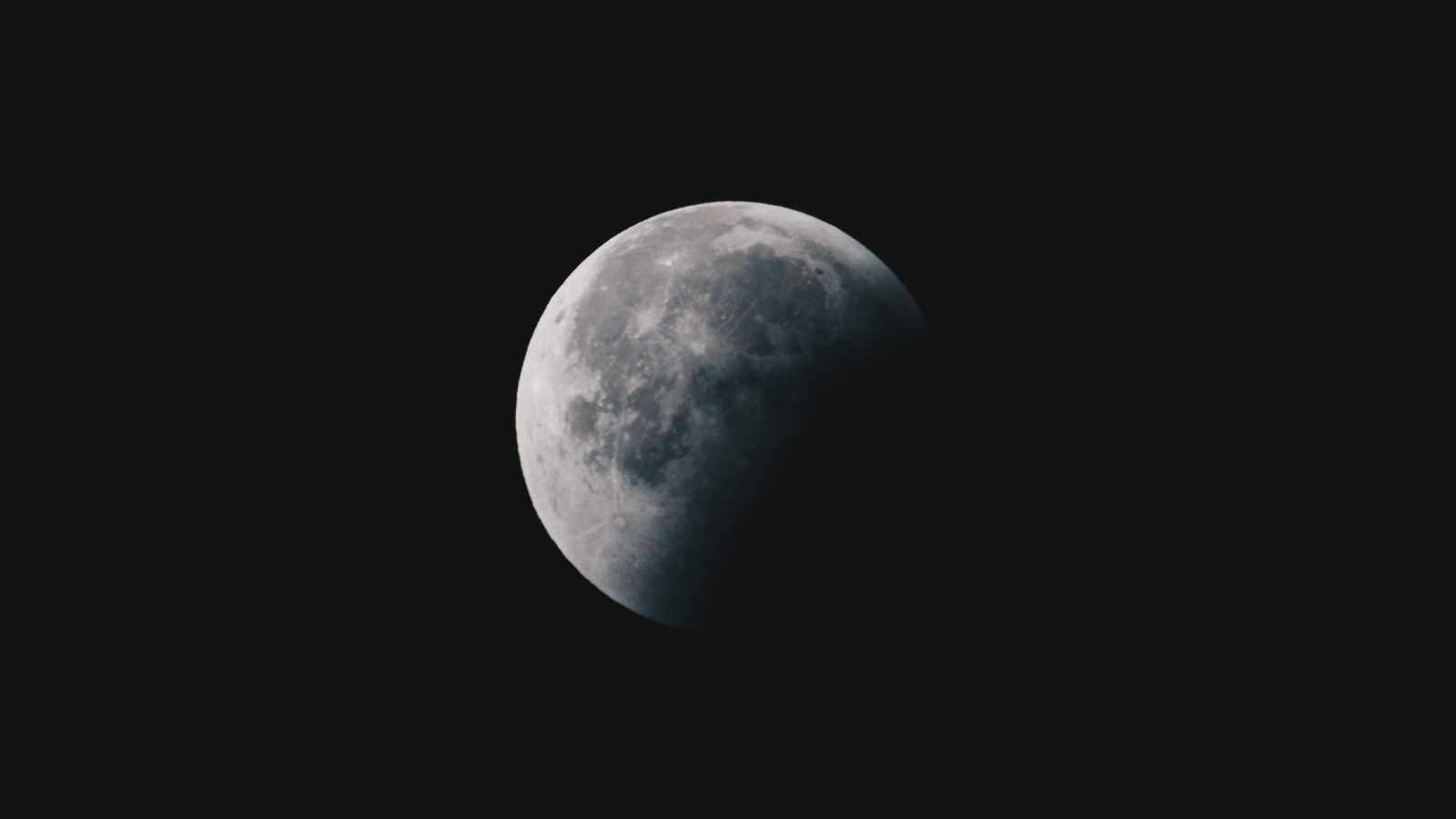
The articles here solve two main practical problems. First, they address the challenge of capturing sharp, detailed images of the moon, which is notoriously difficult due to its brightness against a dark sky. Guides like How To Take A Picture Of The Moon With iPhone 11 and How To Take A Picture Of The Moon With iPhone 12 walk you through the specific exposure and focus adjustments needed. Second, the collection tackles the broader task of photographing stars, as seen in How To Take Star Photos With iPhone 13, which helps you stabilize the phone and set a long enough shutter speed without introducing blur.
Whether you own an iPhone 13 Pro, iPhone 14 Pro, or an older model, these articles help you do one thing: get a usable, clear photo of a night sky subject using the tools already in your pocket. They focus on the specific settings and techniques required for each device generation, so you can apply the right fix for your particular phone’s camera system.