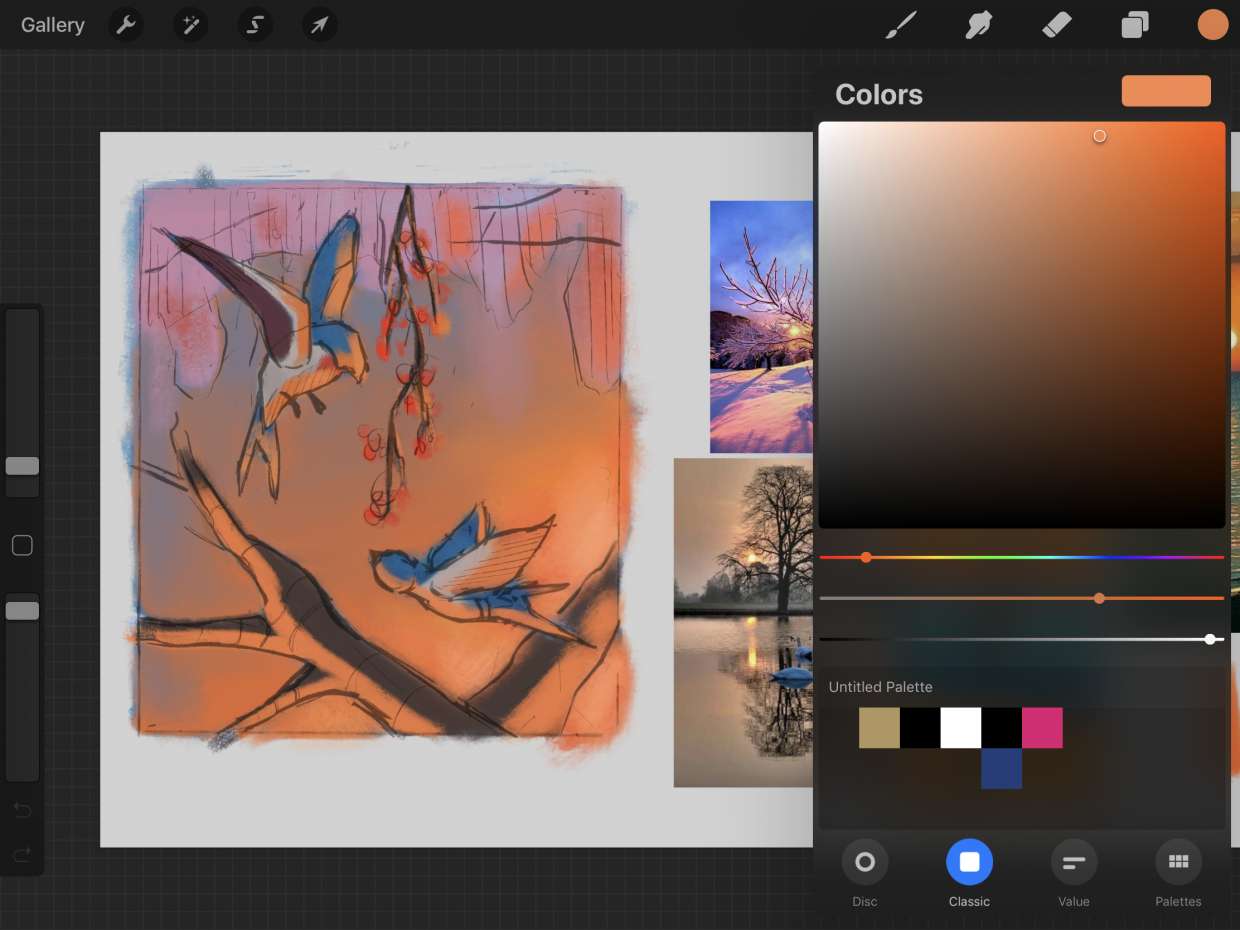
Controlling transparency and visibility within the digital art app Procreate, specifically for iPad users. This tag is for anyone using a phone or tablet for creative work, from illustrators and designers to casual hobbyists, who needs practical guidance on managing layer properties to improve their digital artwork.
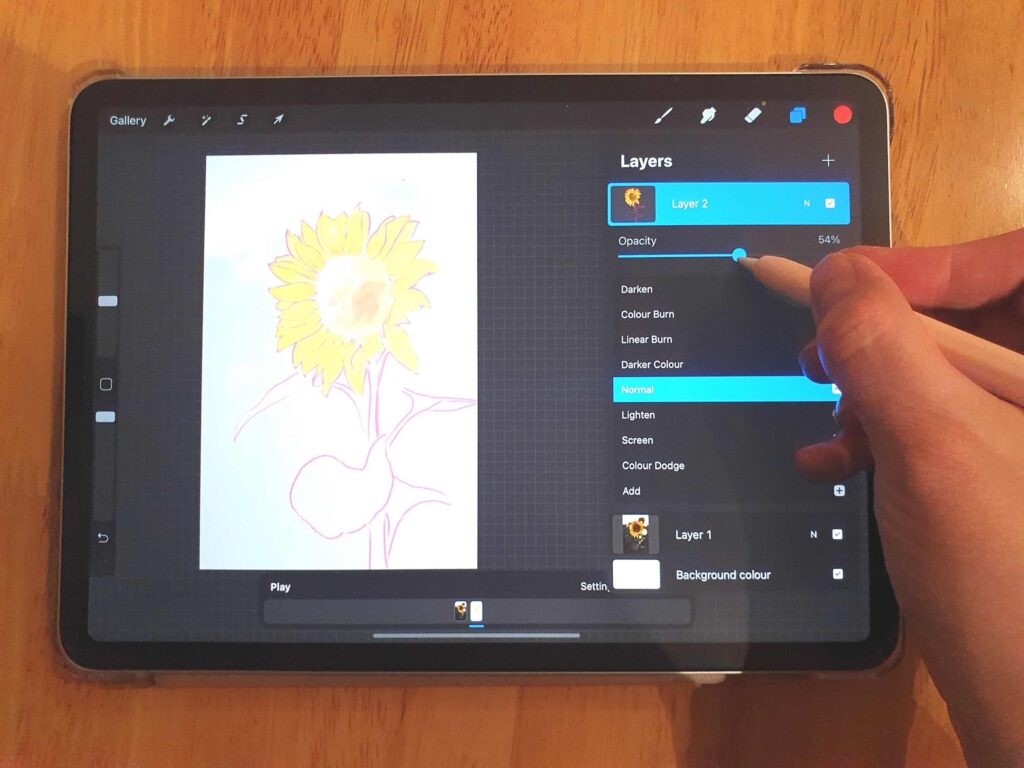
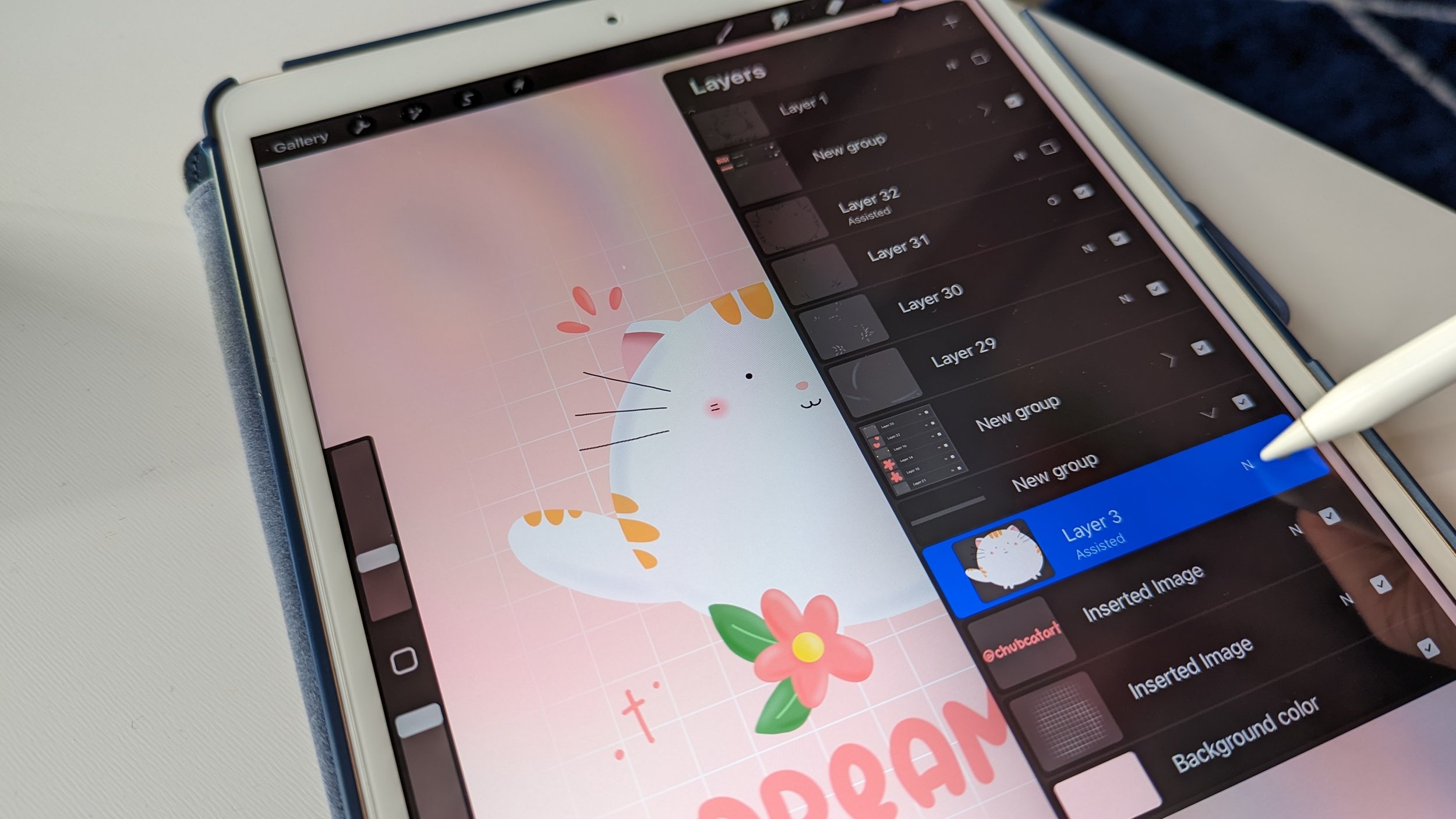
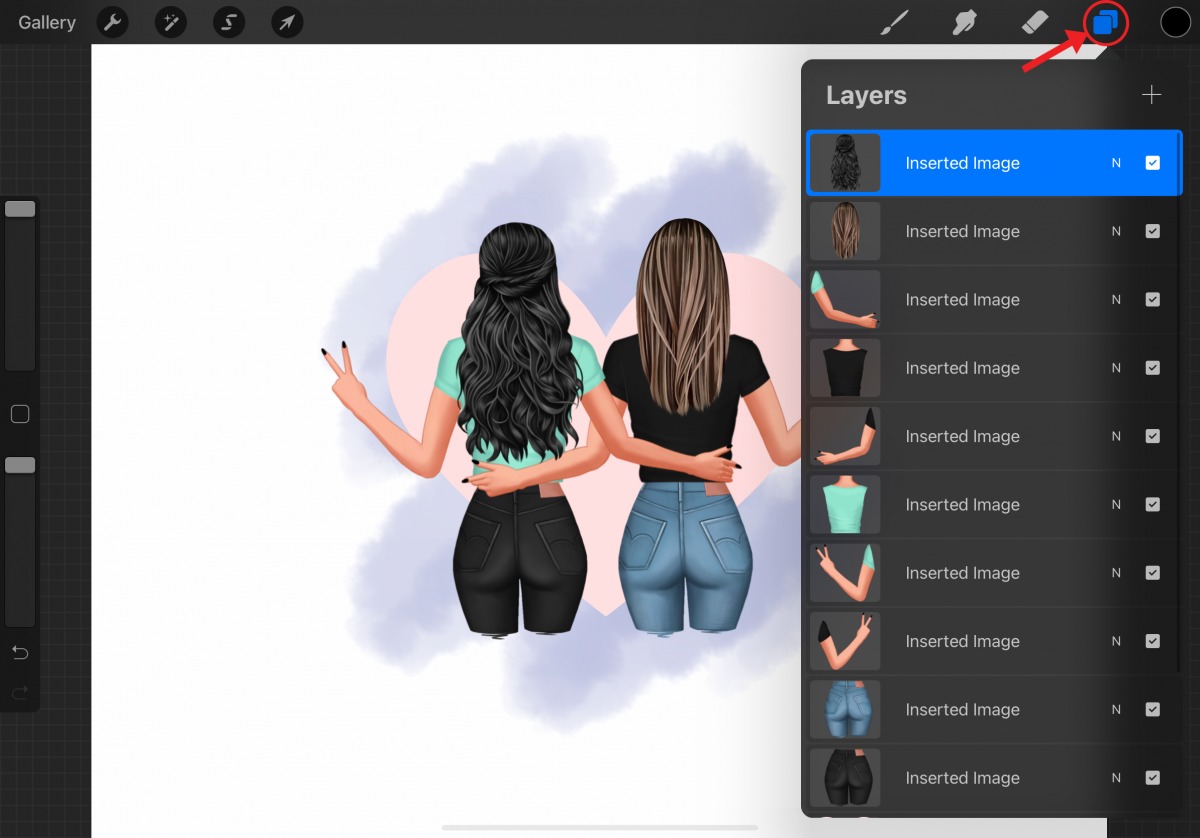
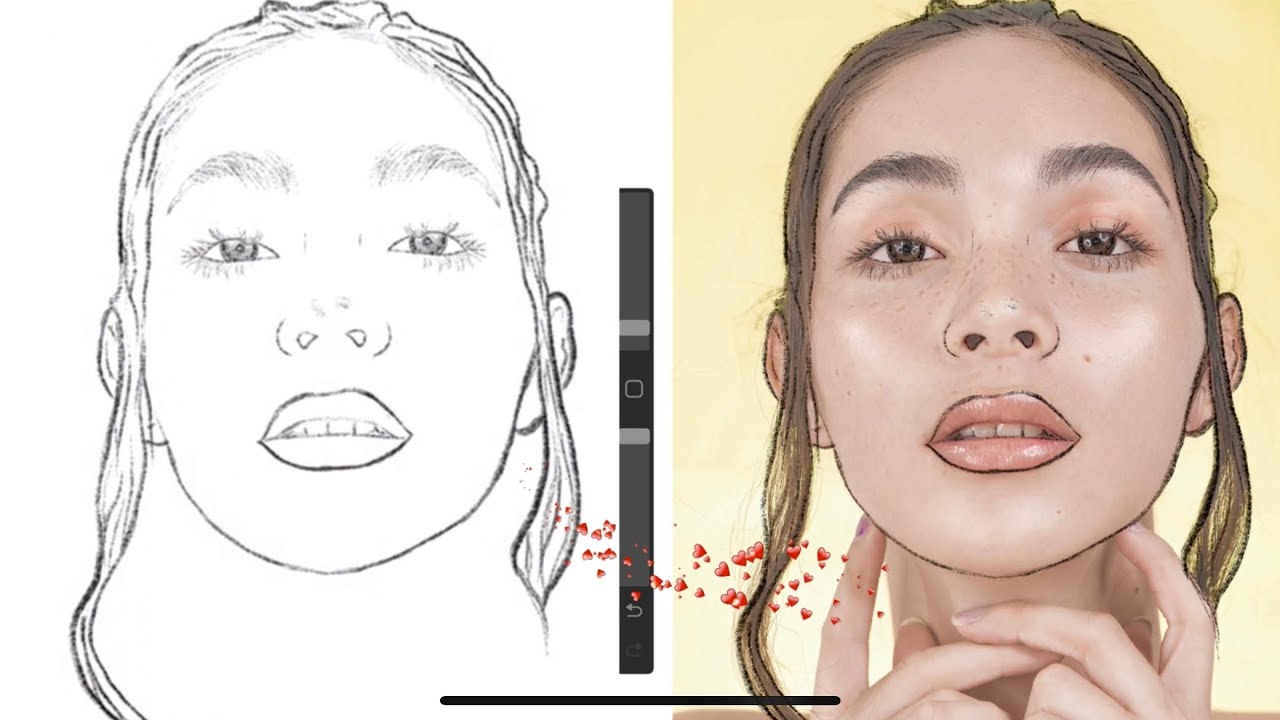
The articles here solve two main types of problems. First, they address the mechanics of layer management: how to make a layer transparent, change its opacity level, or turn down the opacity to create subtle effects. Second, they tackle the broader creative process of rendering, showing how opacity settings tie into coloring, shading, and finalizing a piece. For example, the guide on how to trace an image in Procreate relies on understanding layer transparency, while the tutorials on changing layer opacity help users control how much of an underlying layer shows through.
Specific topics covered include step-by-step instructions for adjusting layer transparency, reducing opacity for blending, and combining these techniques with coloring and shading workflows. These articles help readers execute precise visual adjustments directly on their mobile device, turning a basic setting into a tool for professional-looking results.