
Articles that explain the software powering your phone, from the history of major platforms to the practical steps of using them. This section is built for anyone curious about how their device works under the hood, whether you are troubleshooting an update, exploring a legacy OS like Symbian, or just trying to understand what makes a smartphone different from a computer.
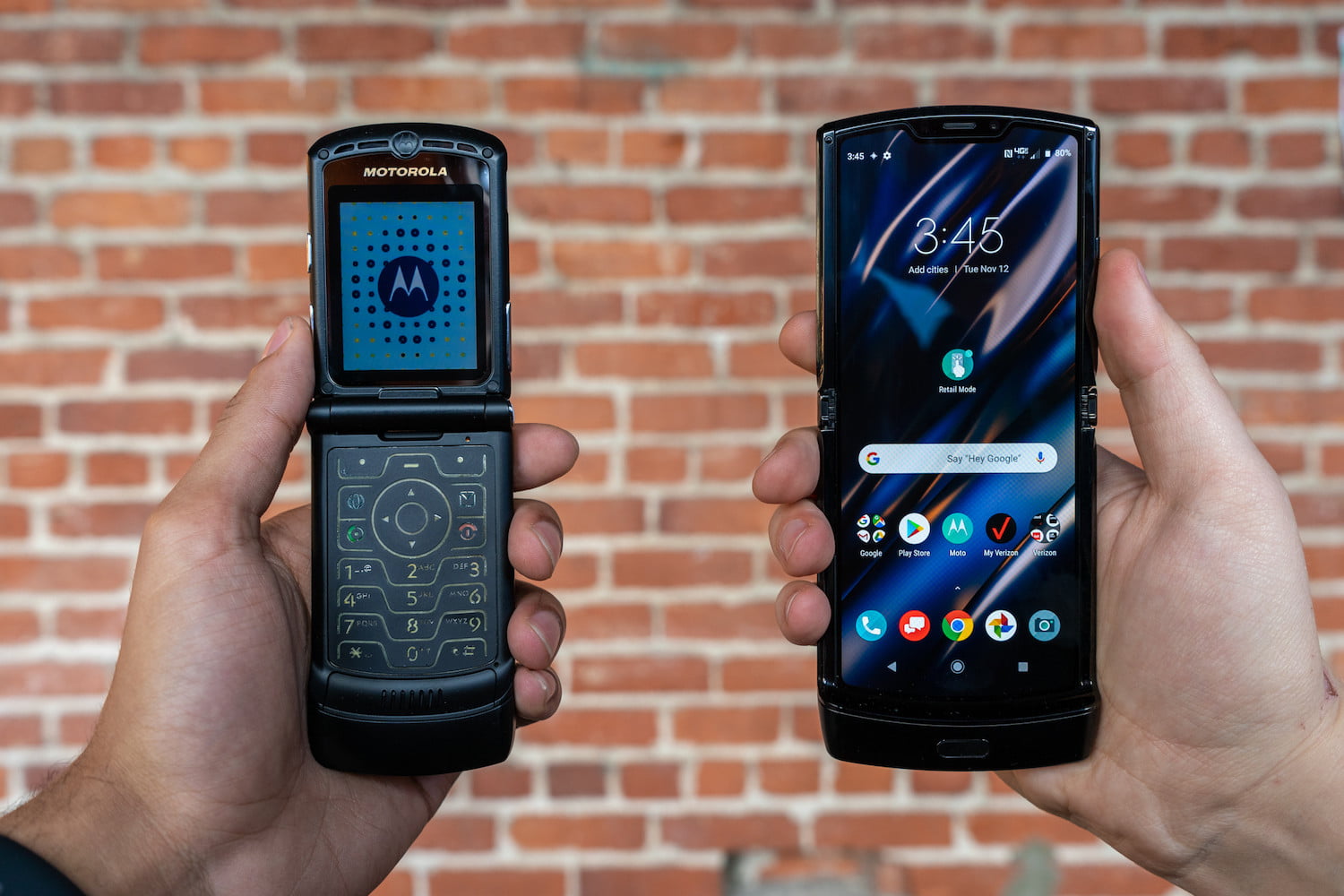
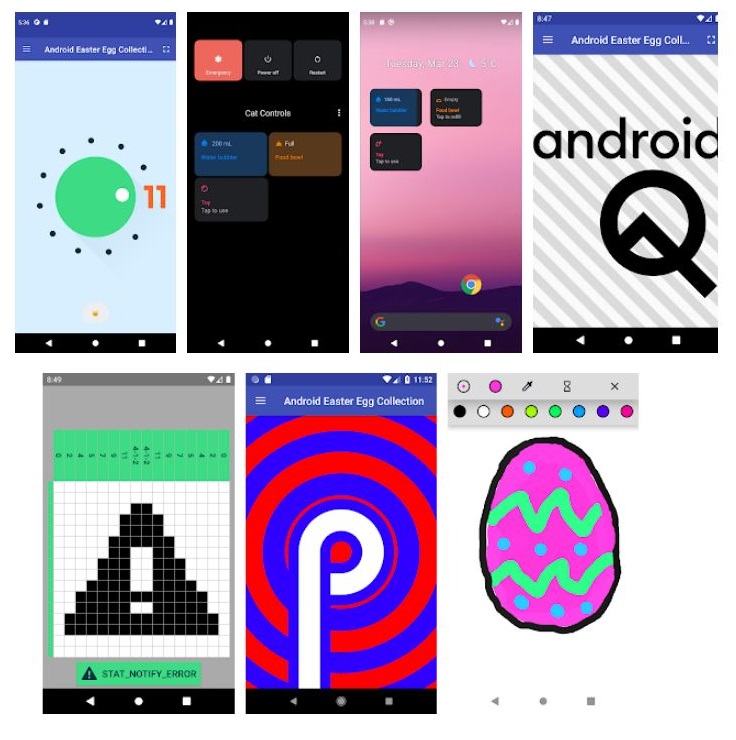
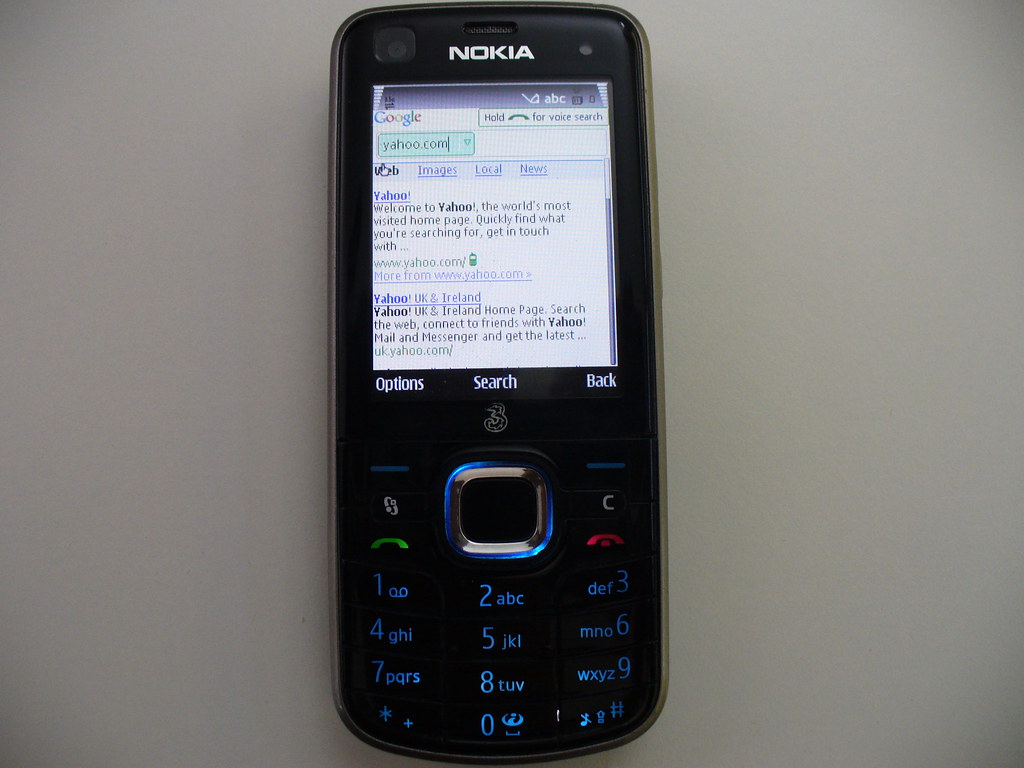
The articles here solve two main kinds of problems. First, they answer straightforward factual questions that come up when choosing or using a phone, like who actually owns Android, what OS the Motorola Razr runs, or how long a typical phone update takes. Second, they help with hands-on tasks, such as installing WhatsApp on an older Sony Ericsson Xperia Mini or navigating the basics of mobile apps and game guides. You will also find deep dives into the history of Android Easter eggs and a clear explanation of what WebOS is, all aimed at giving you a clearer picture of the software ecosystem in your pocket.
Whether you are a long-time phone user or just starting to explore how mobile operating systems work, these articles help you identify which OS your device uses, understand its origins, and carry out essential setup or troubleshooting steps without guesswork.