Practical guides for anyone who owns wireless audio gear, from everyday earbud users to fans of over-ear headphones and portable speakers. Whether you are setting up a new device for the first time or troubleshooting a connection that has gone wrong, these articles are written for phone owners who want clear, step-by-step help without technical jargon.
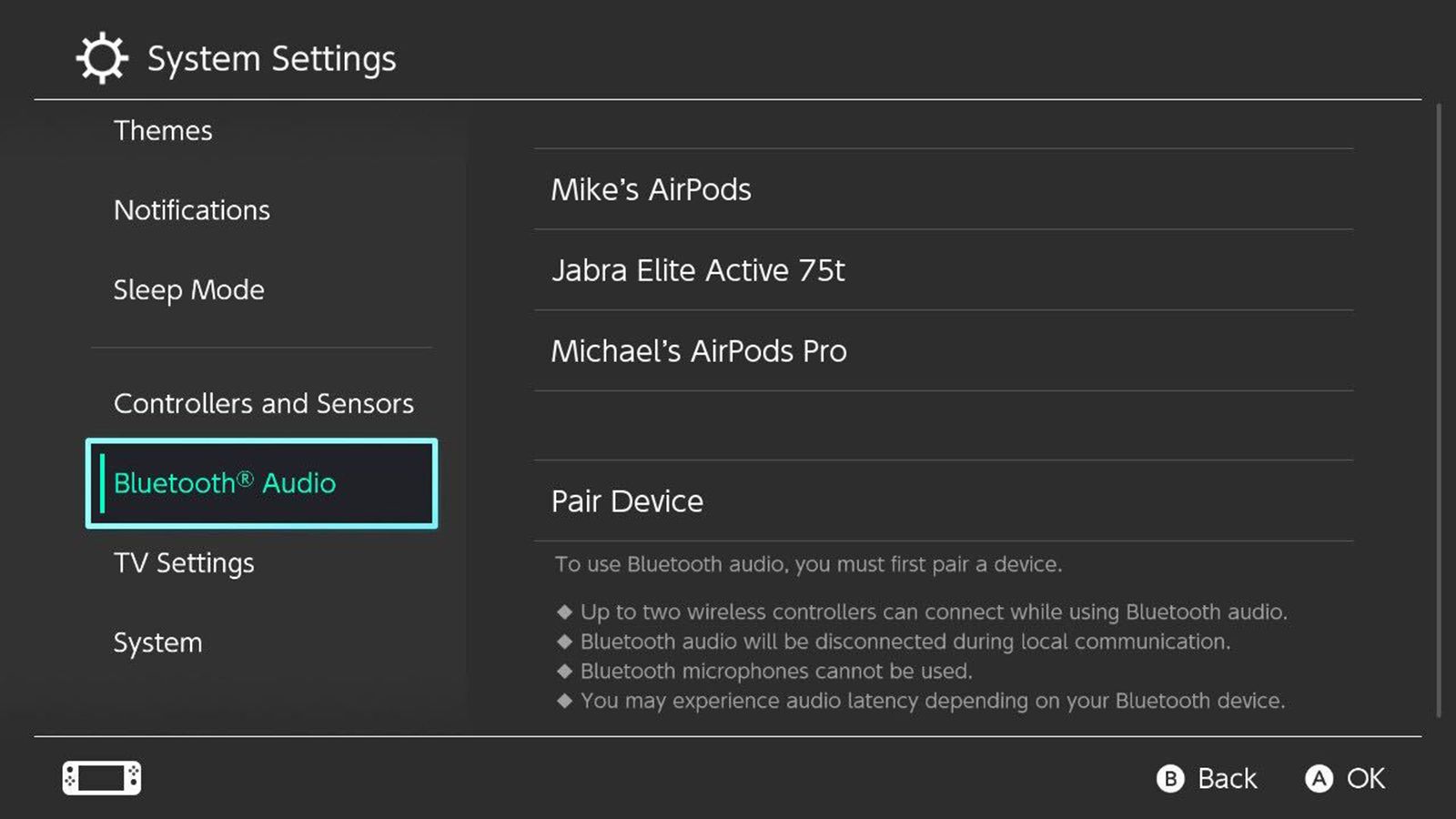
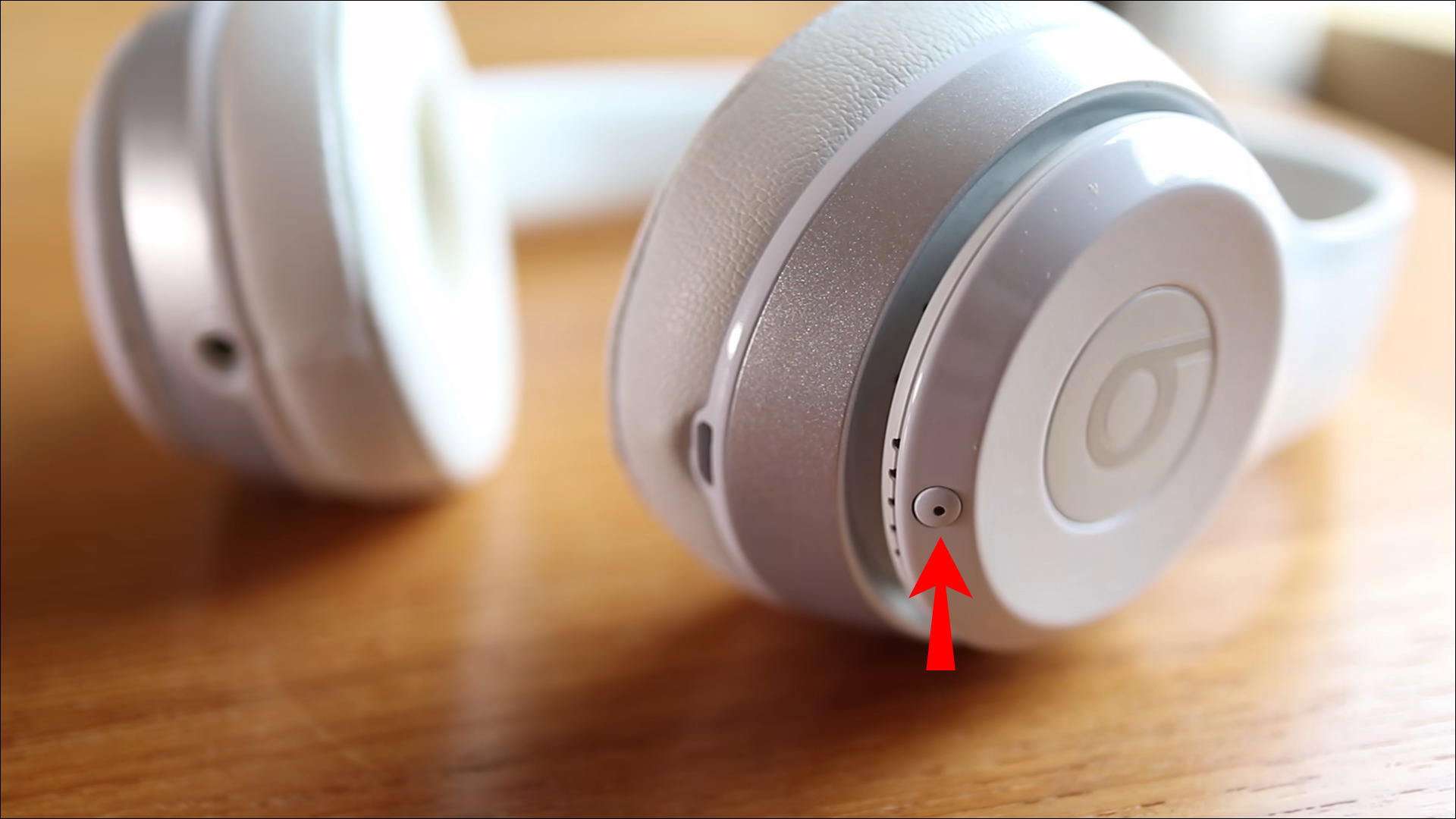
The articles here solve two main kinds of problems. First, they walk you through the initial pairing process for specific brands and models, such as turning on Skullcandy wireless earbuds, connecting Beats Studio Wireless to your phone, or syncing Brookstone earbuds with an iPhone. Second, they address common glitches and setup questions, like why your wireless earbuds keep flashing, what a flashing blue light on a G435 headset means, or how to put a Plantronics headset into pairing mode. You will also find broader guides that cover pairing wireless headphones to a Nintendo Switch or connecting an Altec Lansing speaker to a phone.
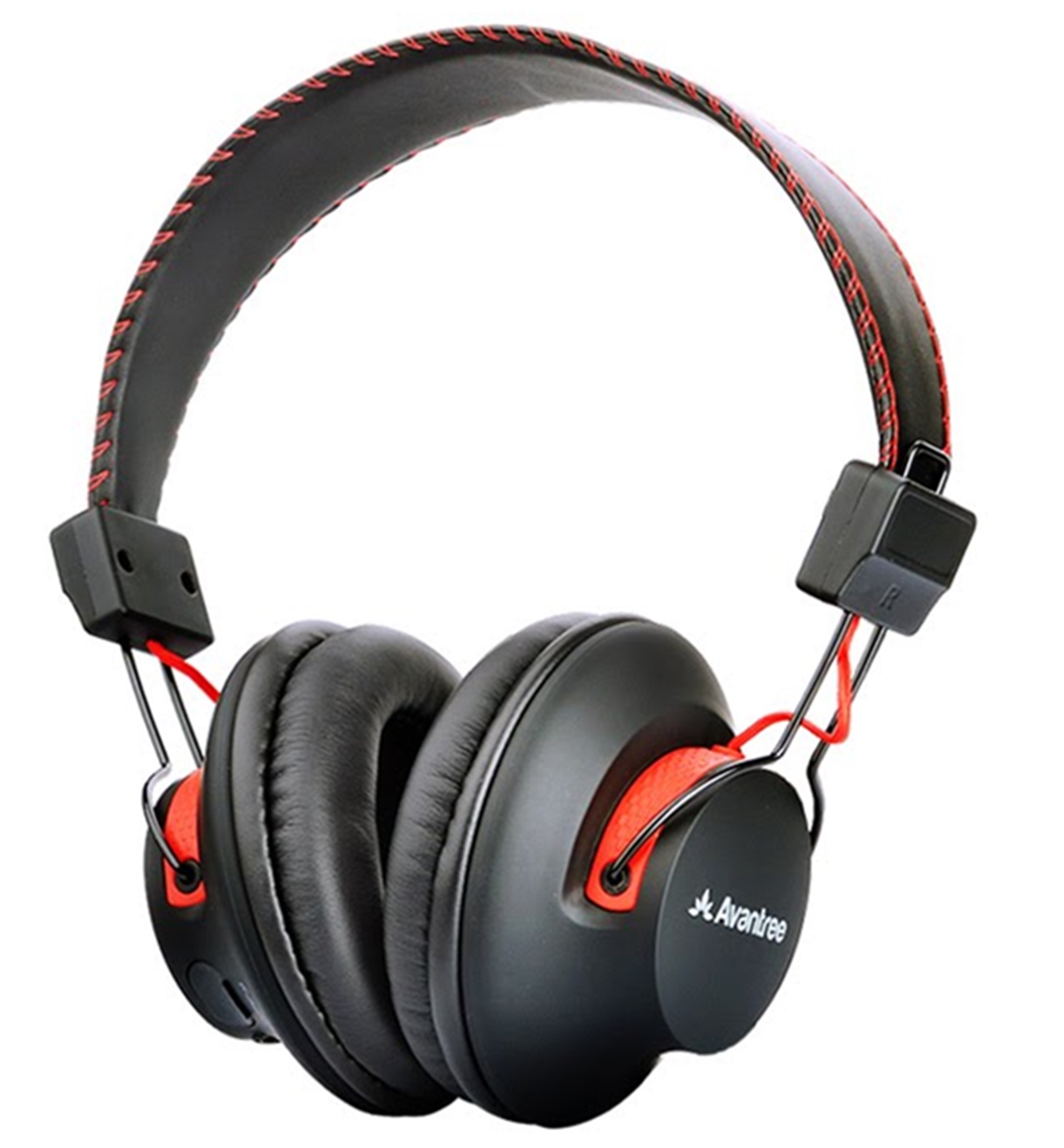
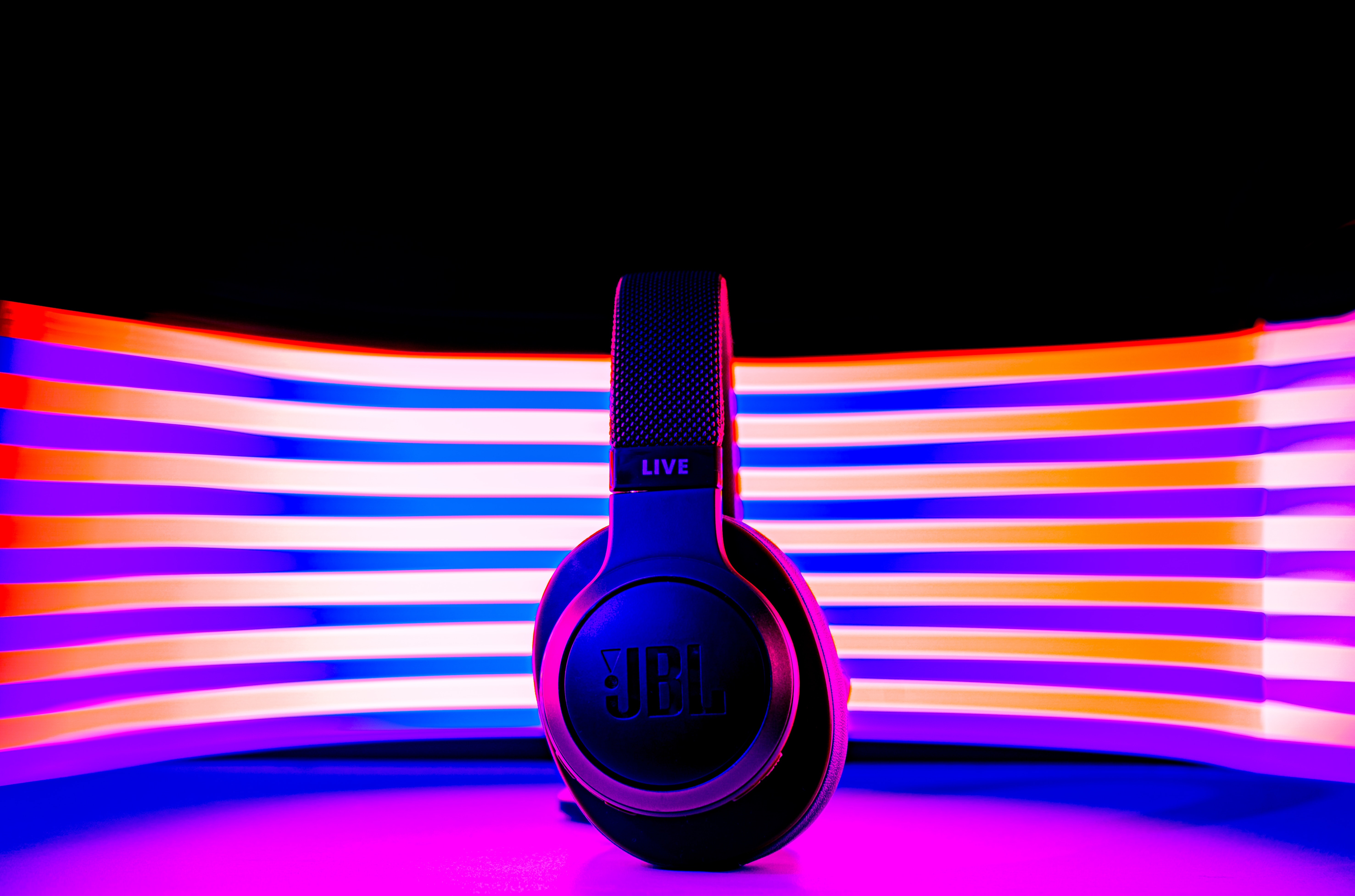
These articles help you do one thing reliably: get your audio device talking to your phone or other gadget. They cover specific steps for JBL, Sennheiser, Aftershokz, Avantree, Bose, Beats Solo 3, JVC, Poly headsets, and more. If you own any of these devices and need to finish a setup or fix a stubborn connection, the right guide is here.