This tag collects guides and tutorials about passwords on CellularNews, designed for anyone who owns a phone, uses mobile apps, or manages home and business wireless networks. Whether you are a casual smartphone user, a parent setting up a family device, or someone troubleshooting a forgotten login, these articles address the common, everyday challenges of keeping your digital access secure and functional.
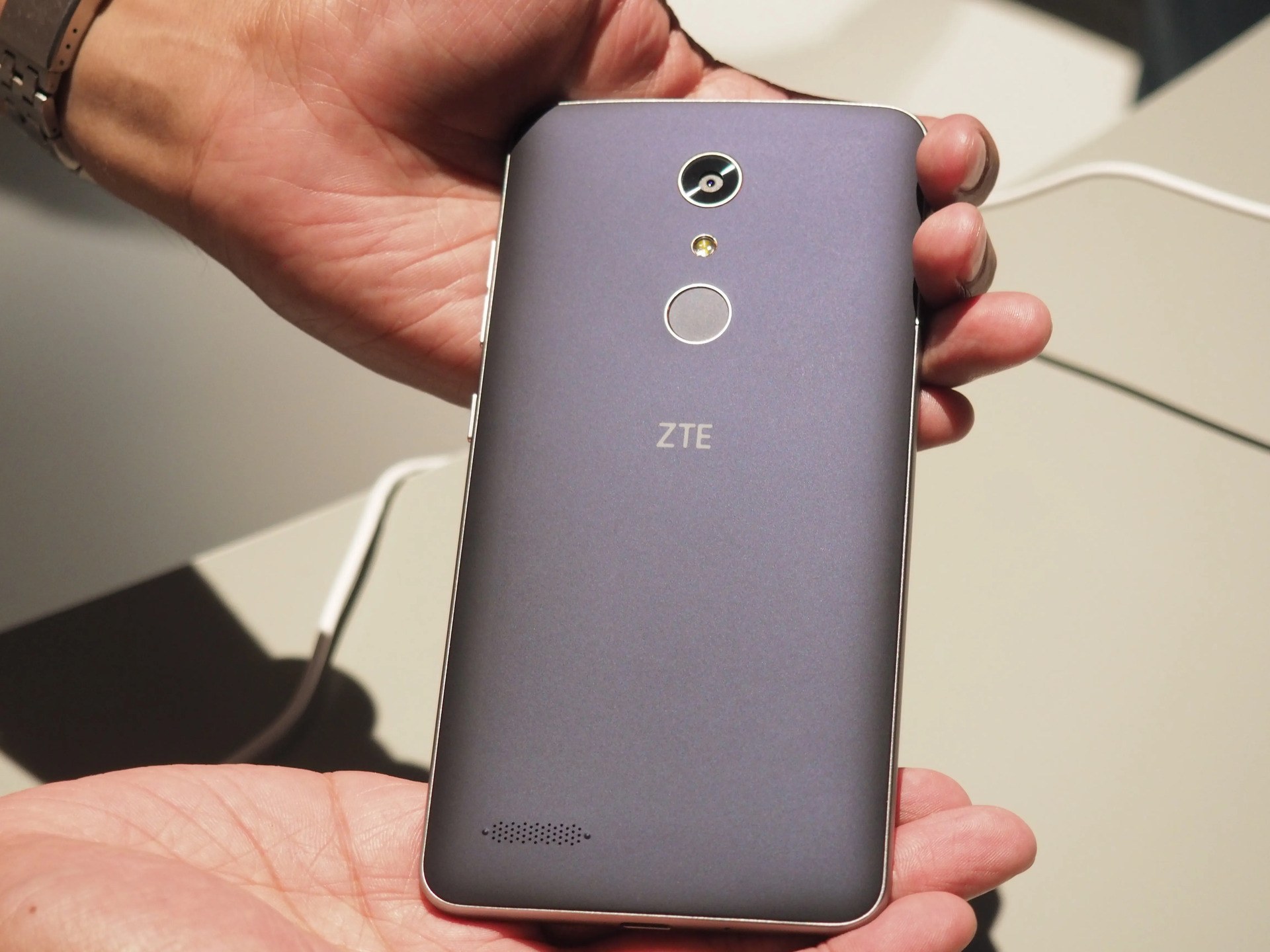
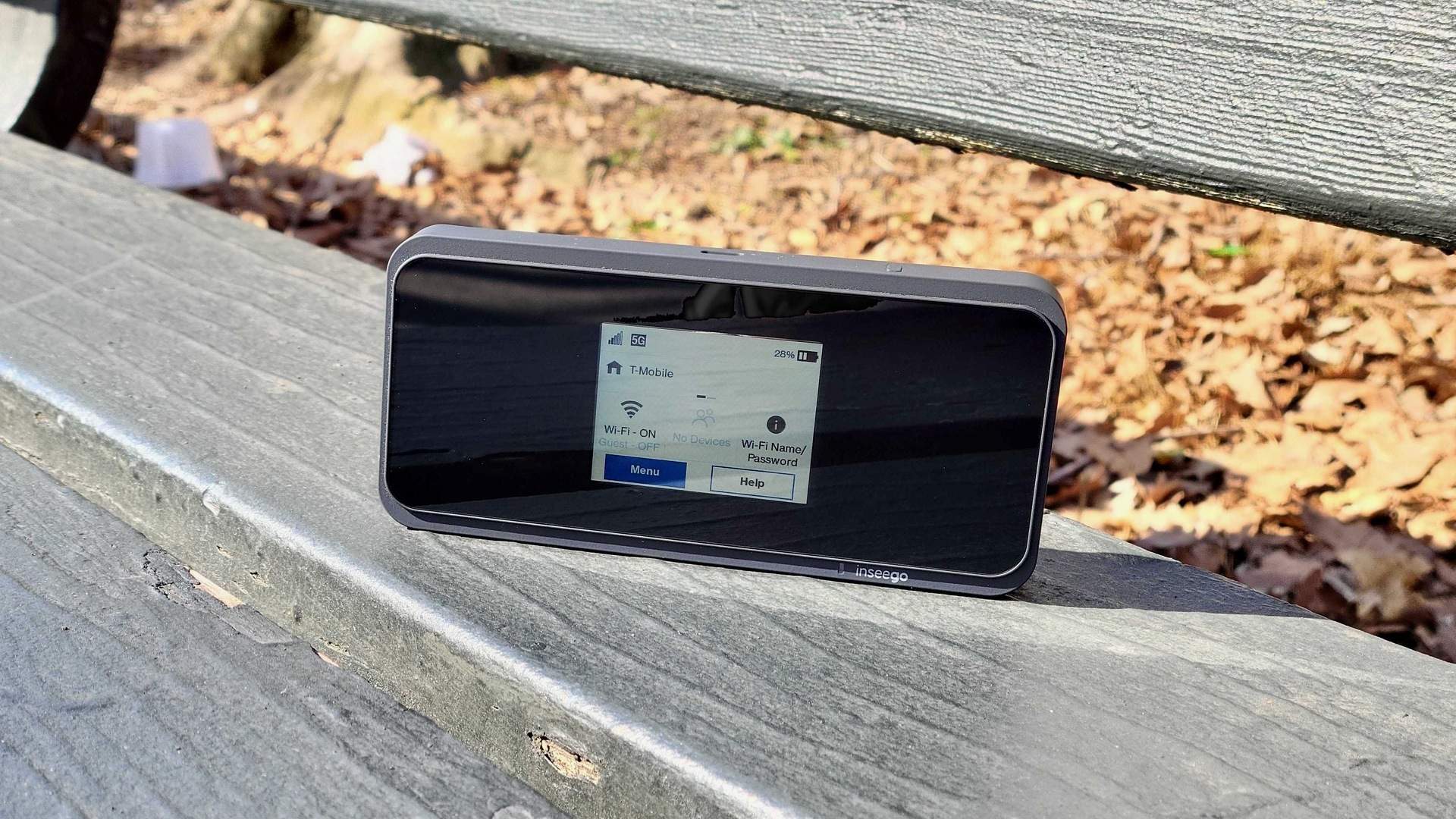
The articles solve three main kinds of problems. First, they help you recover or change passwords when you are locked out of your own device or account, showing you how to unlock a ZTE phone, reset a Samsung phone if you forgot the password, or change a TikTok password without a phone number or email. Second, they guide you through managing passwords across your accounts and devices, including how to change your email password on an iPhone or Android, view saved passwords on Android, and set up a T-Mobile ID. Third, they cover wireless network and router password tasks, such as changing a T-Mobile Wi-Fi password, finding the wireless password for your home network, and resetting a Dlink wireless router password.
Specific topics you will find include step-by-step instructions for changing a Samsung phone password after forgetting it, unlocking a Galaxy S21 without a password, and connecting a Vizio TV to your wireless internet. The collection also explains foundational concepts like what alphanumeric means, what credentials are, and how autofill works, giving you the knowledge to handle passwords with confidence.