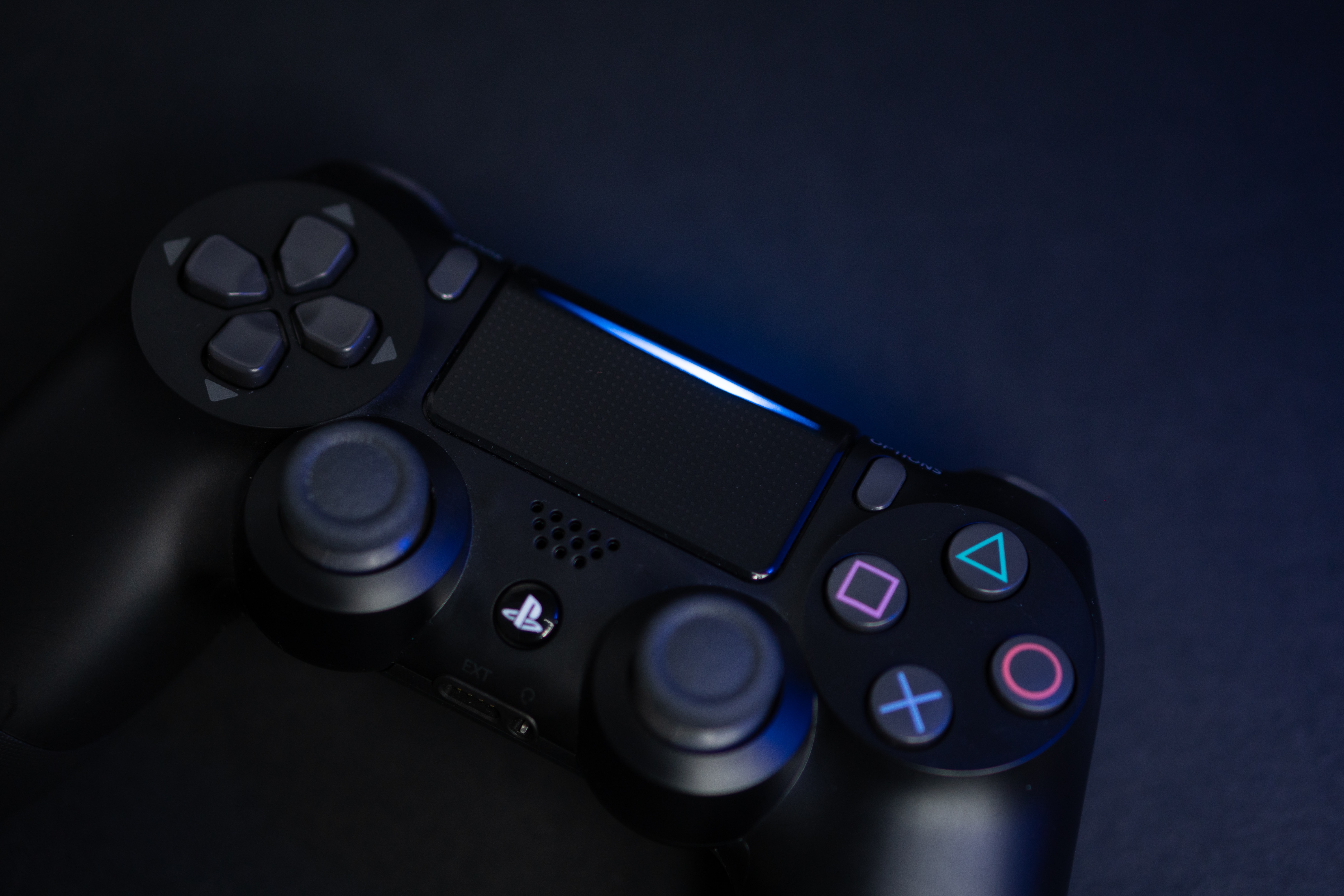
The PC Gaming tag page on CellularNews collects articles for mobile users who want to connect their phones to PC gaming setups, or who play PC games with peripherals. This content is specifically for readers looking to bridge the gap between their phone, console controllers, and a Windows or Mac computer, often for games that originated on other platforms.
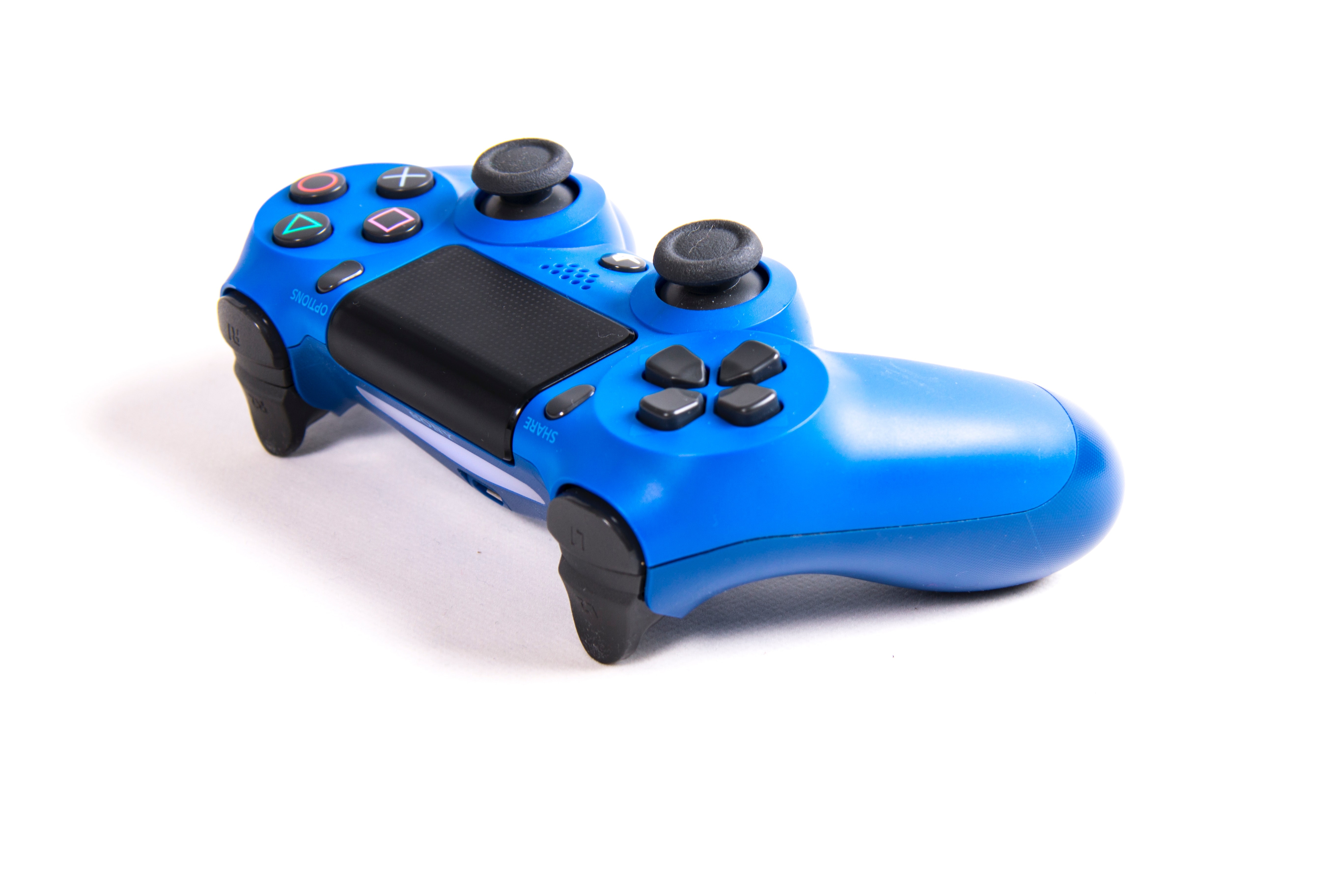
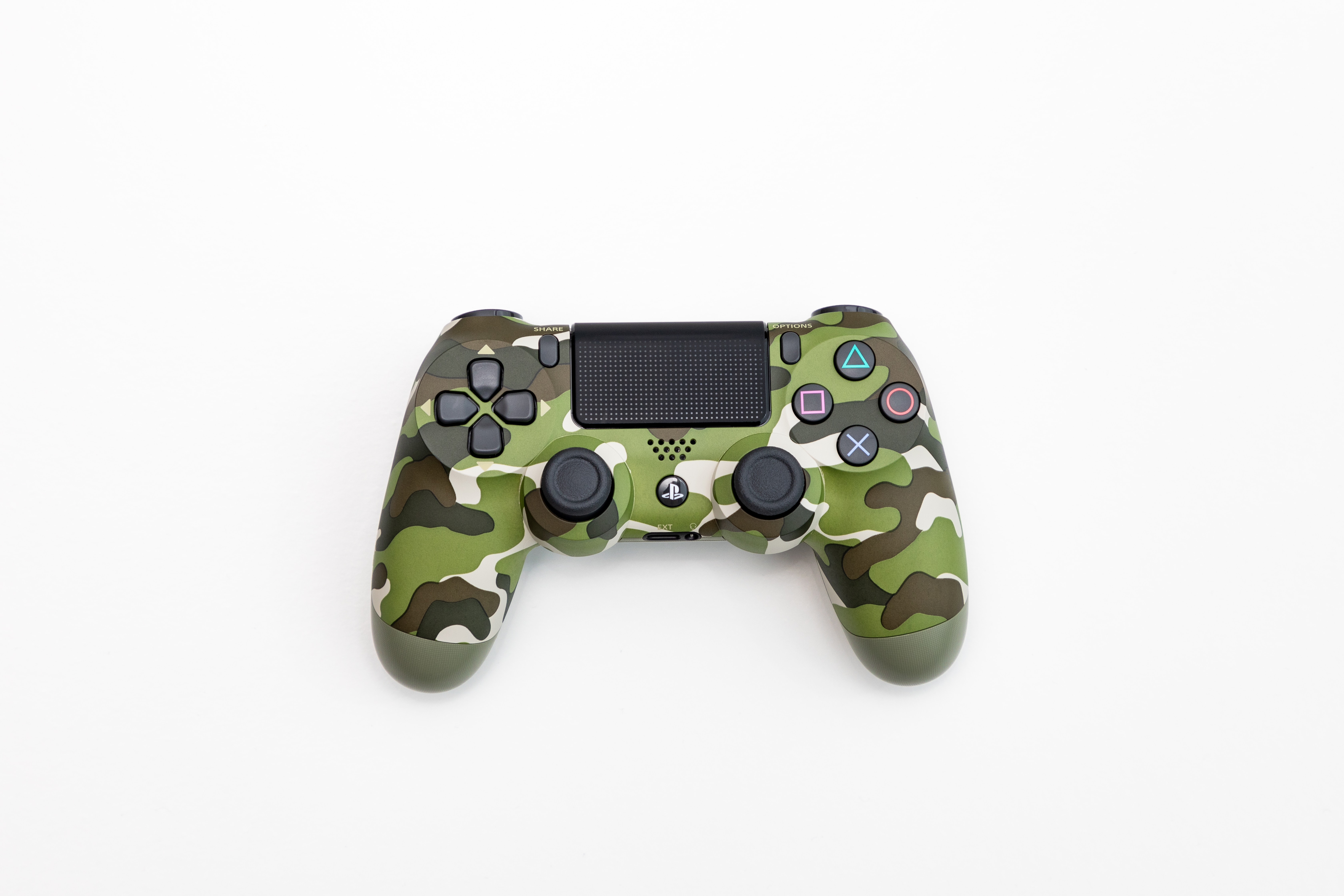
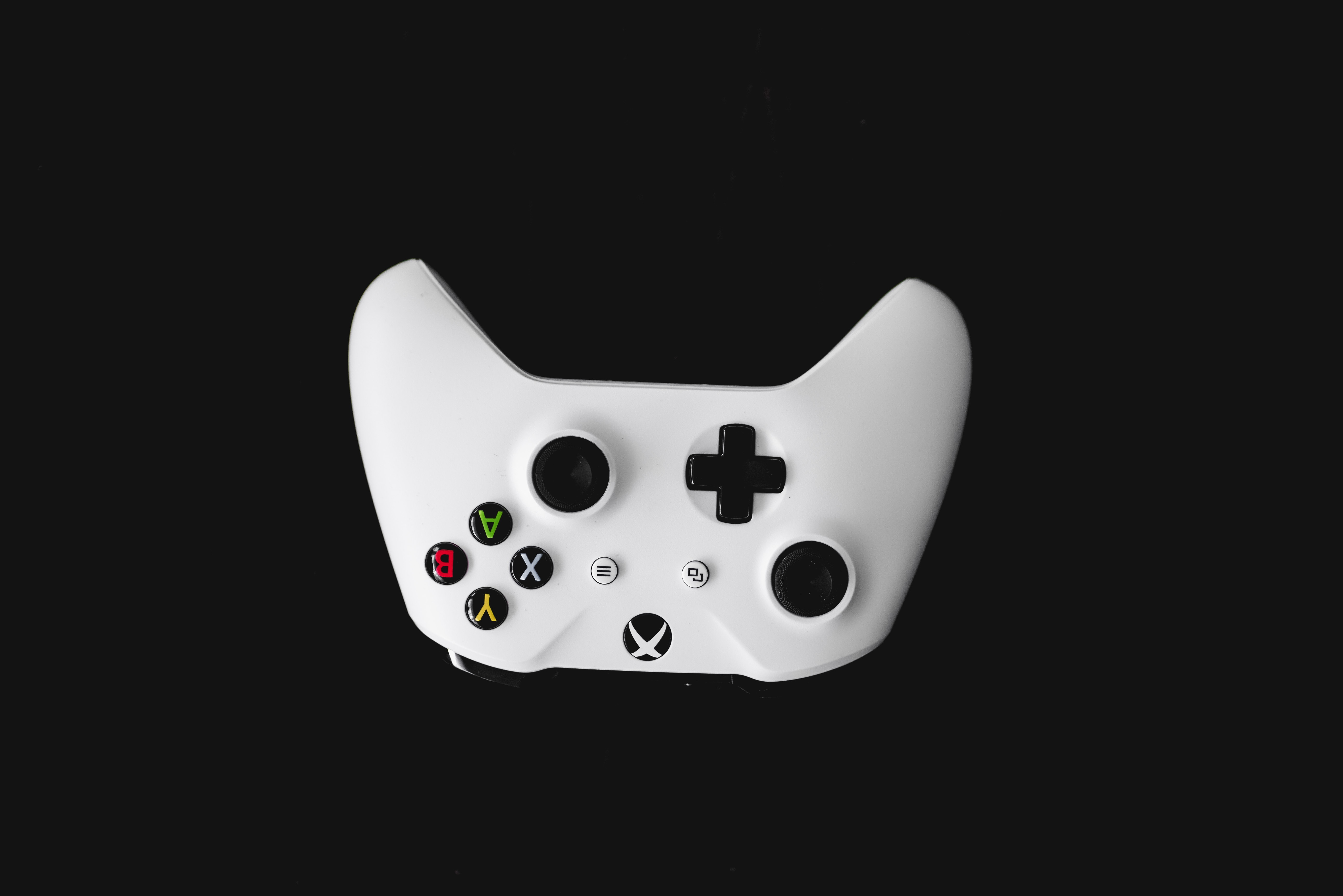
The articles here solve two main kinds of problems. First, they help you set up and calibrate physical controllers for PC games. You can learn how to adjust a deadzone joystick, calibrate a joystick in Rise of Flight, or enable a joystick for Arma. They also cover how to set up controls for a joystick in War Thunder and use one for DCS World. Second, they tackle connecting wireless devices to a PC, such as how to connect a PS5 controller to PC Fortnite wirelessly, how to use a PC wireless gaming receiver, or how to connect a Mocute gamepad to your computer. For older peripherals, there is a guide on how to connect a wireless Guitar Hero guitar to a PC without a dongle.
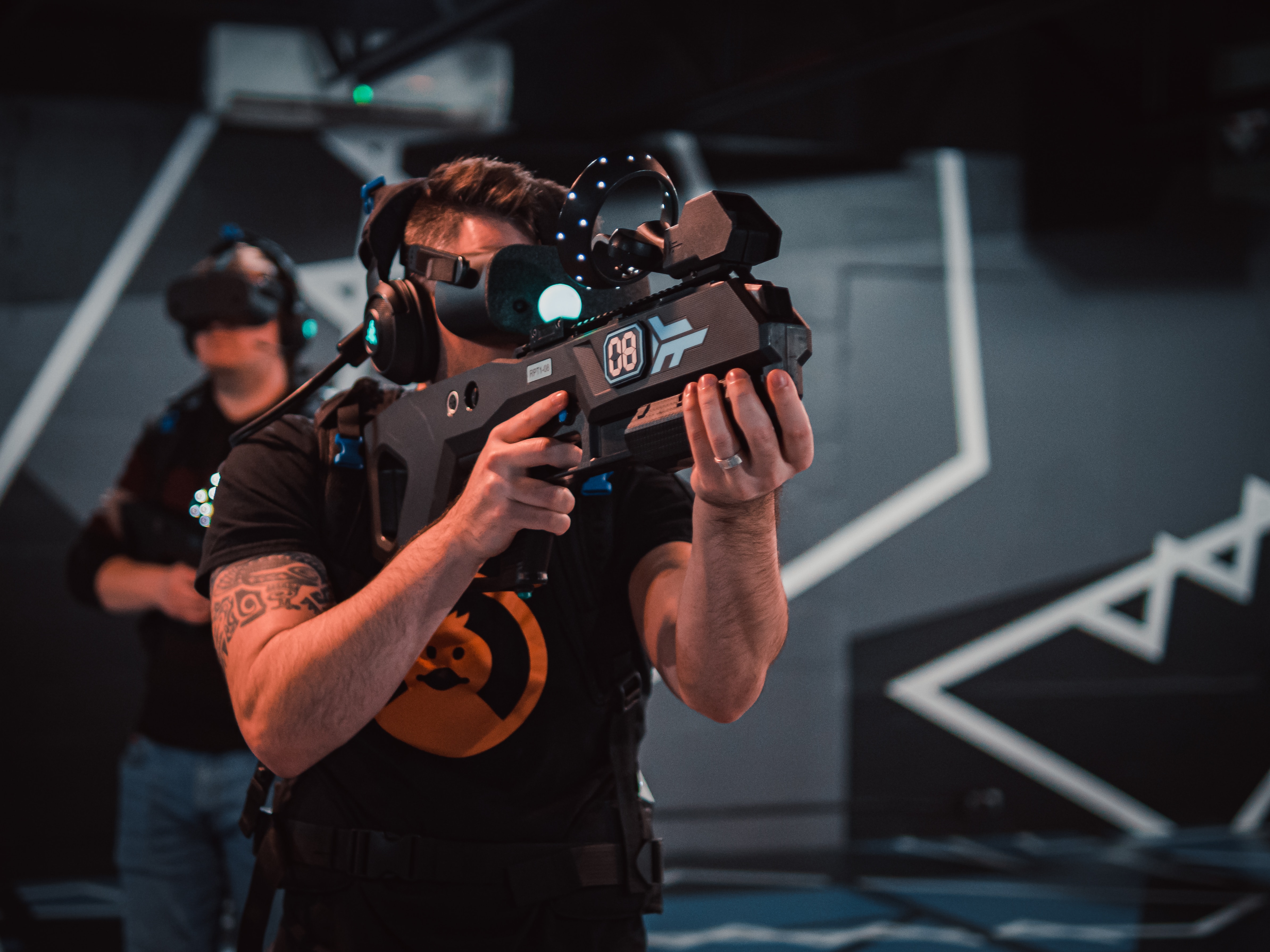
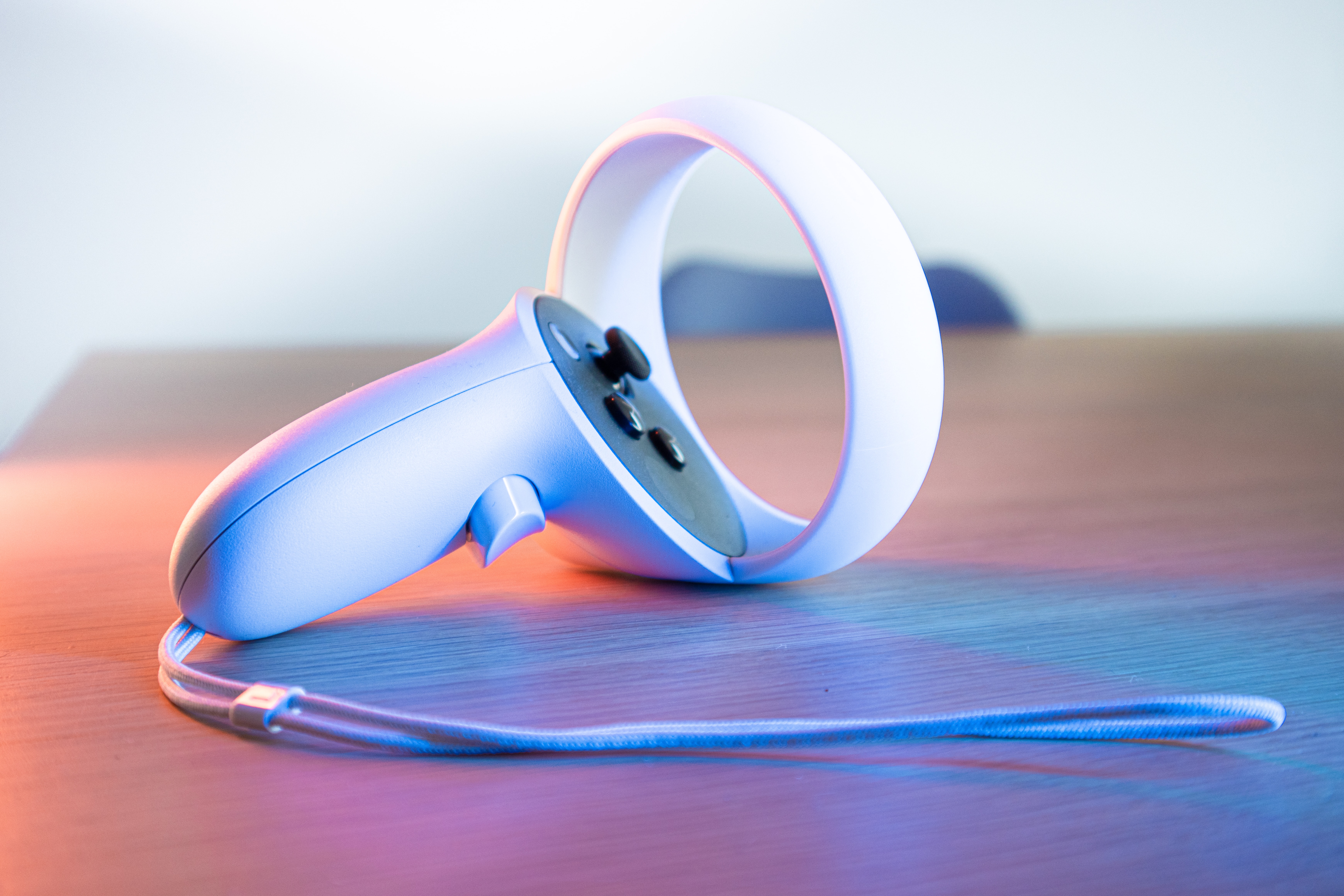
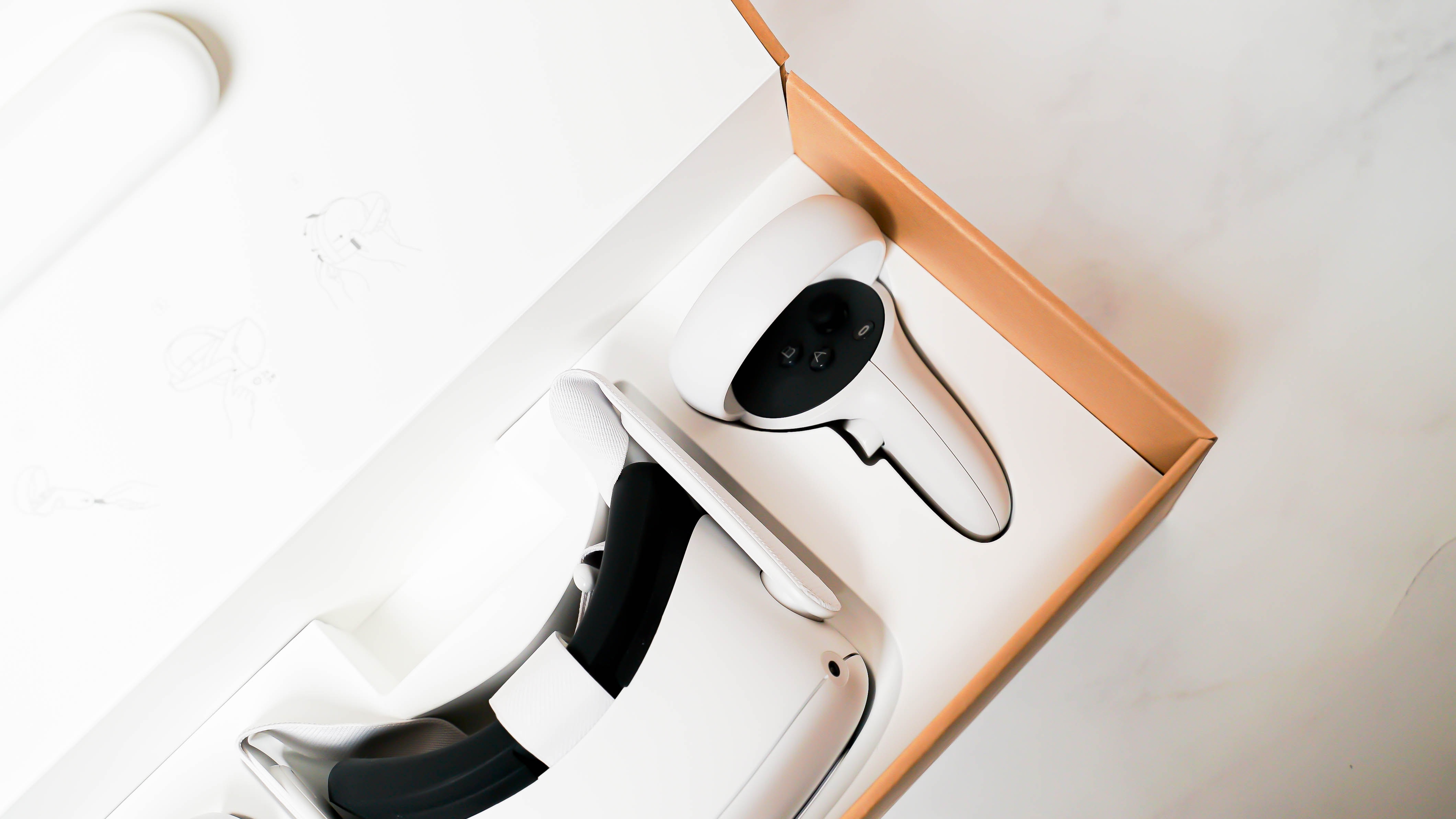
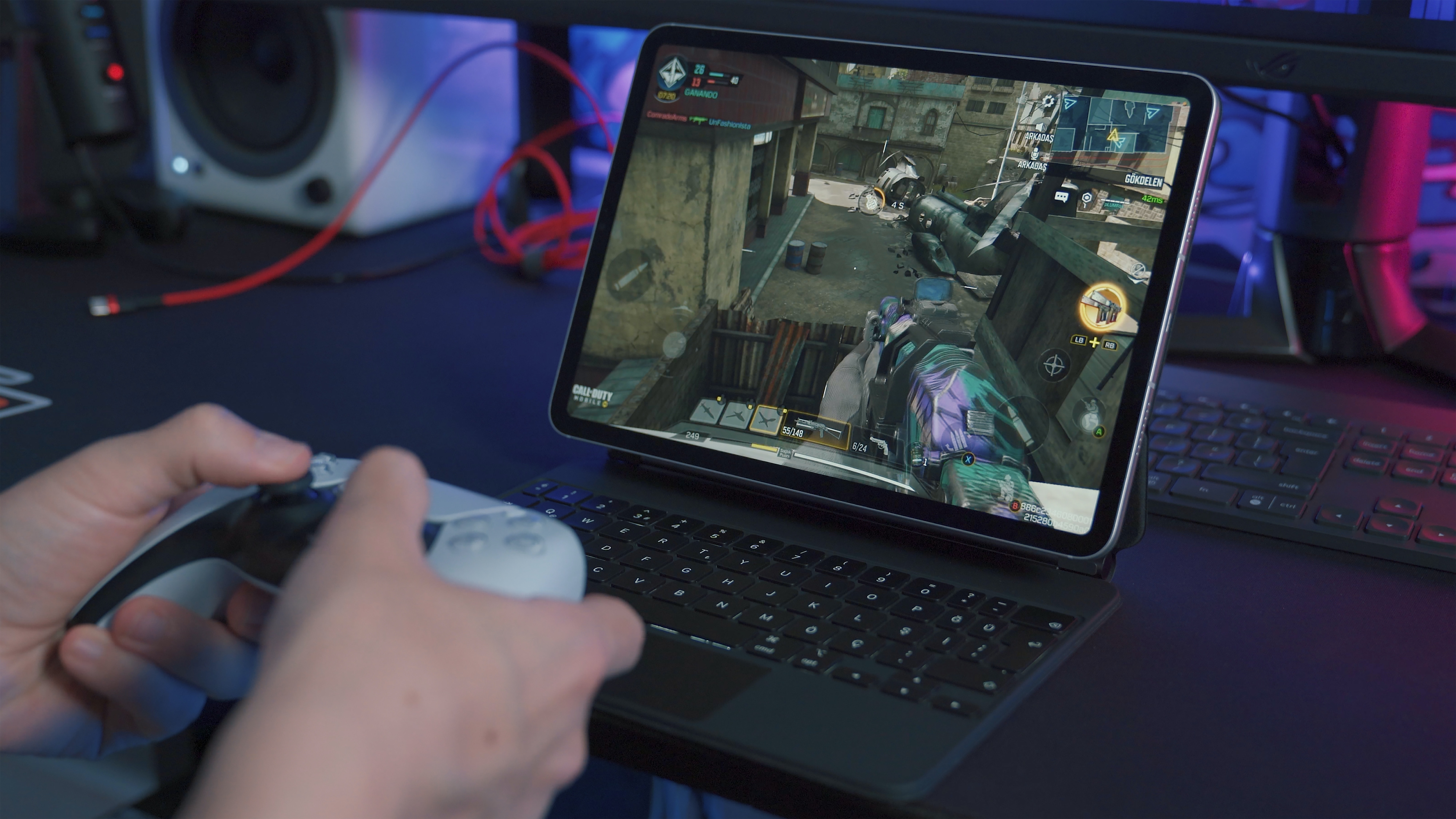
Beyond hardware, the tag also addresses software and streaming. You can find out how to stream Steam games to Android, how to delete Steam game save data, and how to play Call of Duty Mobile on PC. For VR enthusiasts, there are articles on how much Among Us VR and Pavlov VR cost, as well as how to play Assetto Corsa in VR. The collection also includes a look at what gaming headset the pros use, helping you choose the right audio gear for your PC gaming sessions.