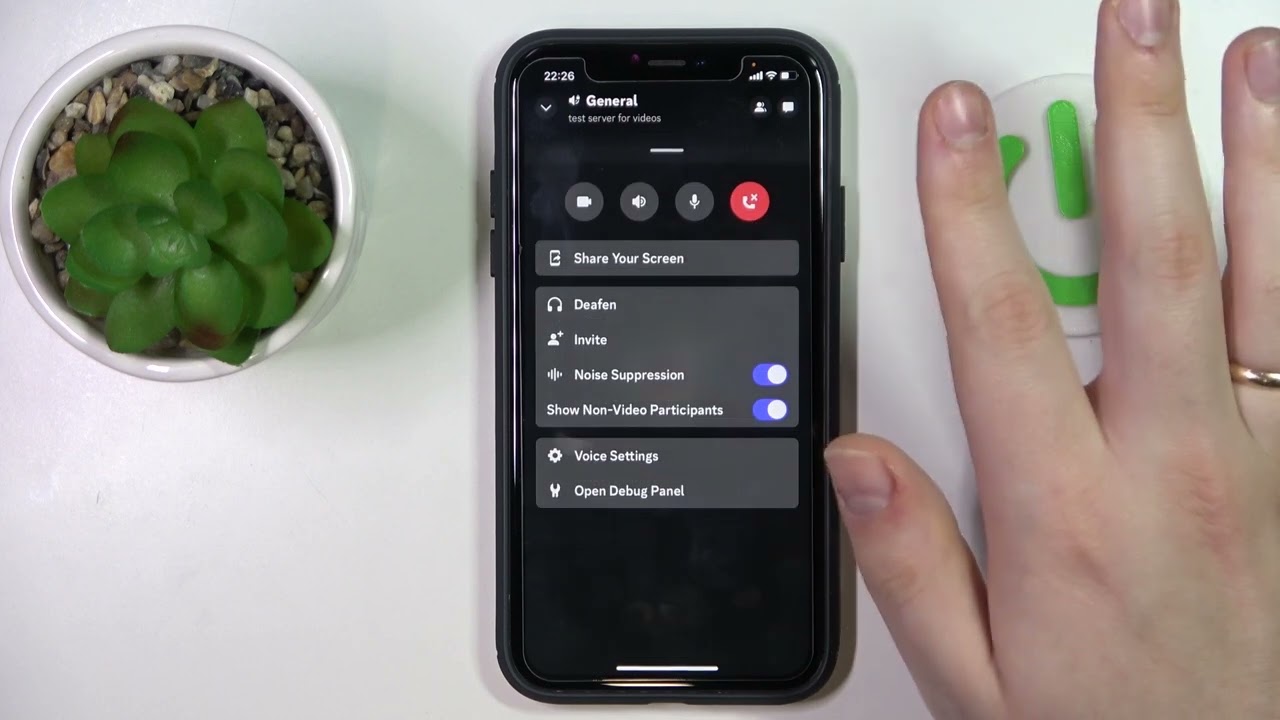
Welcome to the Permissions tag on CellularNews. This collection is designed for anyone navigating the often-confusing world of app and device permissions on their mobile phone, with a particular focus on Discord mobile settings and Android microphone controls. Whether you are a new community moderator or a user trying to fix audio issues, these articles address the common problem of figuring out who can do what on your device and in your apps.
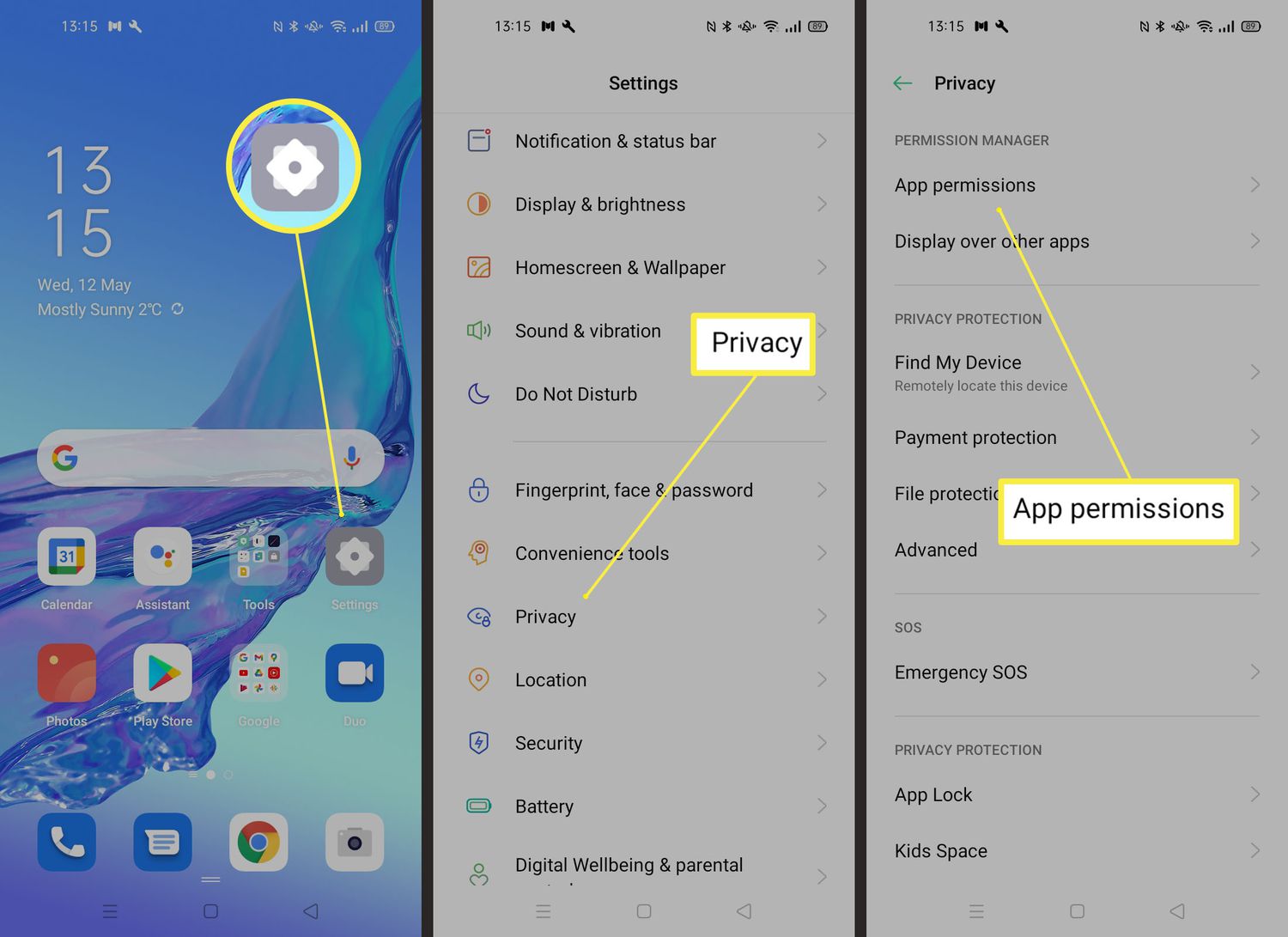
The articles here solve two main types of problems. First, several guides tackle community management permissions on Discord, helping you understand how to assign roles and organize channels. You can learn how to make someone a moderator on Discord Mobile or how to move a category in Discord Mobile to keep your server structured. Second, the tag covers essential hardware and audio permissions, such as how to turn the microphone on Android when an app is not picking up your voice, and how to adjust Discord audio and sound settings to get the volume right during calls.
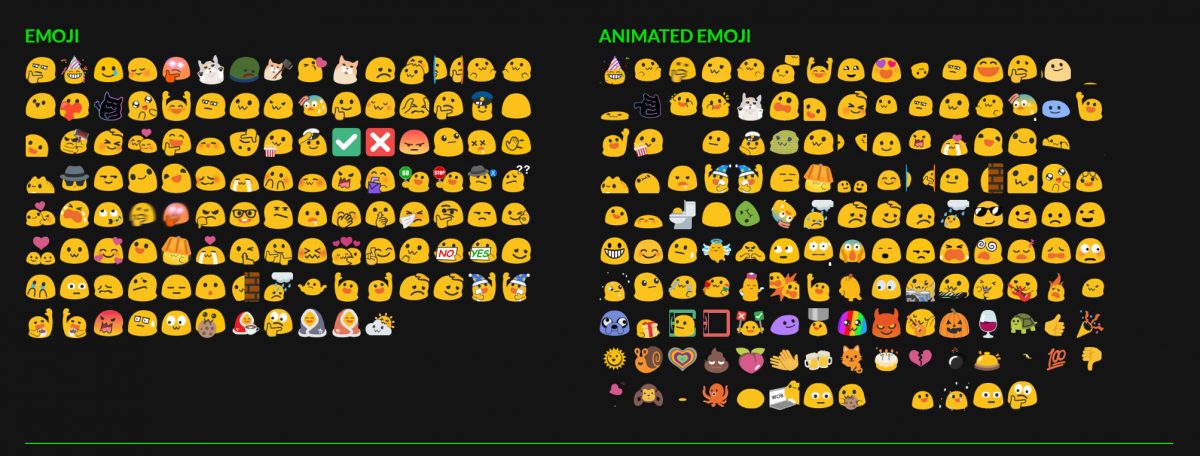
Specific topics you will find here include a step-by-step guide on how to make Discord emojis, instructions for creating a rules channel in Discord Mobile, and practical fixes for microphone access on Android devices. Each article focuses on the exact steps needed to grant or adjust these permissions, so you can get your phone and apps working exactly as you intend.