Practical, step-by-step guides for anyone who owns a phone and wants to keep it in good working order. Whether you are a new smartphone user or someone who has been maintaining devices for years, these articles are designed to help you handle the small but important tasks that keep your phone looking and functioning its best.
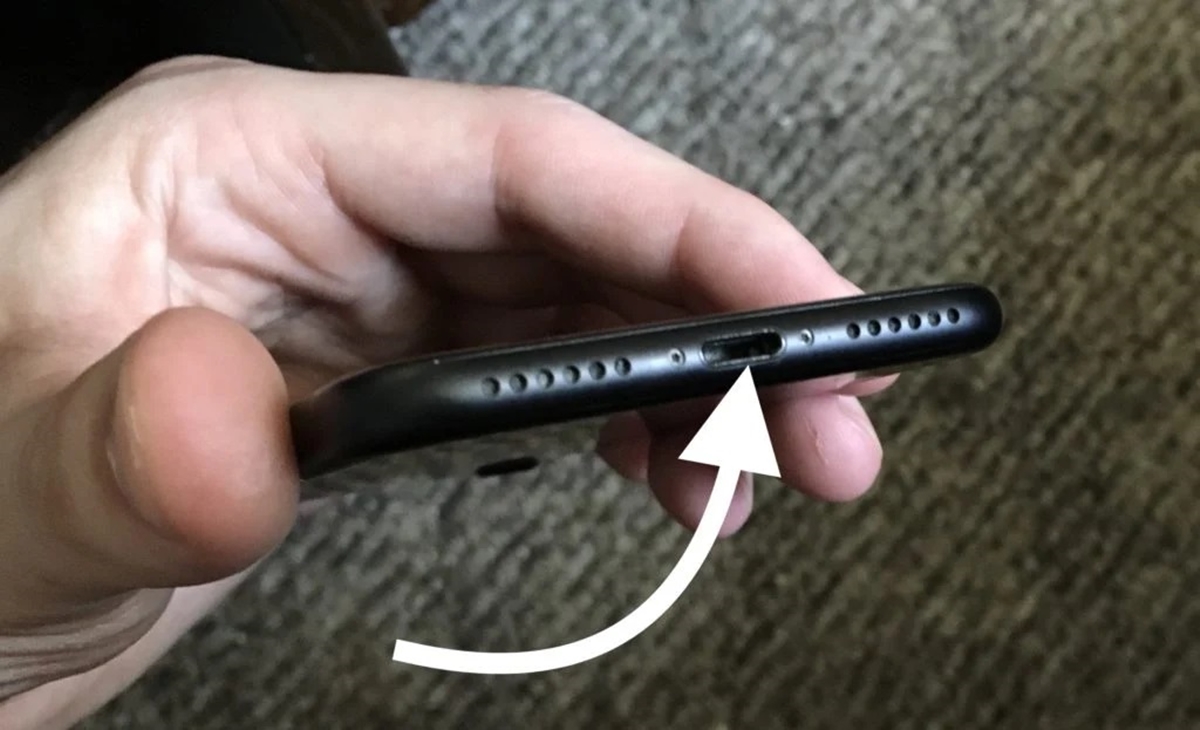
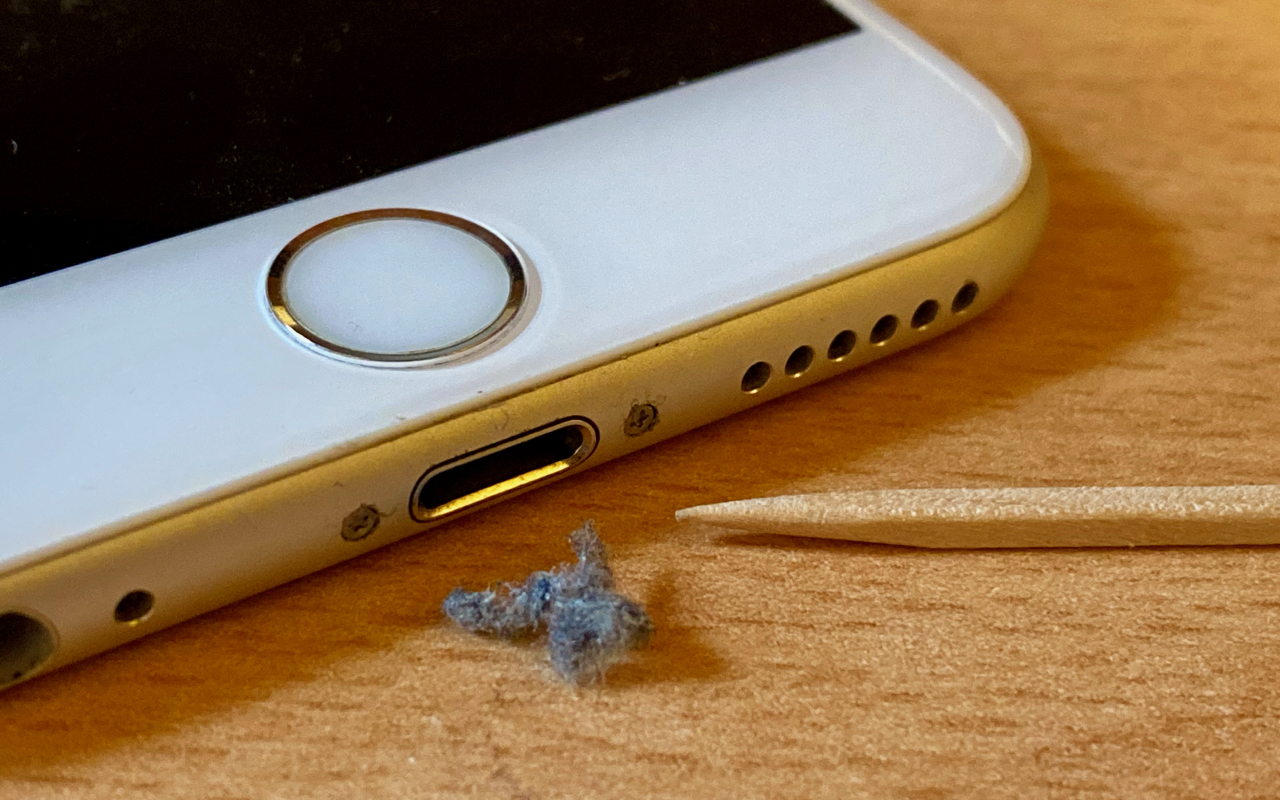
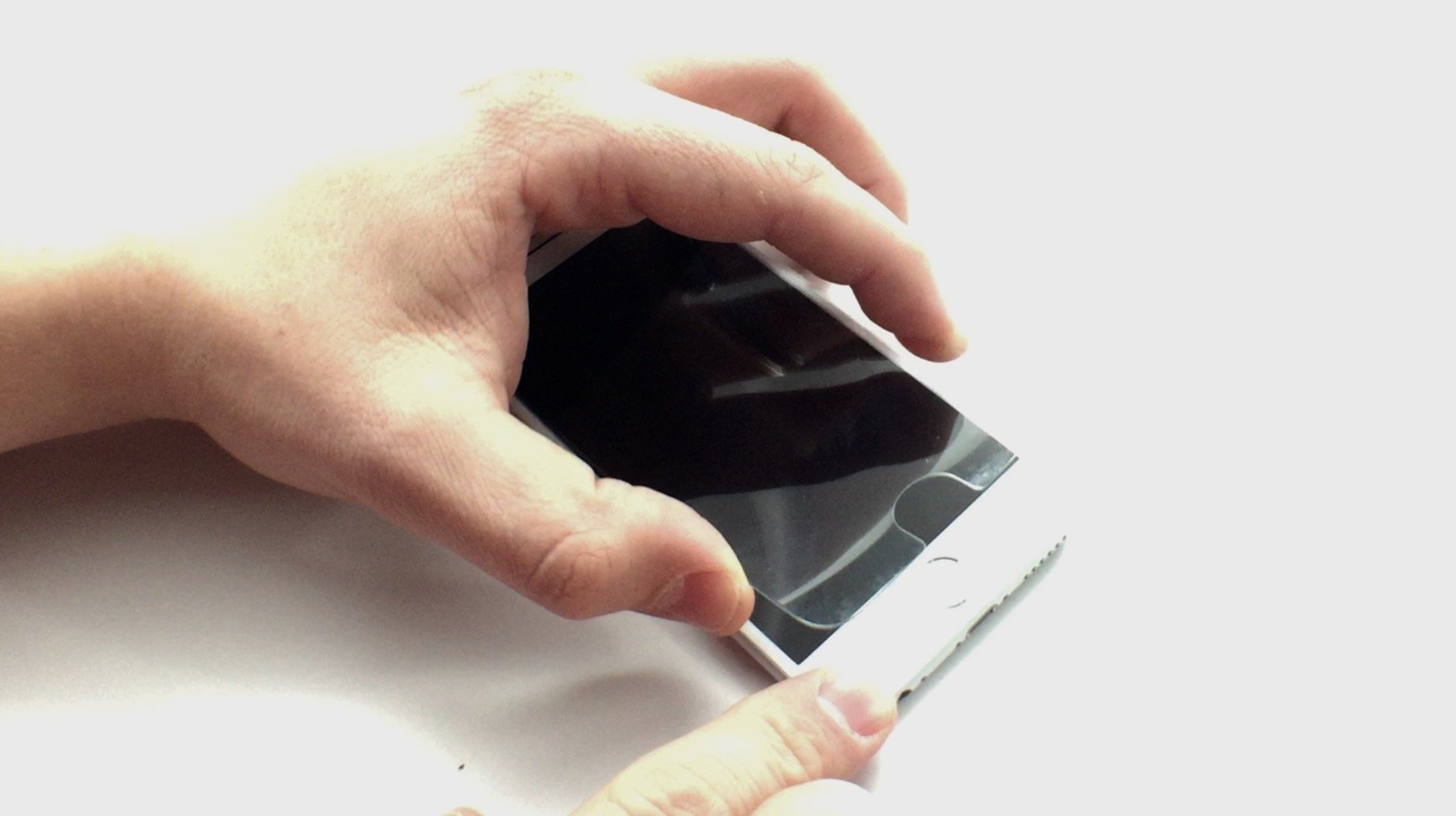
The articles here address three common areas of phone care: cleaning and debris removal, accessory installation, and hardware handling. For cleaning, you will find solutions for specific problems like getting sand or dust out of your phone’s speaker and charger port, as well as how to clean a silicone phone case. The guides also cover removing stubborn items, such as a Zagg screen protector or a battery from a Motorola phone. For accessory setup, the collection includes straightforward instructions on how to put a lanyard on a phone case.
Each article focuses on a single, clear task. For example, if you have ever gotten sand stuck in your phone’s charging hole or speaker, there are articles specifically for that. Similarly, if you need to remove dust from your phone speaker or clean out the charger port, these guides provide the steps to do so. The tag is a direct resource for solving these real-world maintenance issues without extra fluff.