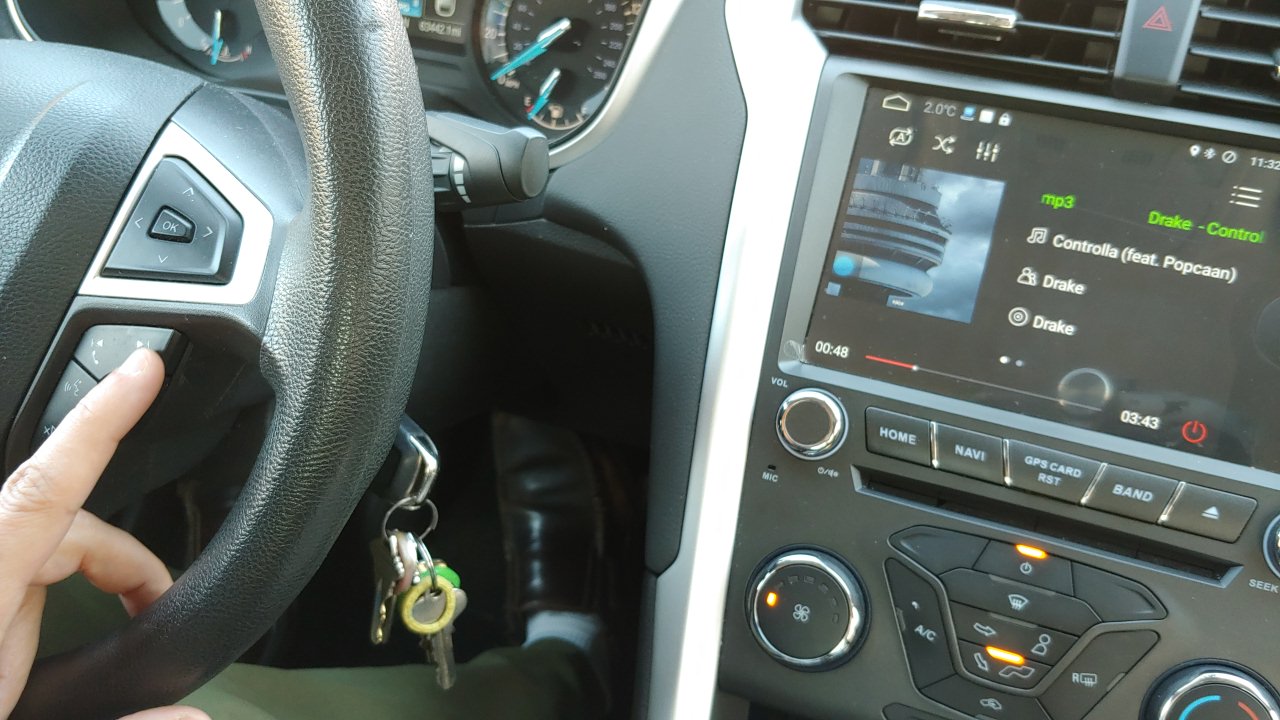
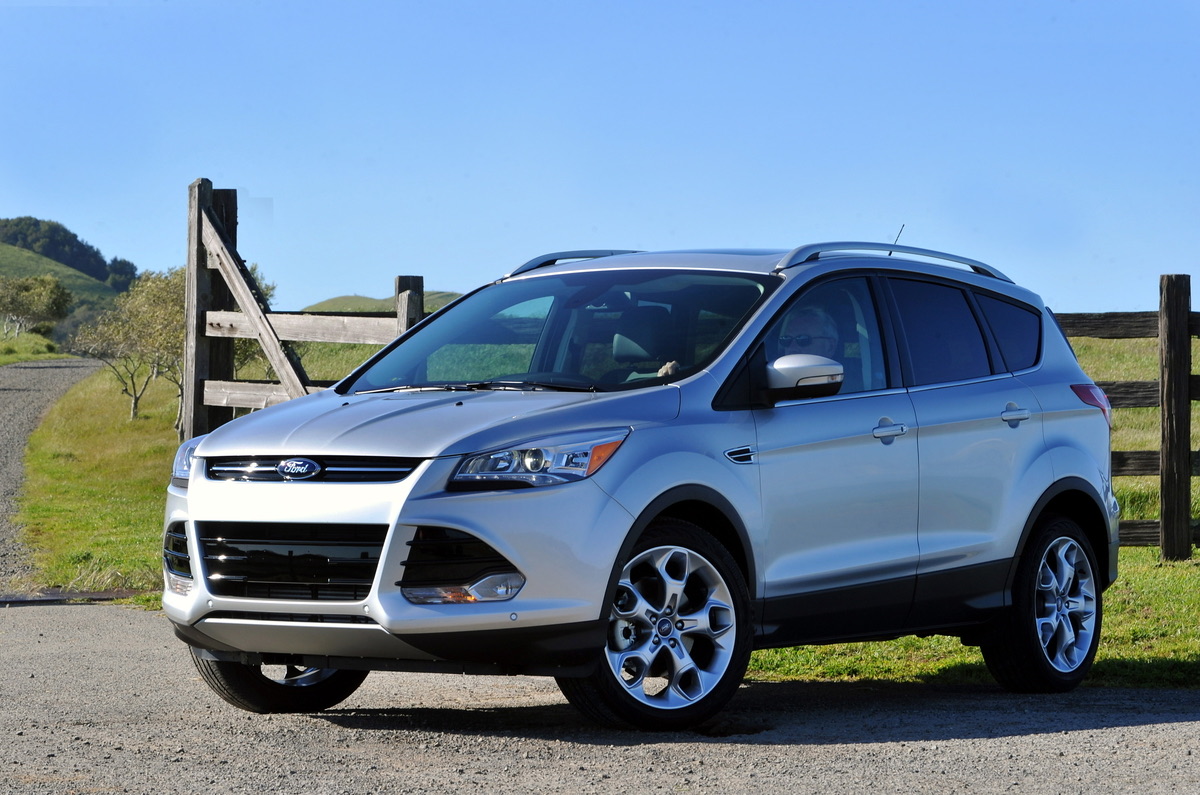
The "phone pairing" tag collects articles focused on connecting and disconnecting mobile phones from various devices, primarily vehicles and accessories. This content is for anyone who owns a modern car, a wearable gadget, or a Bluetooth accessory and needs practical, step-by-step guidance to make their devices work together or to remove an old connection.

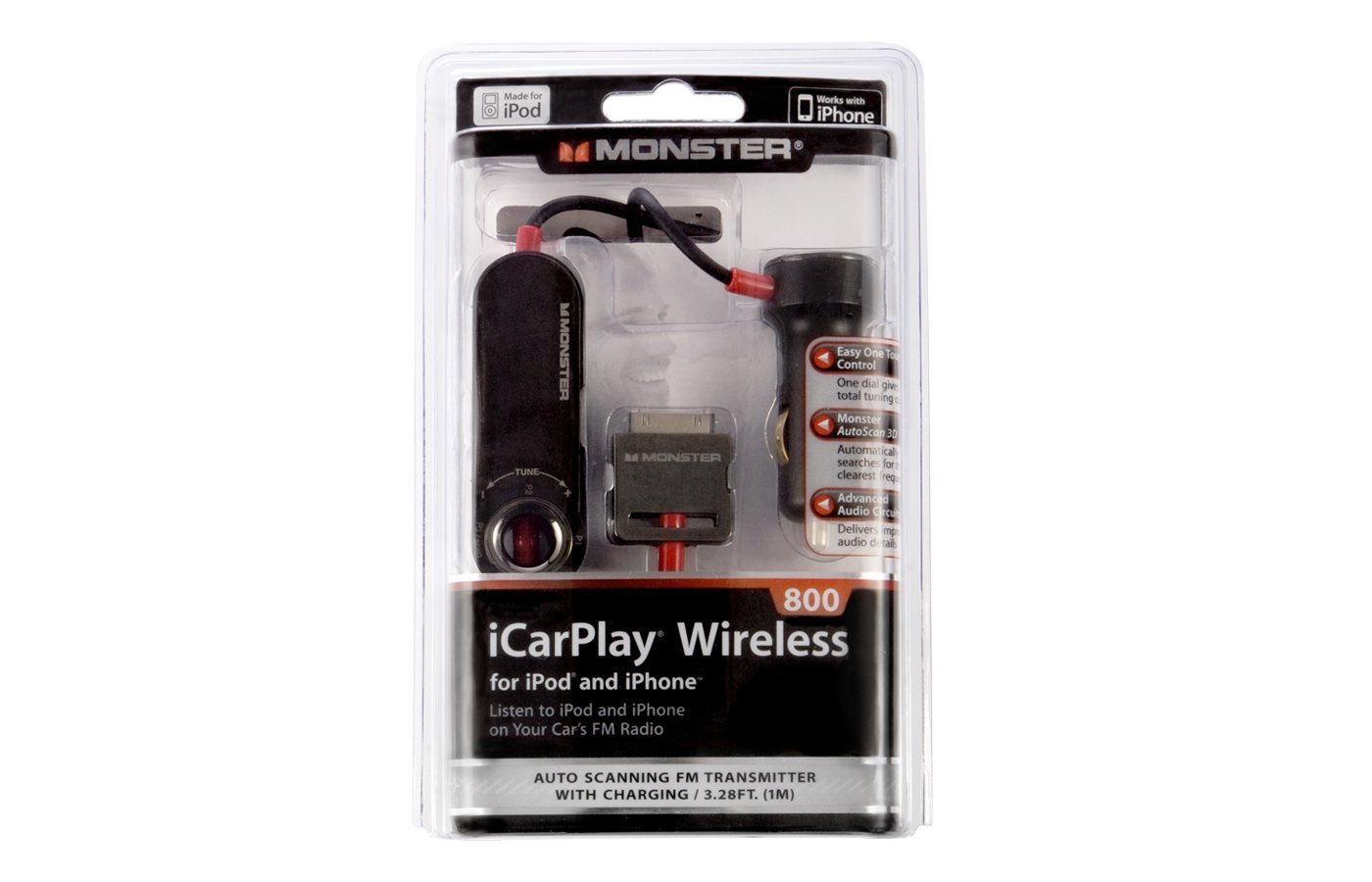
The articles solve two main types of problems. One group helps you establish a new link, such as connecting your phone to a Tesla, a Pioneer touch screen radio, or a 2017 Jeep Wrangler. Another group addresses removing a phone from a car’s system, covering models like the Toyota Camry 2018, Ford Sync, and Honda Civic. A smaller set of articles deals with non-car accessories, like pairing a Bilt Bluetooth helmet or a Monster Bluetooth FM transmitter.

These articles help the reader perform specific actions: delete a phone from a Toyota Corolla’s Bluetooth memory, pair a phone to a Chevy Equinox, or connect a phone to a 2014 Ford Escape. Each guide focuses on a single, clear task, giving you the exact steps to complete the pairing or removal process without extra fluff.
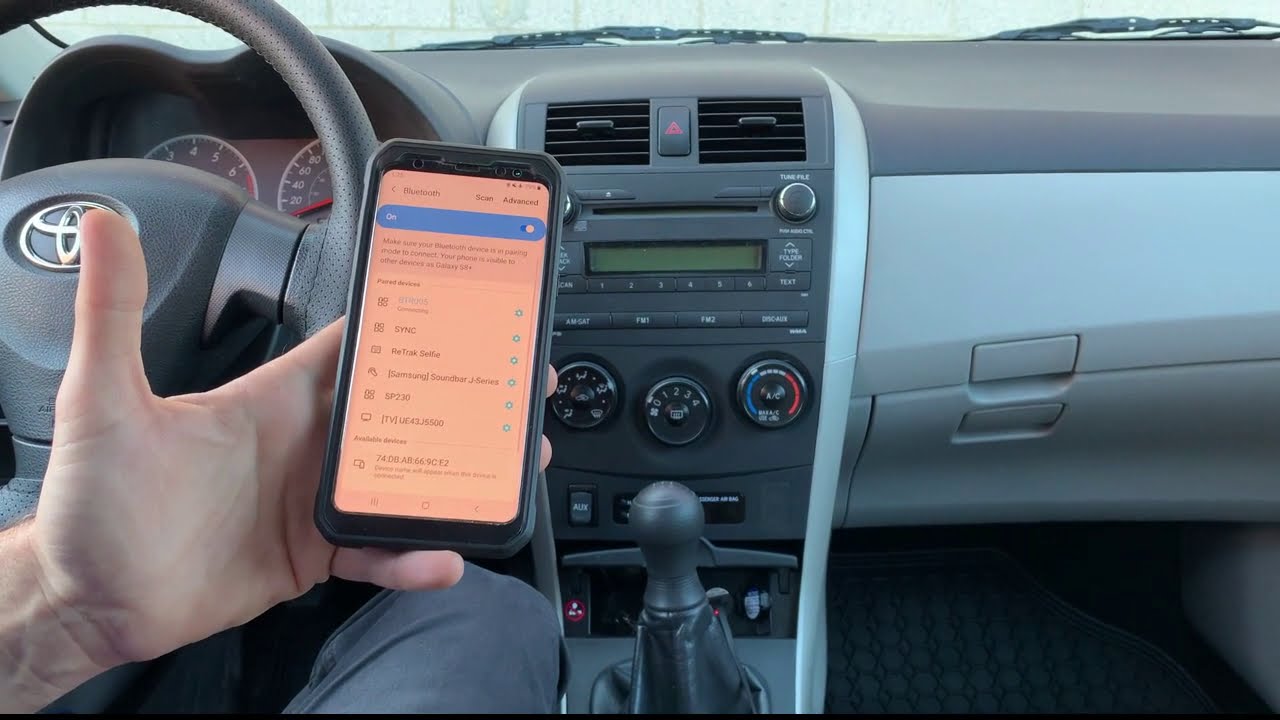
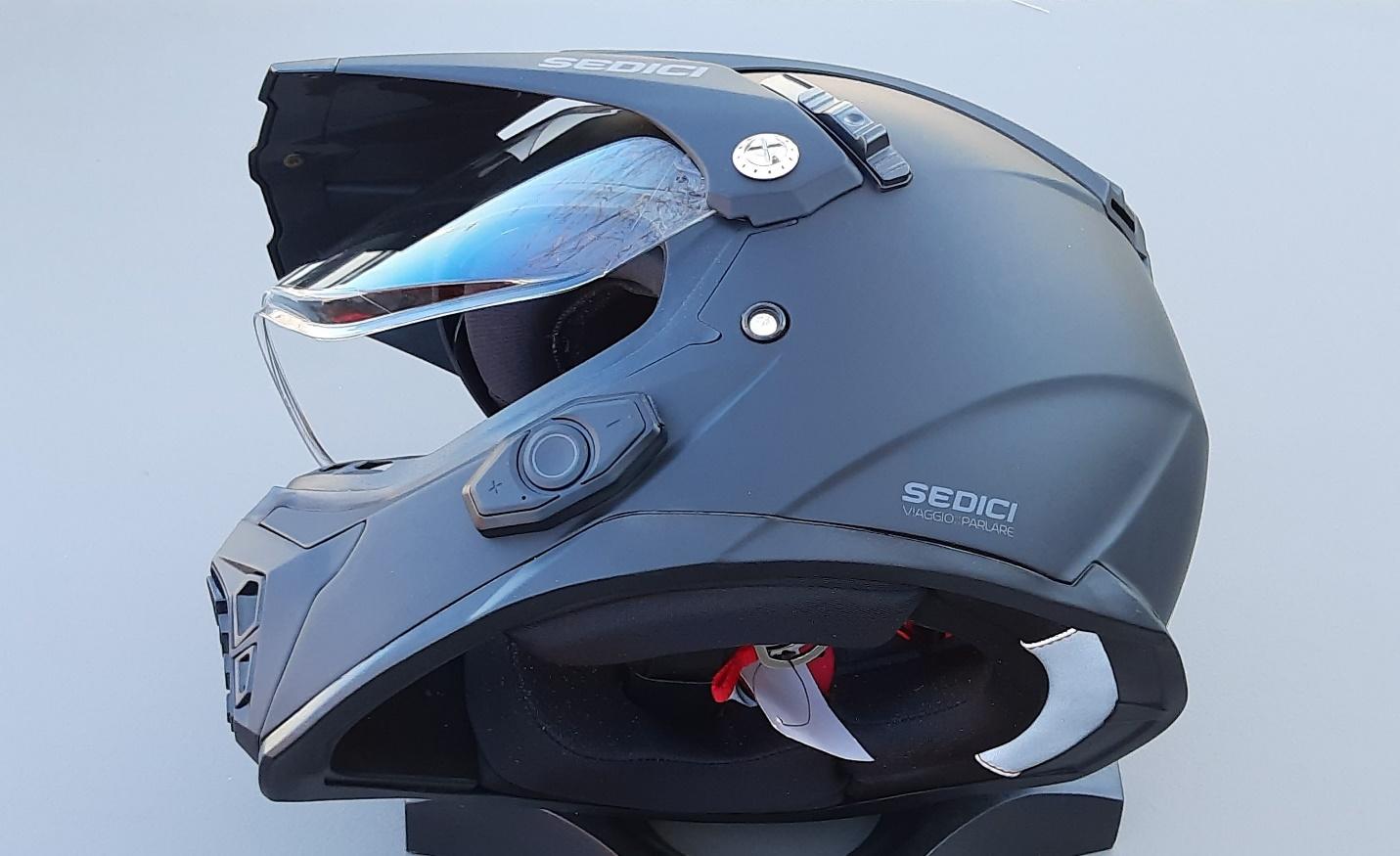
How To Connect Bilt Bluetooth Helmet To Phone

To connect your Bilt Bluetooth helmet to your phone, you must follow model-specific pairing steps because the BILT DWO-5 and DWO-3 helmets use different button sequences and pairing modes. This...

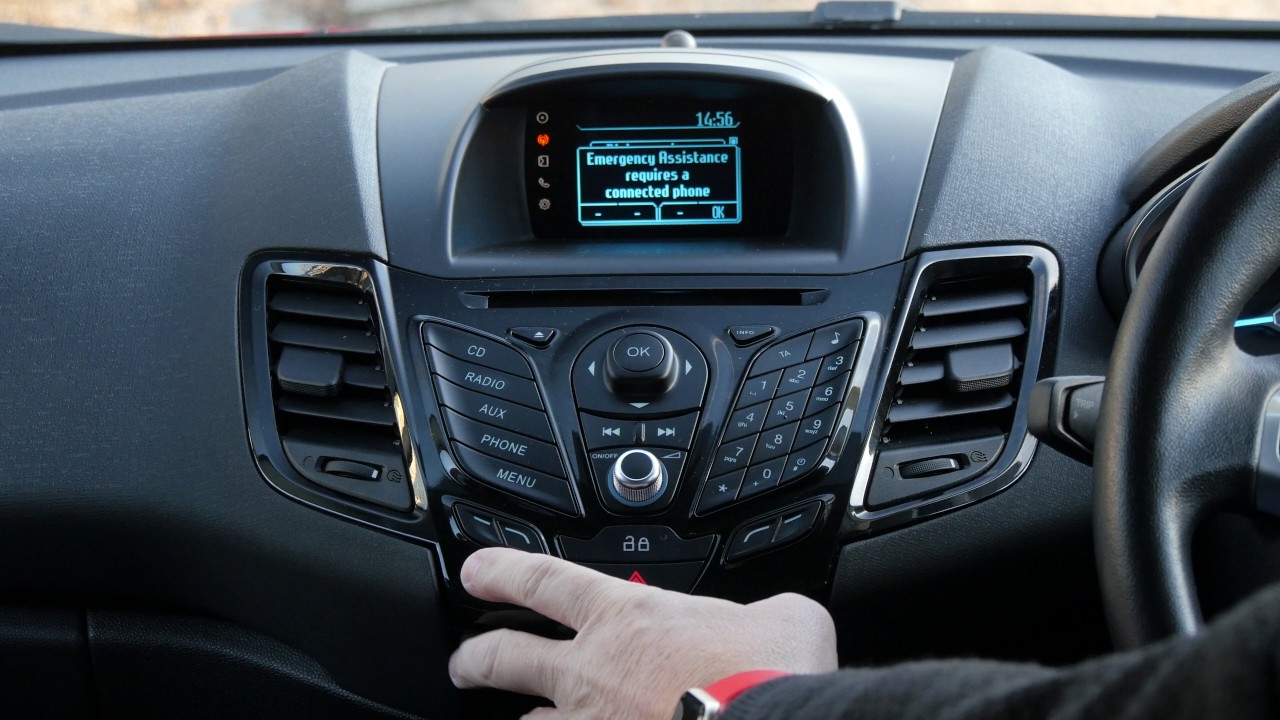
How To Delete Phone From Ford Sync

To delete a phone from Ford Sync, you need to use your vehicle's SYNC screen to remove the device from the phone list or Bluetooth devices menu. The exact steps...

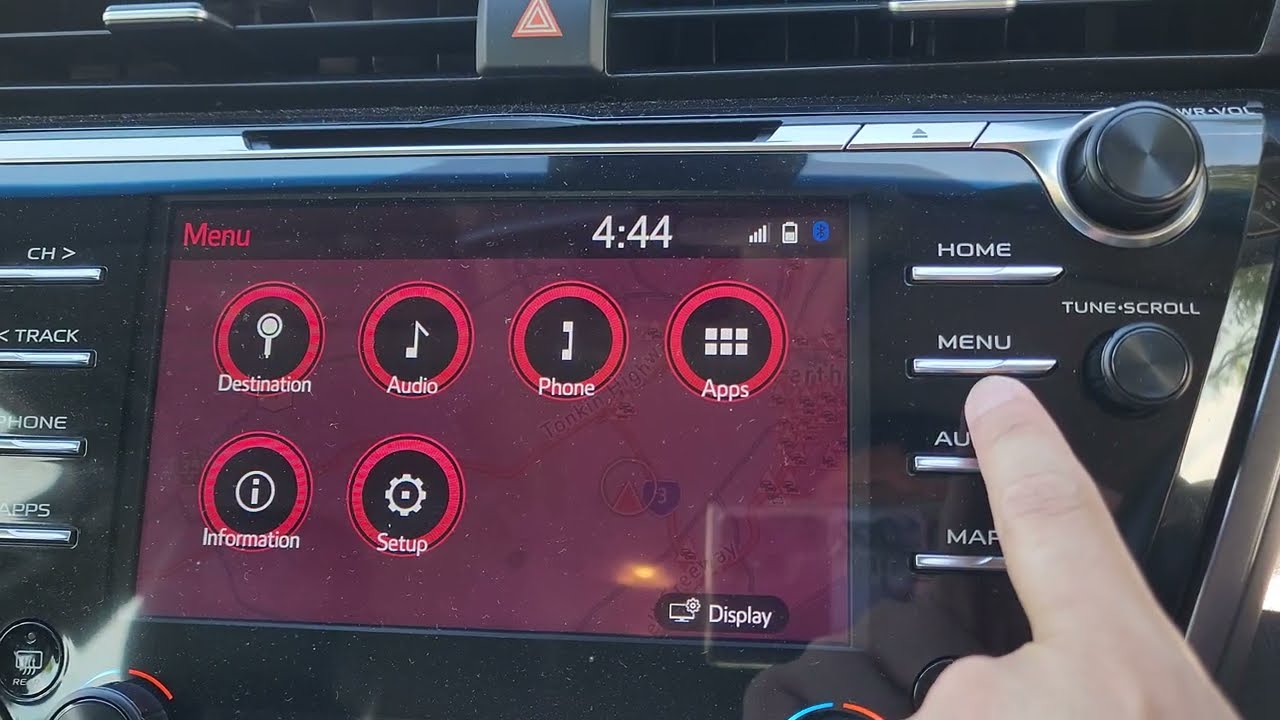
How To Delete Phone From Toyota Camry 2018

To delete a phone from Toyota Camry 2018, access the multimedia system's settings by pressing the "Settings" (gear icon) or "Menu" button. From there, select "Bluetooth & devices," "Bluetooth," or...

How To Connect Phone To 2014 Ford Fusion

To connect phone to 2014 Ford Fusion, ensure your vehicle is parked with the engine running and Bluetooth is enabled on your smartphone. This process pairs your device with the...

How To Connect Phone To Ford Escape 2014

To connect your phone to Ford Escape 2014, ensure the vehicle is parked and running, then turn on your smartphone's Bluetooth. Press the "Phone" button or tap "Settings" on the...