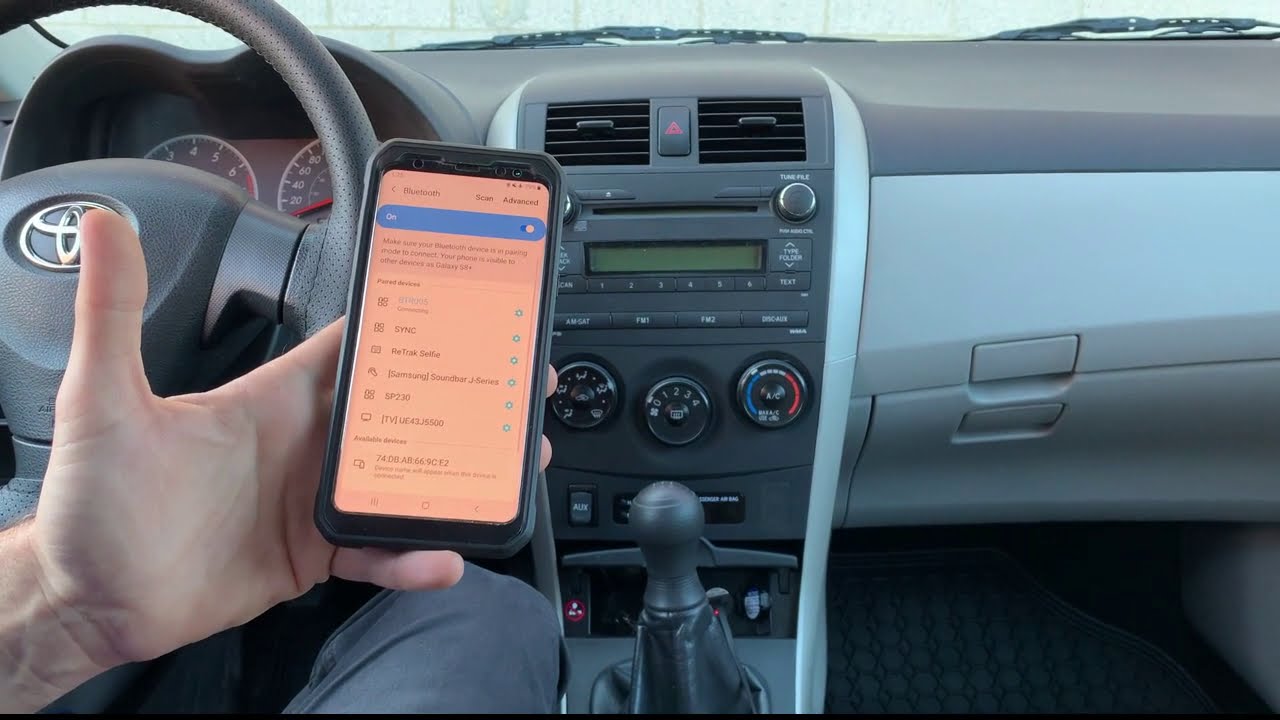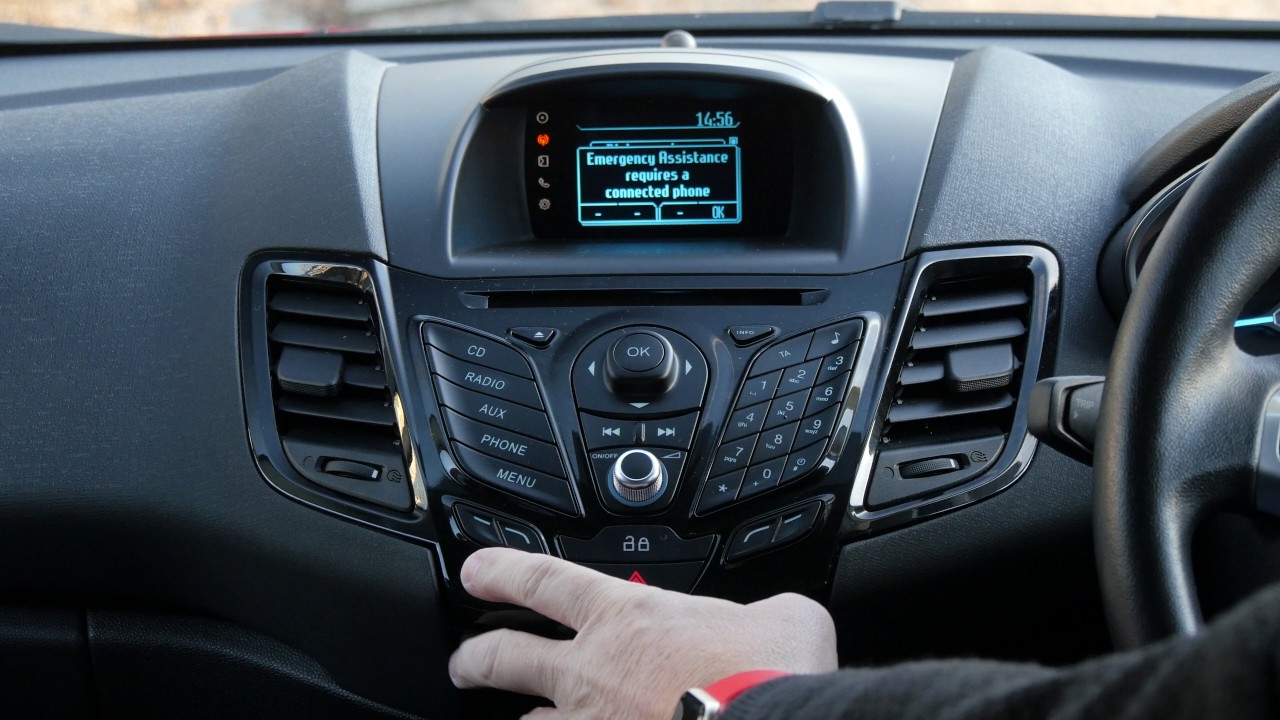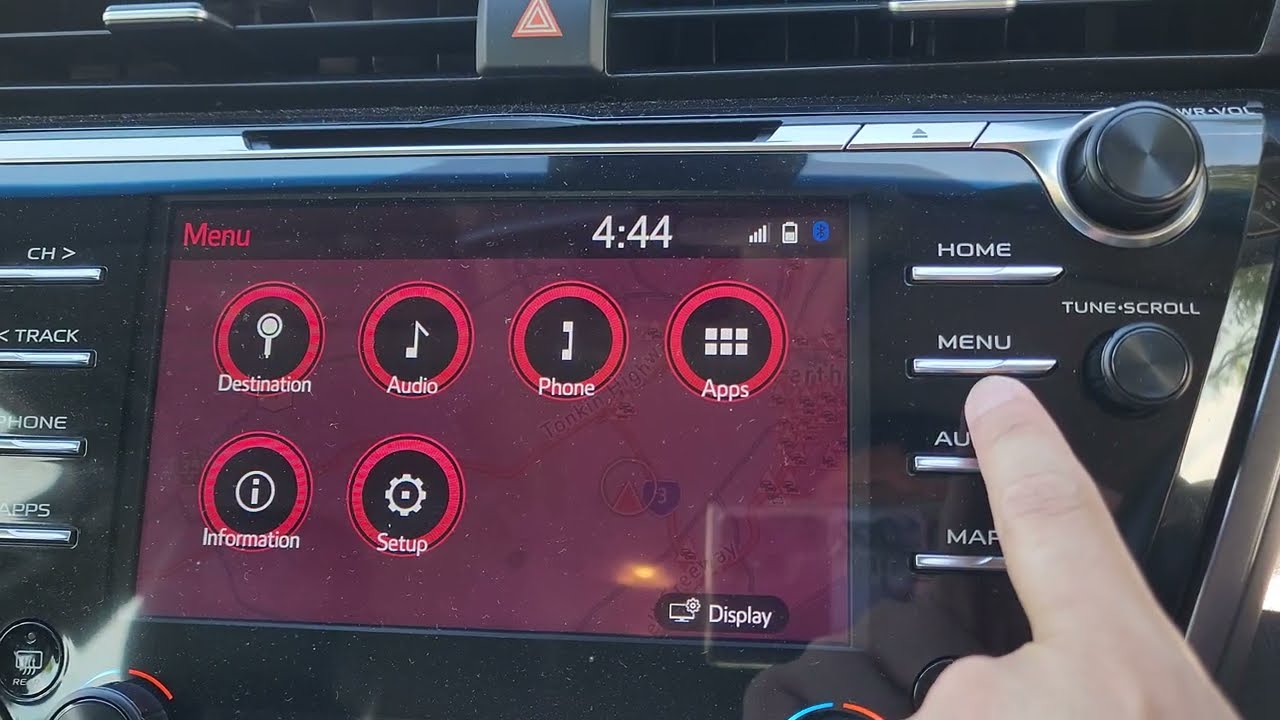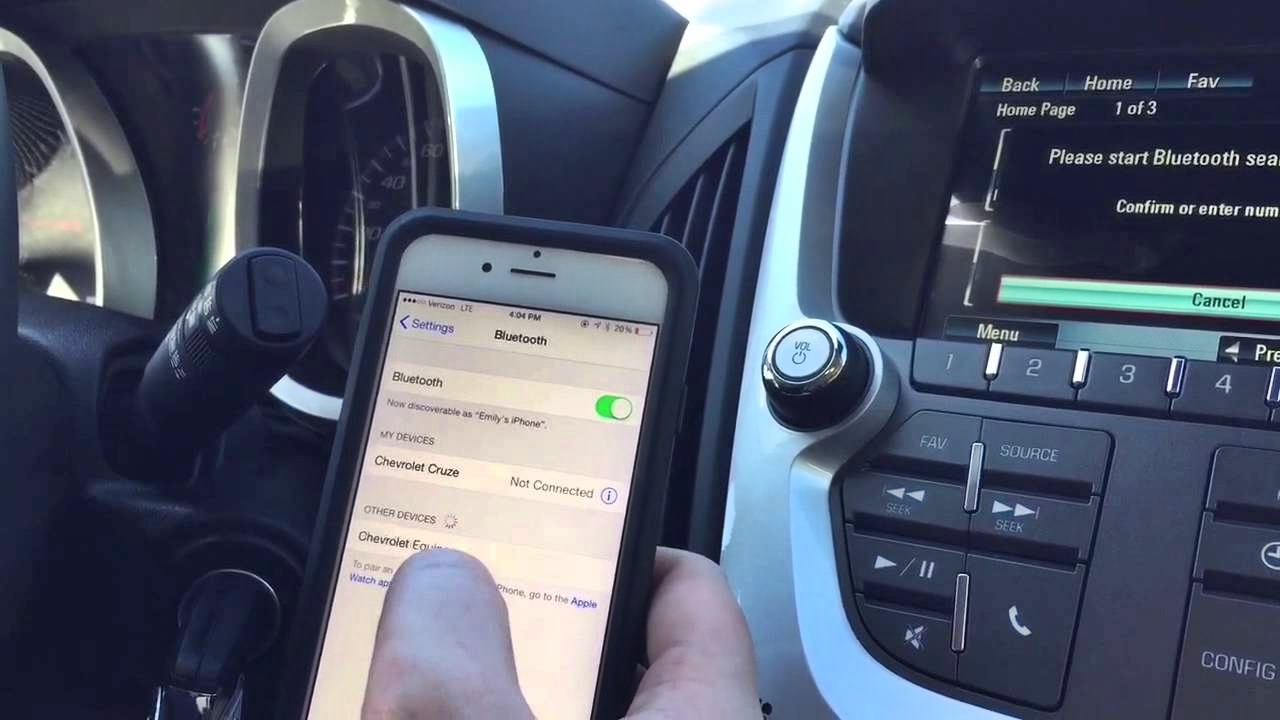
To remove phone from Honda Civic Bluetooth, press PHONE on the car display, then select Settings, Bluetooth Settings, and Delete Device. The screen will show a device list; choose the phone you want to remove and confirm Yes.
How to remove a phone from Honda Civic Bluetooth: The two documented menu paths
Honda’s official manuals document two menu paths depending on your Civic’s touchscreen system. For most models, the path is: press PHONE, select Settings, then Bluetooth Settings, and finally Delete Device. After selecting this, the screen changes to a device list; choose the phone and confirm Yes.
For the 2022 Civic sedan with the newer touchscreen-style interface, use the vehicle controls to navigate to Settings, then Bluetooth Device List, and select Delete This Device. Confirm the removal by selecting Yes. For the menu path shown in Honda’s 2022 Civic sedan manual, use Settings > Bluetooth Device List > Delete This Device from the vehicle controls, then confirm Yes.
Both paths remove one paired phone at a time. The car does not offer a full Bluetooth reset procedure from these menus; you must delete each device individually. A documented full reset option appears in a third-party article, but it is not from Honda’s official support pages, so it should not be treated as authoritative for your article.
How to change the currently paired phone instead
If you want to swap which phone is actively connected without deleting the old one, Honda’s manuals document a separate path. Press PHONE, select Settings, then Bluetooth Settings, and choose Change Device (or Change Devices on some models). This lets you select a different paired phone to become the active connection, leaving the original phone still saved in the system for later use.
What to do on your iPhone after removing it from the car
After you delete the phone from the car, the iPhone may still try to reconnect automatically. To stop this, open Settings on your iPhone, tap Bluetooth, then tap the info (i) button next to the Honda Civic entry. Tap Forget This Device and confirm with Forget Device. This removes the car from the phone’s saved Bluetooth list.
If you only want to temporarily disconnect without forgetting the device, open Control Center and tap the Bluetooth icon. This disconnects the iPhone from all Bluetooth accessories until the next day, when Bluetooth re-enables automatically. Apple also says that if you want to disconnect an iPhone from all Bluetooth accessories without turning Bluetooth off, open Control Center and tap the Bluetooth icon; the devices stay disconnected until the next day.
Frequently Asked Questions
Does removing a phone from Honda Civic Bluetooth delete my contacts?
No. Removing the phone only severs the Bluetooth connection between the car and the phone. Your contacts remain stored on your phone and are not affected by the removal.
How do I reconnect a phone after removing it?
Put the car’s Bluetooth system into pairing mode (refer to your owner’s manual for the specific steps for your model year). On your phone, go to Settings > Bluetooth, select the Honda Civic from the list of available devices, and follow the on-screen prompts to complete the pairing process.
What should I do if the car’s system doesn’t respond when I try to delete a device?
Restart your phone and the car (turn the ignition off and back on), then try the deletion steps again. If the issue persists, consult your owner’s manual or contact your local Honda dealership for assistance.
Is there a limit on how many phones I can pair with the Honda Civic?
You can delete old devices as needed to make room for new ones.
How do I remove phone from car Bluetooth if I’m using a Pioneer aftermarket radio?
To delete phones from Pioneer Bluetooth radio, consult the manual for that specific aftermarket unit, as the menu path differs from Honda’s built-in system.
Can I use these steps to delete phone from Rav4 Bluetooth?
No. To delete phone from Rav4 Bluetooth, refer to your Toyota owner’s manual, which will have a different menu path and settings layout.