The "Phone" tag on CellularNews gathers a practical collection of guides focused on the everyday management and connectivity of your mobile device. This page is for anyone who owns a smartphone and needs clear, step-by-step help with carrier-specific tasks, cross-platform connections, and basic device terminology. The articles here solve real-world problems, from unlocking a phone to pairing it with gaming consoles and streaming devices.
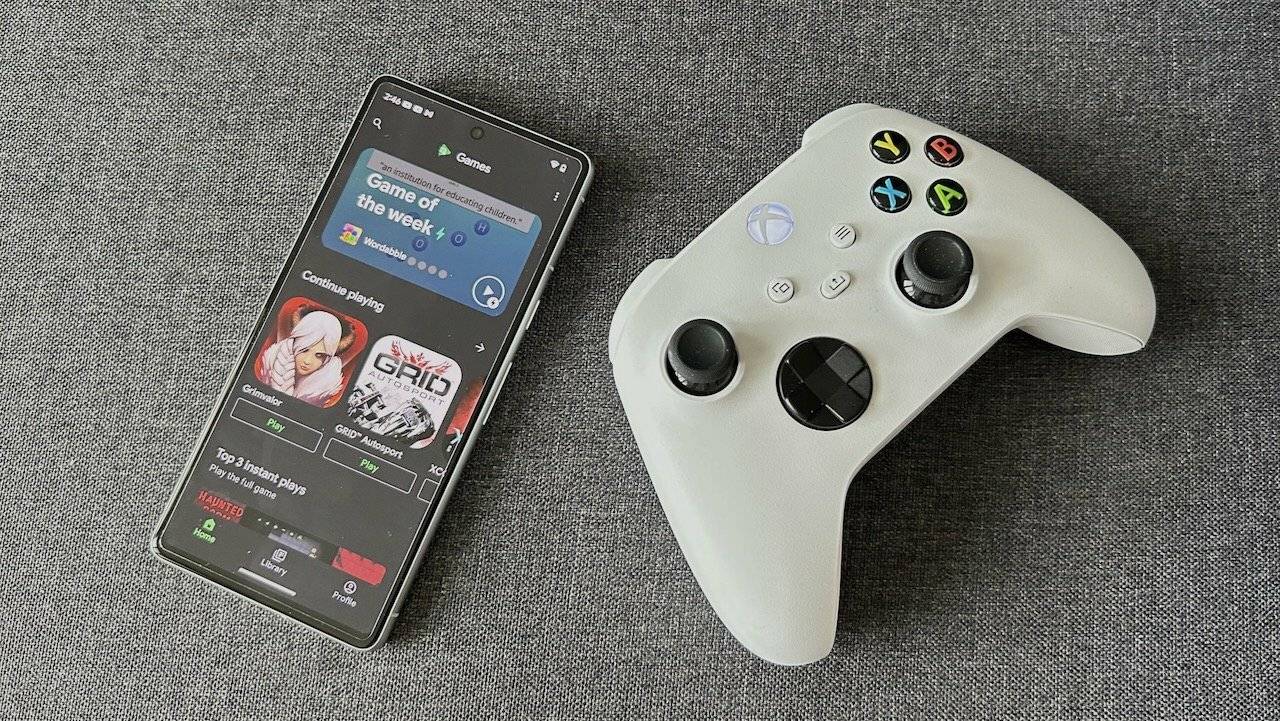
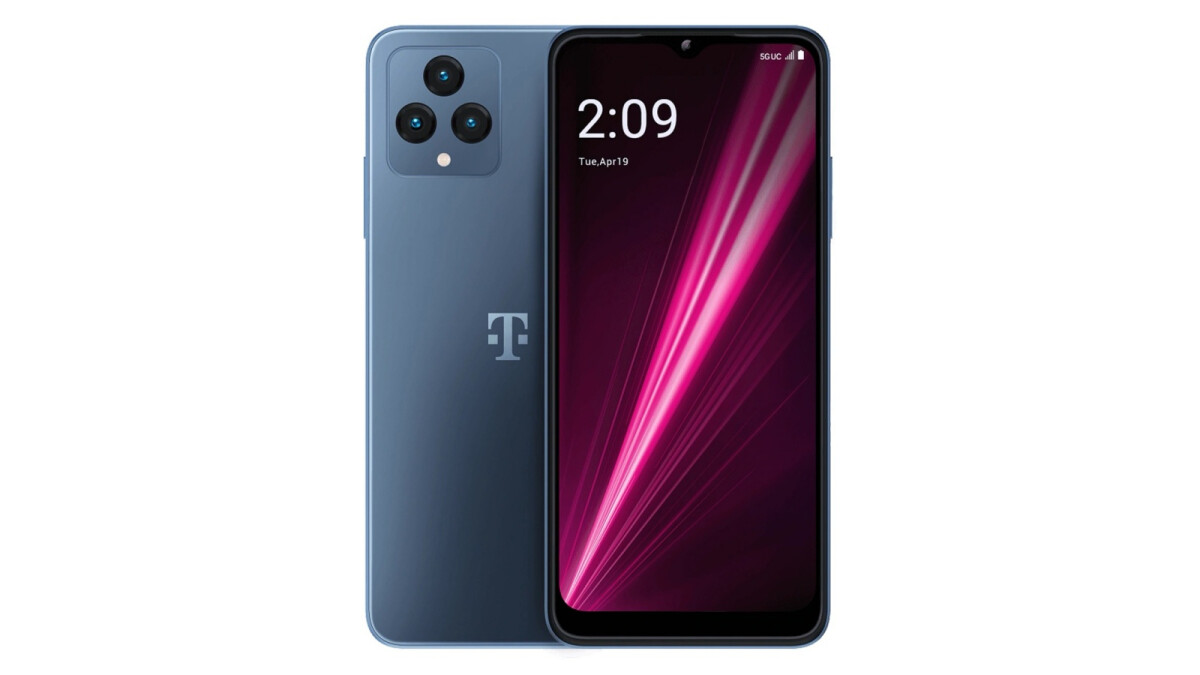
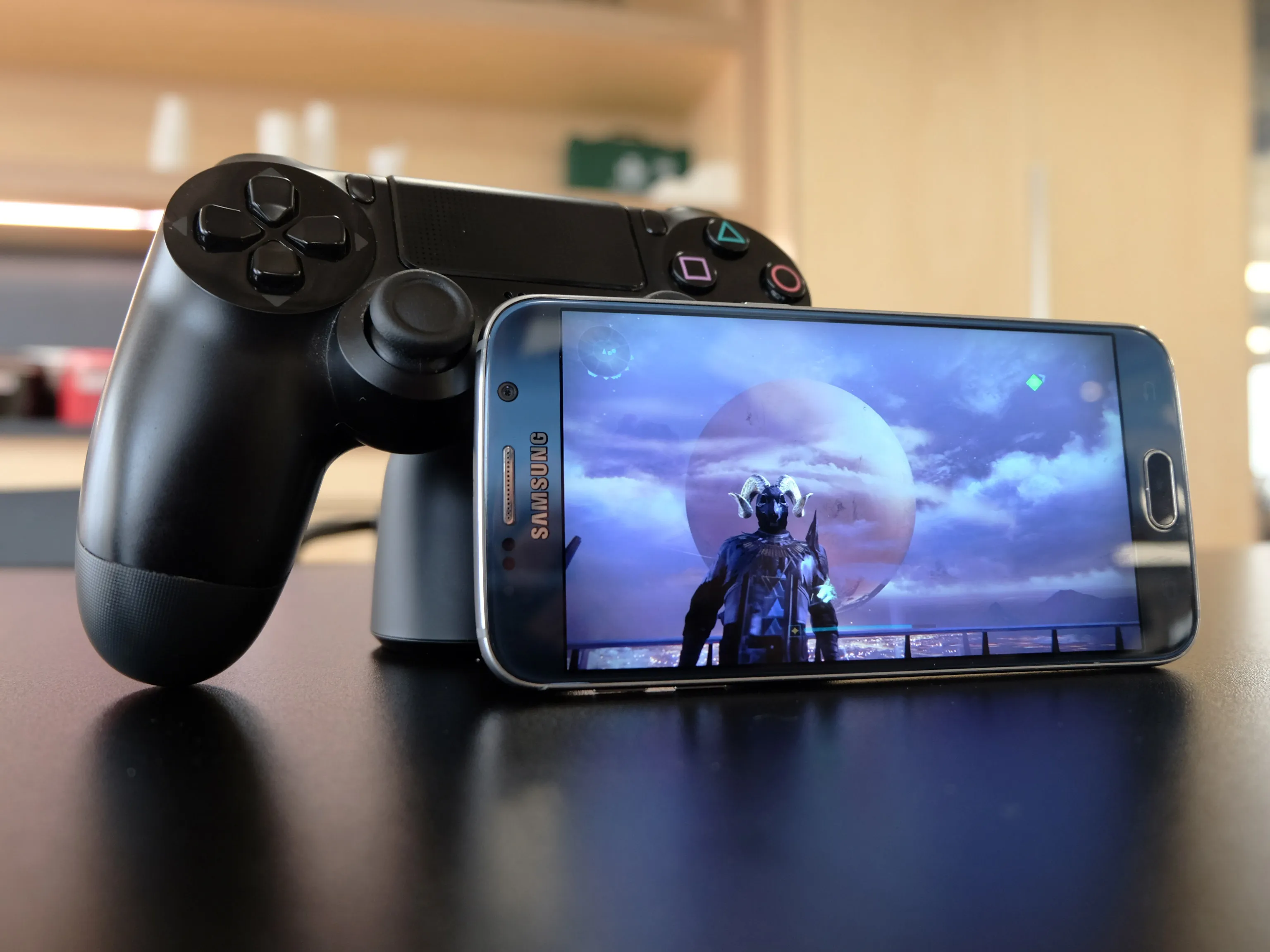
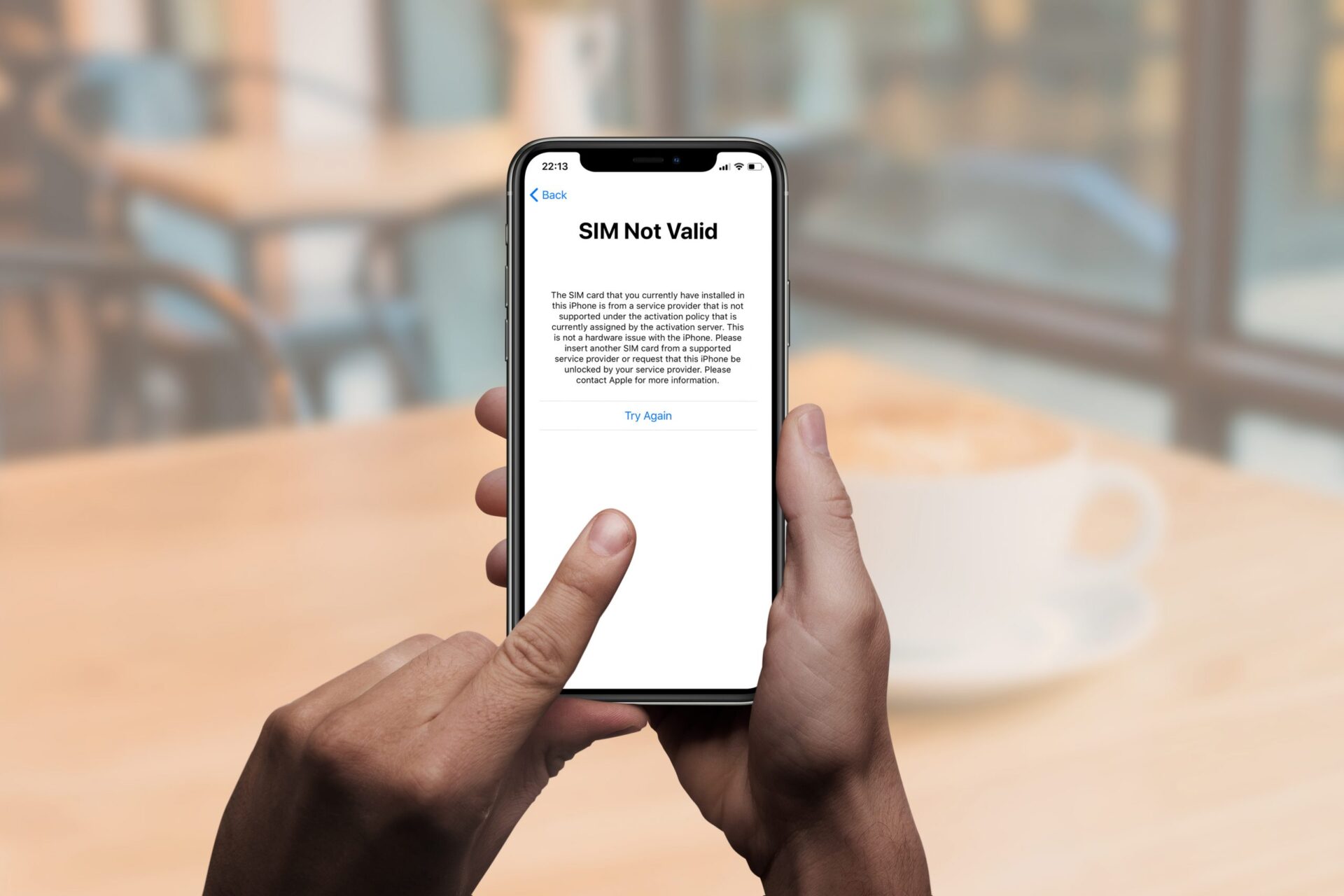
A major theme across these articles is carrier and account management. You can find direct instructions for unlocking a T-Mobile phone, trading in a device with T-Mobile, and returning a phone to AT&T. Another significant group of articles focuses on connecting your phone to other hardware for gaming and media. These guides help you use your phone as a facecam for a PS4 stream, connect a PS5 controller or an Xbox 360 controller to your phone, and pair a Turtle Beach headset or a Sena Bluetooth helmet with your mobile device.
Several other articles address common digital tasks, such as signing out of all Xbox consoles from your phone, canceling Xbox Live on your phone, or putting a picture on your Xbox One background from your phone. For media streaming, you will find help with logging into Disney Plus on a TV from your phone, casting Prime Video from a phone to a TV, and connecting your phone to a Firestick or Roku TV via Bluetooth. The tag also includes a few clarifying pieces, like explaining the difference between "cell phone" and "cellphone" and offering a similar word for "mobile."