To trade in a phone with T-Mobile, you can start the process online, in the T-Mobile app, at a store, or by contacting customer service, then return the old device in-store or by mail. After T-Mobile evaluates the device, the trade-in value is credited to your account for use toward a new device or your bill.
Check your phone's eligibility and trade-in value
Before starting a trade-in, confirm your phone meets T-Mobile's eligibility criteria. The device must power on, have an acceptable LCD and display, show no liquid damage, and have Find My iPhone turned off (for iPhones) or Android Anti-Theft disabled (for Android devices). Promotional trade-ins require the phone to be fully paid off and in good working condition. The device does not have to have been purchased from T-Mobile to be traded in. For some reimbursement-based carrier trade-ins, the device must be the one tied to the previous carrier’s device financing agreement, and it must have been on a payment plan for at least 90 days with at least three successful minimum payments. The only model-specific trade-in support page found is for iPhone trade-ins, and it says: “Use this form to tell us about your iPhone 8 or later trade-in.”
To get an online estimate, use T-Mobile's estimator, which asks for the device's IMEI, make, model, memory, color, and carrier, along with a few condition questions. This gives you an upfront value before you commit to the trade-in.
Start your trade-in online or in the T-Mobile app
You can initiate a trade-in during an online purchase or through your account flow. If you start the trade-in in the T-Mobile app, the Primary Account Holder can open the T-Life app and go to Account > Billing and payments > Account activity, then find the entry labeled TRADEIN_RETURNS and select Download Transaction Details to get the shipping label. If you started the trade-in on the T-Mobile website, log in, select Account from the top navigation, choose Activity, find TRADEIN_RETURNS, and select Download PDF.
Trade in your phone at a T-Mobile store
The fastest way to complete a trade-in is to visit a T-Mobile store. Tell a Mobile Expert you want to return a trade-in device, and they will validate its condition and handle the rest. For certain offers, you can do an instant trade-in at the time of purchase, or defer the trade-in and return the device within 30 days.
Return your trade-in device by mail
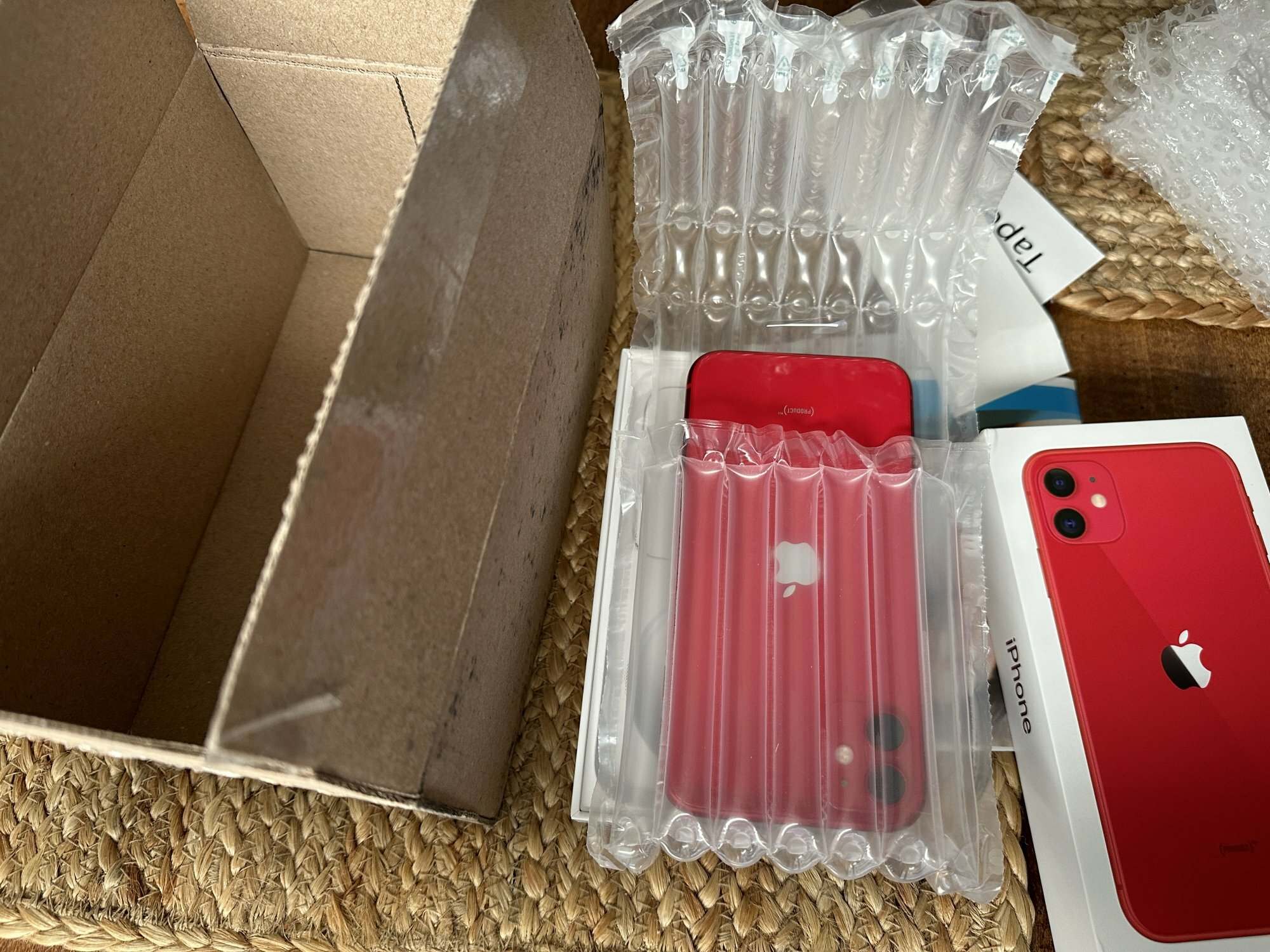
If you started the trade-in outside T-Mobile channels, such as through Costco or Wireless Advocates, you must ship the device back. For online or phone orders in the Carrier Freedom flow, return the trade-in within 30 days of receiving the new device. For promotional trade-ins, you have 30 days from receiving the new device to return the trade-in. Use the prepaid shipping label provided in your account activity as described above.
Prepare your phone for trade-in
- Back up all data from your old phone to your new device or cloud storage.
- Perform a factory reset to erase all personal information.
- Remove personal accounts, including iCloud or Google accounts, and disable Find My iPhone or Android Anti-Theft.
- Ensure the device is fully paid off if you are using it for a promotional trade-in.
Frequently asked questions about T-Mobile phone trade-ins
Can I trade in a phone that I'm still paying off?
Yes, but promotional trade-ins require the device to be fully paid off. If you are still making payments, you may still trade in the phone for standard value, but the remaining balance must be settled separately.
How do I find the trade-in value of my phone?
Use T-Mobile's online estimator, which asks for the device IMEI, make, model, memory, color, and carrier. You can also get an estimate in a T-Mobile store.
Can I trade in a phone that was not purchased from T-Mobile?
Yes, T-Mobile accepts devices from other carriers as long as they meet the eligibility criteria, such as powering on and having no liquid damage.
Can I trade in multiple phones at once?
Yes, you can trade in multiple phones, but each trade-in is processed separately. You will need to start a trade-in for each device and return them individually.
What happens to my trade-in phone after I submit it to T-Mobile?
T-Mobile evaluates the device and, if it meets the criteria, applies the trade-in value to your account. The phone is then recycled or refurbished, depending on its condition, which helps reduce electronic waste. T-Mobile also offers the option to receive the trade-in value in the form of a virtual prepaid card, which can be used towards other purchases. For more on how this interacts with your account, see T-Mobile Billing, Insurance and Purchases Explained.
For the wider topic, see T-Mobile purchases and billing.
Related reading: T-Mobile: How To Trade In A Phone and How To Unlock A Tmobile Phone.