Welcome to the Pixel tag on CellularNews. This page collects our articles specifically for anyone using a Google Pixel phone, whether you are a new owner or a long-time user looking to solve a particular issue. The content here is designed for real-world phone management, covering the settings, apps, and basic troubleshooting steps that Pixel owners frequently need.
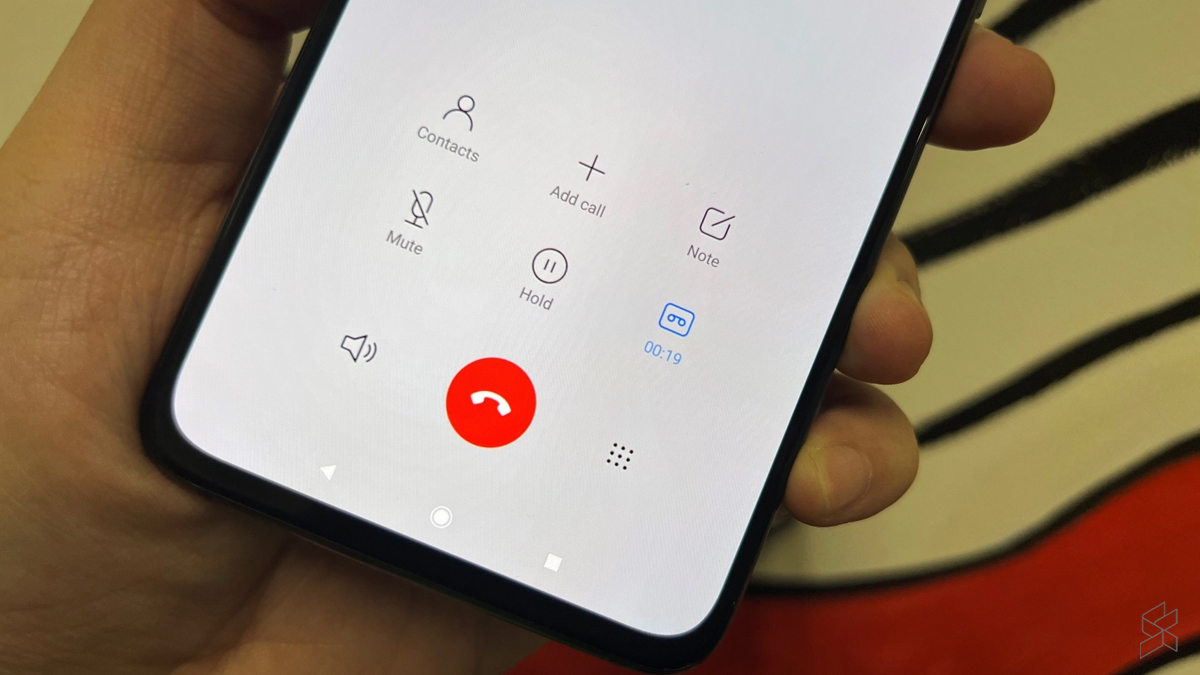
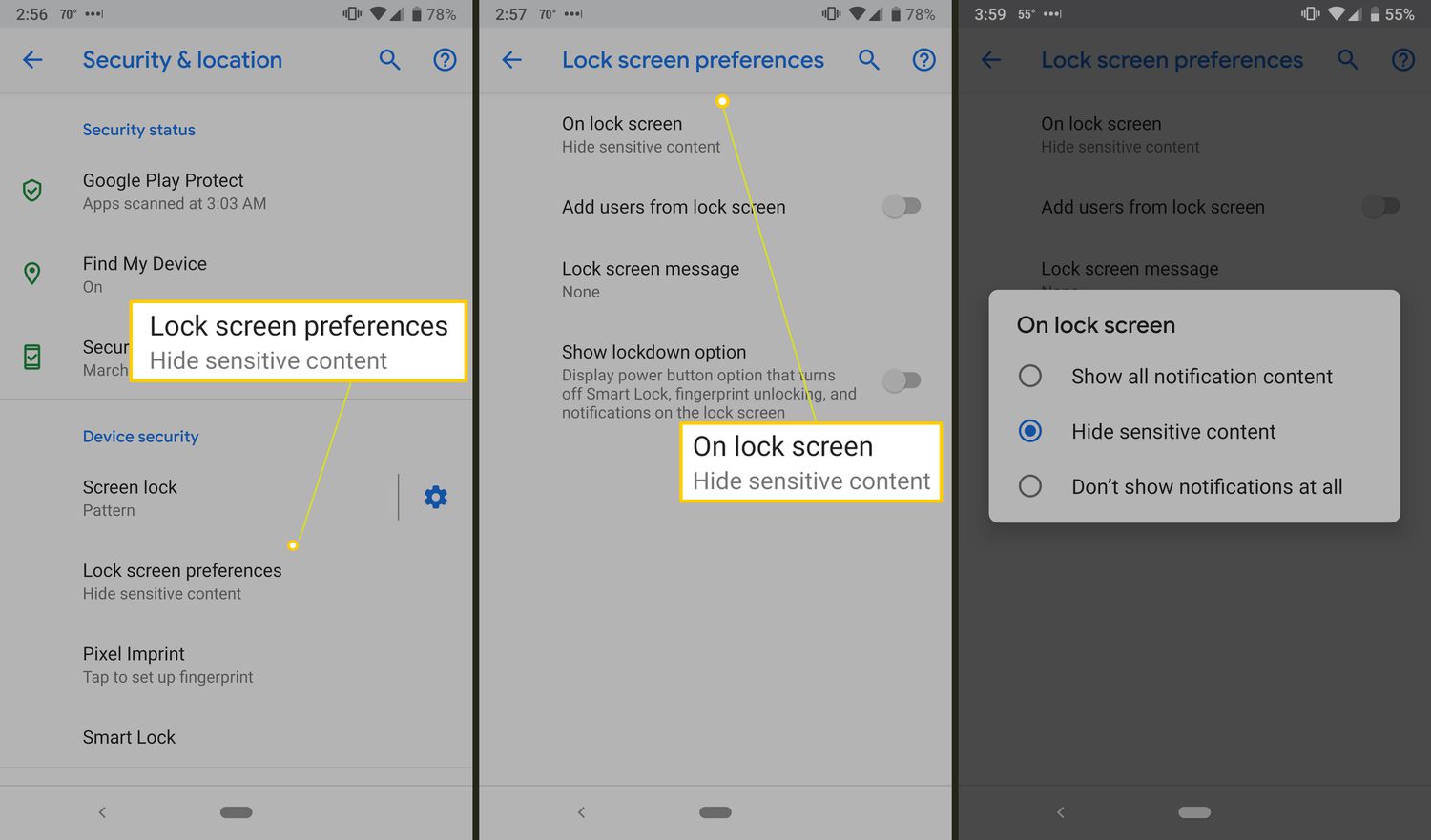
The articles you will find here address three main types of problems. First, many focus on personalizing your device, showing you exactly how to change the lock screen, adjust the screensaver, or set a custom notification sound on your Android phone. Second, there is a clear theme of practical operations, with guides on how to record a phone call on a Pixel 4A, how to reboot a Google phone, and even how to transfer all your data from a Galaxy to a Google phone. Third, a few articles help you understand core phone features and accessories, such as explaining what the Magnifier app does, what screen resolution means, and answering the odd but important question of what happens if you lick a phone charger.
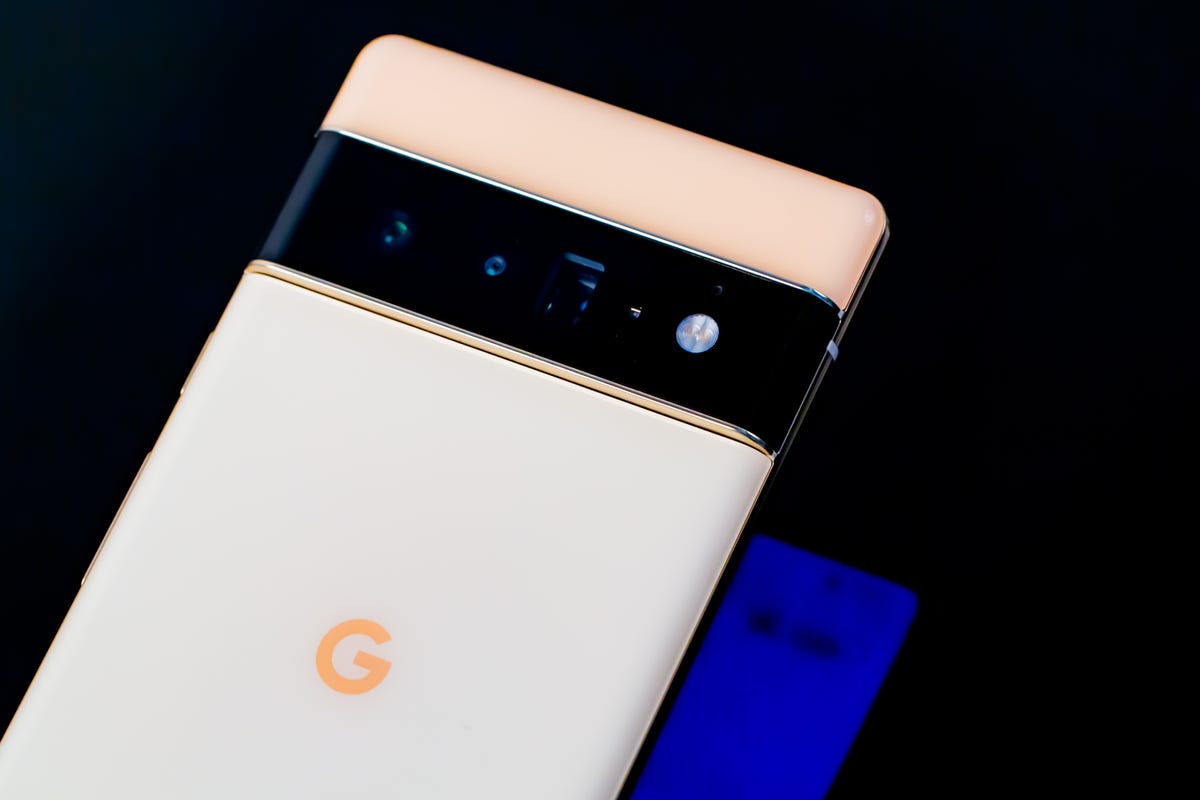
Whether you need to know how to put an app on your home screen, access SIM card data, or simply find out how much a Pixel 6 costs, these articles are written to give you clear, actionable steps. They help you take control of your Pixel’s settings, fix common annoyances, and make informed decisions about your device and its accessories.