This tag collects articles for anyone who owns or is considering buying a power bank, from first-time users to those troubleshooting a specific brand. Whether you are shopping for a new battery pack, trying to figure out how to charge a particular model, or just need to know the rules for flying with one, these guides are built for practical, everyday use.
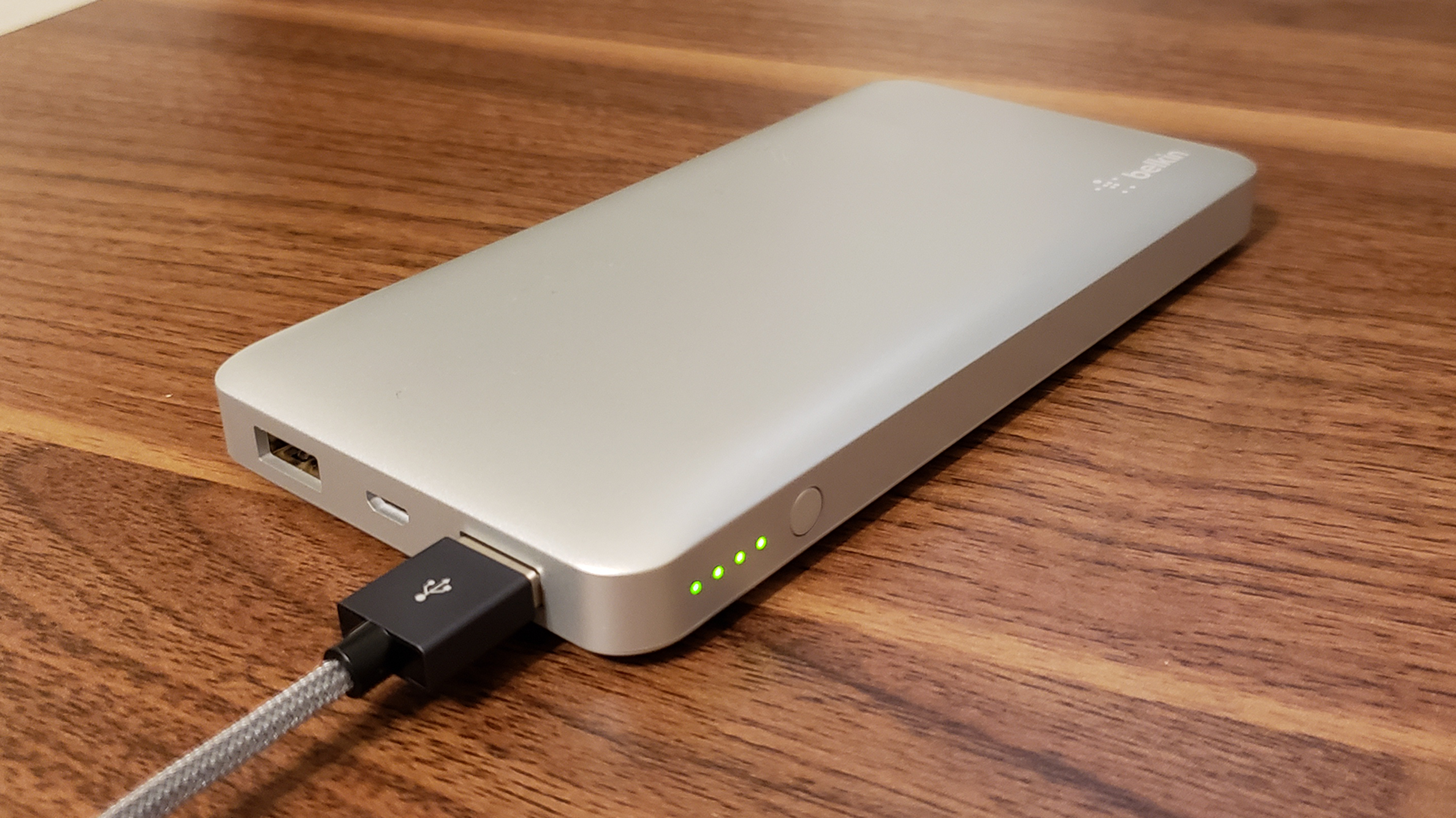
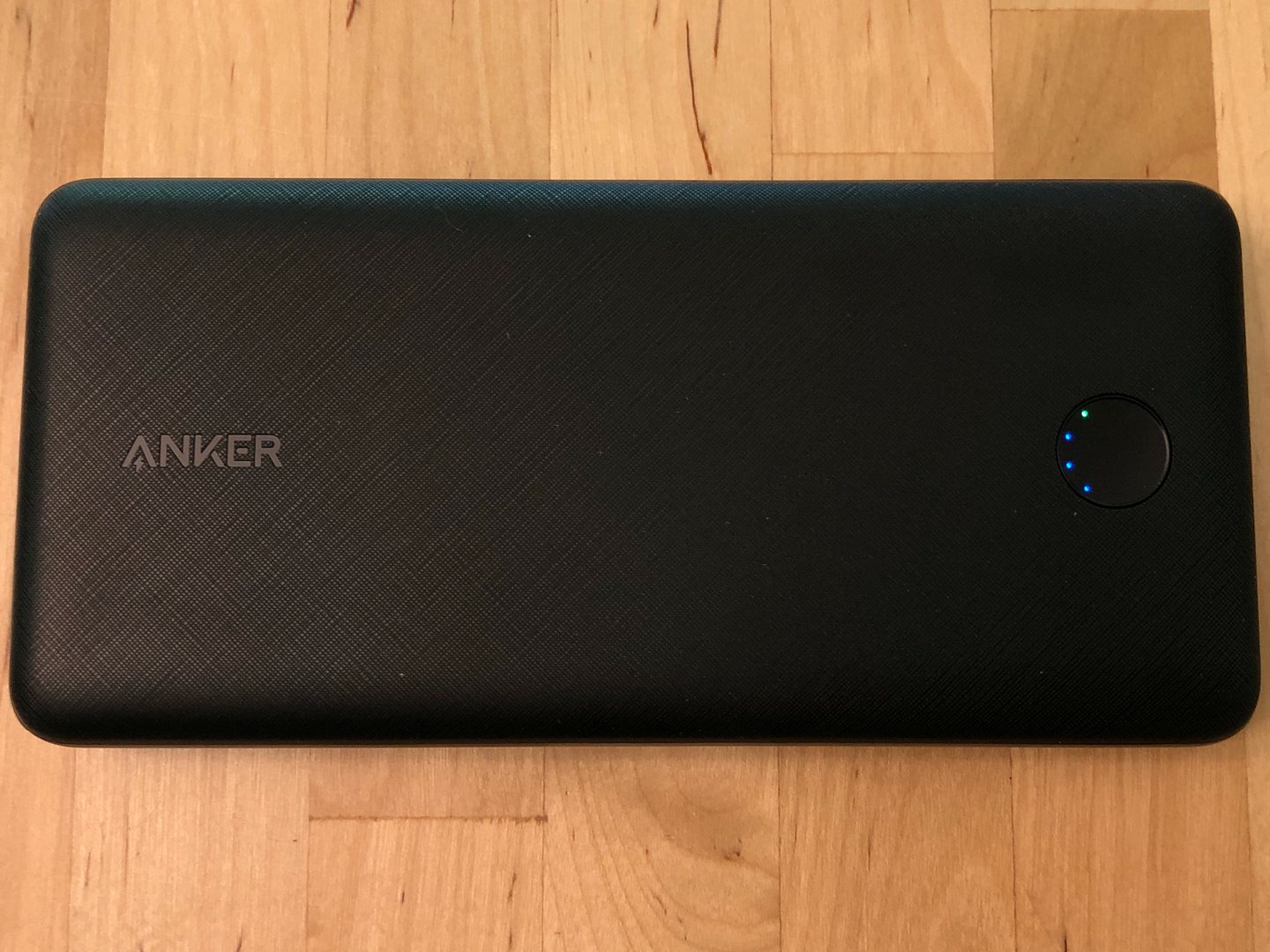
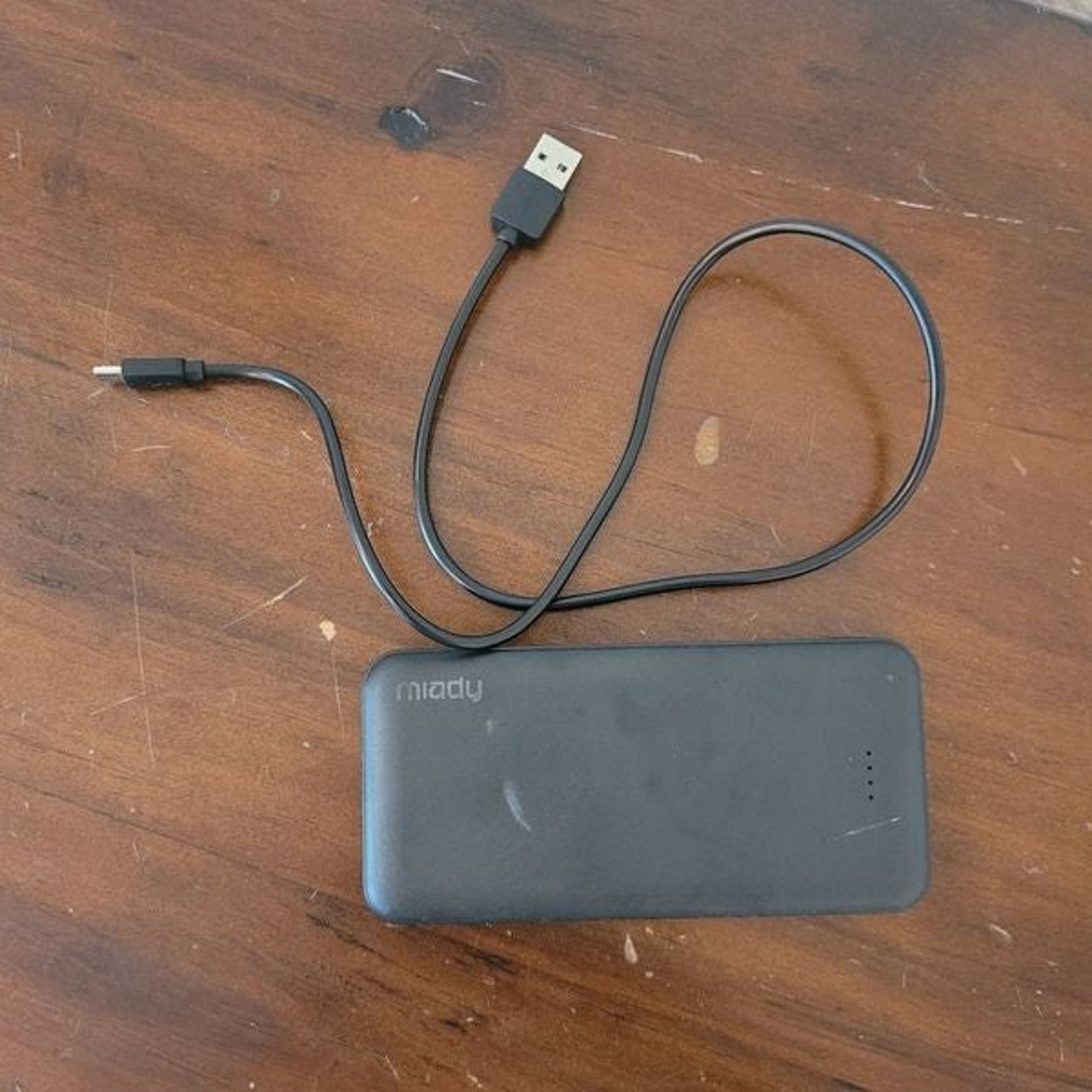
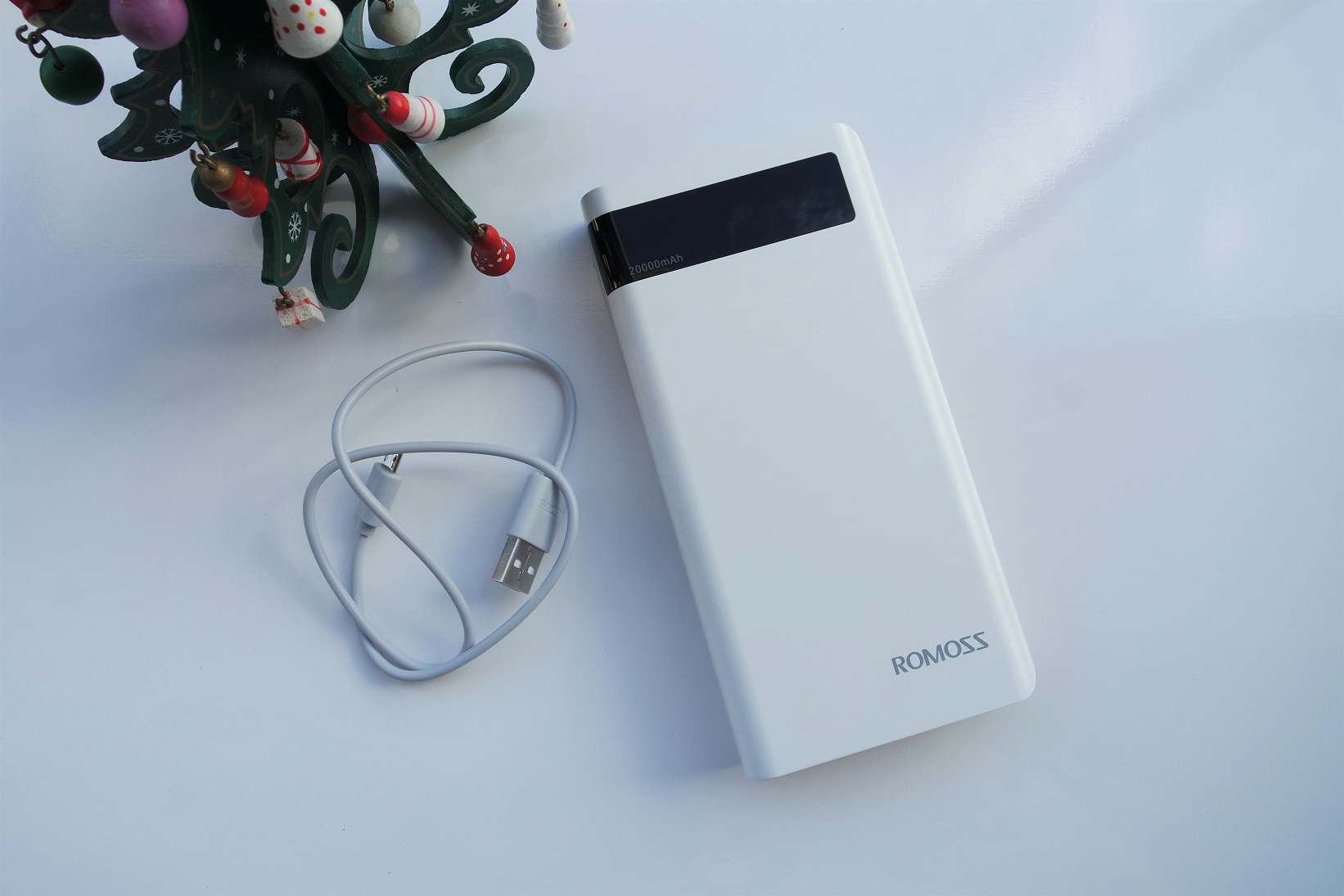
The articles here solve two main kinds of problems. First, there are the operational questions: how to actually use and charge different power banks. You will find specific guides for brands like Anker, Belkin, Romoss, and Miady, including how to interpret indicator lights, how to turn them on, and what to do the first time you charge one. Second, the tag tackles selection and capacity issues. Articles help you compare a 10000mAh battery to a 20000mAh one, understand how many charges a 20000mAh pack will give your phone, and figure out how long a 5000mAh or 10000mAh power bank will last. There is also coverage of travel rules, such as what size power bank is allowed on flights and which battery types are restricted.
Beyond the basics, the tag includes creative solutions for powering a phone in a car without a cigarette lighter or charging an Android phone when you have no charger at all. You can also learn how to use a wireless power bank, charge a portable wireless speaker, or even power up a selfie stick. The goal across every article is to help you do something specific: charge a device, choose the right battery, or understand a light or setting on your power bank.