This tag collects all of CellularNews’s guides and troubleshooting articles related to using a Roku TV. It is written for anyone who owns a Roku television and needs practical, step-by-step help connecting their phone, adjusting settings, or fixing common issues. Whether you are a new user or have had your TV for a while, these pieces focus on solving specific problems without extra fluff.
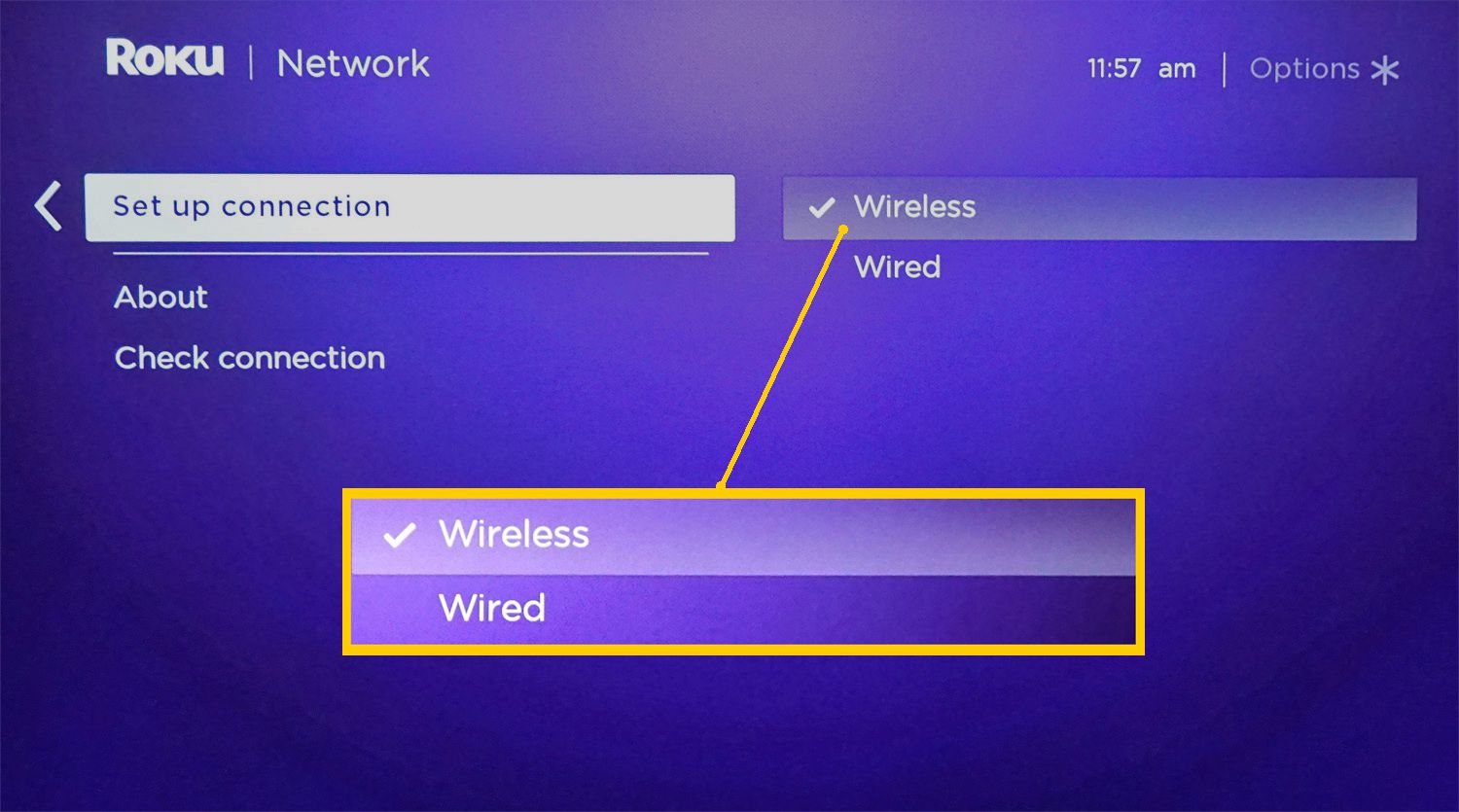
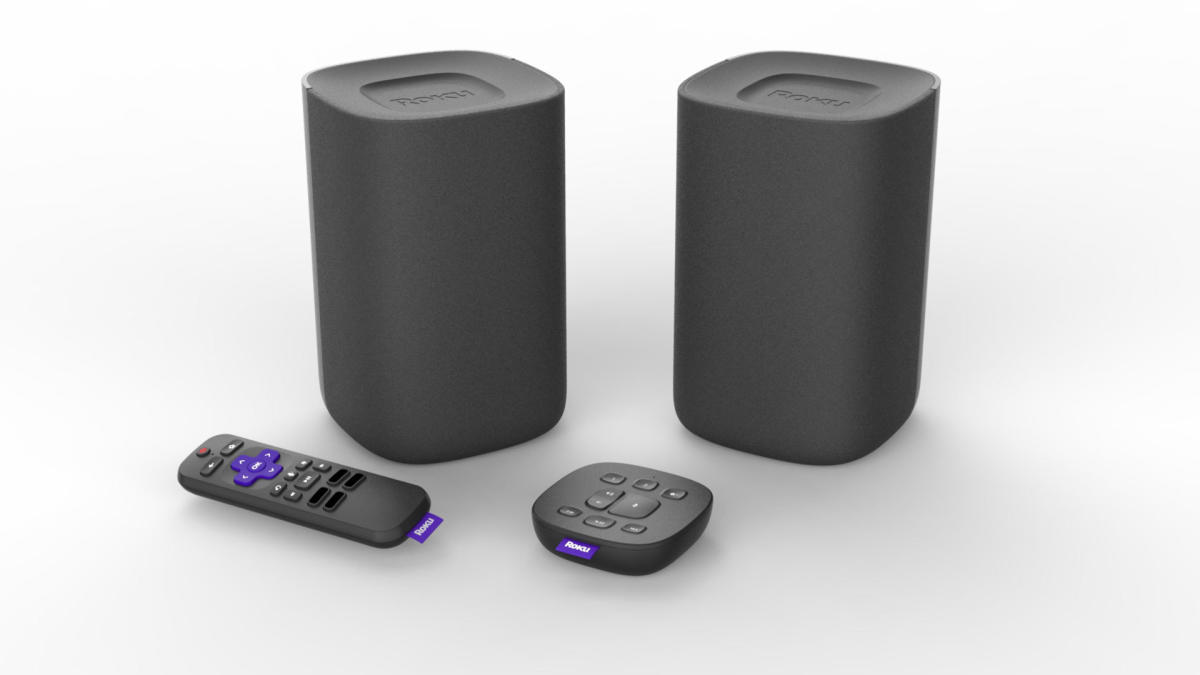
The articles here address three main areas of need. First, they help you connect your phone to the TV, covering both standard casting and more unusual setups like sending virtual reality content to the big screen. Second, they solve connectivity problems with external devices and networks, showing you how to pair a wireless speaker for better sound or how to link your TV to a mobile hotspot when Wi-Fi is unavailable. Finally, they guide you through display adjustments, specifically explaining how to turn off the blue light filter to reduce eye strain during late-night viewing.
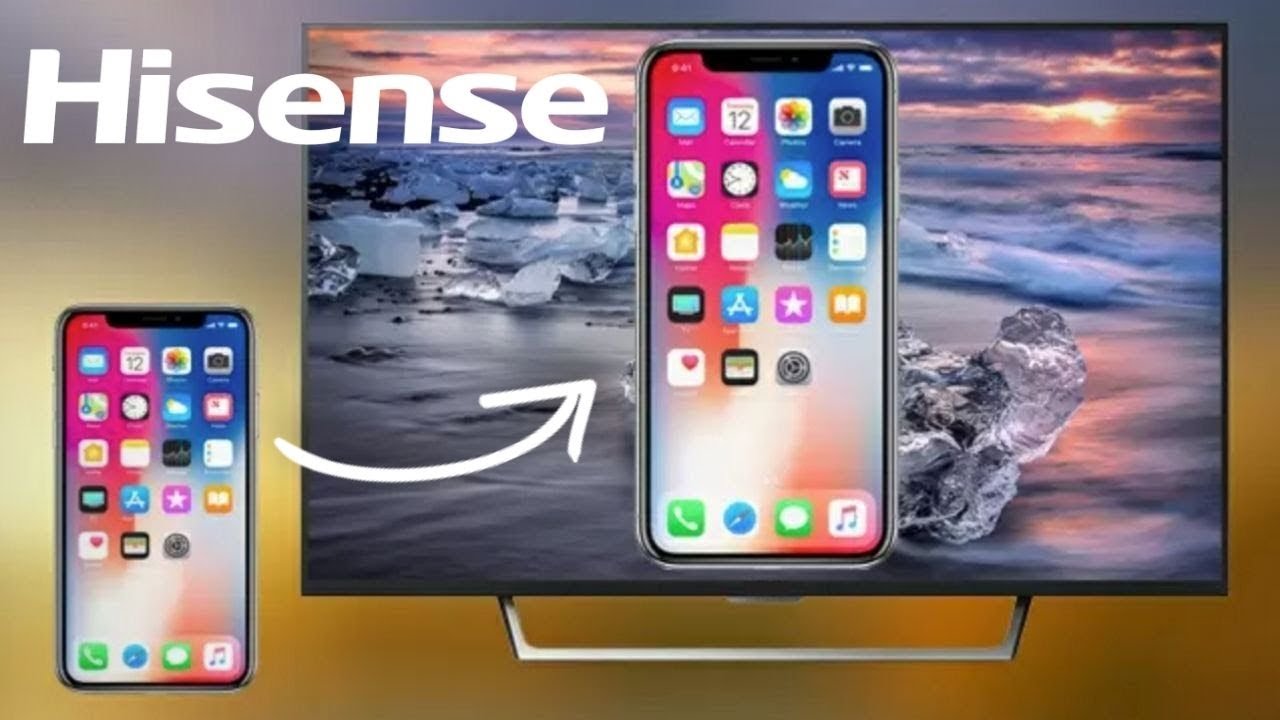
For example, you will find clear instructions on how to cast your phone to a Hisense Roku TV, how to connect a wireless speaker to a Roku TV, and how to connect a Roku TV to a hotspot. Each article is designed to help you complete a single task quickly, without needing to search through unrelated information.