This tag collects all of CellularNews’s articles about connecting and controlling Roku TVs and devices using your phone, tablet, or computer. It is for anyone who owns a Roku TV, from brands like TCL, Insignia, or Sharp, and wants to get the most out of its wireless features without digging through confusing menus or troubleshooting alone.
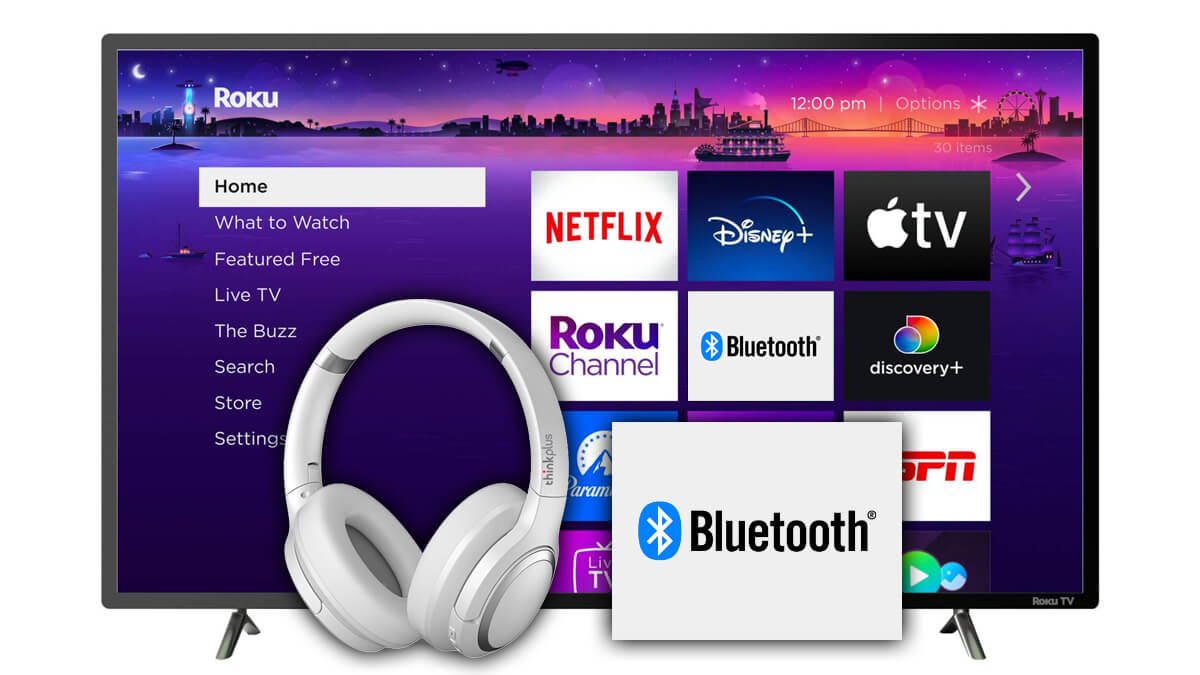
The articles solve two main kinds of problems. First, they help you set up screen mirroring and casting: you can learn how to mirror Android to Roku, cast your phone to an Insignia TV, or stream Roku from a phone to TV. Second, they tackle connectivity issues when Wi‑Fi is unavailable or tricky, for example, how to connect a phone remote to Roku TV without Wi‑Fi, how to pair wireless headphones to Roku TV, or how to connect a TCL TV to a hotspot. A few articles also focus on Bluetooth pairing, such as how to Bluetooth your phone to your Roku TV or how to connect an iPhone to Roku TV Bluetooth.
Whether you need to connect a Samsung phone to Roku TV, link your computer wirelessly, or use your phone as a remote when the network is down, these guides walk you through the specific steps to make each connection work. No fluff, just the fixes you need.