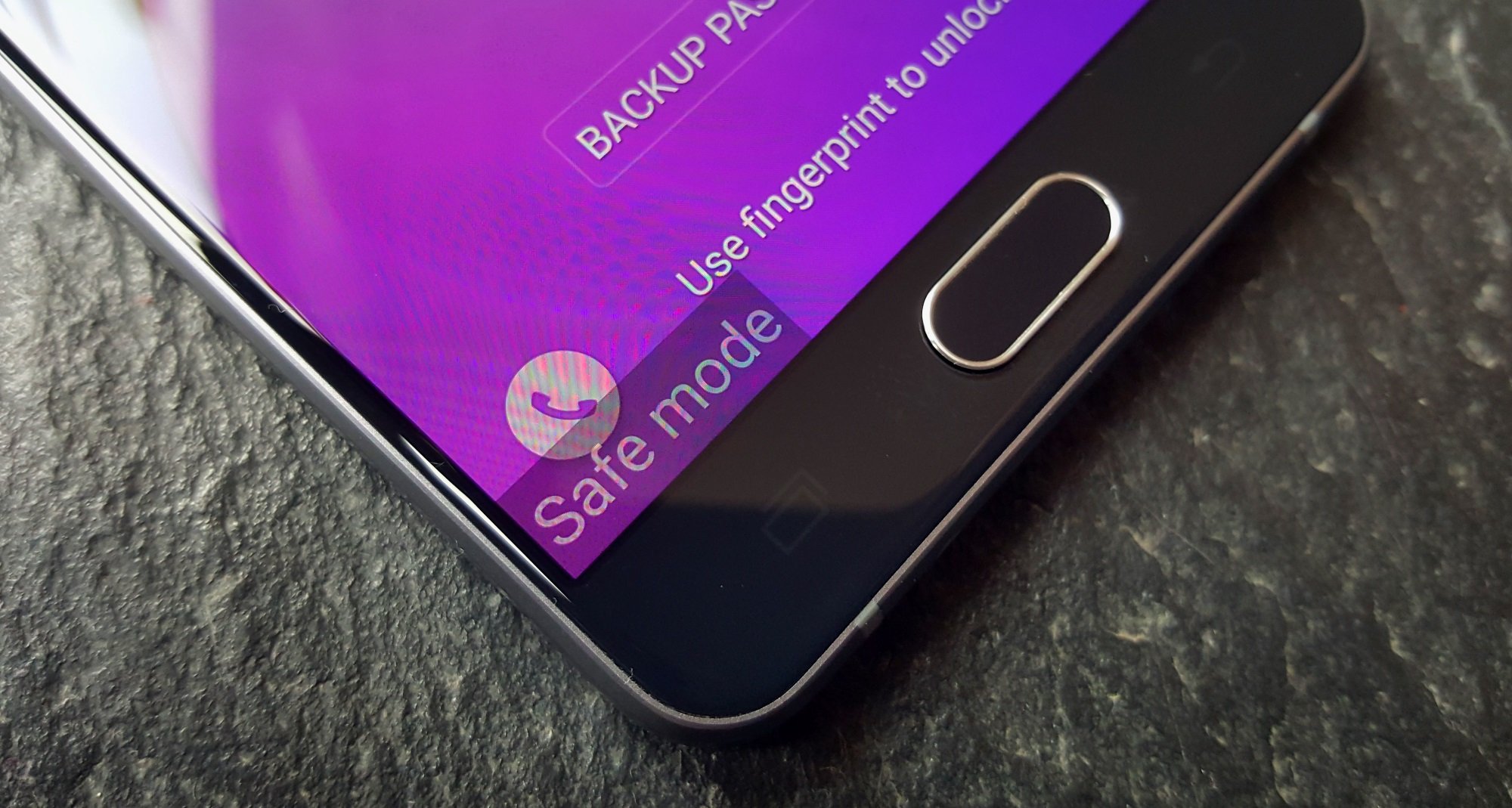
Welcome to the Safe Mode tag on CellularNews. This page collects our guides for anyone who has accidentally booted their phone, console, or other device into a restricted operating state, or who needs to use that state to troubleshoot a problem. Whether you are dealing with a stubborn Android phone, a Samsung Galaxy, a Motorola device, or even a PlayStation console, these articles are written for everyday users who just want their device working normally again without losing their personal data.
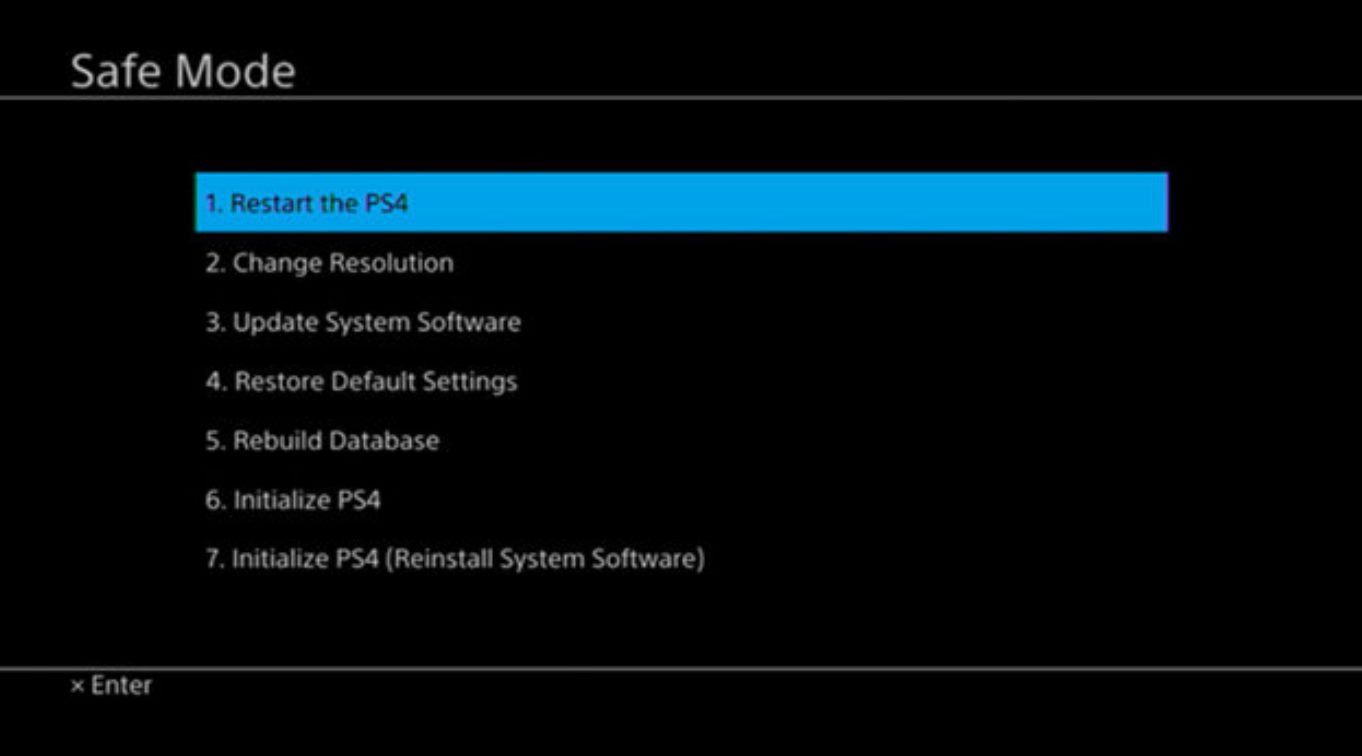
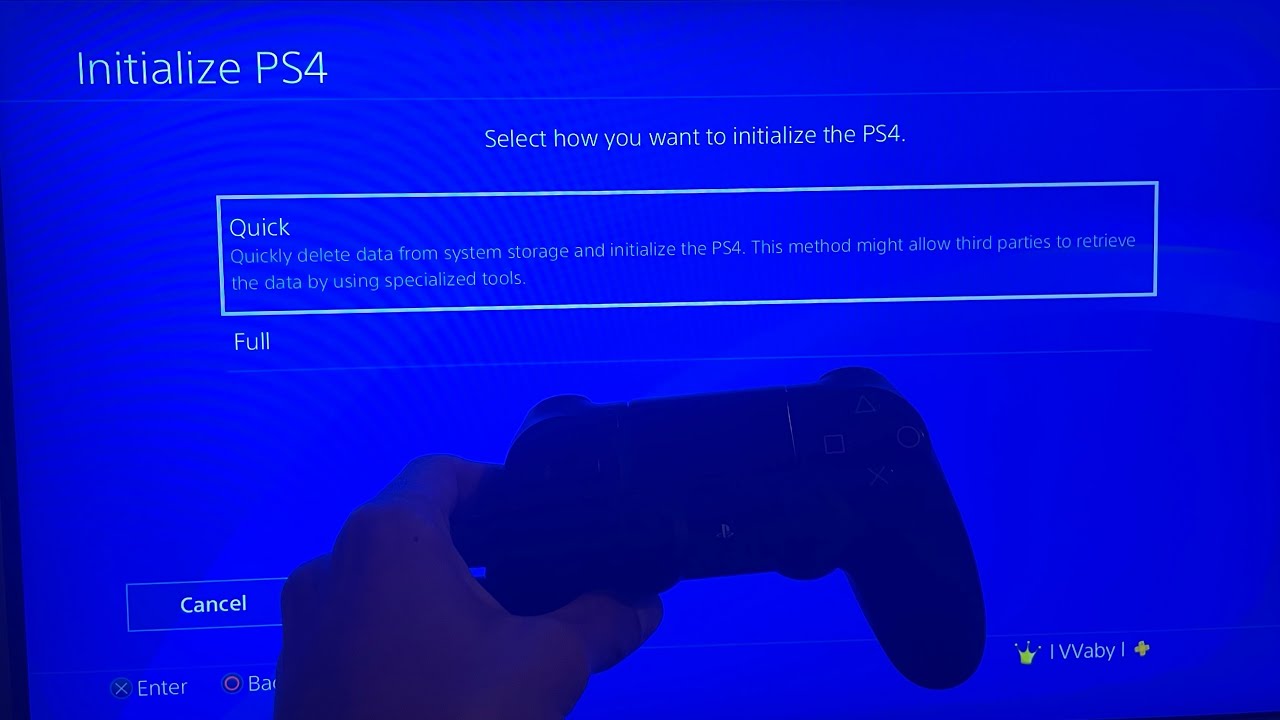
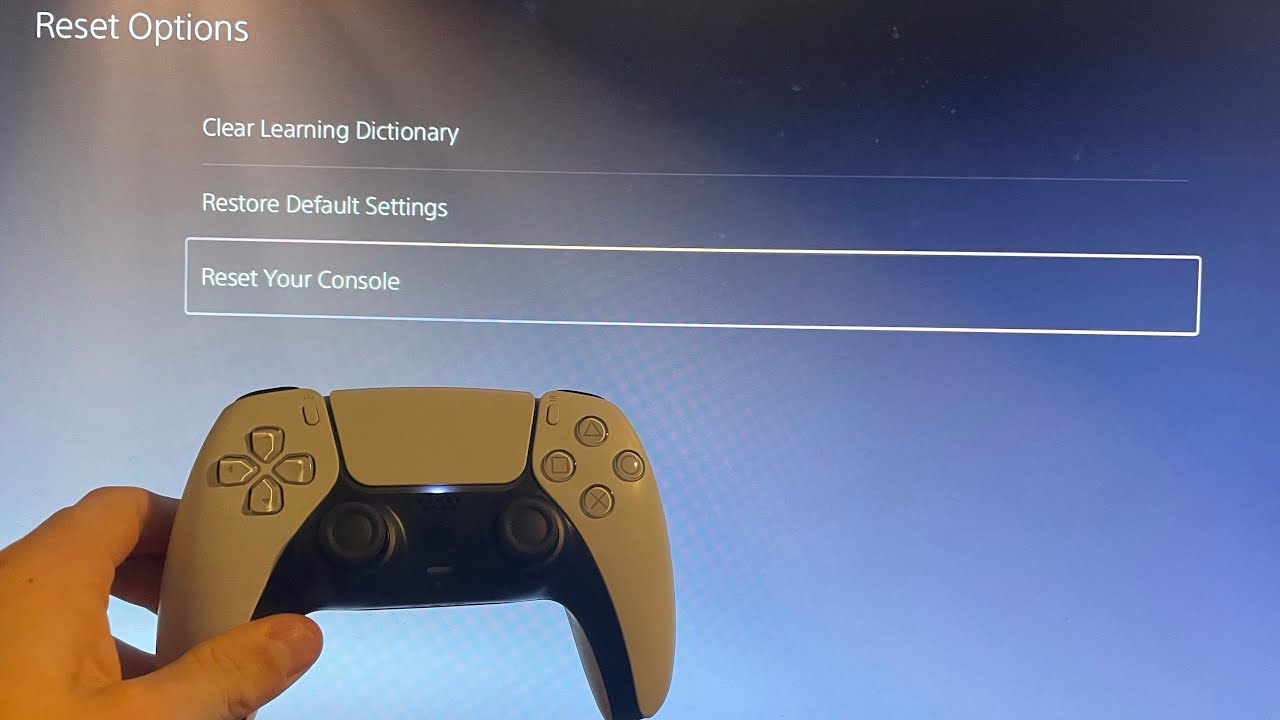
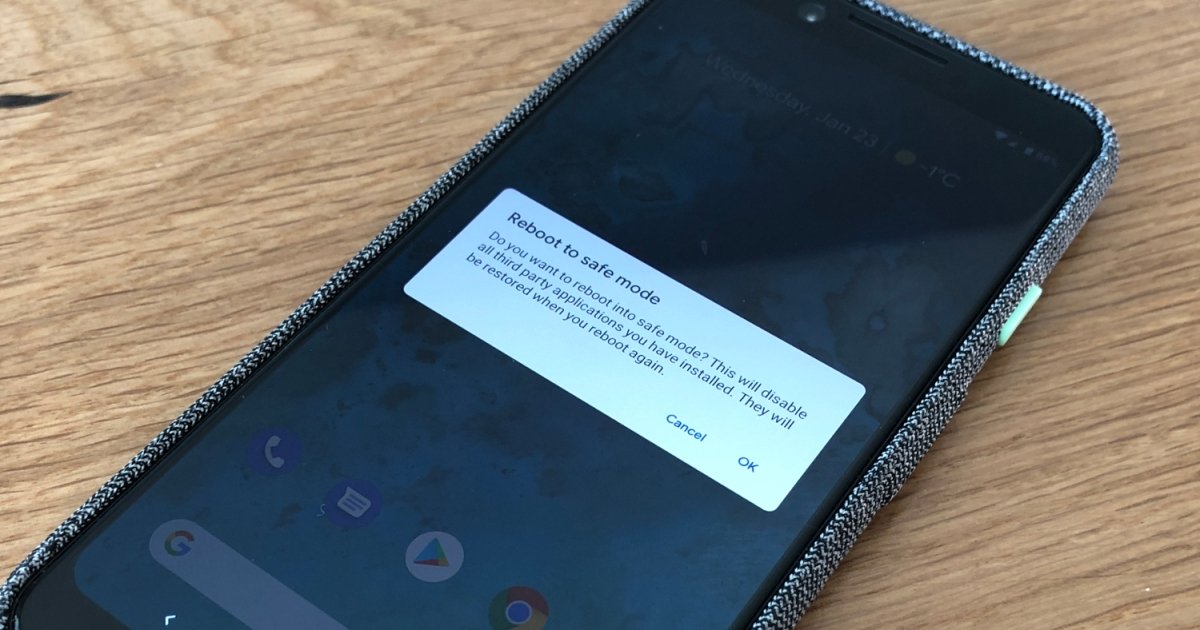
The articles here solve two main kinds of problems. First, they help you exit safe mode when you are stuck in it, for example, guides like "How To Get An Android Out Of Safe Mode" and "How To Take Safe Mode Off Samsung Phone" walk you through the simple restart or button sequence needed to return to normal operation. Second, they show you how to use safe mode as a diagnostic tool to fix deeper issues, such as removing malware or dealing with corrupted system files. You will find specific instructions for getting rid of a virus on a Motorola phone, fixing corrupted data on a PS4 or PS5, and even how to cancel a PS5 data transfer that might be causing problems.
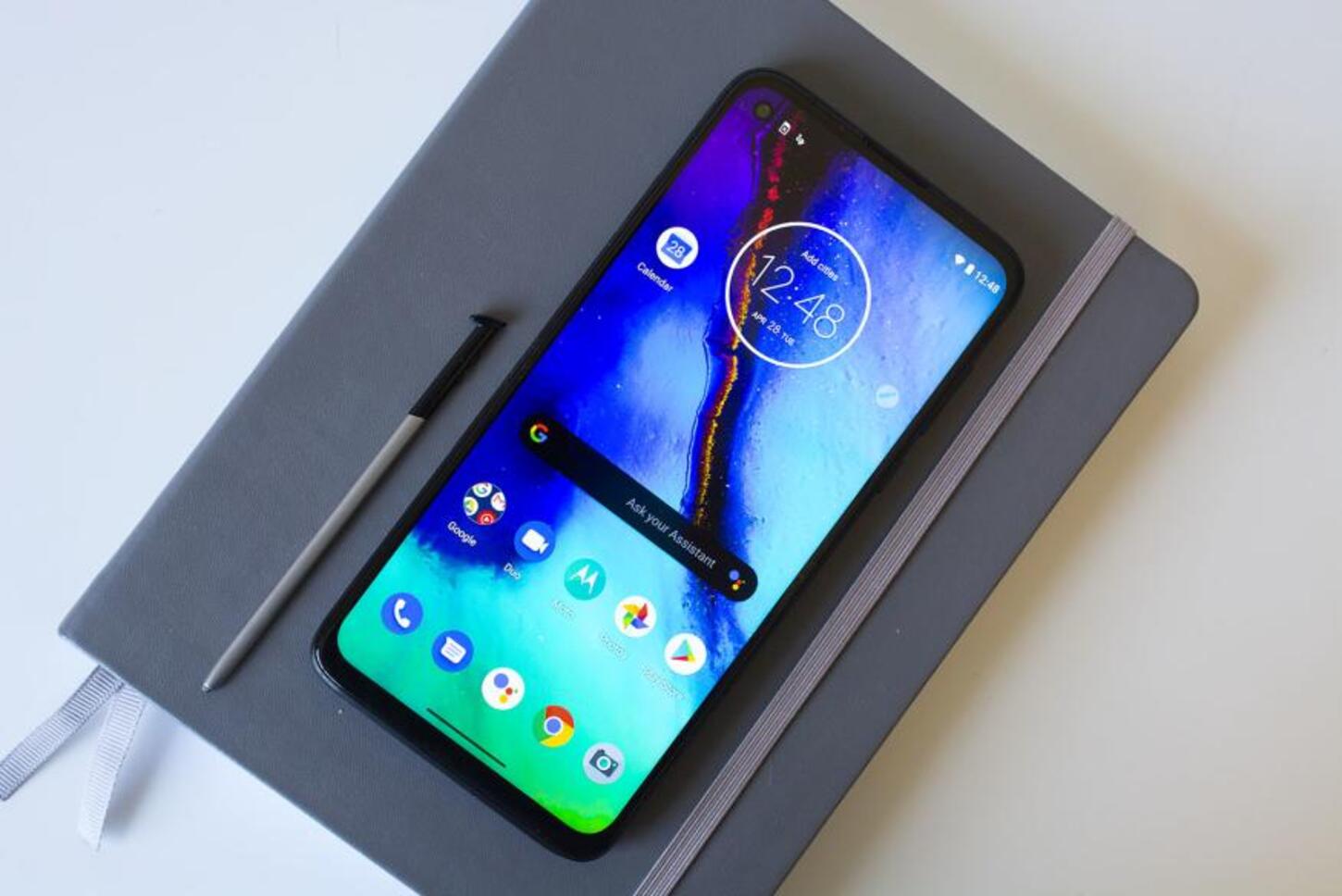
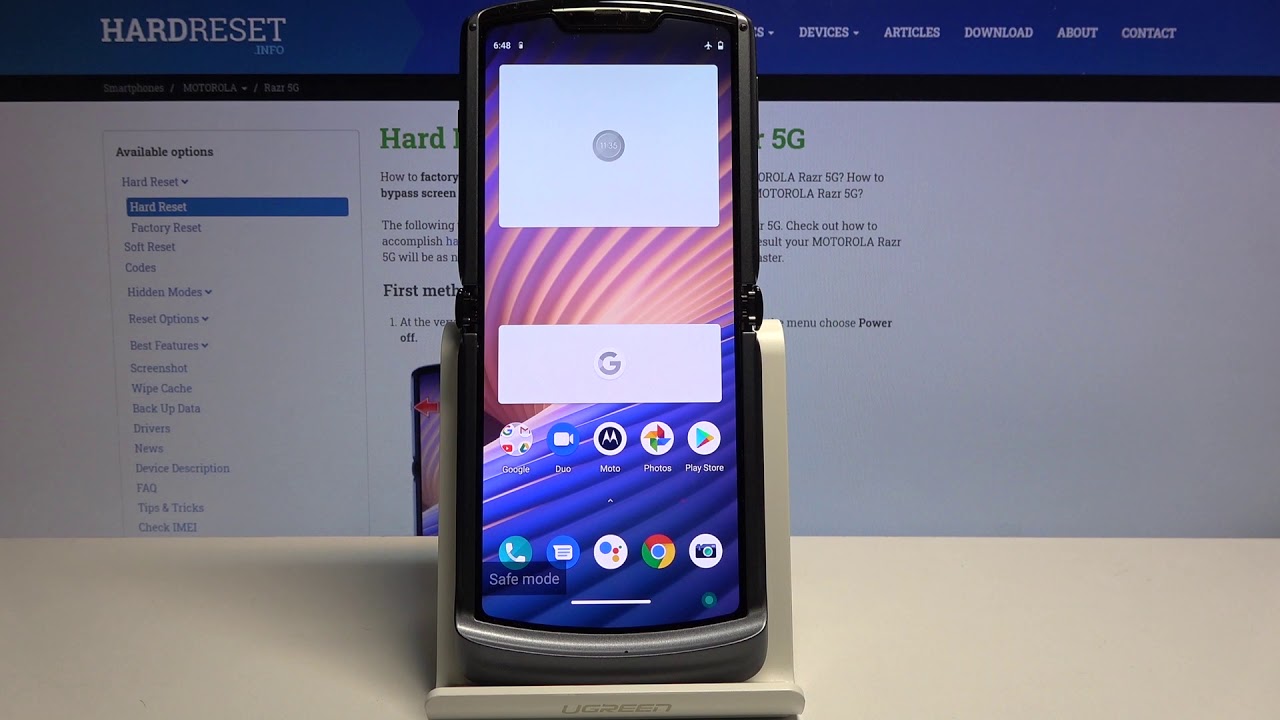
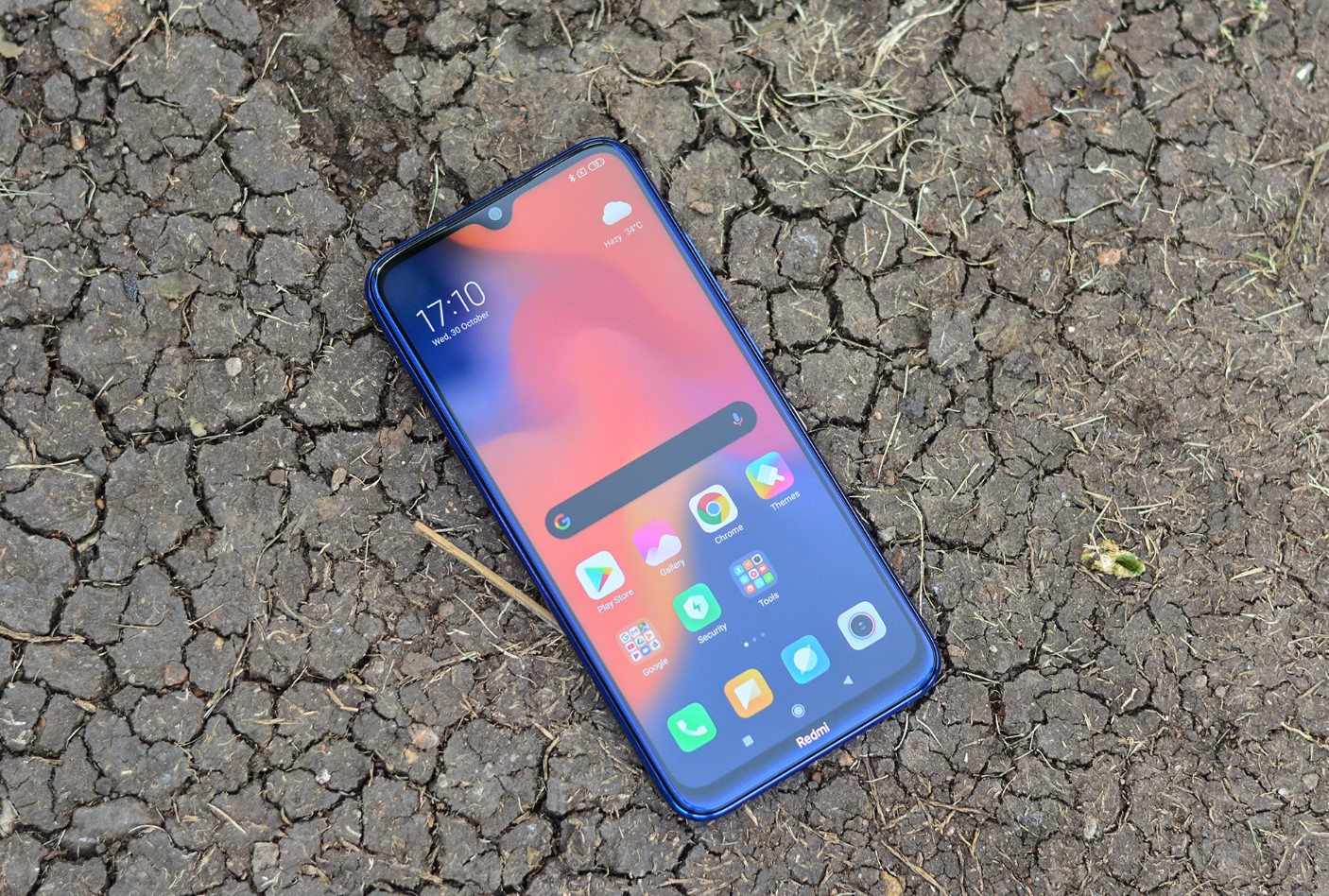
Other topics include turning safe mode on or off on specific models like the Redmi Note 8, Motorola Razr, and Moto G Stylus. Each article focuses on a clear, step-by-step action you can take right now, whether that is pressing a volume key during startup, navigating a settings menu, or using safe mode to isolate a faulty app. No matter which device you are holding, this tag has the fix you need to get back to full functionality.