Our guides and how-tos focused on using Samsung’s built-in digital wallet and making mobile payments with your phone. This page is for anyone who owns a Samsung device and wants to move beyond just tapping to pay, whether you are trying to access your bank account at an ATM or simply figure out where your digital wallet is hiding in the settings menu.
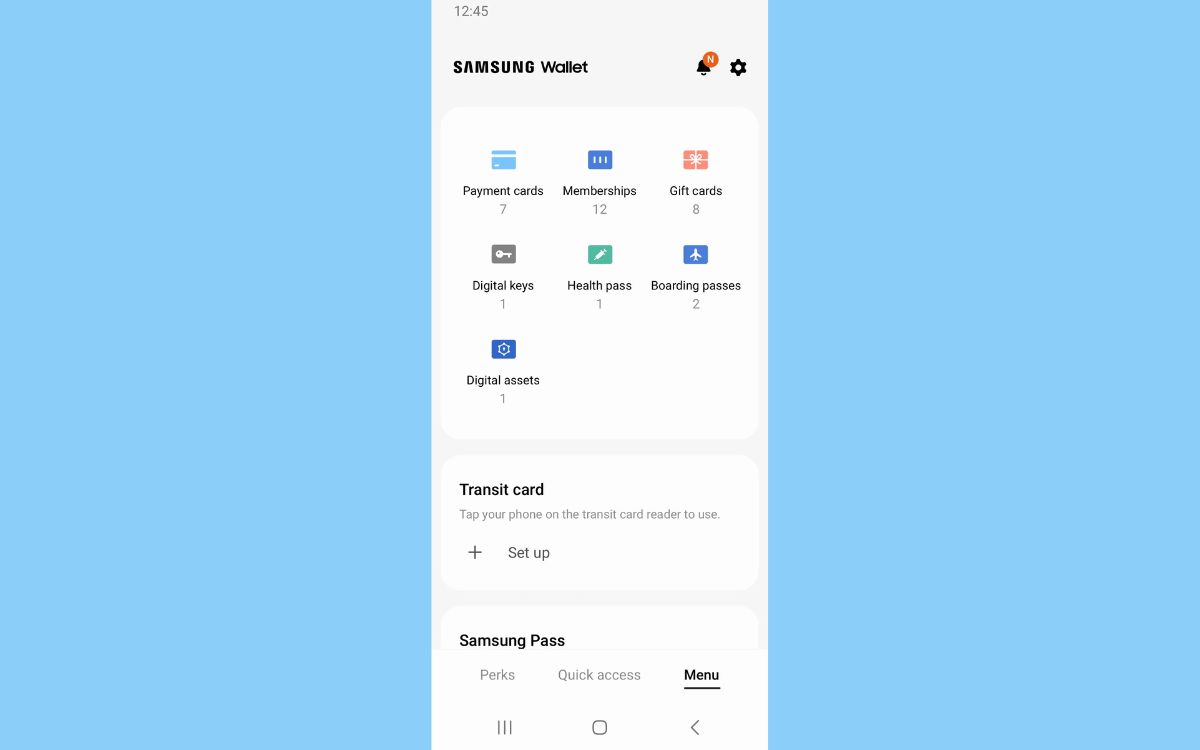
The articles here solve two main kinds of everyday problems. First, they help you locate and manage the wallet itself, answering questions like “Where Is My Digital Wallet On My Phone?” and “Where Is The Wallet On A Samsung Phone?” so you can find the app and start using it. Second, they guide you through specific actions you might want to take, such as learning how to save tickets to Samsung Wallet for events or travel, and understanding what mobile payment (M-payment) actually means in practice. One article even walks you through the process of using your phone at a Chase ATM, showing how the wallet works with real-world bank hardware.
These straightforward instructions help you do things like store boarding passes and event tickets directly on your phone, locate the wallet app on various Samsung models, and confidently use your device at payment terminals and ATMs. Each piece focuses on a single, clear task so you can get it done without extra fluff.