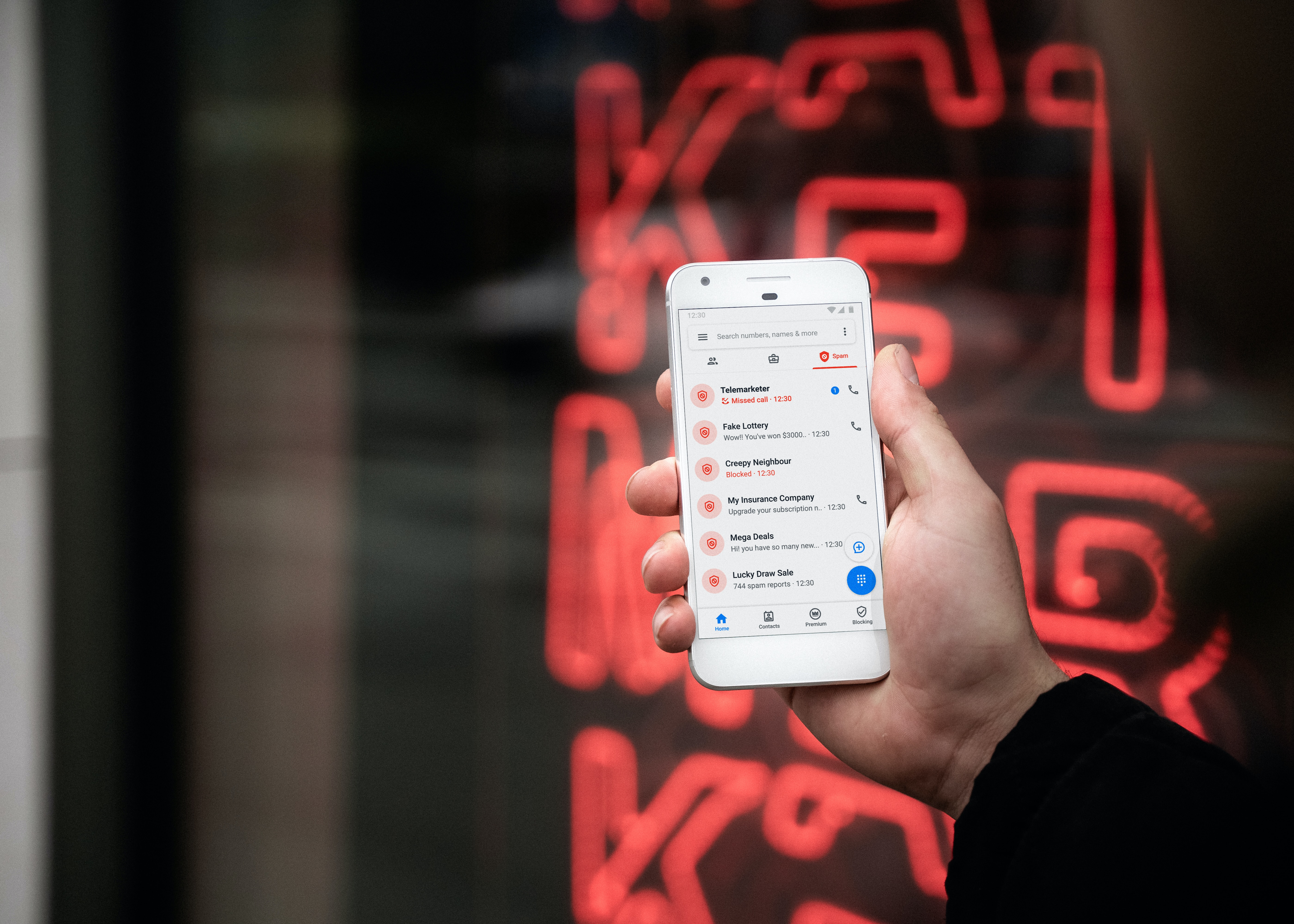
Articles for T-Mobile users who want to take control of unwanted calls and messages. This page is for anyone frustrated by spam calls, persistent telemarketers, or mysterious blocked texts, and who needs clear, carrier-specific instructions for their phone.
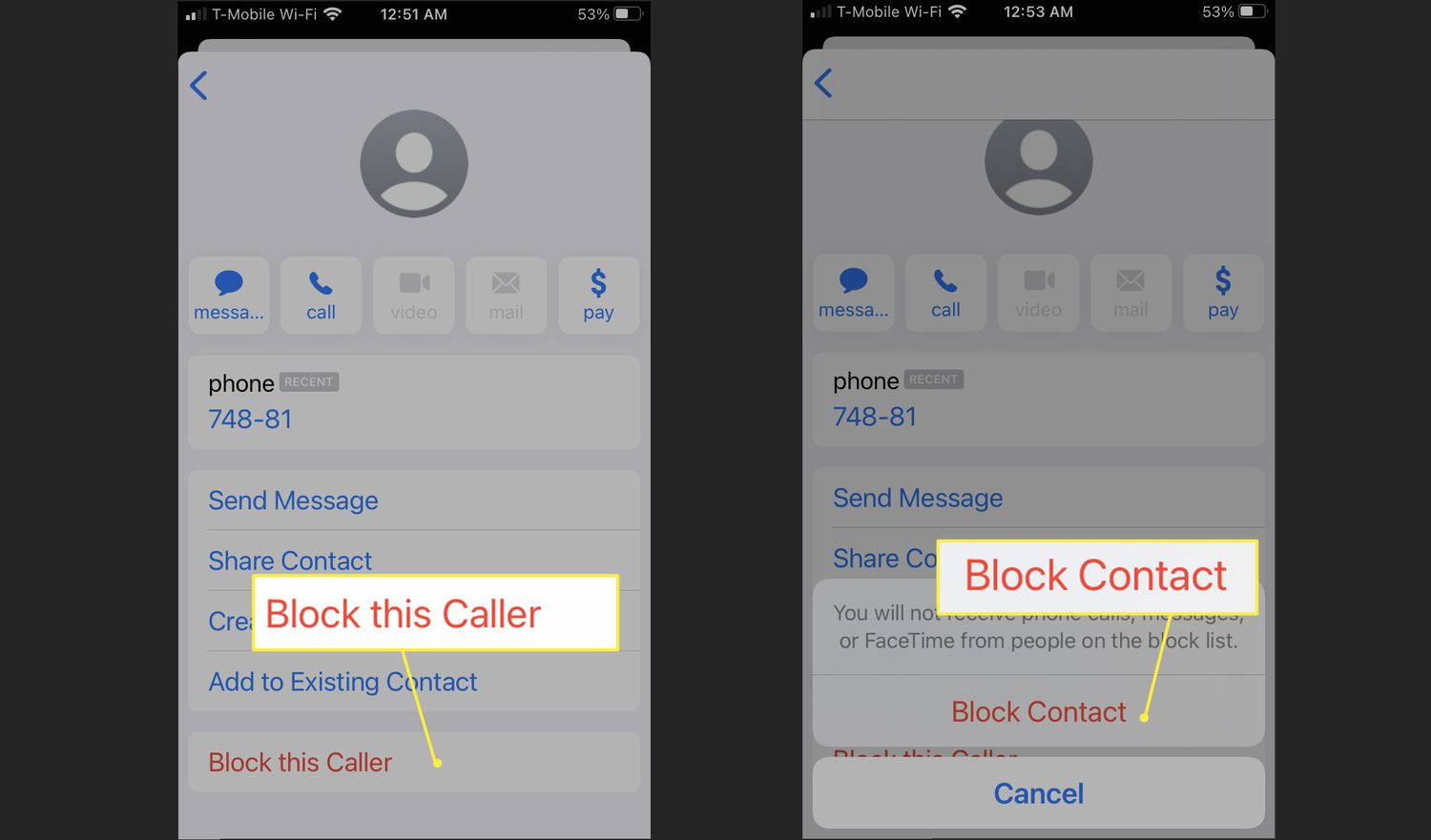
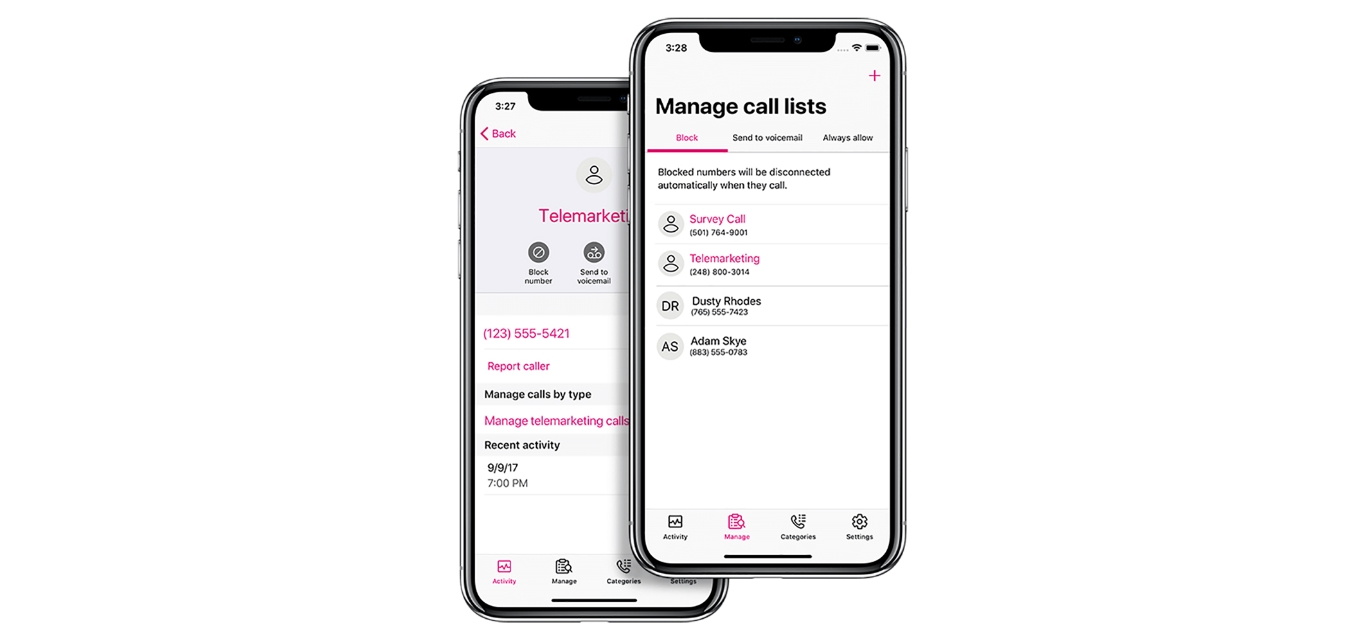
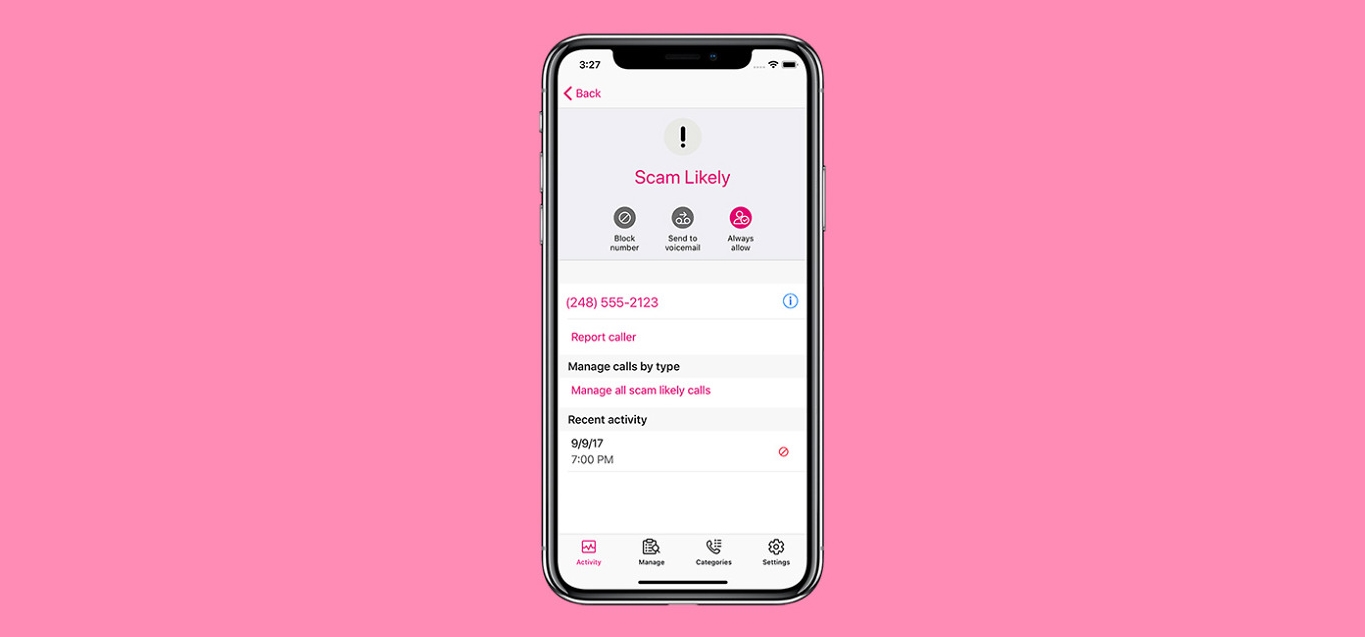
The articles here solve two main kinds of problems. First, they help you stop specific numbers from calling you again, whether you want to block a number directly on your phone or through the T-Mobile app. Second, they address the confusion around T-Mobile's automated filtering, explaining why the carrier might block text messages you were expecting. You will find guides on how to block scam likely calls on T-Mobile, as well as step-by-step instructions for blocking a number using the T-Mobile app.
These articles are focused on practical actions. They show you exactly how to use your device settings or the carrier's tools to regain control of your incoming calls and texts, without any unnecessary fluff.