T-Mobile blocks text messages through two separate mechanisms, which is why does T-Mobile block text messages in some cases: the account-level Message Blocking feature and network-level spam filtering through Scam Shield. If you are missing expected messages, you likely have Message Blocking turned on; if you are receiving too many unwanted texts, the network's Scam Shield filter is the system catching them for you.
Why does T-Mobile block text messages?
The short answer is that T-Mobile uses two distinct systems to manage your text messaging and T-Mobile texts. The first is an account feature called Message Blocking, which you can enable or disable on your line. The second is a network-wide spam filter called Scam Shield that automatically checks every incoming message. Most customer confusion comes from not knowing which system is causing the block.
T-Mobile Message Blocking: the account feature
Message Blocking is a feature you add to your account that blocks chargeable incoming and outgoing SMS and MMS, as well as Instant Messages sent via SMS. T-Mobile documents that it is meant to block messages, not to prevent overage charges, and it may not block all instant messages. Some message types are not blockable with this feature, including short-code texts with standard charges, service notifications, and email to and from @tmomail.net. T-Mobile's Spanish support page documents exceptions for some free third-party notices. If you have enabled Message Blocking and are not receiving texts, this is likely the cause.
T-Mobile Scam Shield: network spam filtering
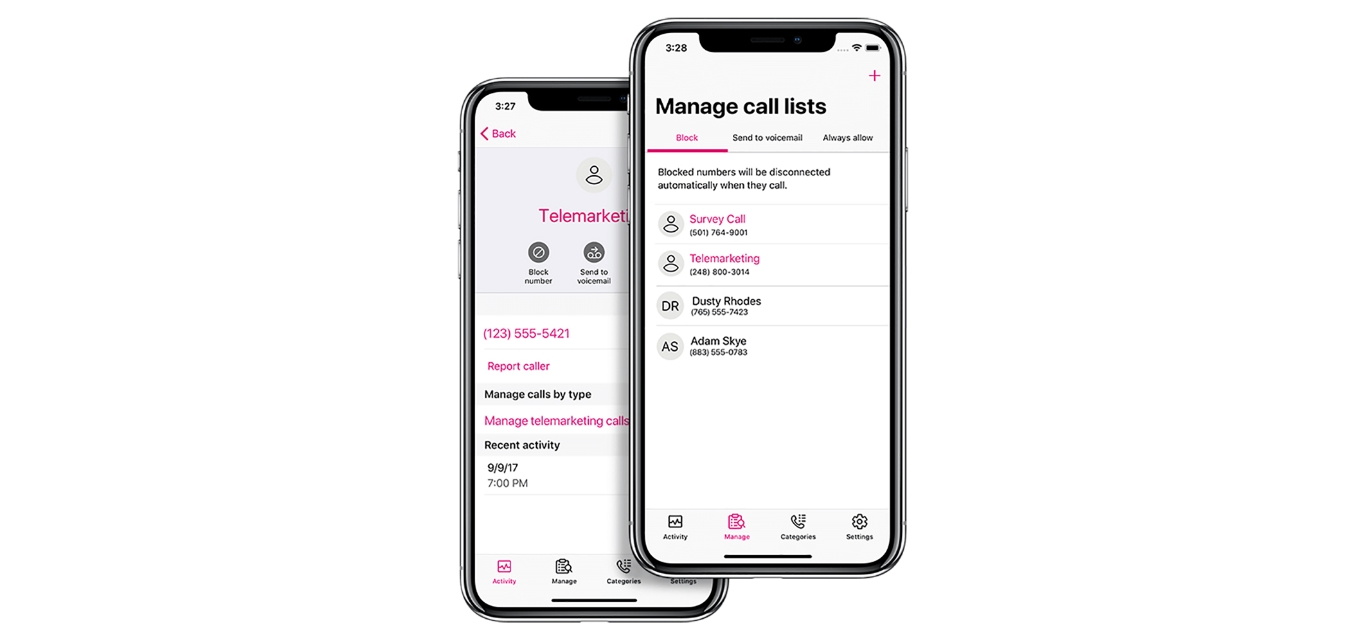
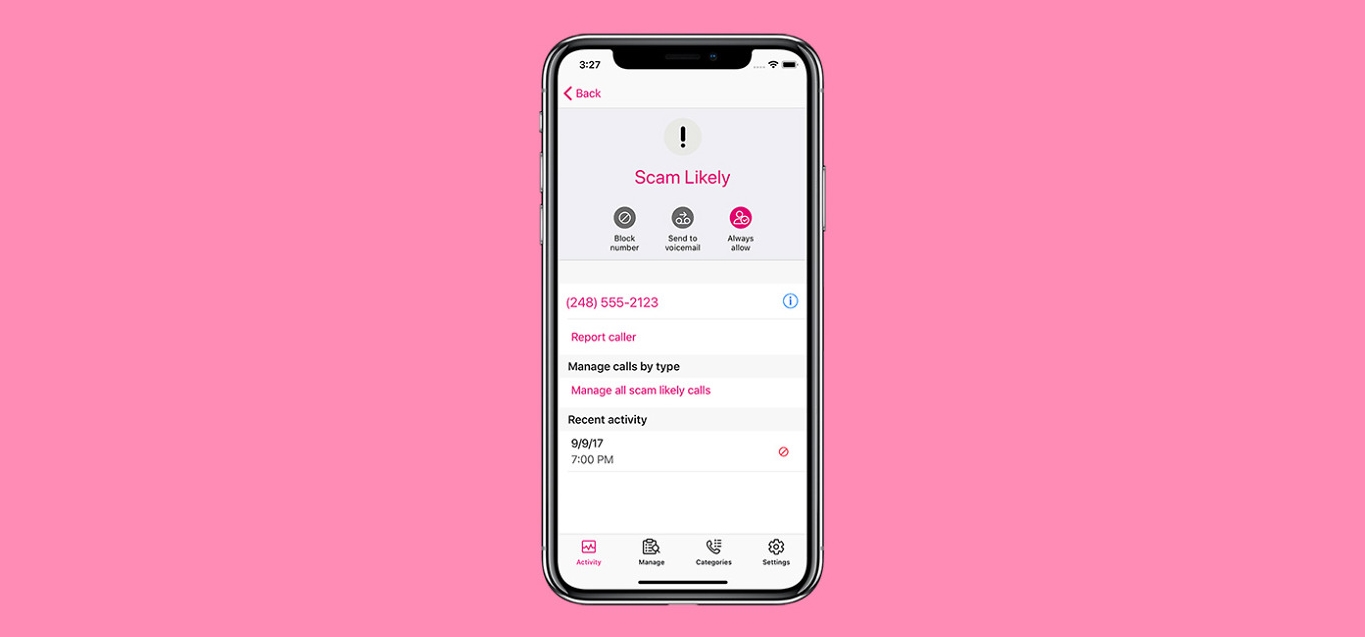
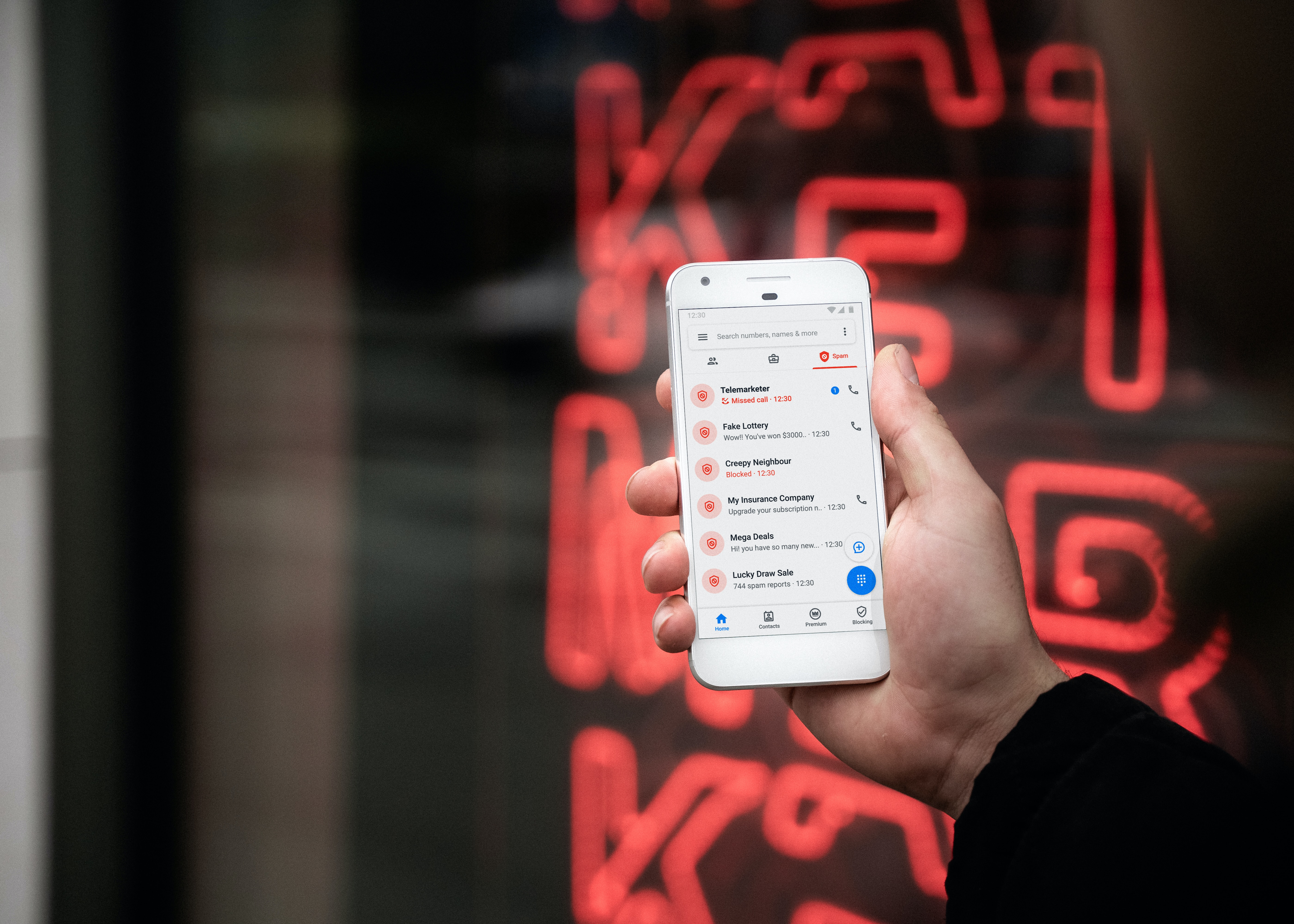
Separate from Message Blocking, T-Mobile's network automatically checks incoming messages against its anti-spam solution. Messages determined to be spam or unwanted are blocked before they reach your phone. You can manage Scam Shield from your T-Mobile service, and the network also uses it to block suspicious websites and identify scam calls. If you are not receiving a legitimate message, it may have been flagged by this automatic filter.
How to stop unwanted texts on T-Mobile
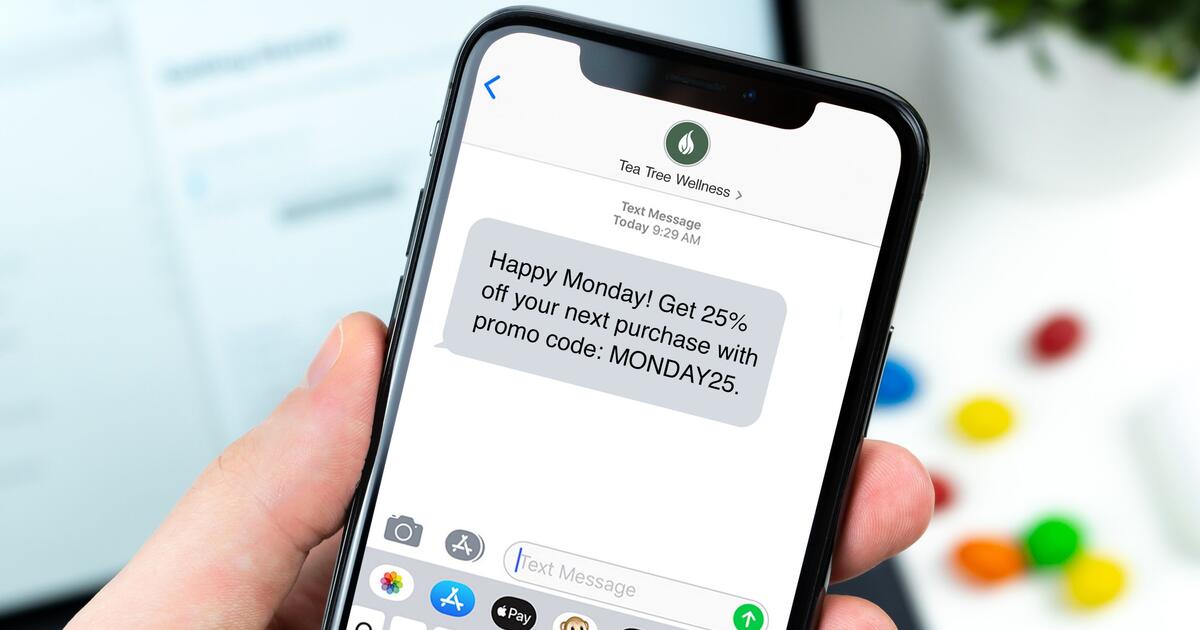
If you are receiving unwanted business or marketing texts, T-Mobile documents a two-step process:
- Reply to the sender with STOP, END, CANCEL, UNSUBSCRIBE, or QUIT.
- If the texts continue, forward the unwanted message to 7726 (SPAM).
When you forward a message to 7726, it is sent to T-Mobile's Security Center for analysis. This is the documented carrier method for reporting spam and does not require any app or specific device model.
What to do if your own texts are blocked
If you suspect your outgoing texts are being blocked, first check whether Message Blocking is enabled on your account. Because Message Blocking blocks both incoming and outgoing SMS and MMS, having it turned on will prevent your messages from being sent. Note that the feature may not block all instant messages, so if you are using a third-party messaging app that sends via SMS, the behavior may vary. If you have confirmed that Message Blocking is off and legitimate messages are still not being delivered, contact T-Mobile support for further investigation.
Frequently Asked Questions
Why does T-Mobile block text messages from specific numbers?
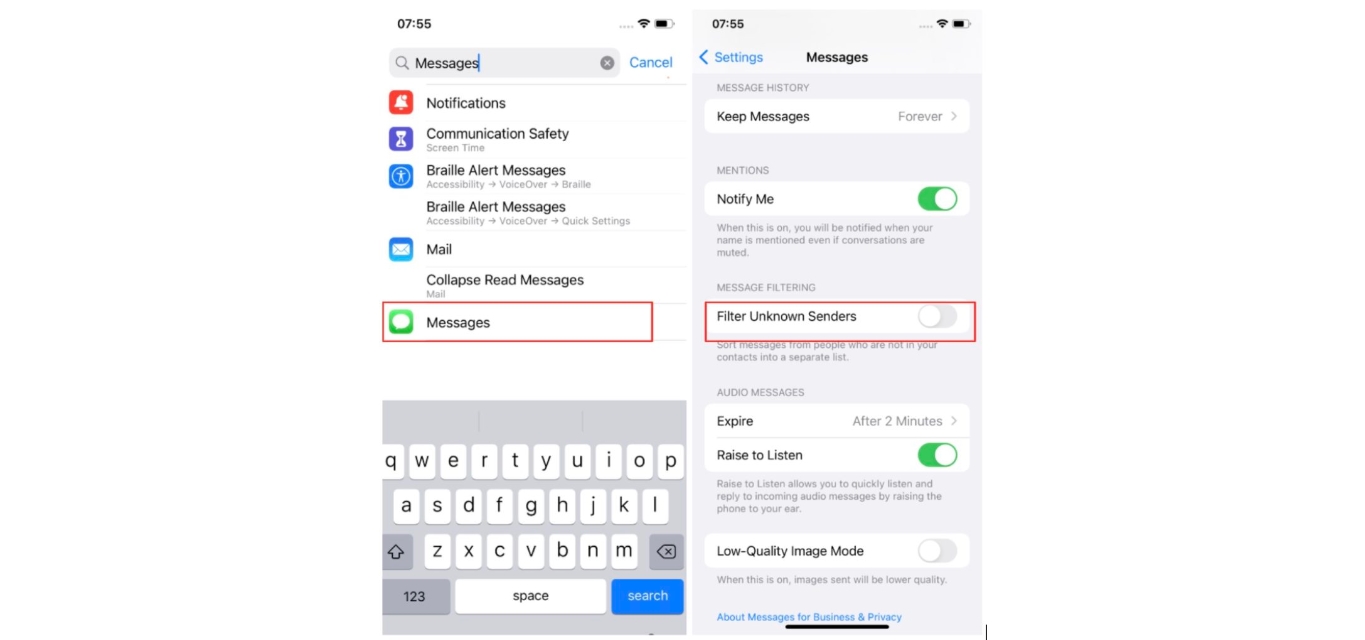
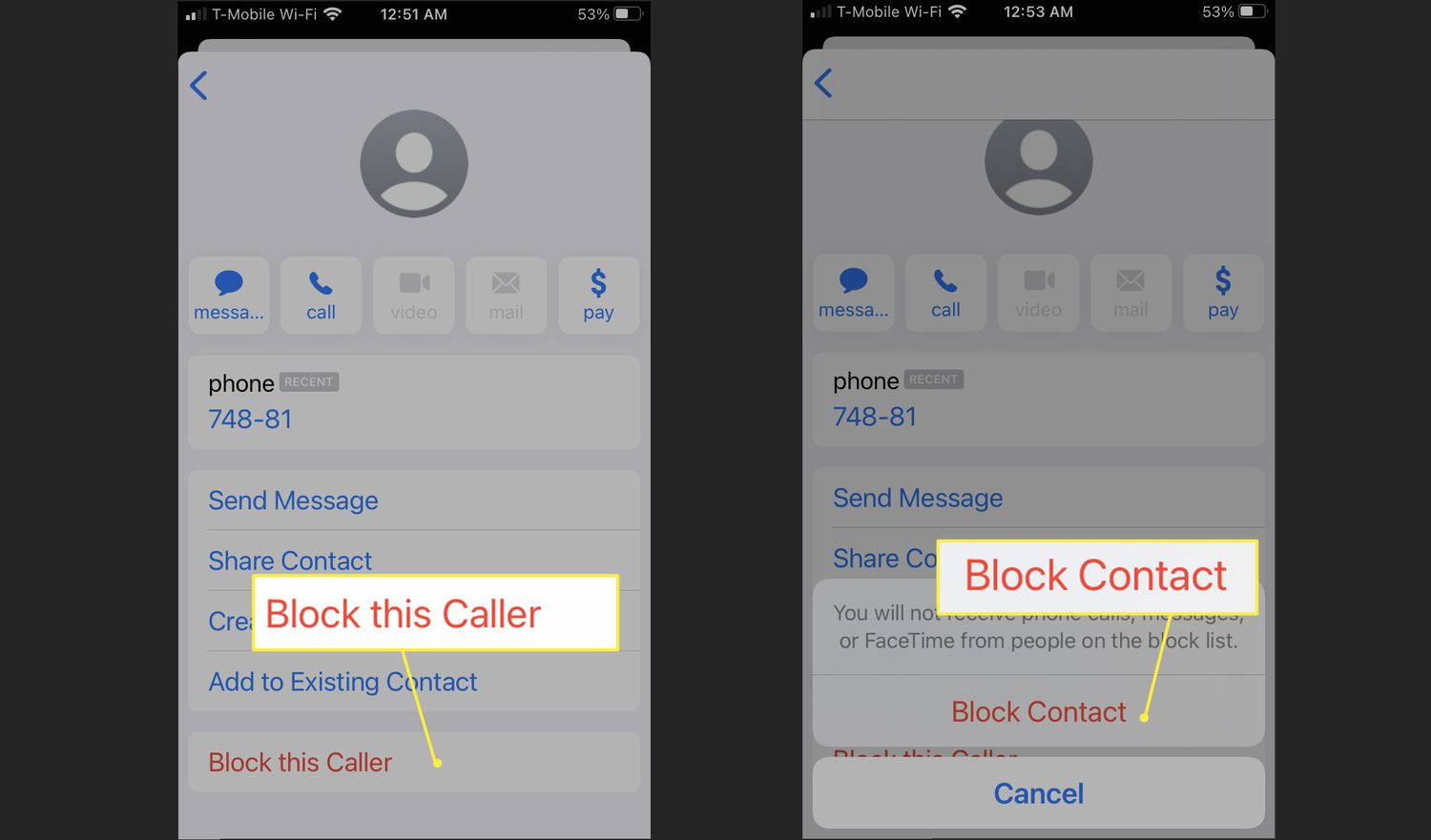
T-Mobile does not block individual numbers through its network-level filters unless the number is identified as a source of spam or unwanted messages. If you are blocking a specific number yourself, that is done through your device settings, not through T-Mobile's account features.
How can I check if T-Mobile is blocking my texts?
You can check by logging into your T-Mobile account and looking for the Message Blocking feature under your line's settings. If it is enabled, that is the cause. For network-level blocking, you would need to contact T-Mobile support to check whether Scam Shield has flagged a specific message.
What should I do if my text messages are being blocked by T-Mobile?
First, disable Message Blocking if it is turned on. If the problem persists, forward any problematic messages to 7726 so T-Mobile can review them, and then contact customer support if legitimate messages are still not being delivered.
Can T-Mobile block specific types of text messages?
Yes, T-Mobile's network automatically blocks messages determined to be spam or unwanted. Additionally, Message Blocking blocks all chargeable SMS and MMS, but it cannot block short-code texts with standard charges, service notifications, or tmomail.net email.
Are there alternatives if T-Mobile blocks my texts?
If you are unable to send or receive SMS and MMS due to Message Blocking, you can disable that feature in your account settings. If Scam Shield is blocking legitimate messages, you can manage Scam Shield from your T-Mobile service. For urgent communication, you can use a messaging app that sends over data rather than SMS.
Related reading: How To Block A Number On T-Mobile App and How To Block A Number T-Mobile.