The display of your devices, from smartphones to fitness wearables. This content is for anyone who has ever struggled with a screen that is too dark, wanted to understand what the numbers in a spec sheet actually mean, or needed to get a dim Fitbit back to a readable brightness.
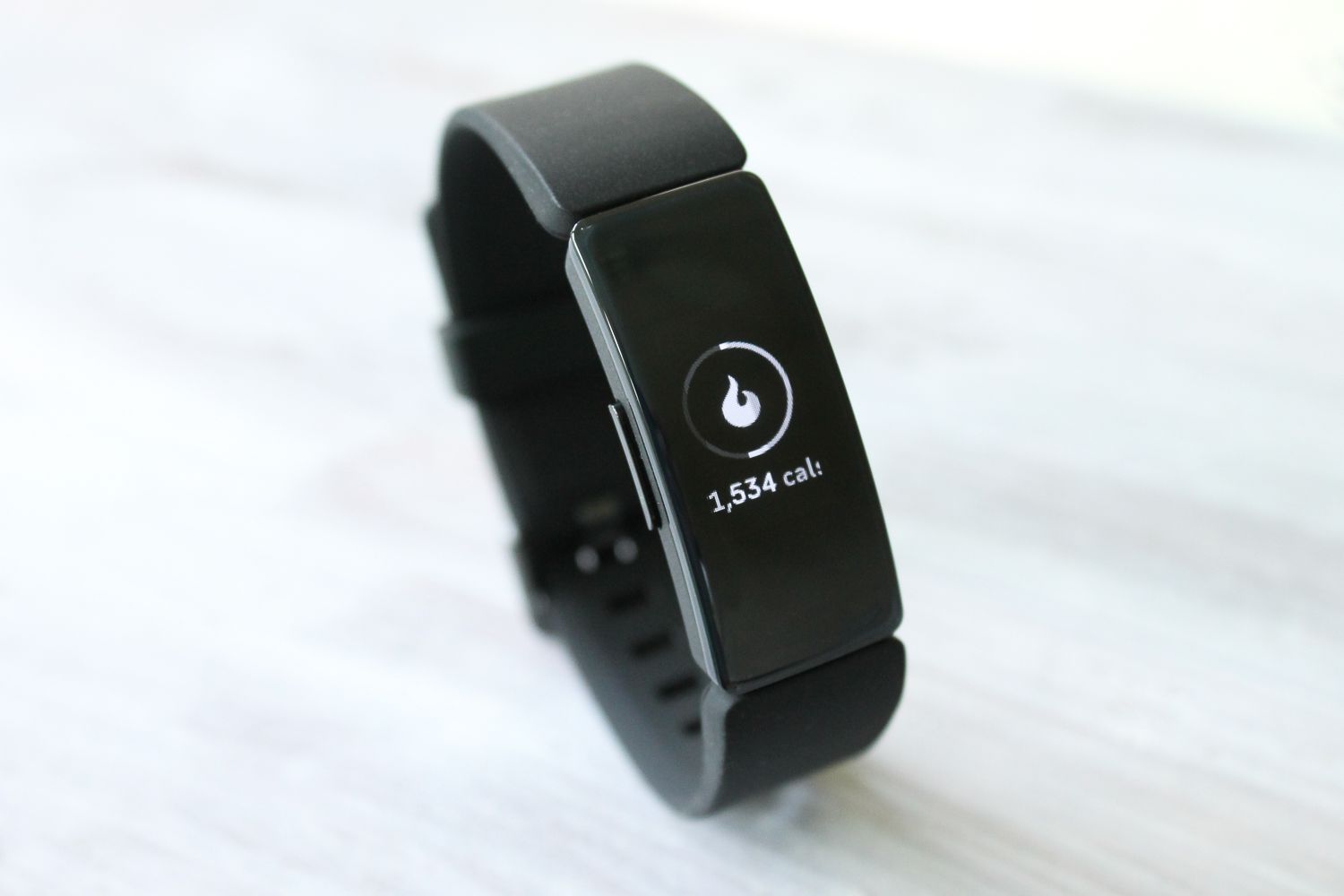
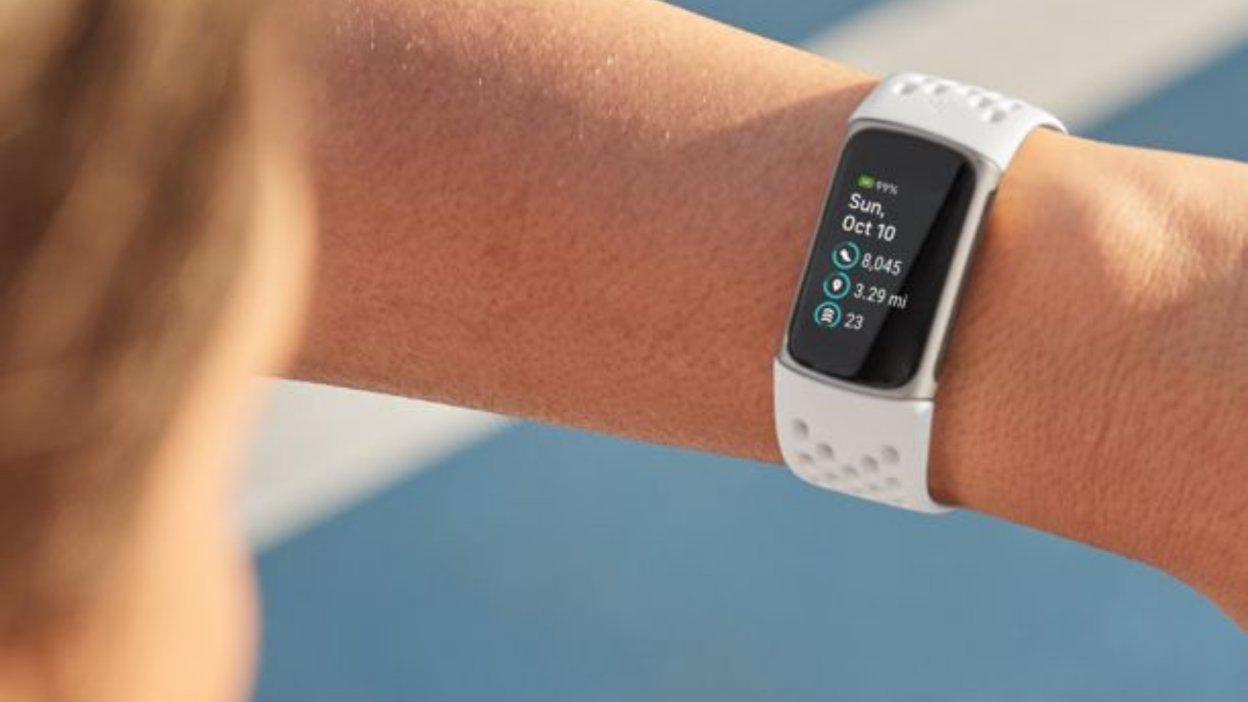
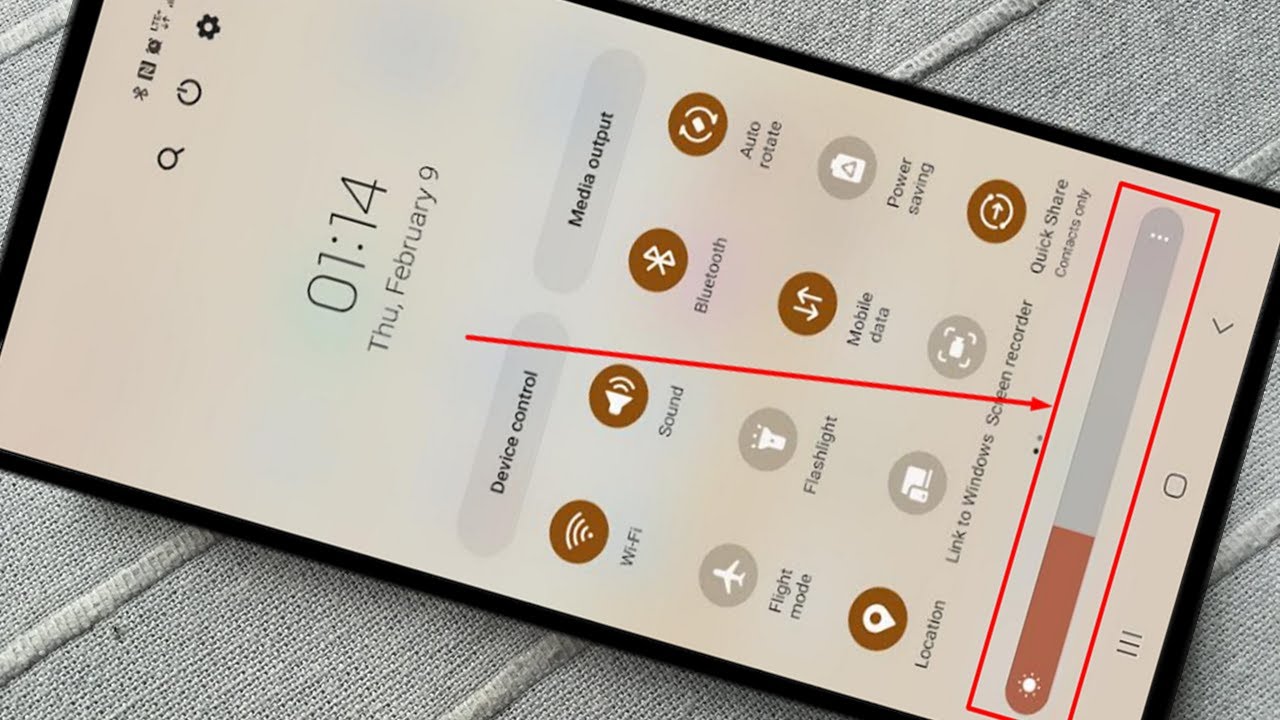
The articles here solve practical problems grouped around two main themes: understanding display specifications and adjusting screen brightness. For the first theme, you can learn exactly what a display’s resolution refers to and why it matters for clarity. For the second, the articles guide you through specific brightness fixes, such as how to brighten the screen on an Android phone or how to increase brightness on a Fitbit Inspire 2. They also help you troubleshoot why the light on your Fitbit might be dim in the first place, and show you how to brighten your Fitbit screen overall.
These articles help the reader take immediate action, whether that means navigating a phone’s settings menu, diagnosing a wearable’s display issue, or simply understanding the basic specs of their device’s screen.