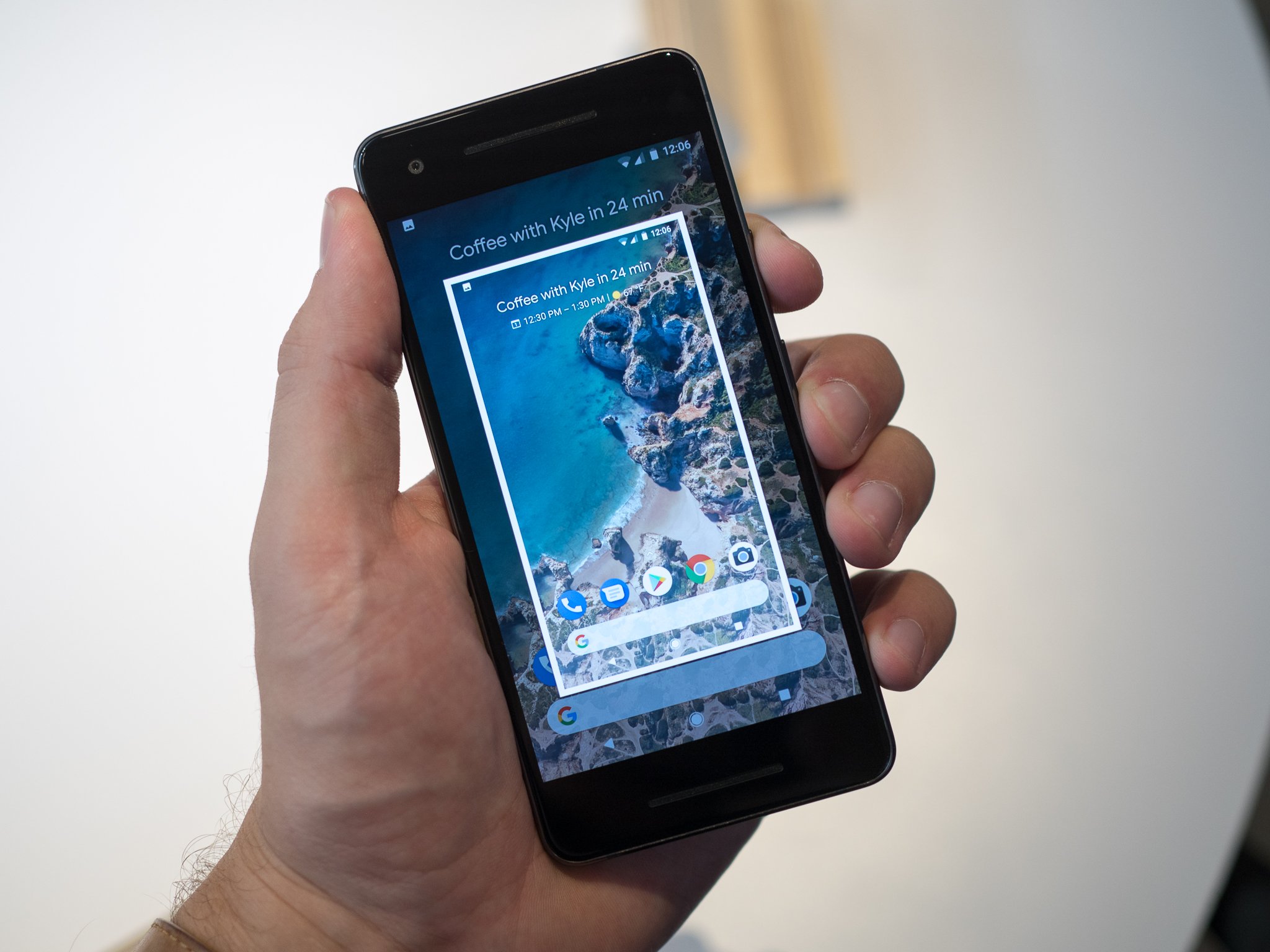
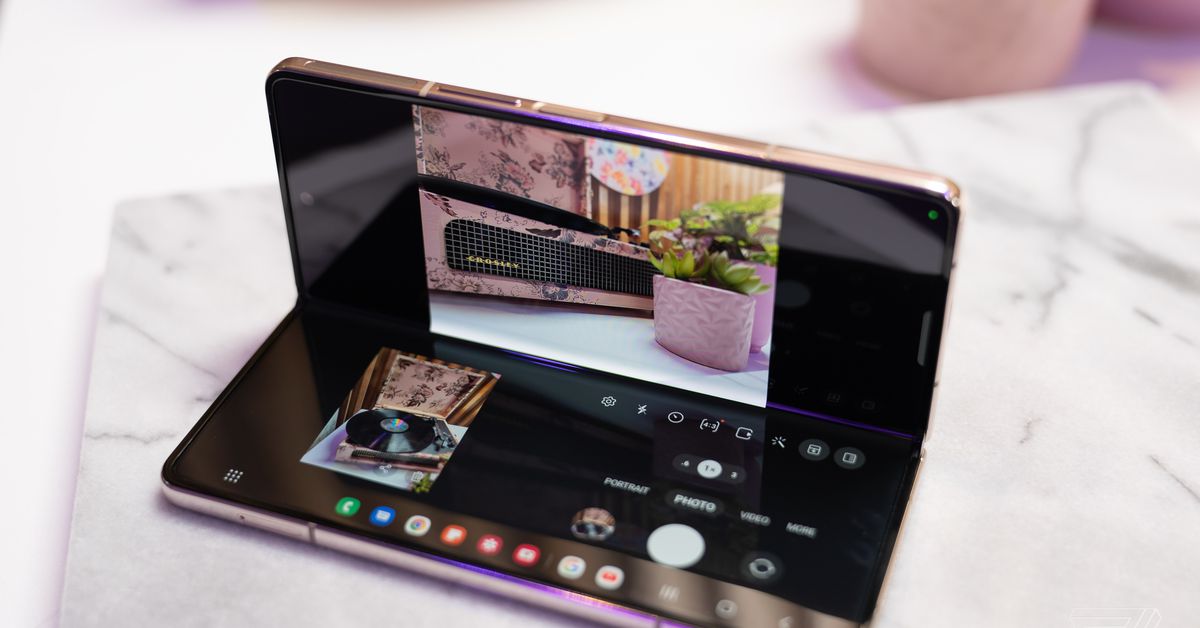
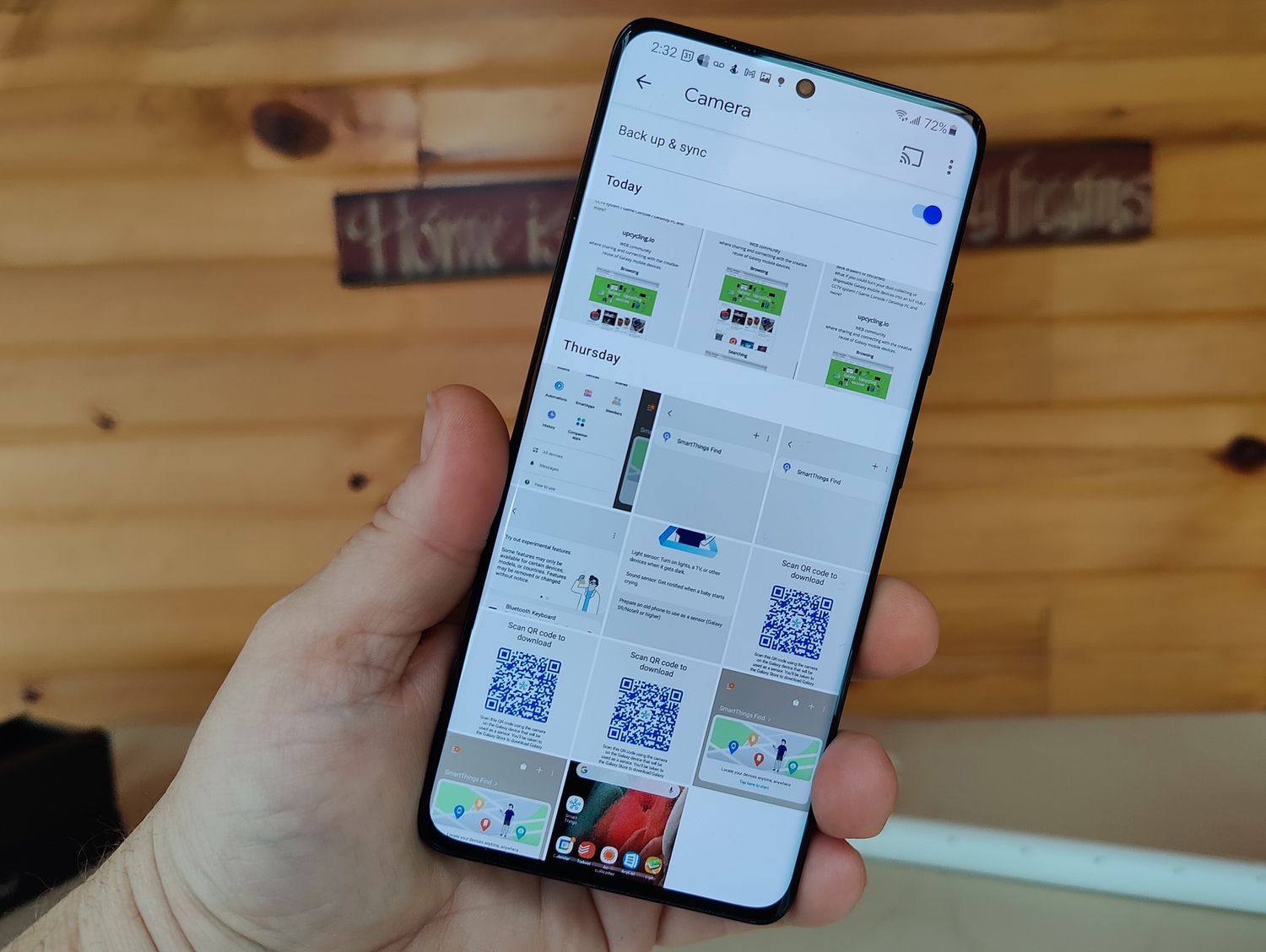
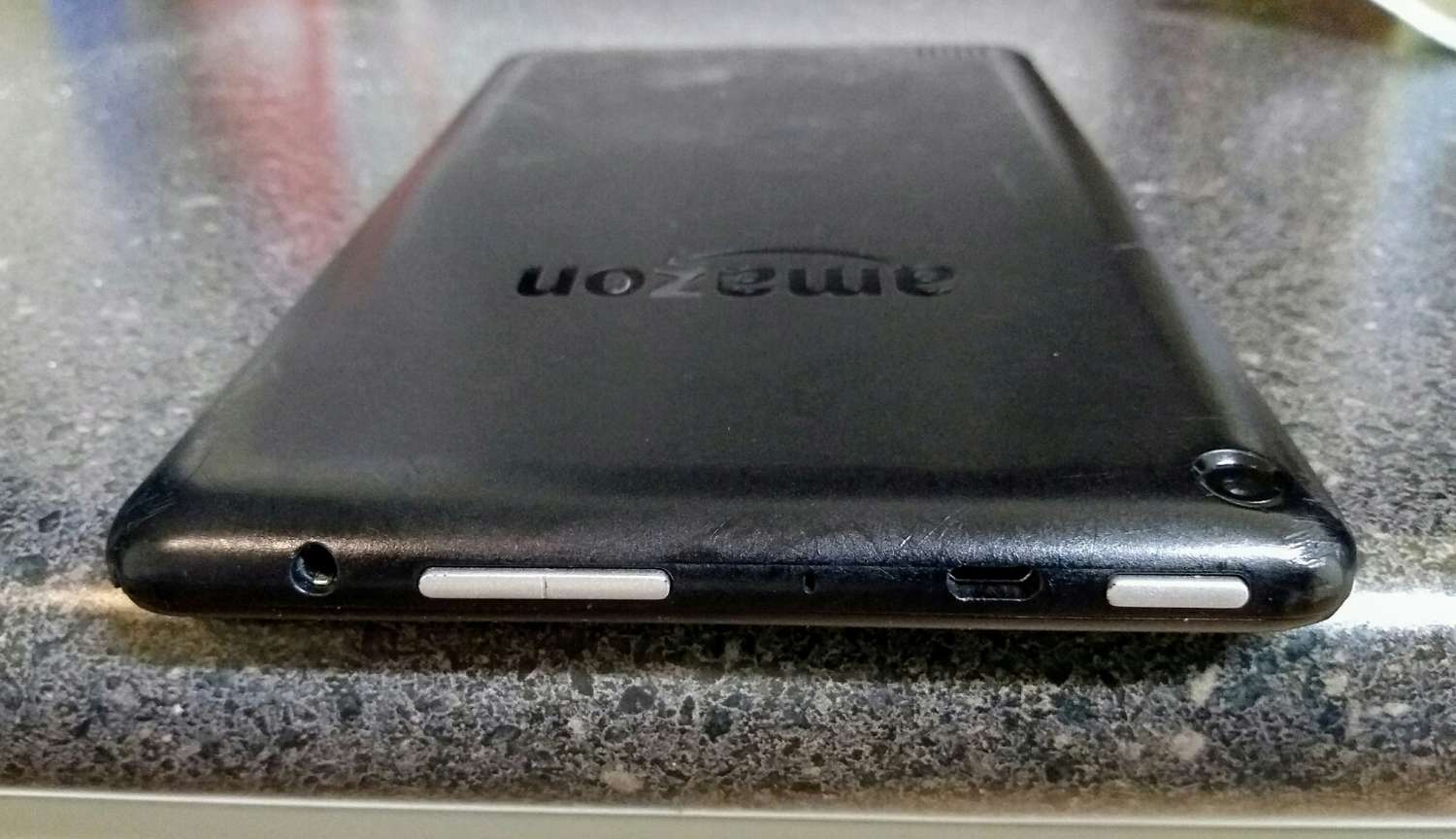
This tag collects guides and how-tos focused on capturing, saving, and transferring screenshots across a wide range of devices. It is designed for anyone who needs practical, step-by-step instructions for taking screen captures on their phone, tablet, or even their gaming console, as well as for moving those images between devices. Whether you are a long-time Android user or just picked up a new Kindle Fire, these articles address the common question of how to actually grab what is on your screen.
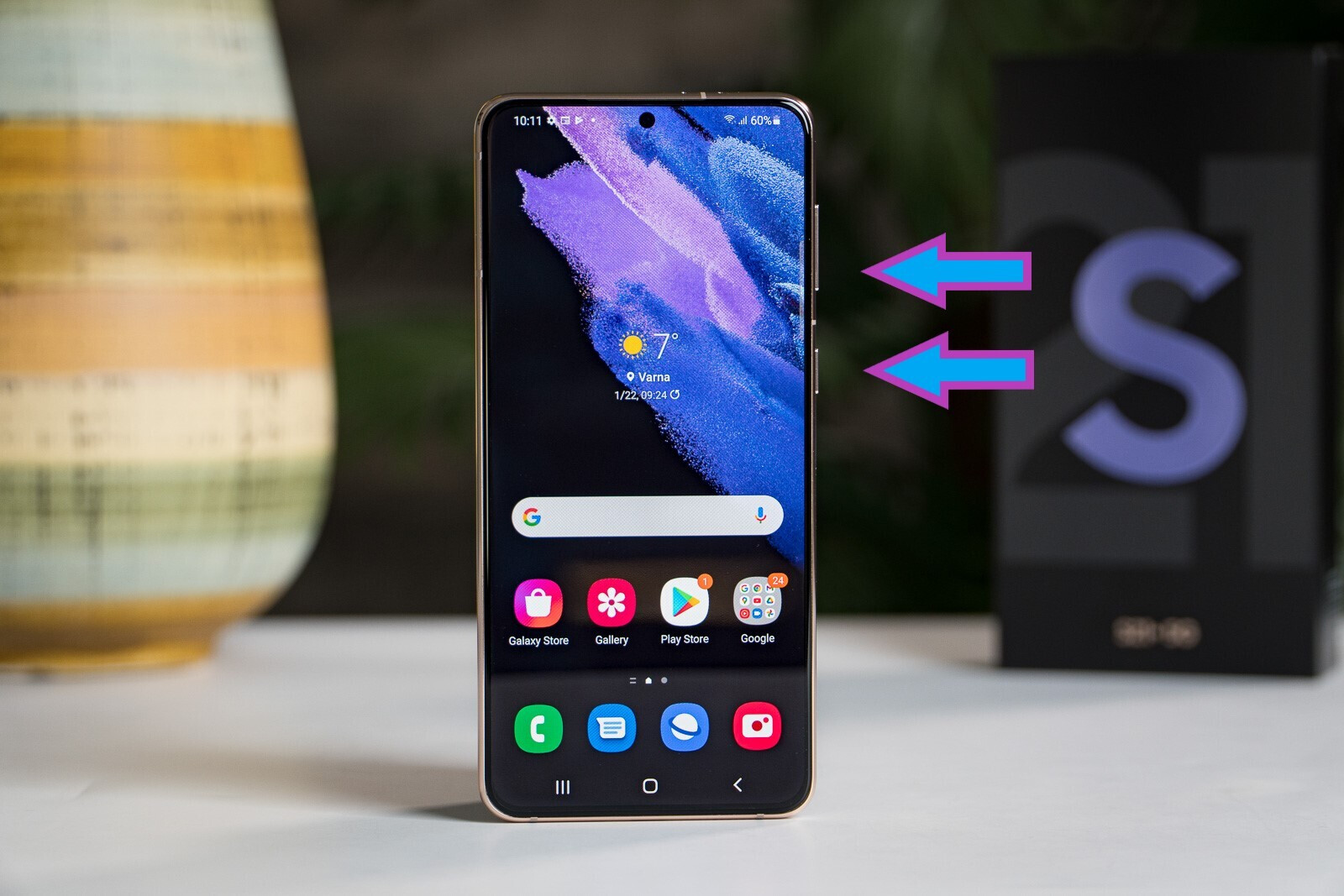
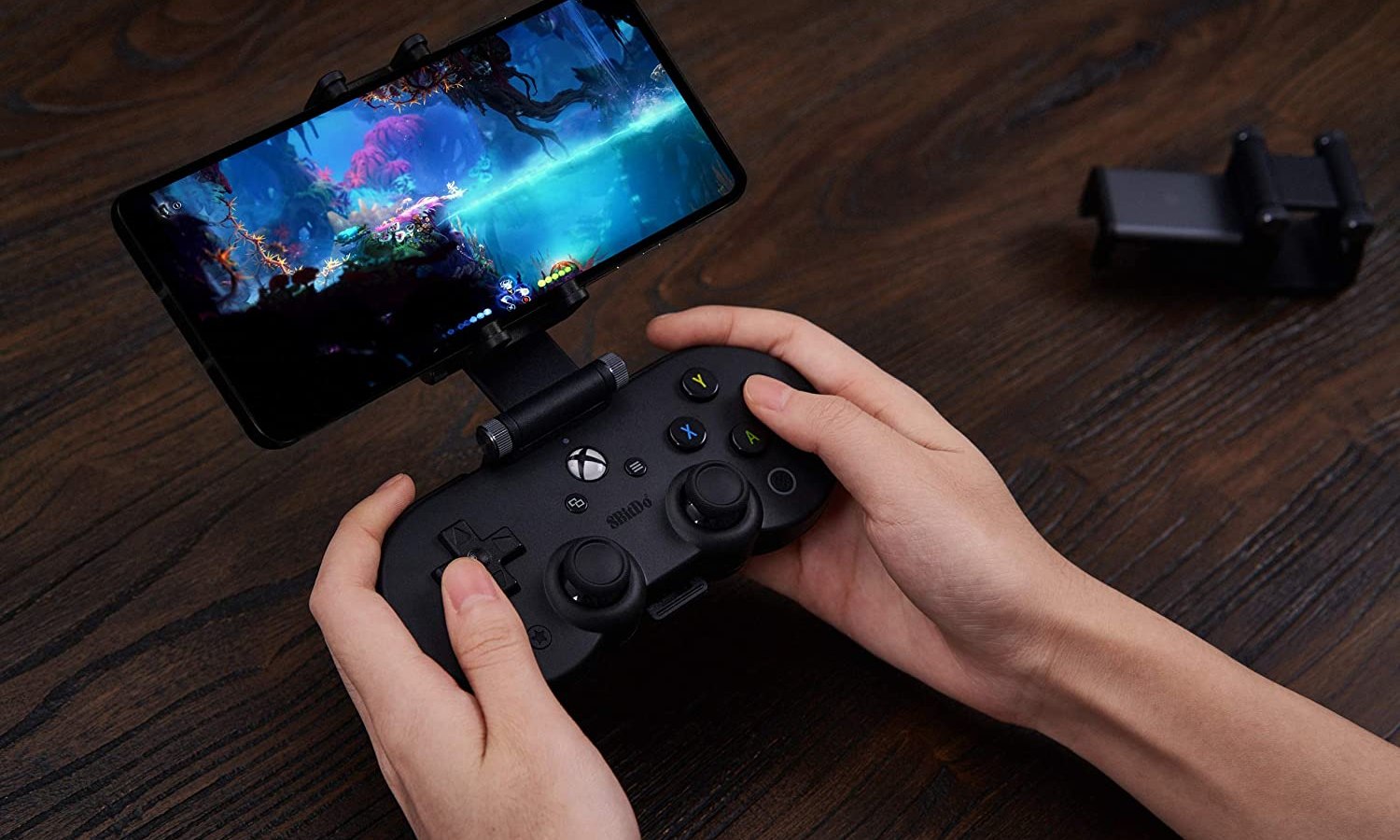
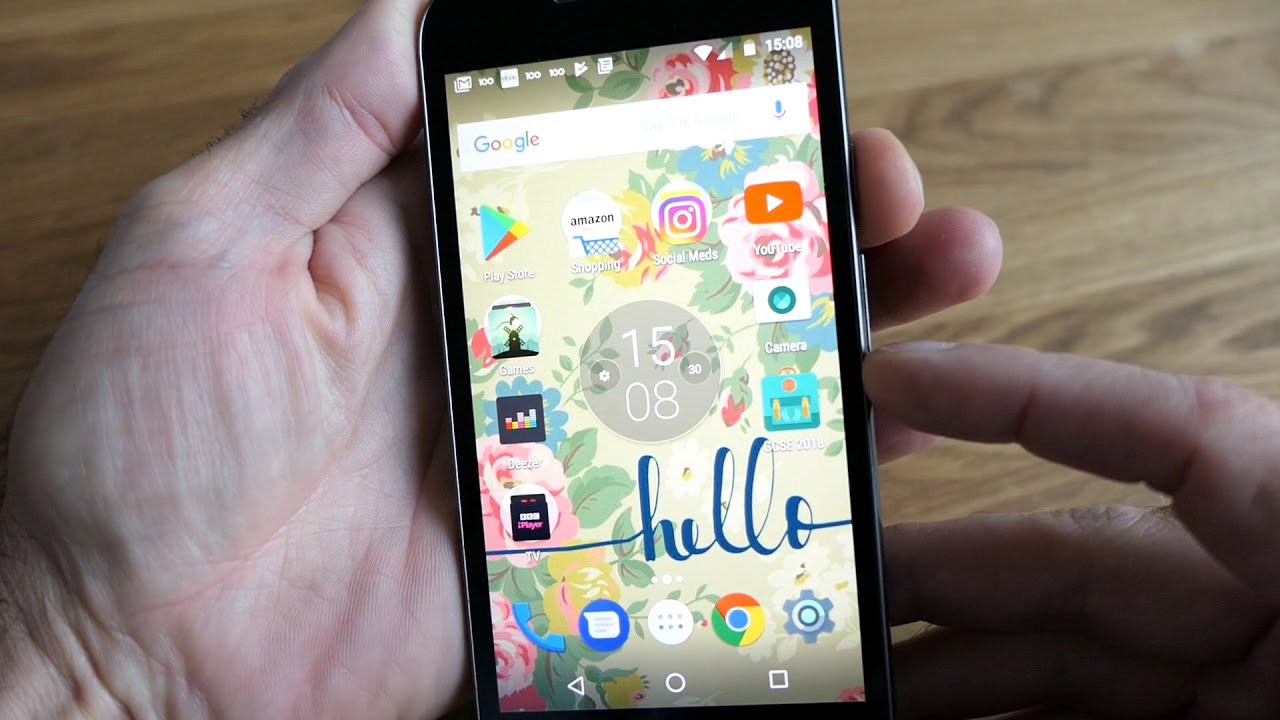
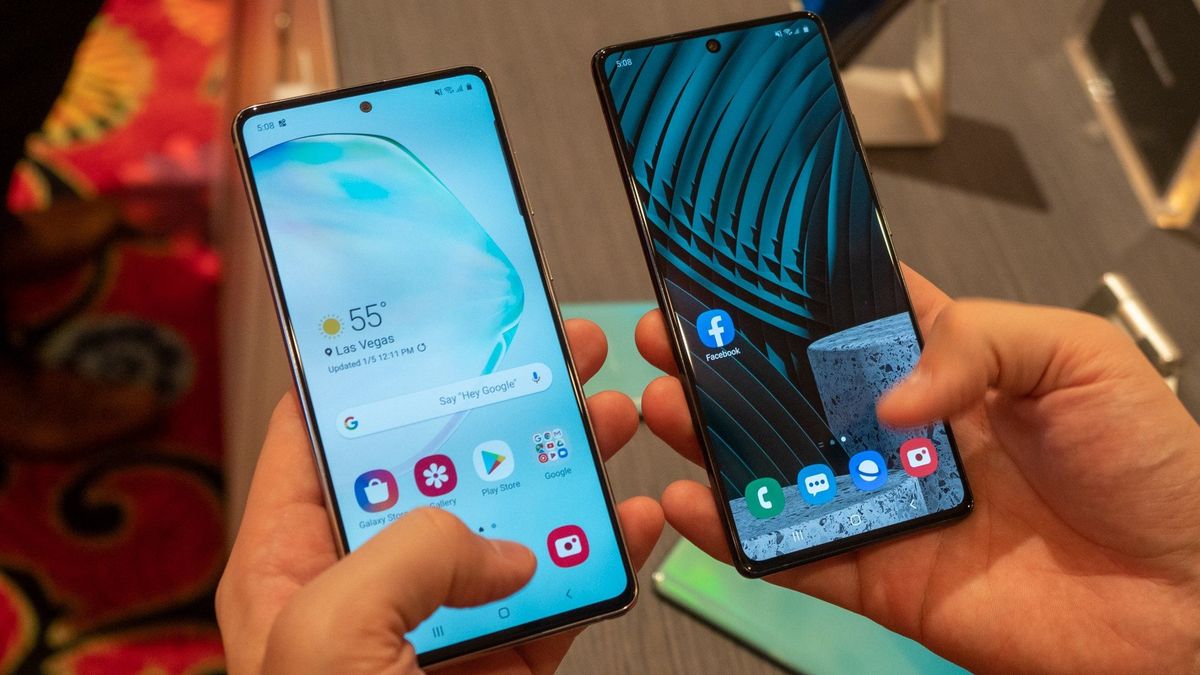
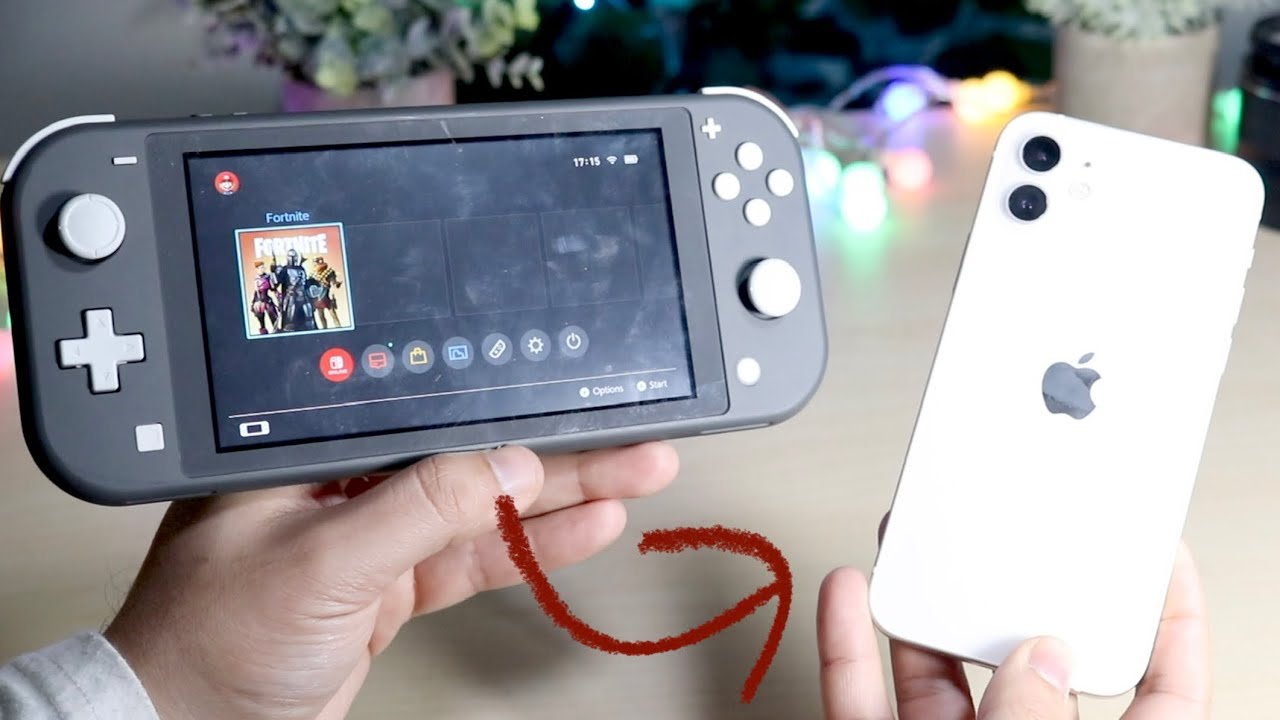
The articles here solve two main kinds of problems. One group helps you locate and use the screenshot function on specific hardware, such as the Galaxy S21, the Samsung Galaxy Z Flip, or a Motorola Android phone. Another group tackles the challenge of moving screenshots between different ecosystems, like sending pictures from a Nintendo Switch to your phone or accessing your PS4 screenshots on your mobile device. You will also find guidance on saving content from apps, such as how to save Snapchat stickers to your phone.
For example, the articles explain how to use the Print Screen key on a keyboard, how to take a screenshot on a Google Phone, and the exact steps for capturing your screen on any Kindle Fire. The overall goal is to help the reader perform a specific action, whether that is pressing the right buttons on a Galaxy S21, figuring out the gesture on a Motorola, or transferring a game capture to their phone, without any guesswork.