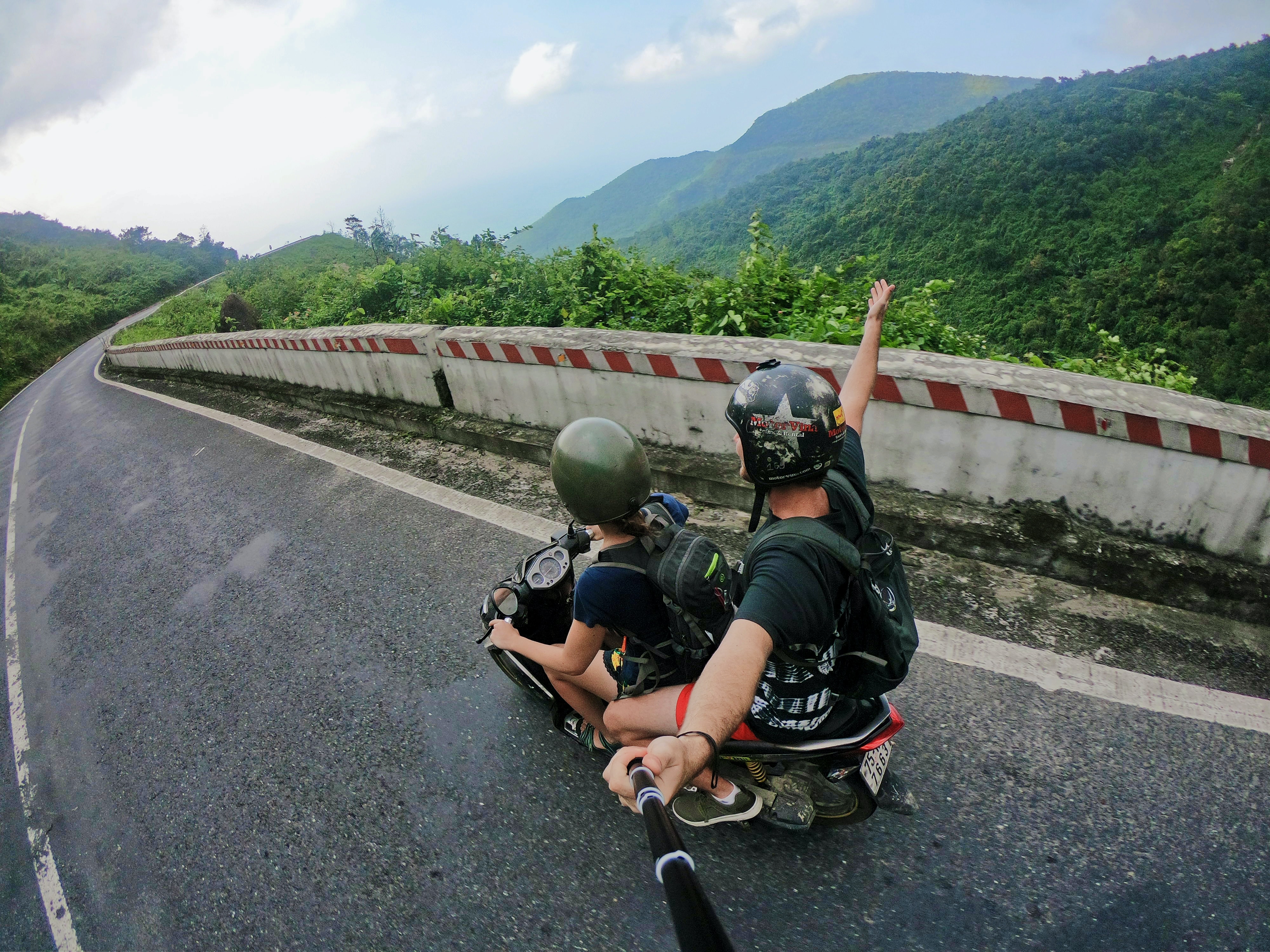
This tag collects all of CellularNews’s articles about selfie sticks, from basic setup to advanced mounting. It is written for anyone who owns or is thinking about buying a selfie stick and wants practical, step-by-step guidance for their specific phone or accessory.
The articles solve two main kinds of problems. First, they cover the initial connection and pairing process for different brands. If you have an Atumtek or Yunteng selfie stick, for instance, you will find dedicated guides on how to connect them to your phone. Second, the collection addresses how to actually use the stick in different scenarios, including where to buy one in stores and how to mount a GoPro to a selfie stick for action shots. The articles help you get your equipment working from the moment you open the box, whether you are troubleshooting a Bluetooth pairing issue or figuring out the correct mounting adapter for your camera.
To mount a GoPro to a selfie stick, use the camera's built-in mounting feet or the 1/4-20 standard tripod screw found on the HERO12 Black. How to mount a GoPro...
You can buy a selfie stick in stores today by heading to the electronics aisle at Best Buy, the mobile accessories section at Target, or the camera department at B&H...
To connect a Yunteng selfie stick, you pair its Bluetooth remote with your phone. The process is the same whether you want to use a selfie stick for solo travel...
To connect an ATUMTEK selfie stick, extend and lock the telescopic pole, turn on the Bluetooth remote, then pair your phone to the remote named “ATUMTEK” from your phone’s Bluetooth...
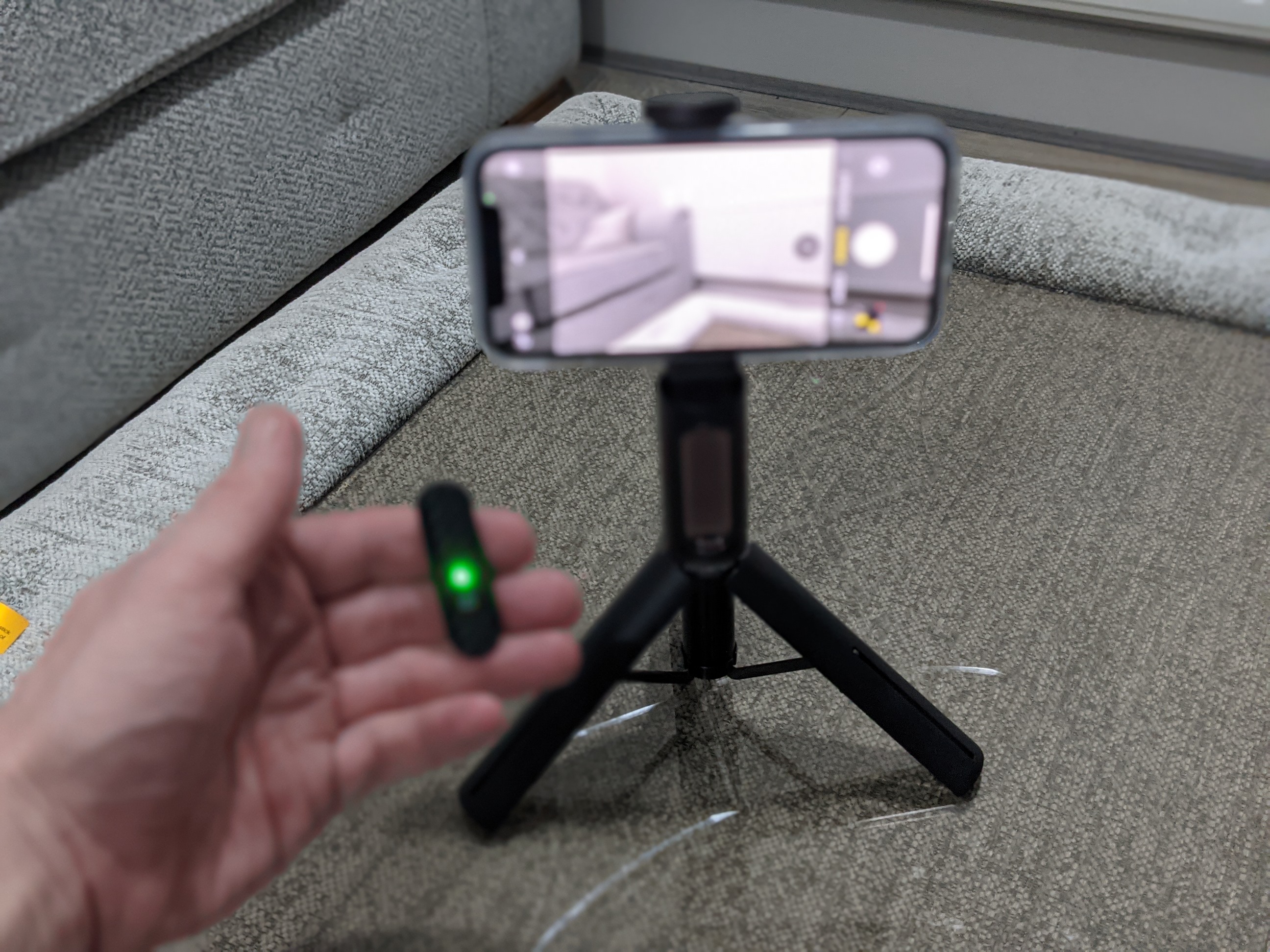
To pair a selfie stick, you must first put the stick into discovery mode, usually by pressing and holding its Bluetooth button until a light flashes, then connect it through...
Understand how to use a selfie stick Learning how to use a selfie stick starts with a clear definition: it is simply a handheld extension that holds your phone farther...