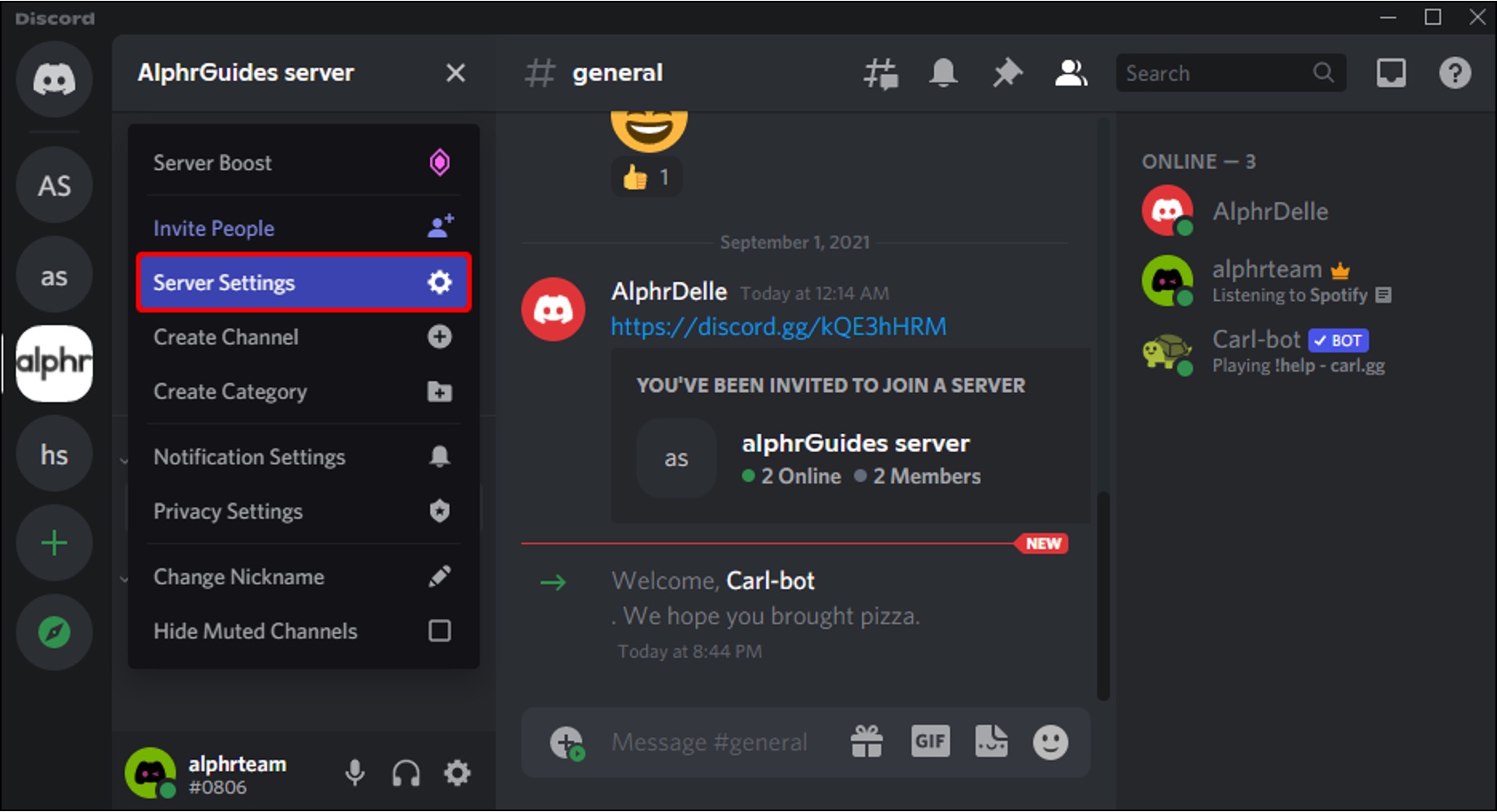
Managing and customizing Discord communities directly from a mobile phone. This section is for anyone who runs or helps moderate a Discord server and needs clear, step-by-step instructions for tasks they would typically perform on a desktop. The articles here assume you are working within the Discord mobile app and address the specific interface limitations and workflows that come with it.
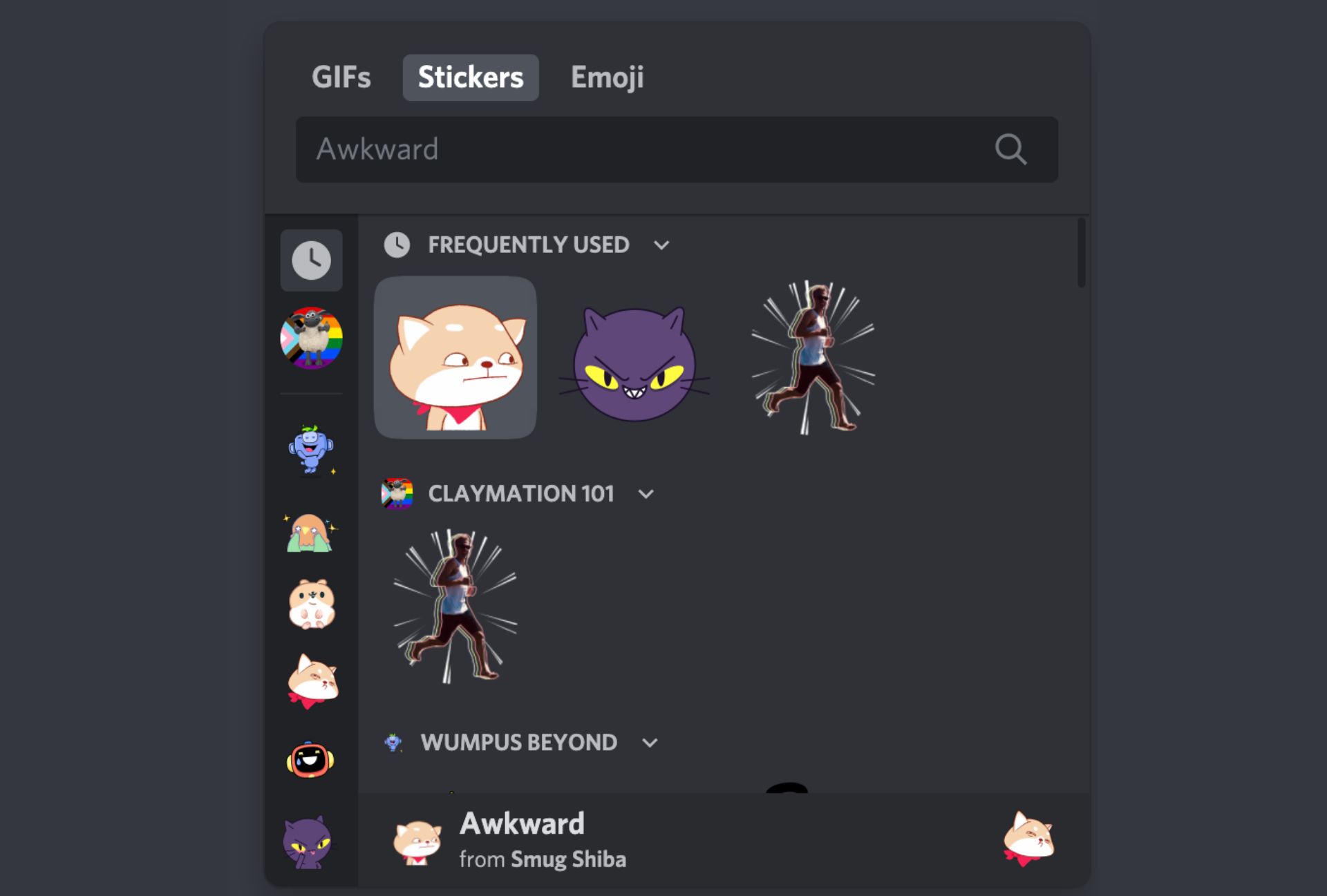
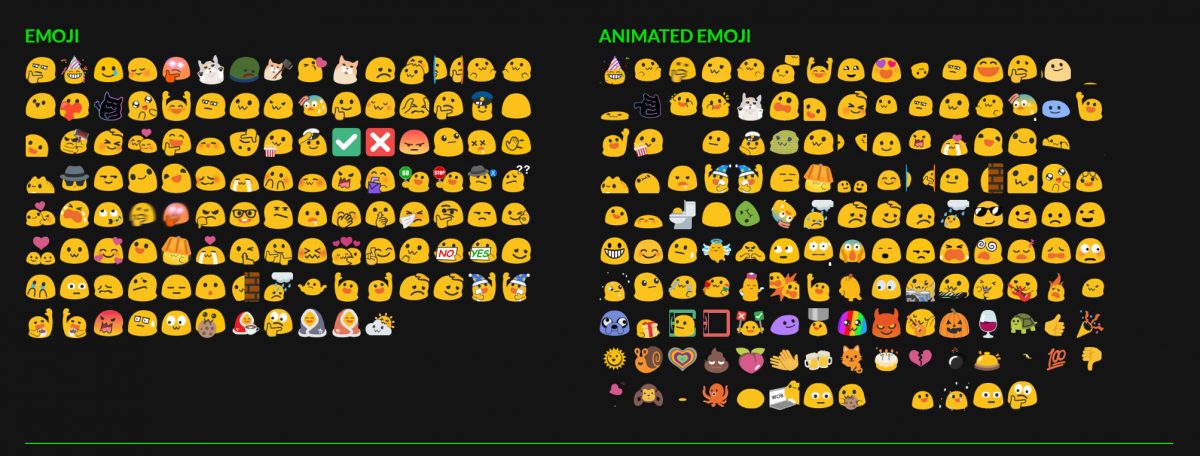
Several of the articles solve problems related to server organization and visual customization. For example, you can learn how to move a category in Discord mobile to rearrange your channel list, or how to make a rules channel to establish clear guidelines for your members. Other guides focus on adding personality and engagement, such as the step-by-step guide for making Discord emojis and stickers directly on your phone. A few of the listed topics also cover essential permission and role management, including how to make someone an admin on Discord mobile and how to create reaction roles to let members self-assign access.
These guides help the reader perform specific, actionable tasks like inviting someone to a Discord server on mobile, setting up automated role assignments, and creating custom visual assets without needing a computer. Each article is written to turn a potentially confusing mobile-only process into a straightforward series of taps and settings adjustments.