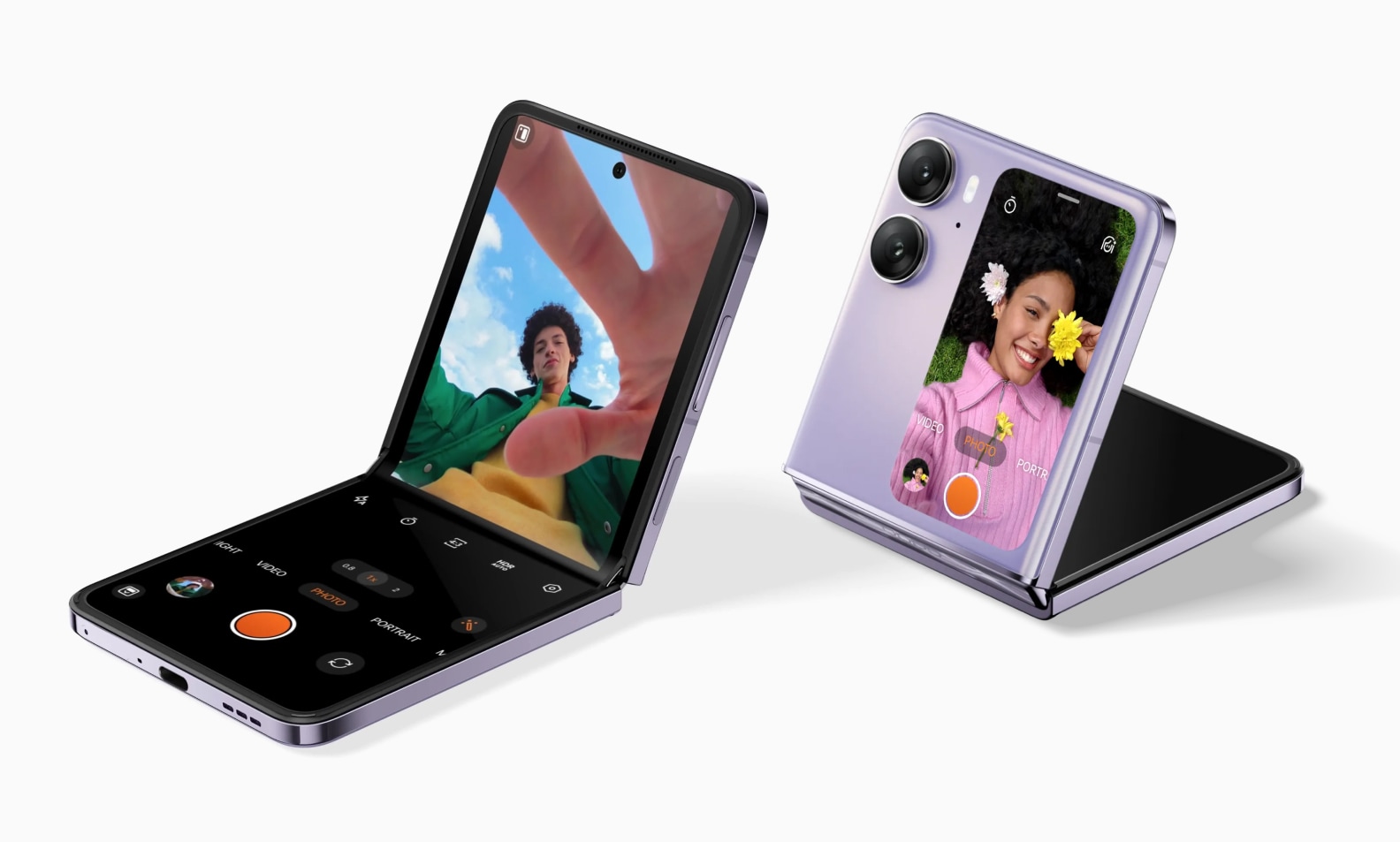
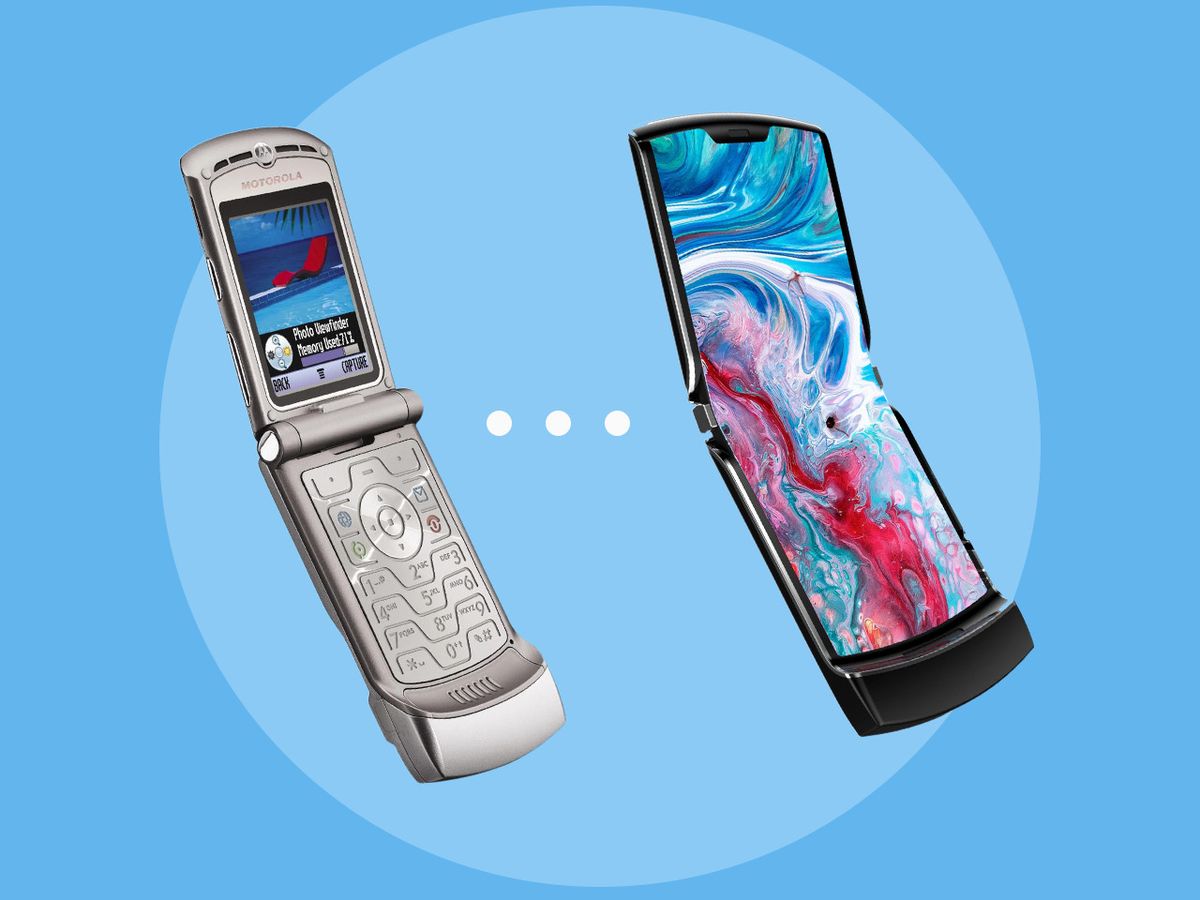
Straightforward, step-by-step guides for getting your devices and services ready to use. Whether you are unboxing a new phone, connecting a smart accessory, or configuring home networking gear, this section is built for anyone who prefers clear instructions over trial and error. The articles here are aimed at everyday users, not just tech enthusiasts, who want to get their hardware working without fuss.
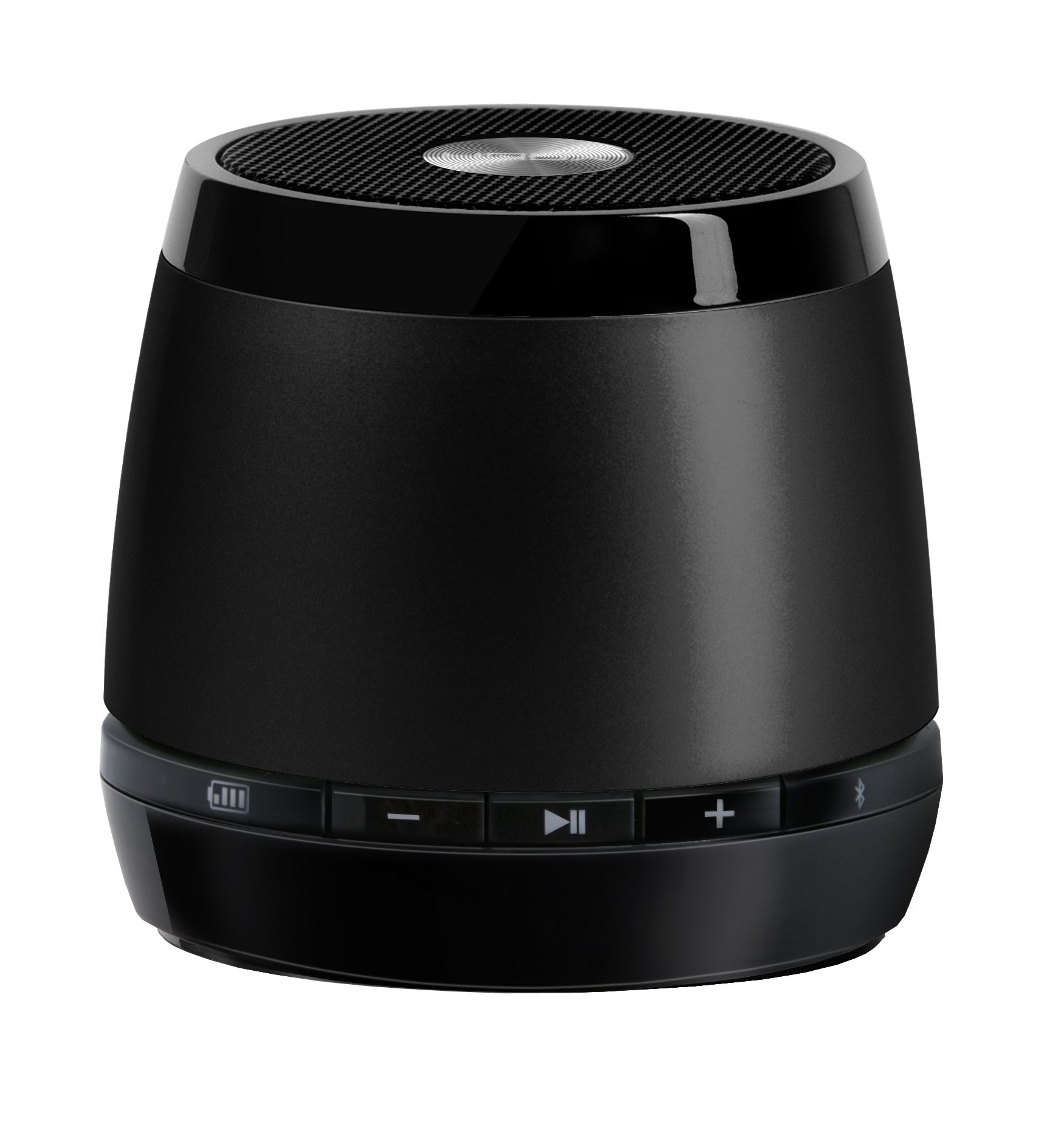
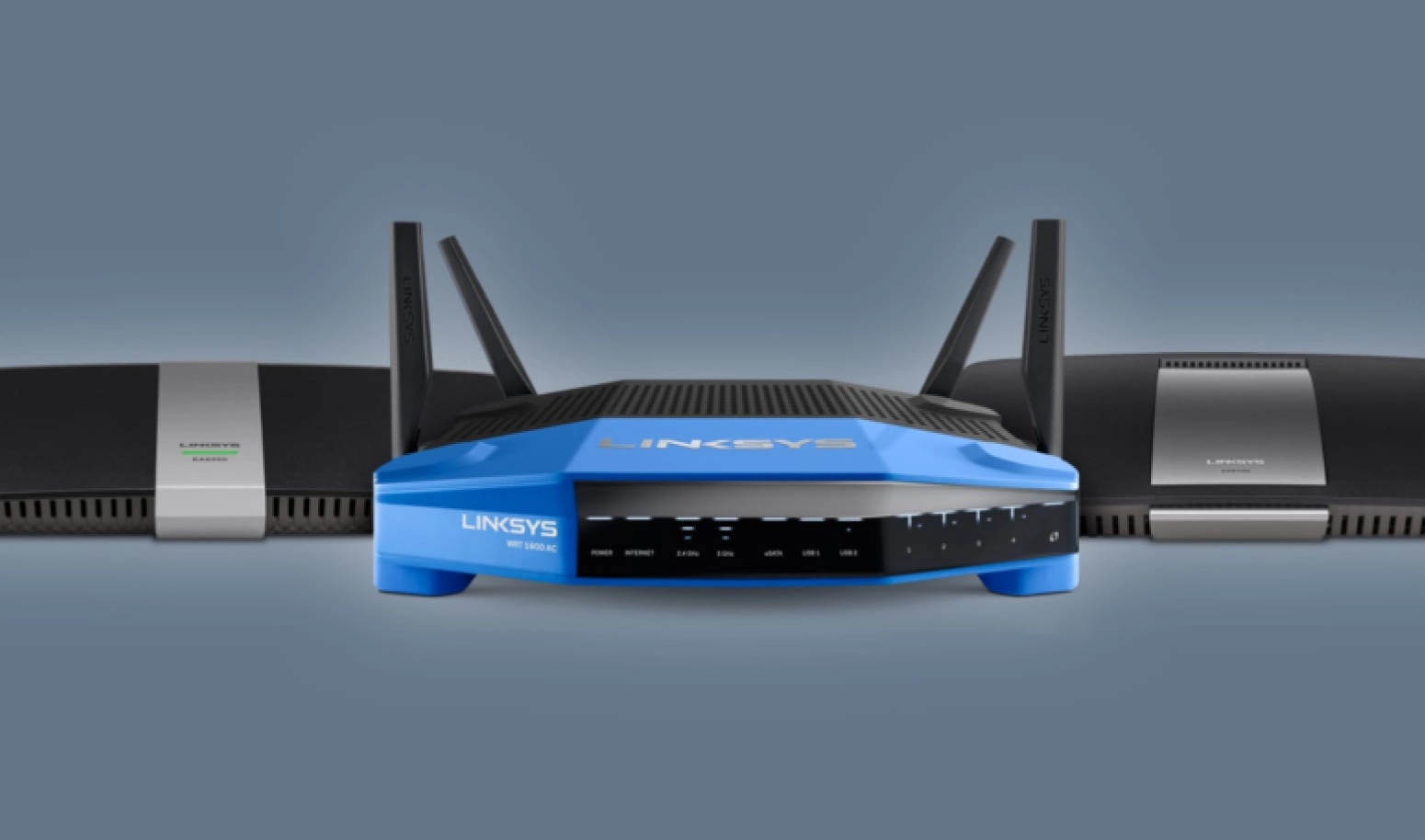
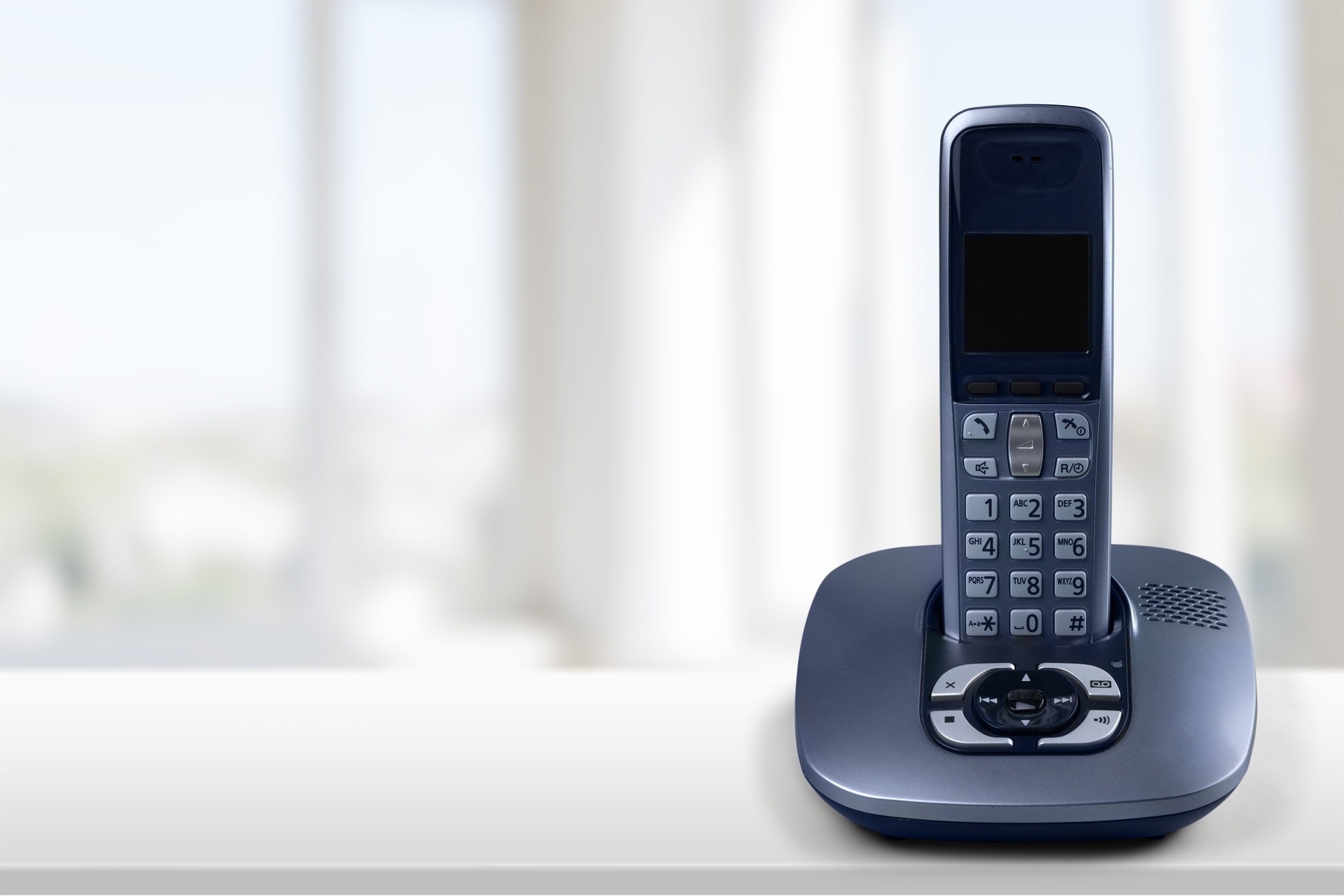
The topics fall into a few practical themes. One major group focuses on activating and configuring phones and home communication devices, such as turning on a flip phone, setting up a Straight Talk Home Phone, or checking voicemail on an Xfinity Home Phone. Another theme centers on wearable fitness trackers, with guides for powering on a Fitbit Charge 4, connecting a Fitbit Scale to new WiFi, and even setting up Alexa on a Fitbit. A third theme covers general connectivity and device pairing, including how to connect a Linksys Wireless Router or set up an Hmdx Jam Wireless Speaker.
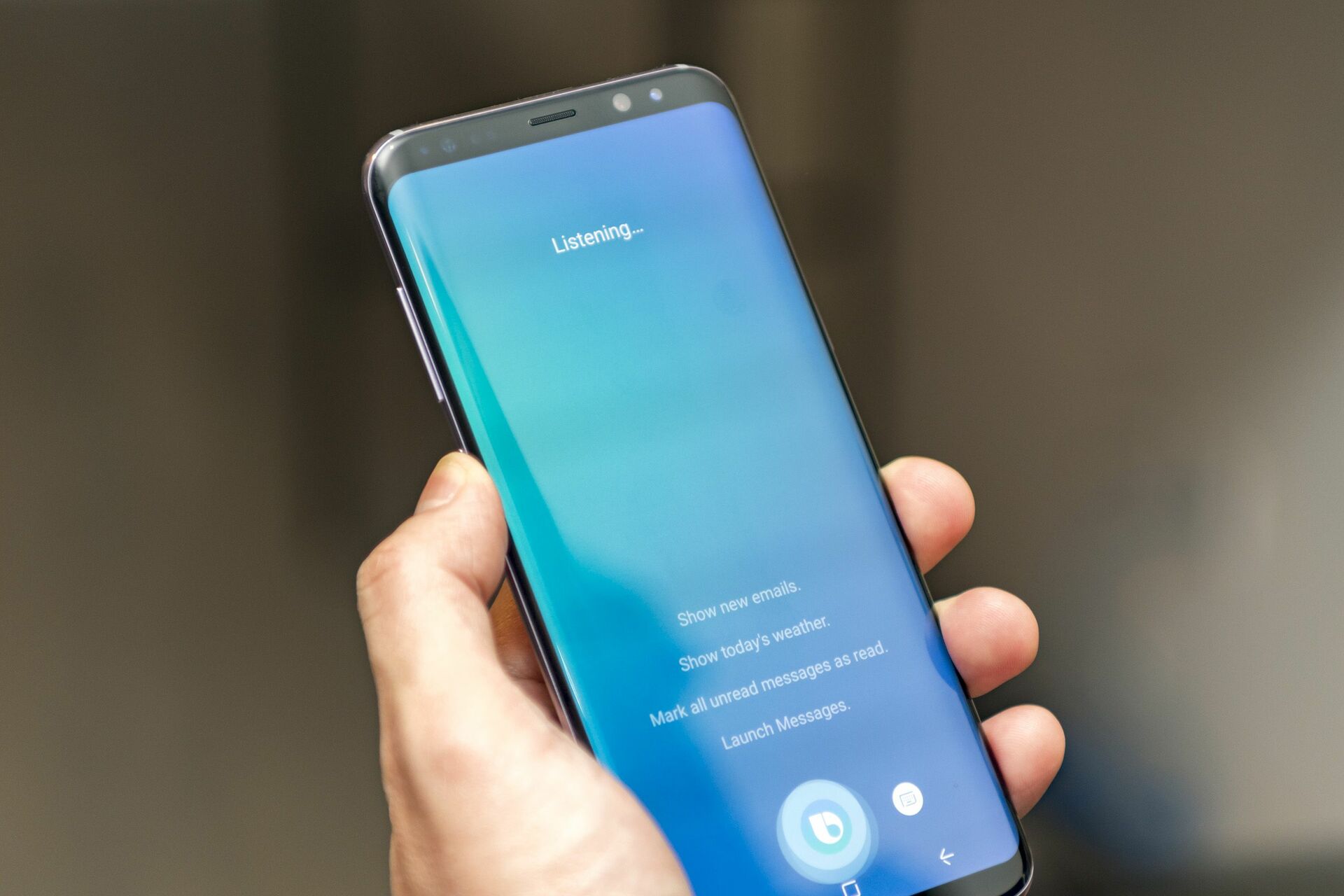
These articles help the reader perform specific actions: turn a device on for the first time, link it to a network, or integrate it with other smart tools. For example, you can learn how to get Bixby on your phone, set a new phone as your main Google Phone, or set up a T-Mobile Gateway. The collection also includes troubleshooting guidance for Fitbit devices and managing voicemail across different phone systems, ensuring you have support for common setup hiccups.