
Start here: setup

All topics →

The Setup tag collects straightforward, step-by-step guides for getting your devices and services ready to use. Whether you are unboxing a new phone, connecting a smart accessory, or configuring home networking gear, this section is built for anyone who prefers clear instructions over trial and error. The articles here are aimed at everyday users, not just tech enthusiasts, who want to get their hardware working without fuss.

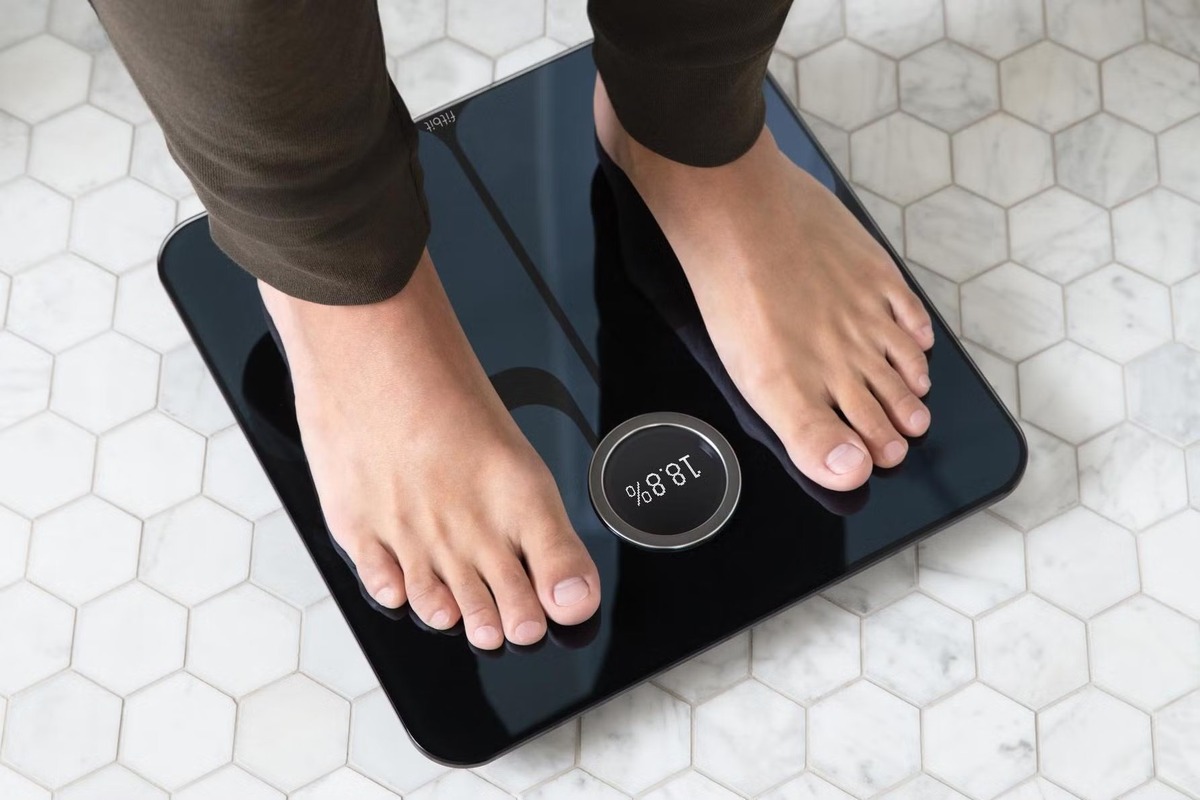
The topics fall into a few practical themes. One major group focuses on activating and configuring phones and home communication devices, such as turning on a flip phone, setting up a Straight Talk Home Phone, or checking voicemail on an Xfinity Home Phone. Another theme centers on wearable fitness trackers, with guides for powering on a Fitbit Charge 4, connecting a Fitbit Scale to new WiFi, and even setting up Alexa on a Fitbit. A third theme covers general connectivity and device pairing, including how to connect a Linksys Wireless Router or set up an Hmdx Jam Wireless Speaker.

These articles help the reader perform specific actions: turn a device on for the first time, link it to a network, or integrate it with other smart tools. For example, you can learn how to get Bixby on your phone, set a new phone as your main Google Phone, or set up a T-Mobile Gateway. The collection also includes troubleshooting guidance for Fitbit devices and managing voicemail across different phone systems, ensuring you have support for common setup hiccups.
Fitbit Troubleshooting

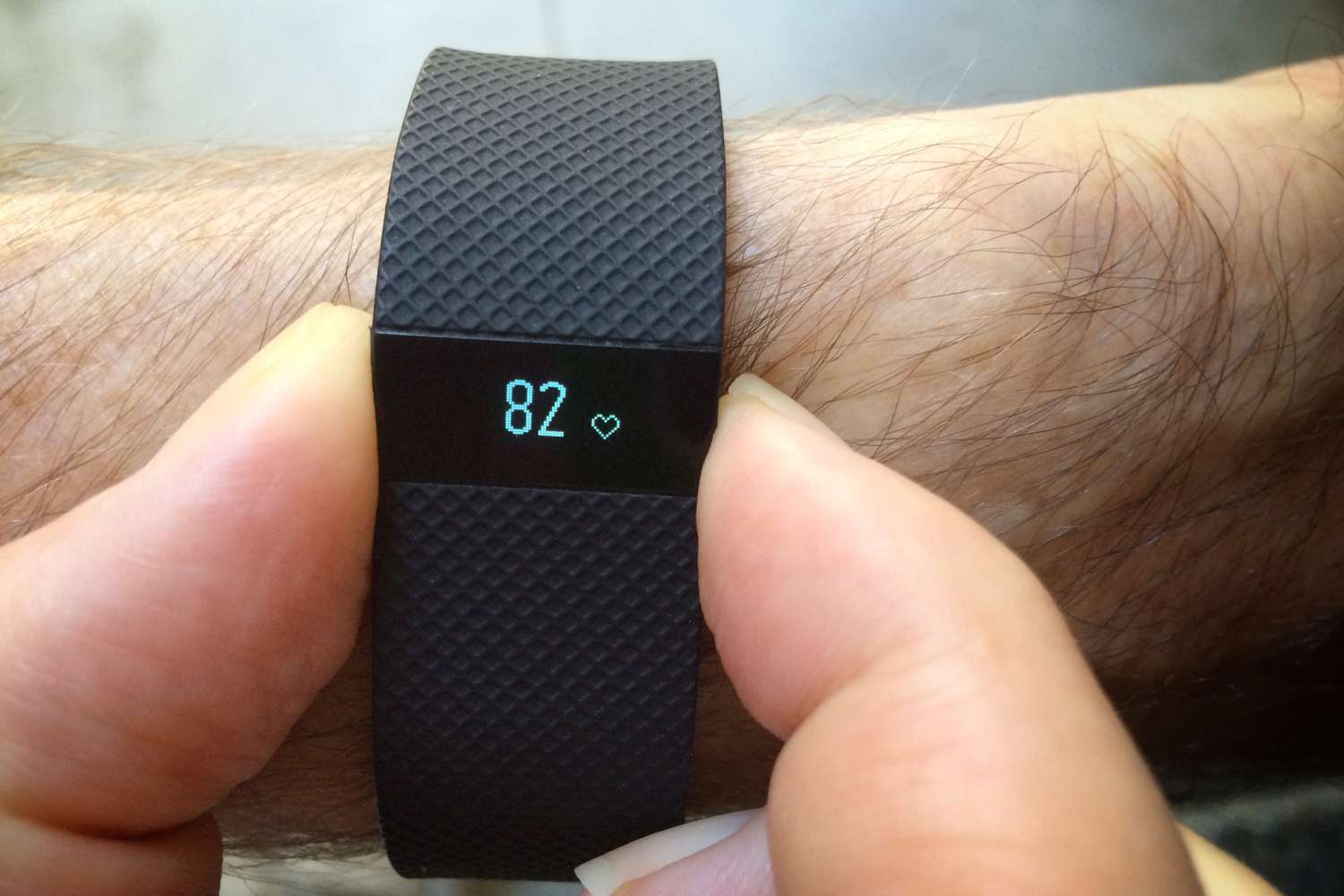
Fitbit troubleshooting: getting started and basic setup Getting the fundamentals right often prevents the Fitbit troubleshooting problems that send people searching for fixes later. A snug but comfortable fit keeps...

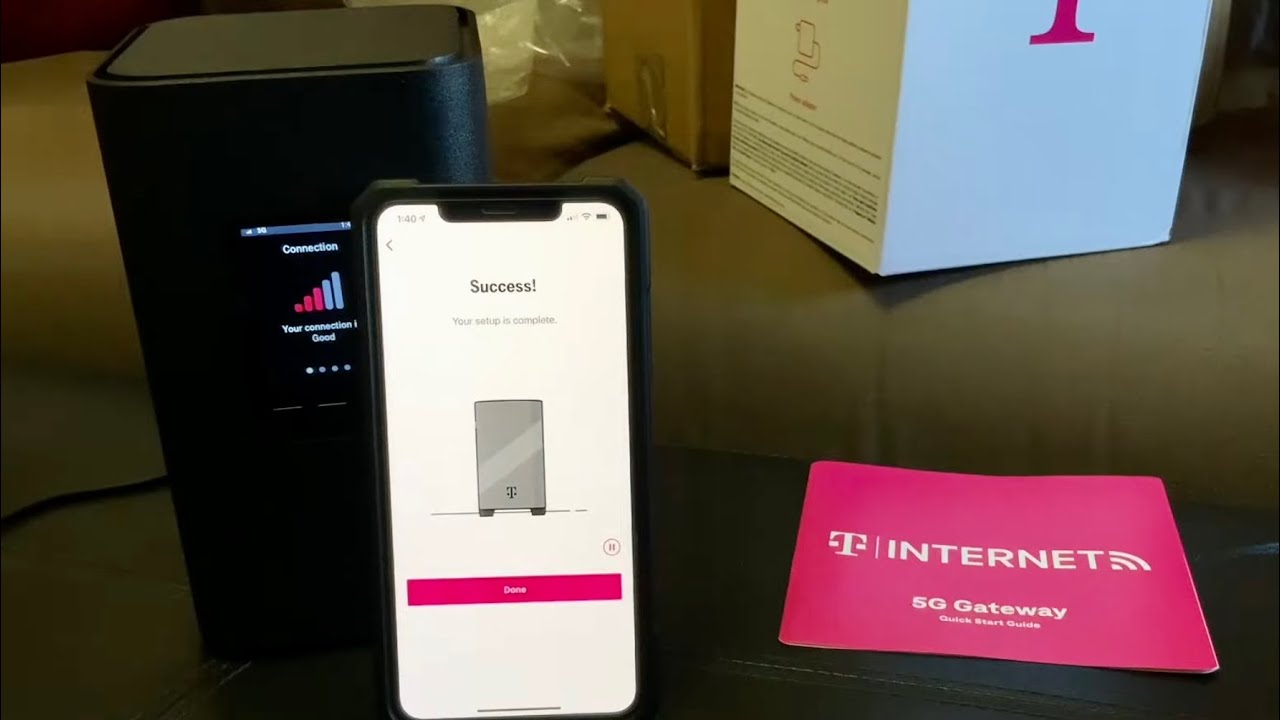
How To Set Up T-Mobile Gateway

To set up your T-Mobile Gateway, use the T-Life app for a quick, guided installation that finds the optimal location and connects your devices in minutes. The easiest and recommended...

How To Use Fitbit Inspire 3

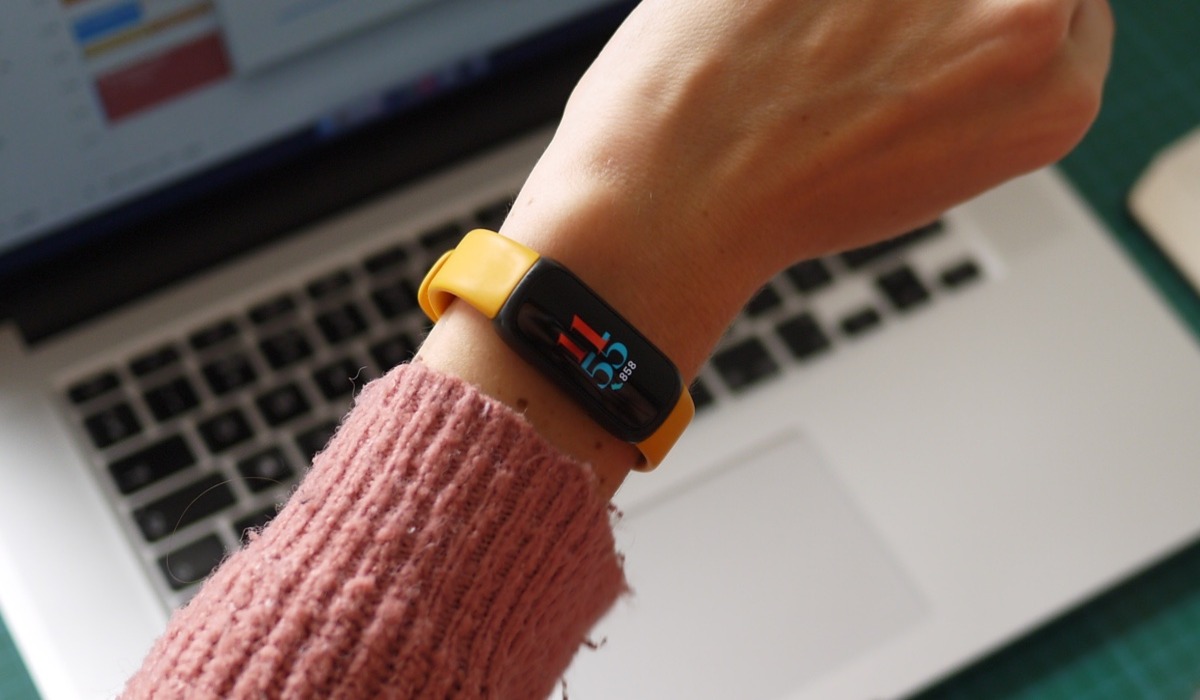
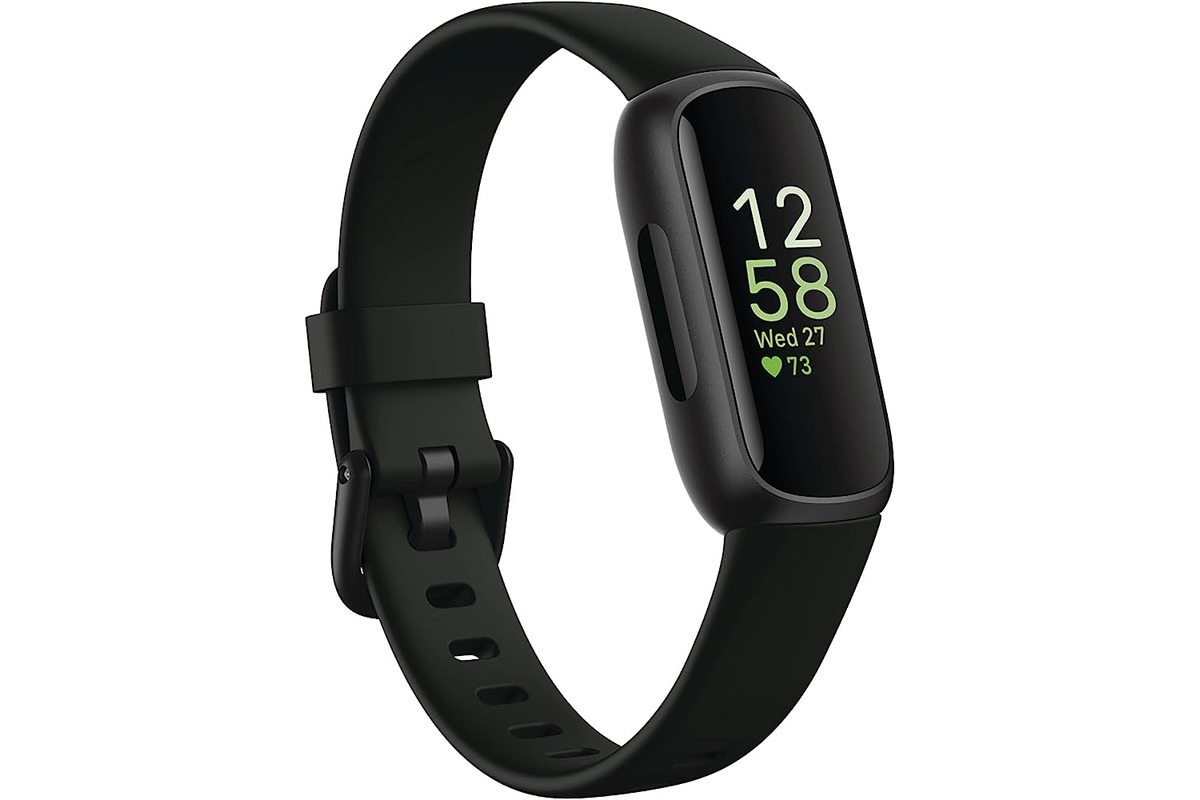
To use your Fitbit Inspire 3, you need a compatible phone and the Fitbit app to complete the Fitbit setup and pairing process. How to use Fitbit Inspire 3: what...

How To Set Up Alexa On Fitbit

To set up Alexa on Fitbit, open the Fitbit app and navigate to your watch's Voice Assistant setting, then select Amazon Alexa and sign in with your Amazon account. This...

How To Turn A Fitbit On

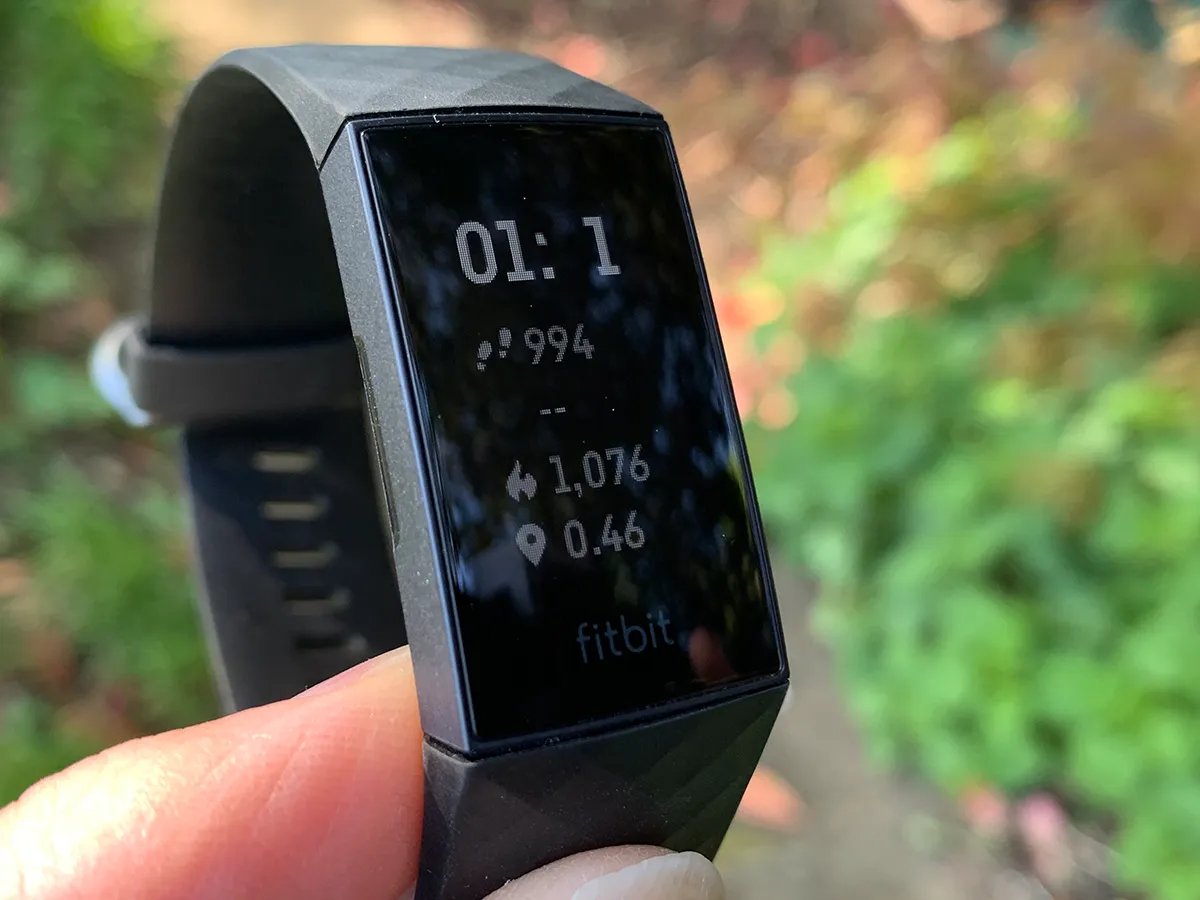
To turn a Fitbit on, the universal first step for any new or completely drained device is to connect it to its charging cable. Most Fitbit models will power on...

How To Set Up A Fitbit Versa 2

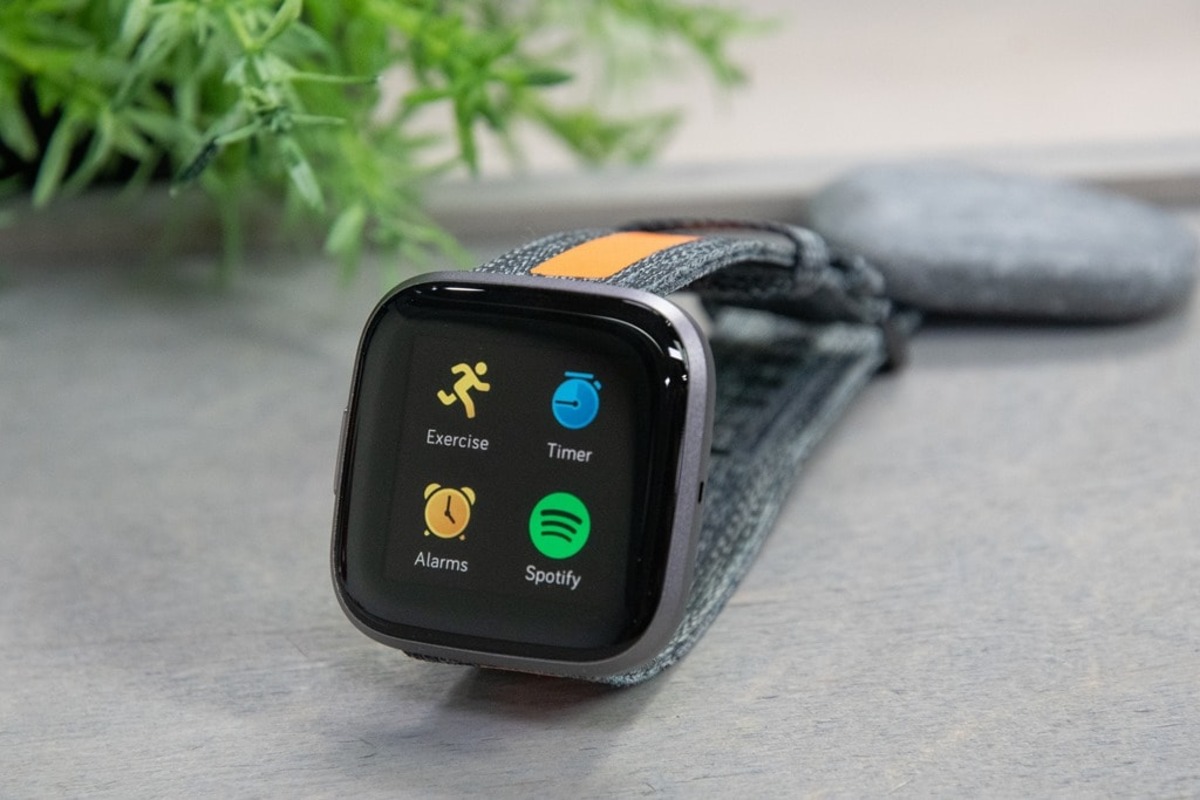
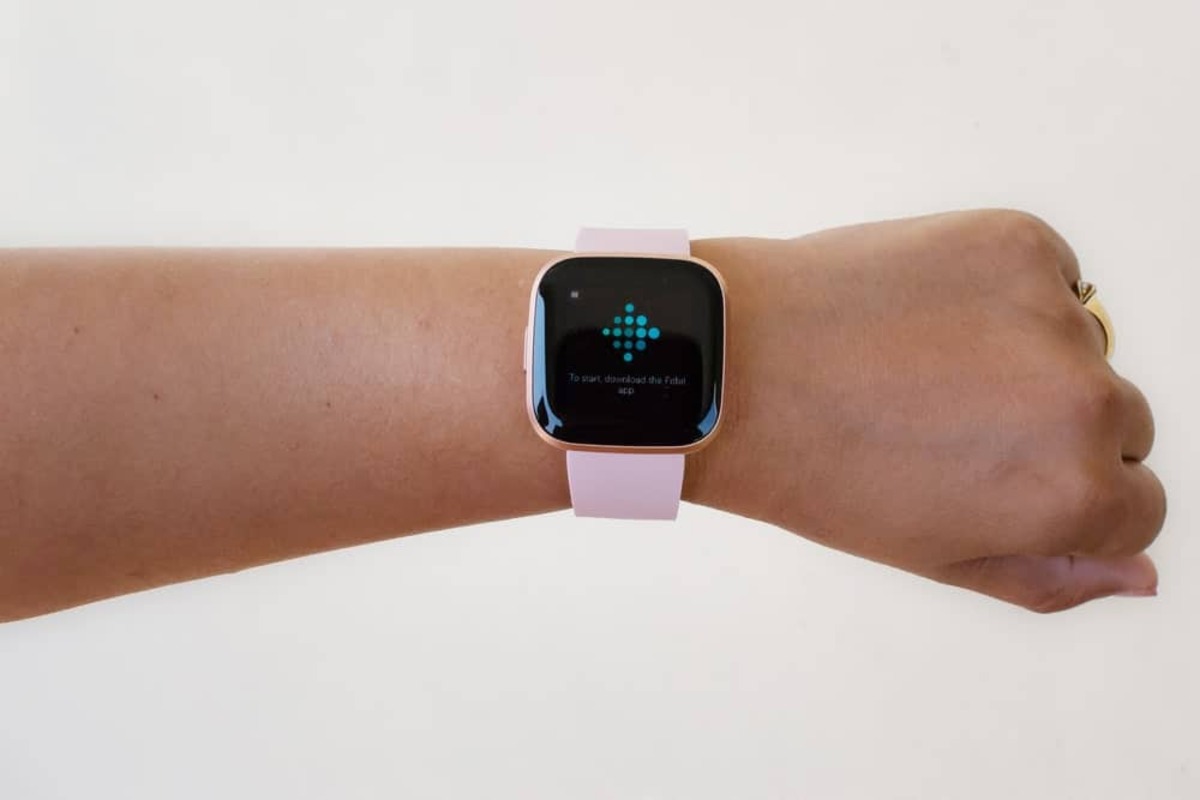
To set up Fitbit Versa 2, start by charging the watch fully, then download the Fitbit app and create or log into your account to begin the Fitbit setup and...

How To Turn On Fitbit Inspire 3

To turn on your Fitbit Inspire 3, the only documented step is to connect it to the charging cable. Once connected, the device powers on automatically, and you must continue...