Welcome to the Sound Settings tag on CellularNews. This page collects our guides on managing audio output and alerts for your mobile devices and connected accessories. It is designed for anyone who has struggled with a phone that is too quiet, a ringer that won't ring, or a headset that won't play sound.
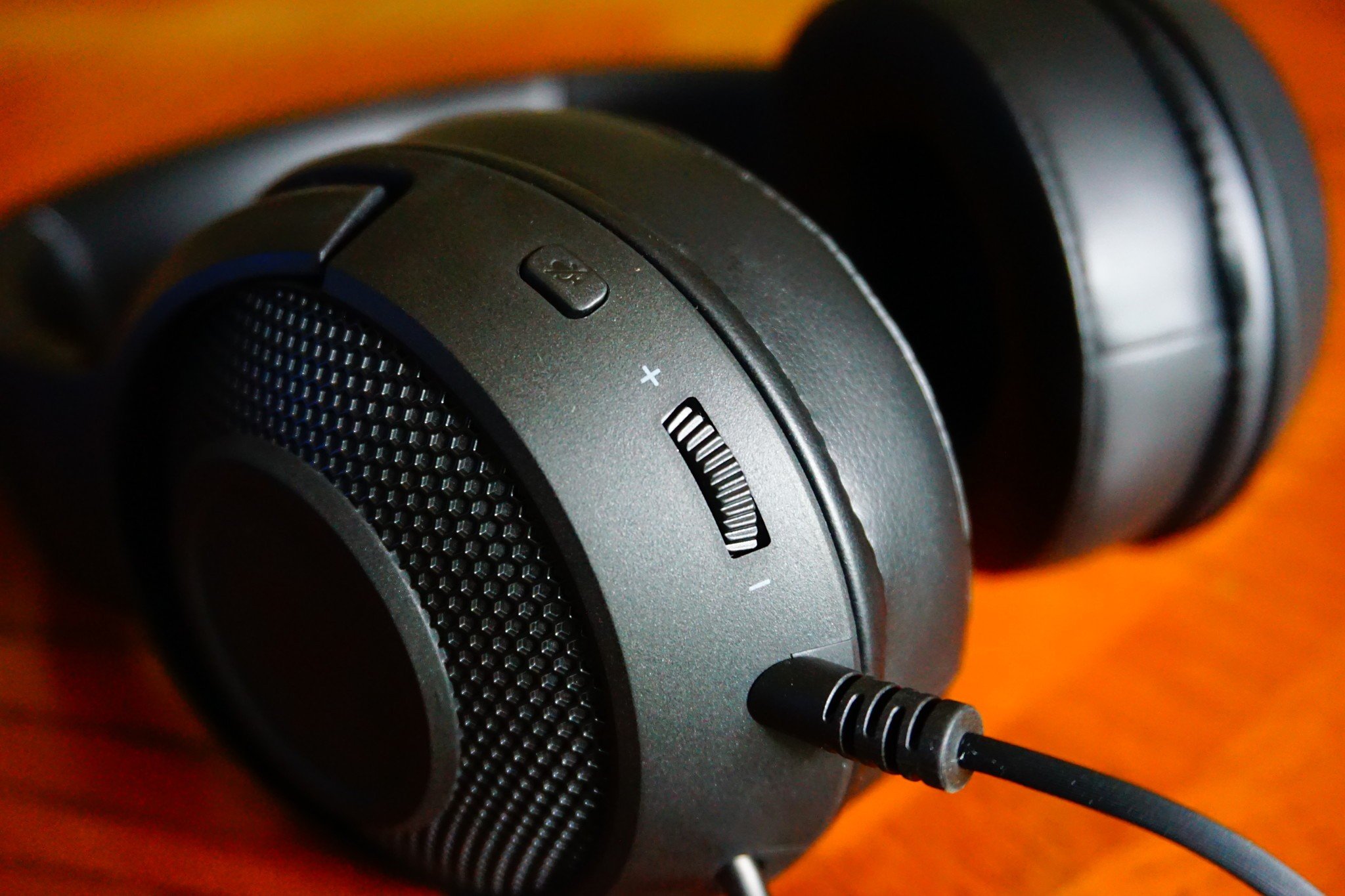
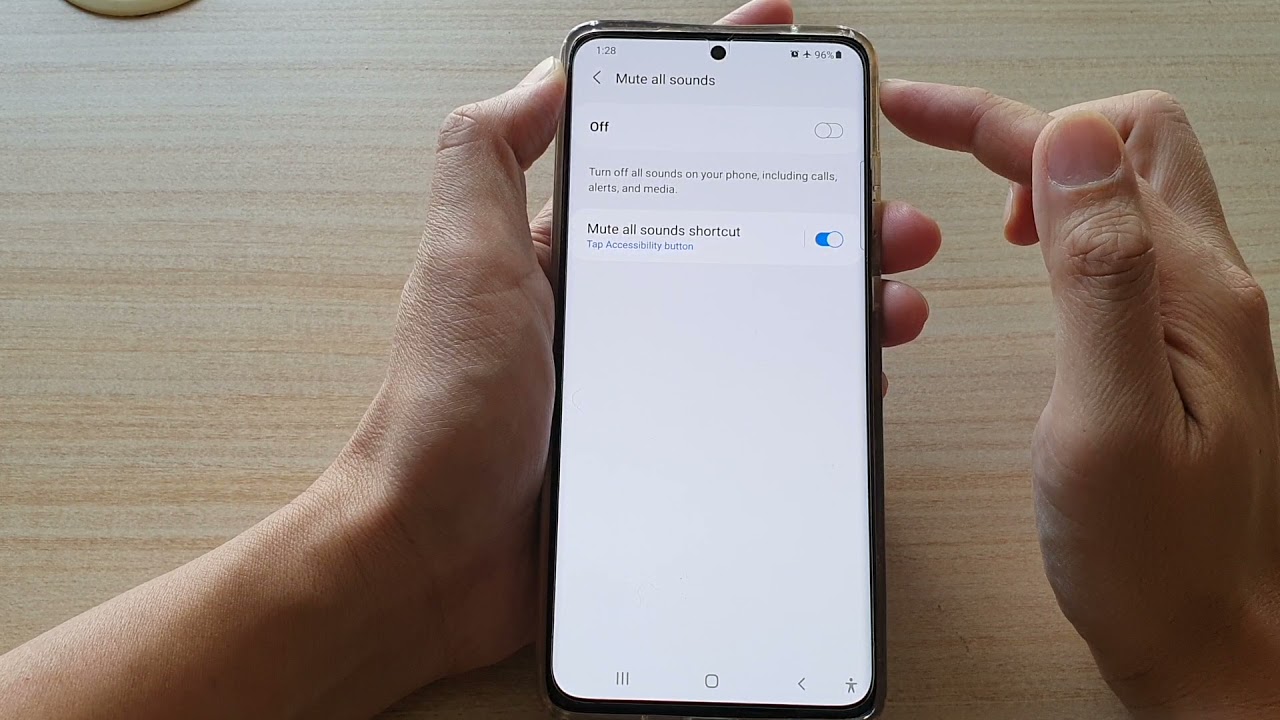
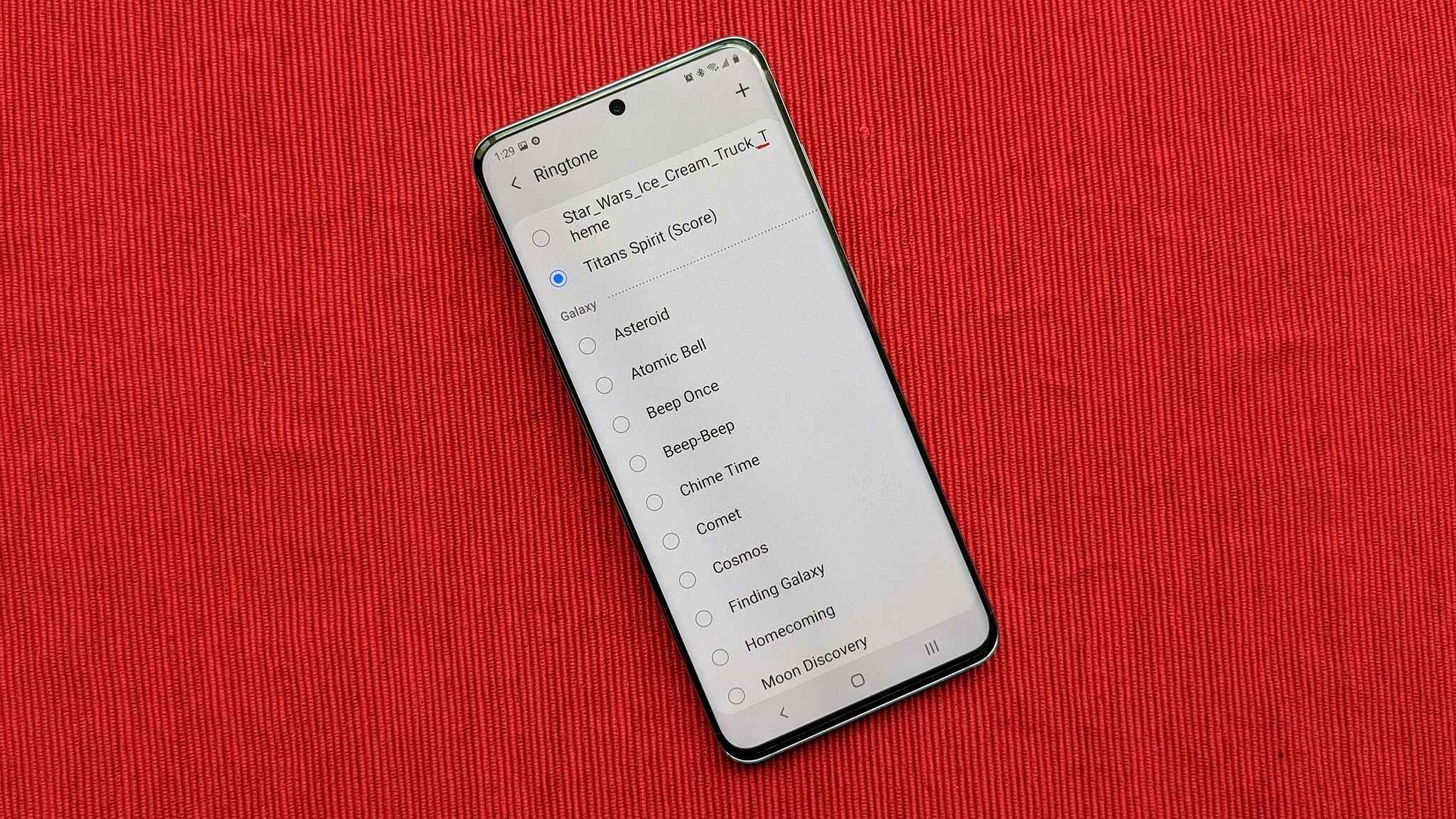
The articles here solve three common types of sound problems. First, they address issues with basic phone ringer and mute controls, such as how to turn on the ringer on an Android phone and how to turn off mute on a Samsung phone. Second, they help you customize your alerts by showing you how to add notification sounds to Android. Third, they tackle problems with external audio devices, including how to connect an LG TV to wireless headphones and how to turn up headset volume.
Each article provides clear, step-by-step instructions to help you restore or adjust sound exactly how you want it. Whether you need to stop missing calls because your phone is silent, or you want to boost the volume in your headphones, these guides offer practical fixes for everyday audio frustrations.