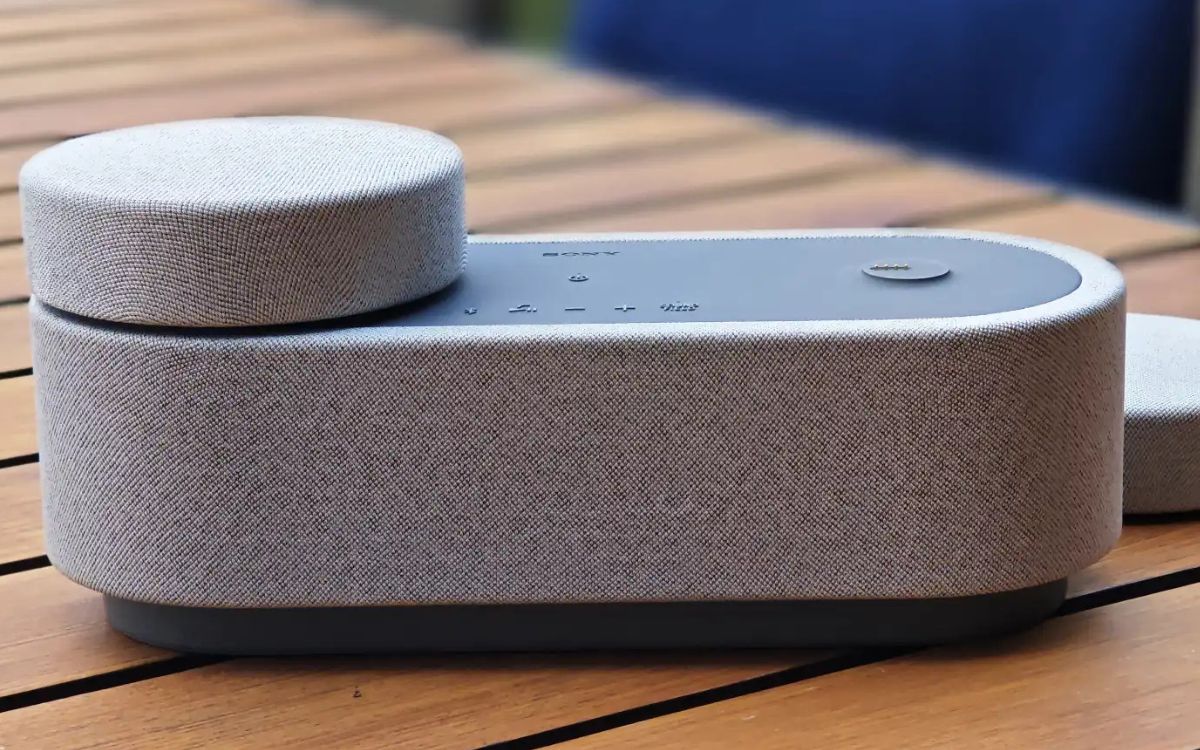
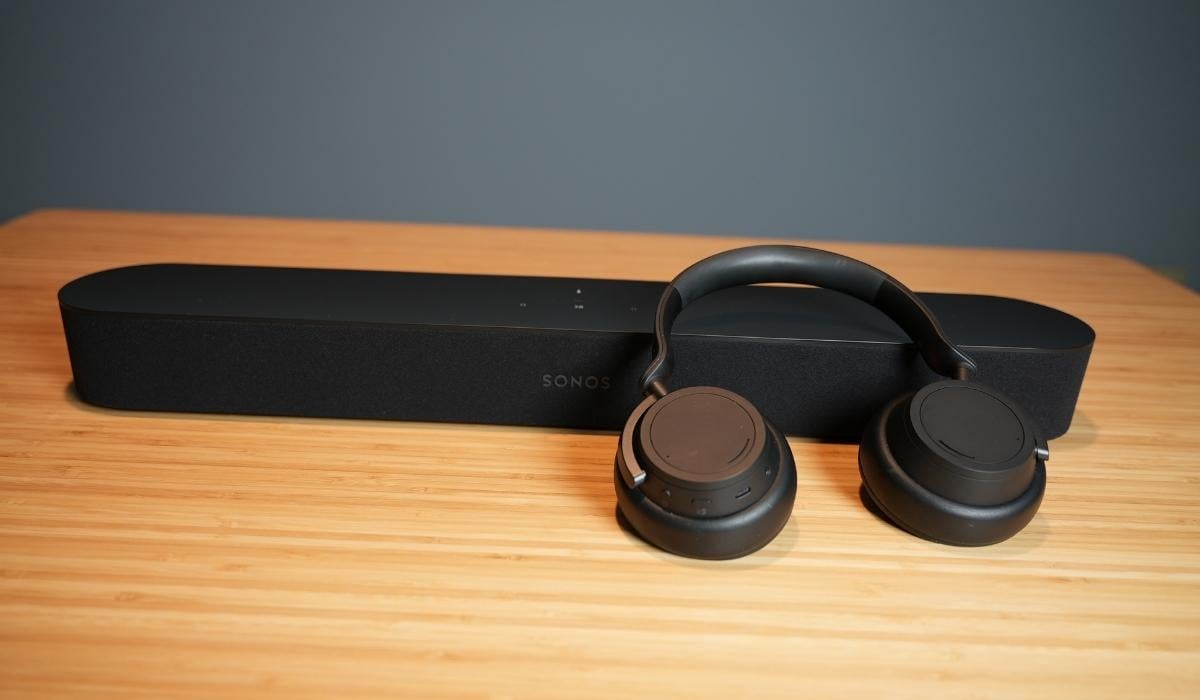
Guides and troubleshooting articles focused entirely on how you connect, manage, and fix the speakers you use with your phone and other devices. This tag is for anyone who owns a smartphone, tablet, or smart speaker and wants to get better sound out of their gear, whether that means pairing a new Bluetooth speaker, fixing a muffled phone speaker, or setting up a multi-speaker audio system at home.
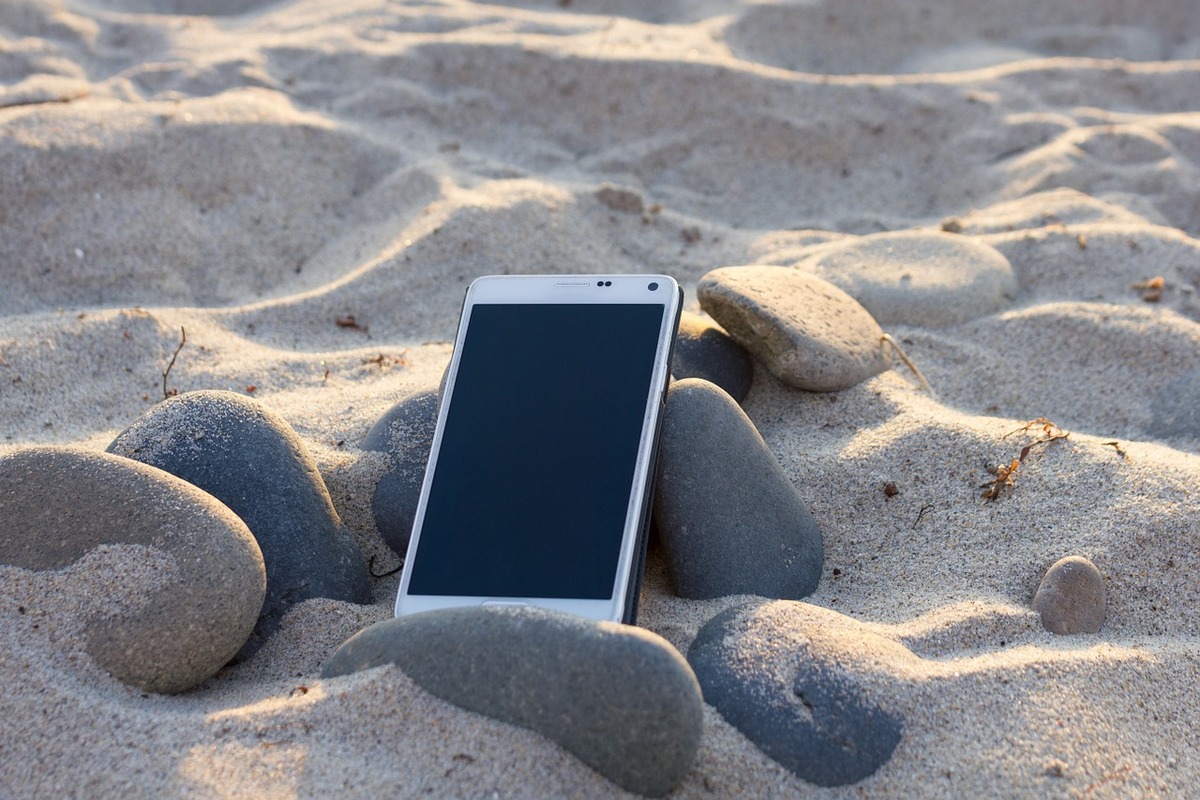
The articles here solve real-world audio problems that fall into a few clear themes. One major theme is connecting and pairing multiple speakers, with guides showing how to play music through two Bluetooth speakers at once, how to link two JBL speakers together, and how to pair a Bluetooth speaker to Alexa or a Samsung TV. Another theme is fixing and maintaining phone speakers, with practical steps for removing water, dust, or sand from a phone speaker, and even how to use the hidden water eject shortcut on an iPhone. A third theme covers making your audio setup more flexible, including how to make a wired speaker wireless, how to use a speaker and headset at the same time, and how to disconnect a Bluetooth speaker without using a phone.
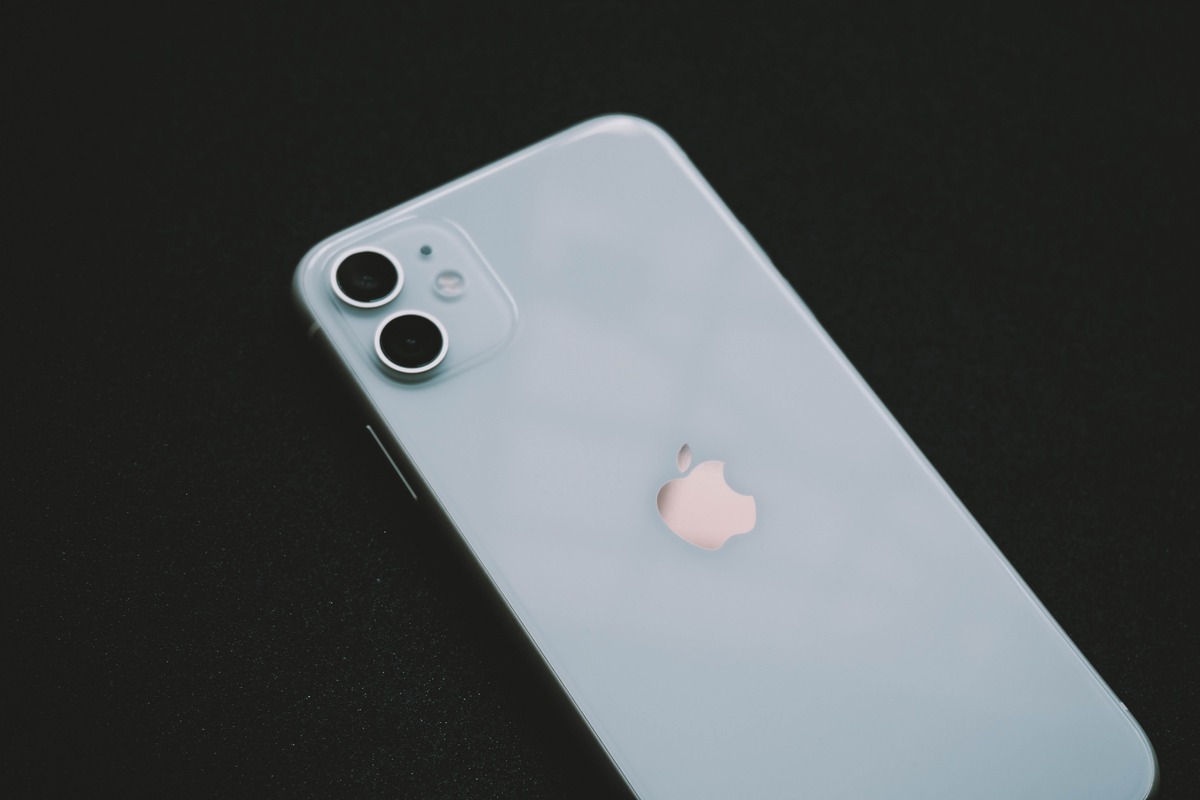
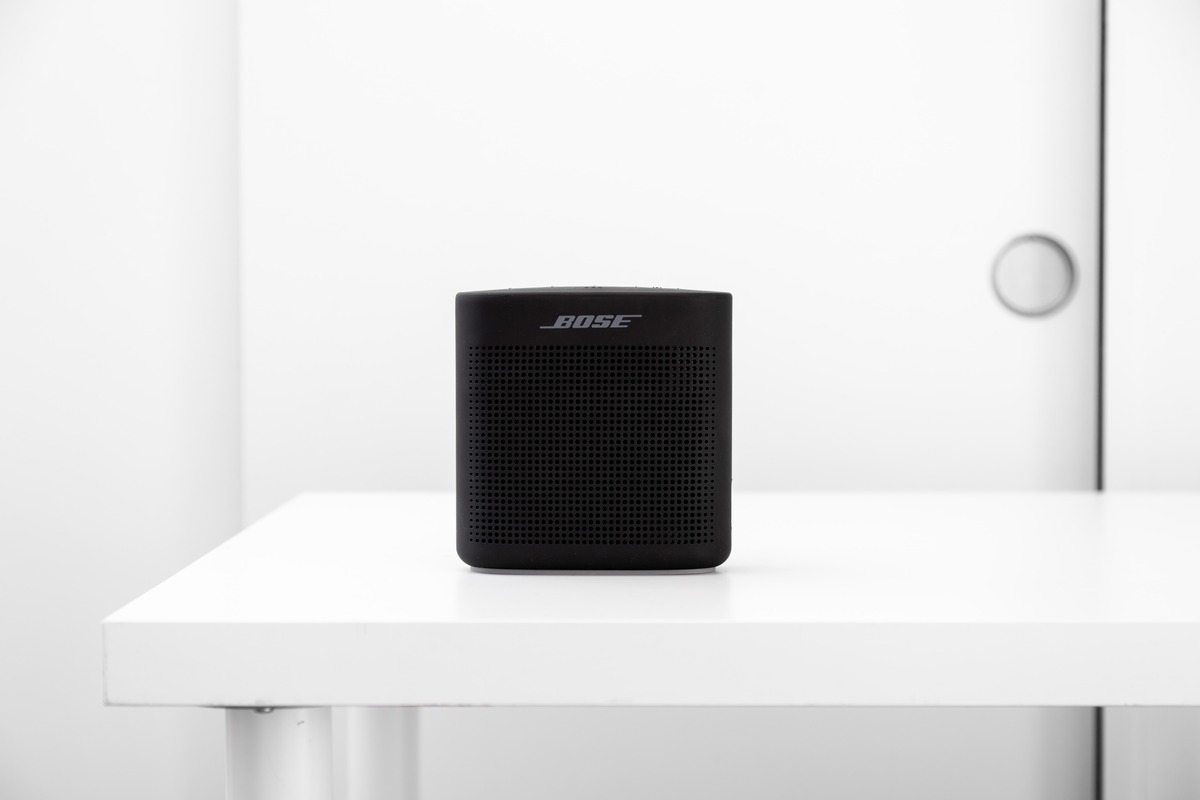
Specific topics you will find include connecting a Bose wireless speaker, installing Bluetooth speakers on a motorcycle, and learning what size spade connector is needed for speakers. The articles help you perform specific actions: pair devices, remove liquid from your smartwatch, fix echo on an Android phone, and connect an Anker speaker to an iPhone. Whether you are setting up a shower speaker for 2024 or just trying to locate the speaker on your iPhone 11, this tag gives you the direct steps to get your audio working again.